I am sorry for this issue, would you like me to send you the file through email?
Crusenho
Creator of
Recent community posts
Recently I increased the price up a little bit from $3.5 to $3.9, perhaps that's the reason because the customers paid the lower price previously than the current price tag. Maybe this is how from itch.io system work, the customers must paid same or higher price of the package/bundle in one transaction, to avoid any price tag increases in the future from the seller. For example if you bought a bundle for $10 and one of the package inside is $4 you still can download it because it passed the limit even though one of the package increased into $5 or $9 in the future. But if you only bought 1 package only with $3 (let say the original price) at that time and now the package price is $3.5 there is a chance you need to buy it again with the new price or higher. I know this is strange and this matter should bring into Itch.io
Please let me know if you remember, did you buy a bundle or just this package? how much did you bought at that time?
If this is unsolved in any way, could you share your email so that I can just send you the file?
You can visit at my another store here, I am sorry for this inconvenient.
https://www.gamedevmarket.net/asset/complete-gui-essential-pack
Until to this day the problem is still existing, uploading gif images into the description does not work.
But there is a workaround and you could ask the ChatGPT to help you with GitHub Repository Link method on how to use it if you a newbie into this kind of stuff.
Copy and paste the image address link from your GitHub into itch.io description SOLVED! so far this is the only temporary solution that works best.
This is the example of the result, copy and paste into your description like this will appeared.

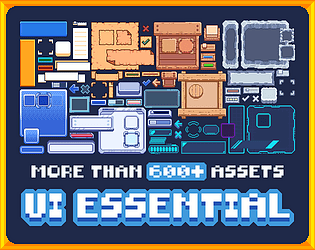
Hi, thanks for the question. You can search about "9-slice sprite" method in Unity for resizing user-interface/sprite. all the rectangle UI are resizable, and you can mix and match from different elements like toggle with bar on sides/middle, or a square UI transform into a dropdown with a tick icon on side.
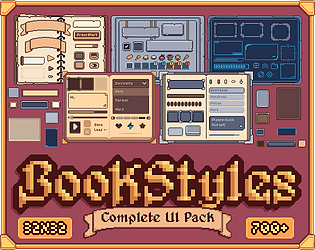
Hi, the product has been lived now and here is the link (https://www.gamedevmarket.net/asset/complete-ui-book-styles-pack-aseprite-sprite...)
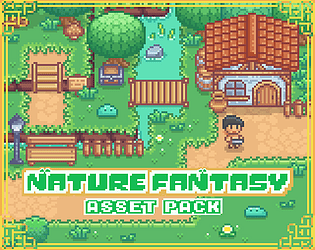
Hi, i am sorry to hear that you were having difficulty. I am an active Unity user and never use Godot, how I set up the auto tile system is using the guide from Unity (the red and green arrow shown). I hope Godot is using something similar system like Unity otherwise Youtube tutorial is the only solution for now.
The only way to set up auto tile system I knew at that time was using the red green guide like shown in Youtube tutorial. Or now actually there is another faster easy way, is using Tilesetter (can be found on Steam). in Tilesetter, there is an option to export the created tile design in Godot file format so maybe you won't need to input the terrain rules manually, perhaps that could solve the issue? Also in Tilesetter there is an export option for Unity as well, I have been using that method when creating terrain tiles.
Hi, I apologized for the inconvenient. credit card payment is not available at my region yet (Stripe), if I want to use "Collected by itch.io" payout mode I can't because I don't have the tax number to register. I am truly sorry for this hassle, in the meantime Paypal is the only way. But if you insist, I could upload it in GameDevMarket and it might take a while. There they can take credit cards.
Hi, I have just checked out your profile and honestly it looks really nice to see a bunch lists recommendation especially the Font list. I click to follow you immediately because I think you can provide me good resources. Just wanted to point out that you should do more like this it's nice. by the way, your profile picture is also cute, that's why it intrigued me to check out more.


