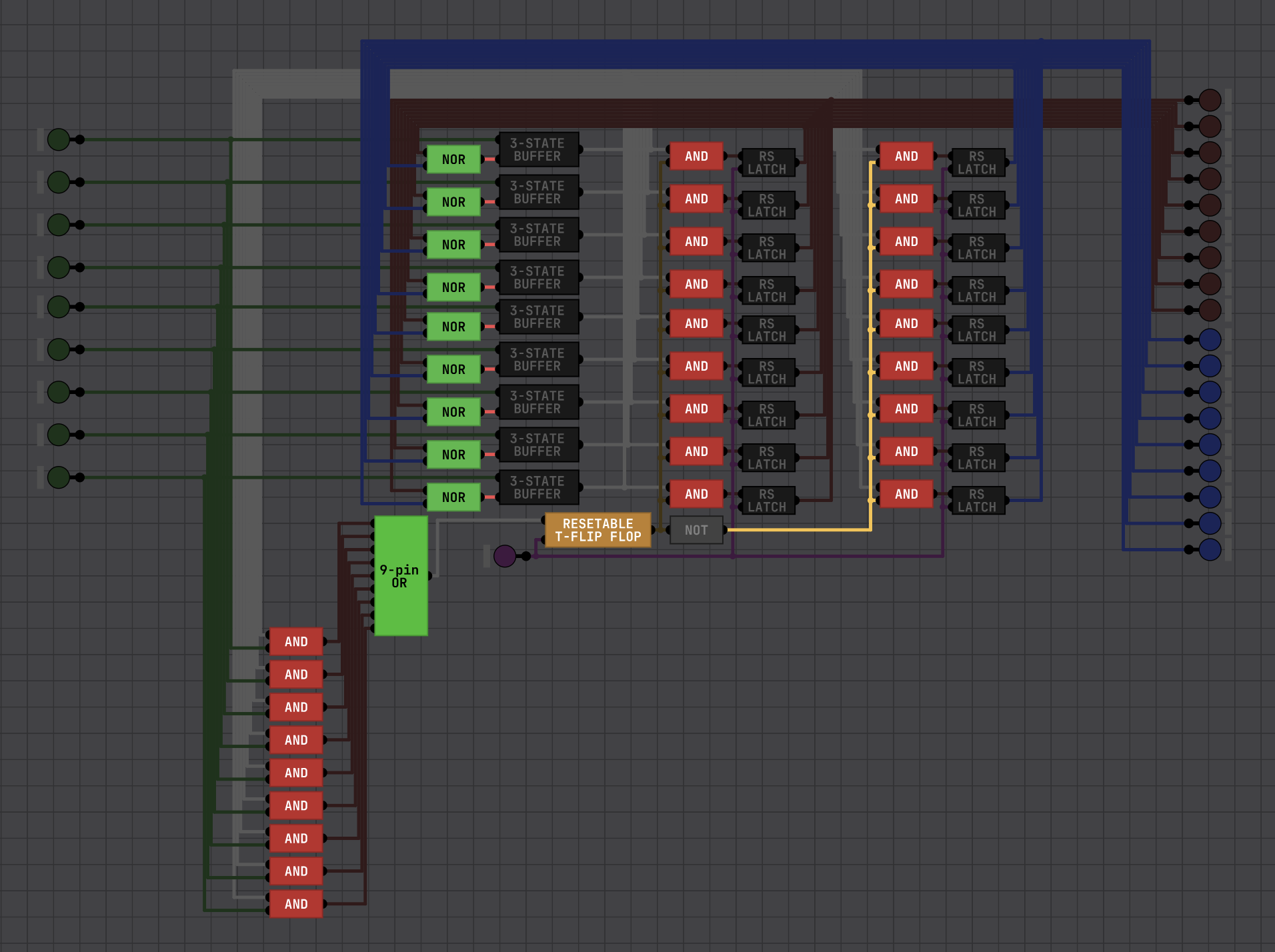
That video was made just before the update that removed the old 7-segment display. The new version makes the display turn blue when it's negative, but I think we can both agree that's not good enough to show the number is negative. Like other users before me, I use an extra 7-segment display to make my own makeshift negative sign.
Crosbyman64
Recent community posts
Just downloaded it. Was very easy to setup, no tutorials needed. I have it set to display capture instead of application capture, but I'll likely switch to that. If I somehow forget, I can always just crop to the application window in post editing.
I also found a bug with OBS. Apparently if you hide OBS from capture, the Stop Recording button will bug out and only capture 1 to 5 seconds of video, even though I was recording for like 40 seconds. unchecking "hide OBS from capture" fixed that issue.
When you save a chip, it automatically gets added to your starred section. Me, personally, I like to create a new collection called Logic gates, where I put all of my Logic gates in.
A NOT gate is basically just a NAND with a common input, an AND gate is a NAND gate plus NOT gate, an OR is when you invert both inputs of a NAND gate, and an XOR gate can be created with just 4 NAND gates connected in a specific way.
Your video quality is fine, it just takes a while for the higher quality part to finish processing.
For the XOR chip, you can actually make one using only 4 NAND chips: the first NAND is connected to both inputs, the second is connected to Input A and the output of the first NAND, the third is connected to Input B and the output of the first NAND, and the outputs of the second and third NAND chips go into the inputs of the final NAND, and the output of that is the final output.
I, myself, like making my wires all neat. In fact, I enable snap to grid while grid is shown so I don't have to hold down control. Yes, it does take much longer than just going straight from the output of one chip to the input of another chip, but the benefit is that it's clean and readable (and much easier to debug if something were to go wrong).
After playing around with your Buzzer chip, I got a general idea of how it works now.
Lowest note (0): A0 (27.5 Hz), Highest note (255): A#7 (3729.310092 Hz), each value steps up by 1/3 of a semitone (meaning 3 = A#0, 6 = B0, 9 = C0, and so on). The buzzer sound seems to be a simple square wave too...
This gives me an idea, which may take me a while to make...