Hi everyone — Reference Board for Aseprite v1.0.0 is now officially released.
After several development iterations and new funtionalities added, the full commercial version of the reference image workspace plugin for Aseprite is now available. New features and adjustments were introduced throughout development.
Reference Board is designed to improve how reference material is used during drawing and animation by providing a persistent, flexible workspace for images directly inside the editor.
Key features include:
- Persistent floating reference workspace.
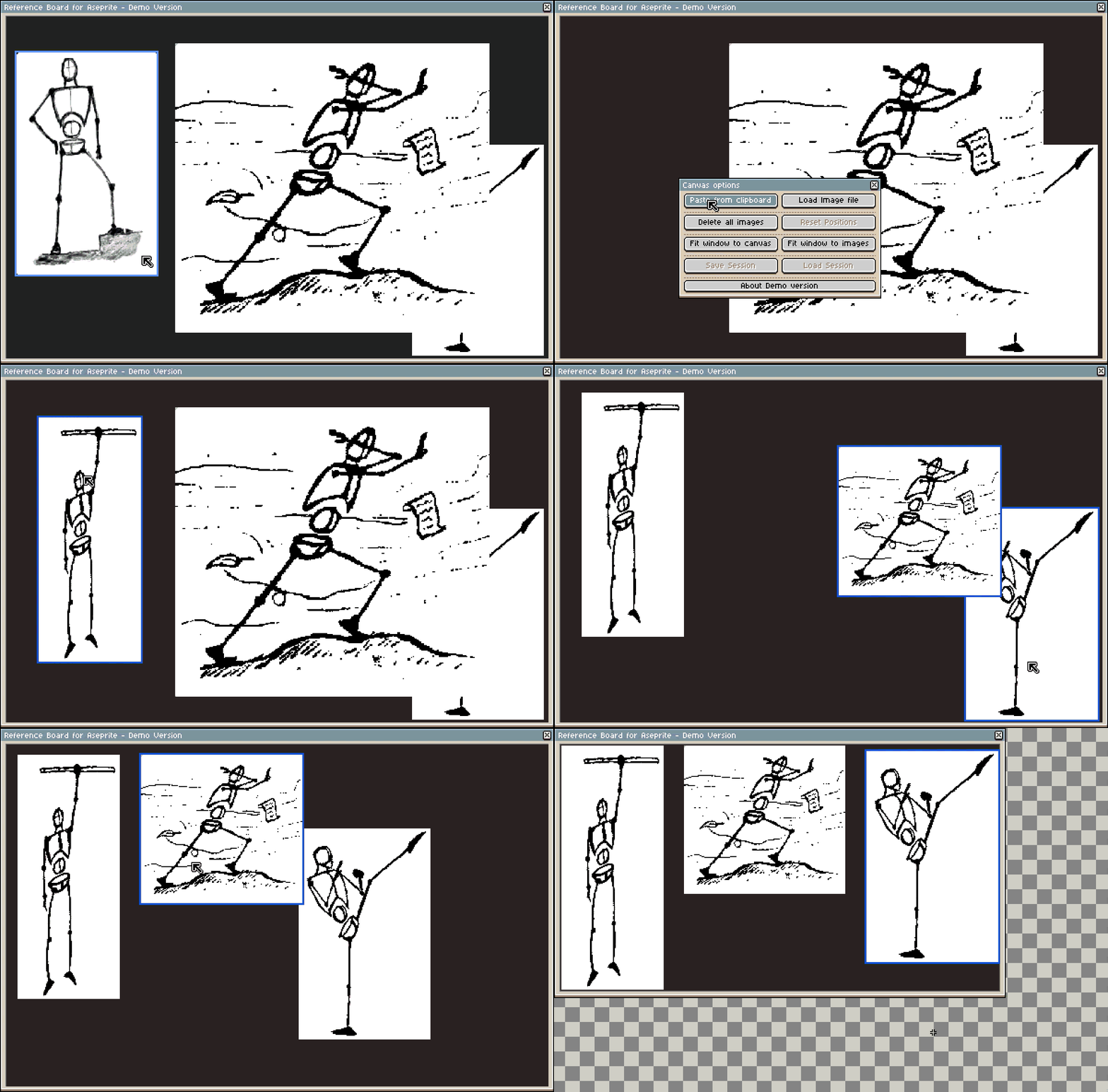
- Clipboard and file import.
- Unlimited reference images.
- Independent zoom and positioning per image.
- Multi-image management and selection.
- Apply zoom to all the selected images.
- Session saving and loading.
- Automatic layout and reset tools.
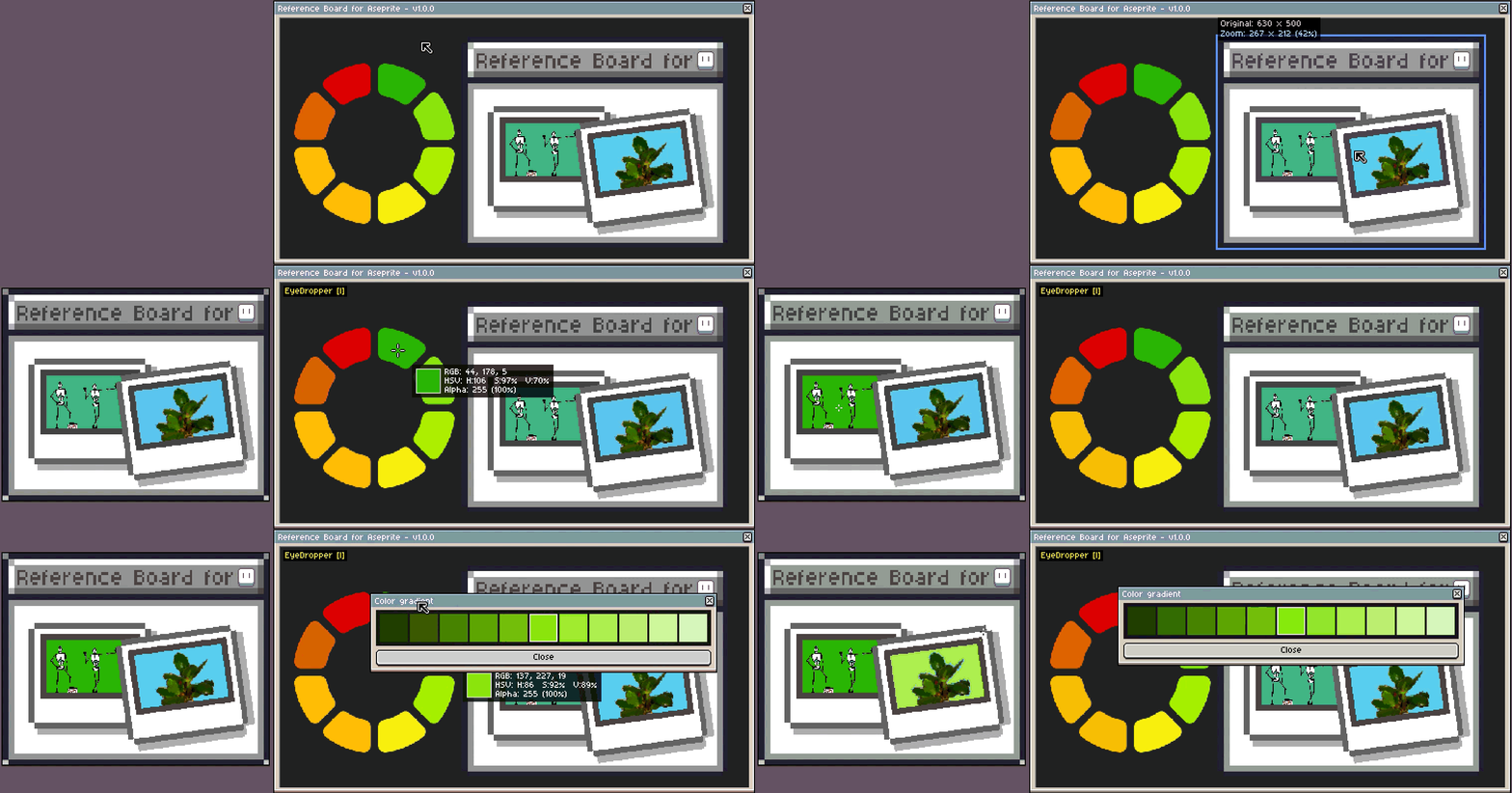
- Colour picker tool (Eyedropper mode), showing RGB and HSV information.
- In Eyedropper mode, double click over a color shows a gradient.
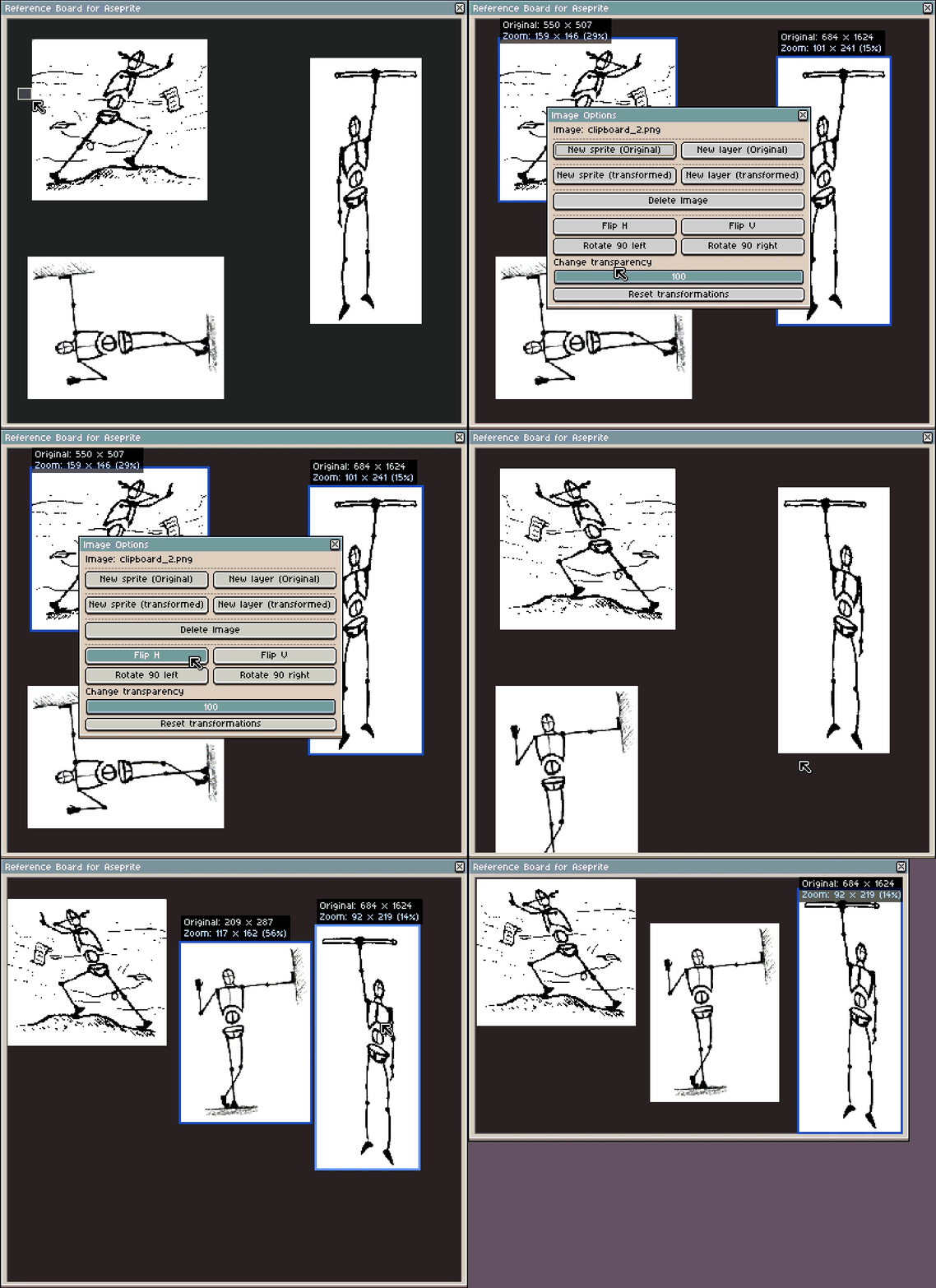
- Image transformations: flip horizontally and vertically, rotate 90 degrees and change transparency.
- Send references to the editor as sprites or layers: original or with image transformations (excluding transparency).
- Advanced workflow tools and shortcuts.
- Stability and usability improvements.
Some examples are below:
Image transformations:
Eyedropper mode:
Load sessions:
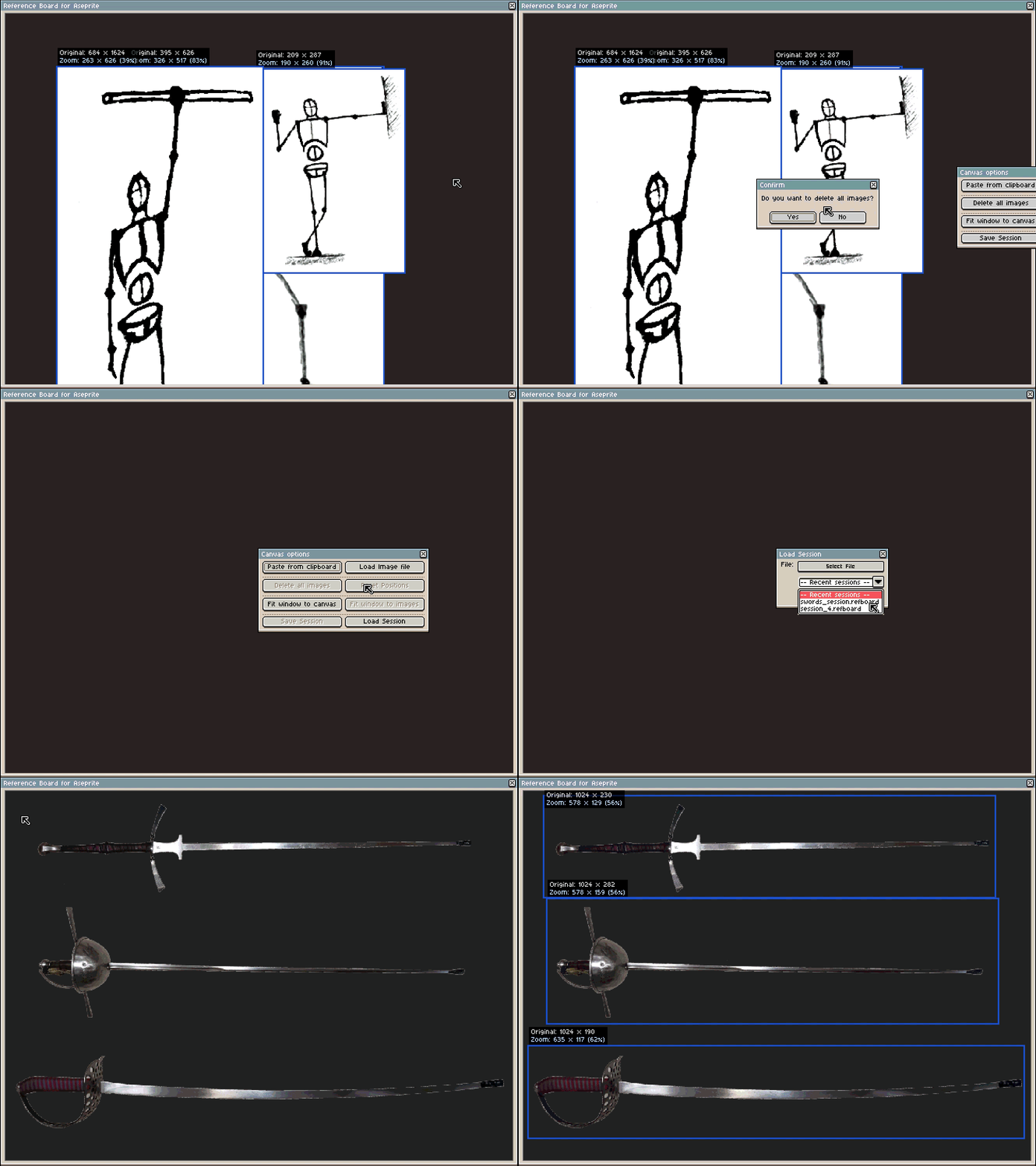
With this final version, the goal of Reference Board is reinforced: to make reference handling faster, clearer, and more integrated into the drawing process, feeling like a natural part of the drawing environment rather than an external process
If you rely heavily on reference material while drawing or animating, the full version is designed for continuous and professional use.
This release establishes the core functionality, but development does not stop here. More updates will be developed to add new functionalities, and users feedback will be very important.
If you’d like to learn more or get the plugin, you can find it on the project page here:
A demo is available for anyone who wants to try the workflow before purchasing.
If you try it, I’d love to hear how it fits your workflow or any ideas for future improvements.