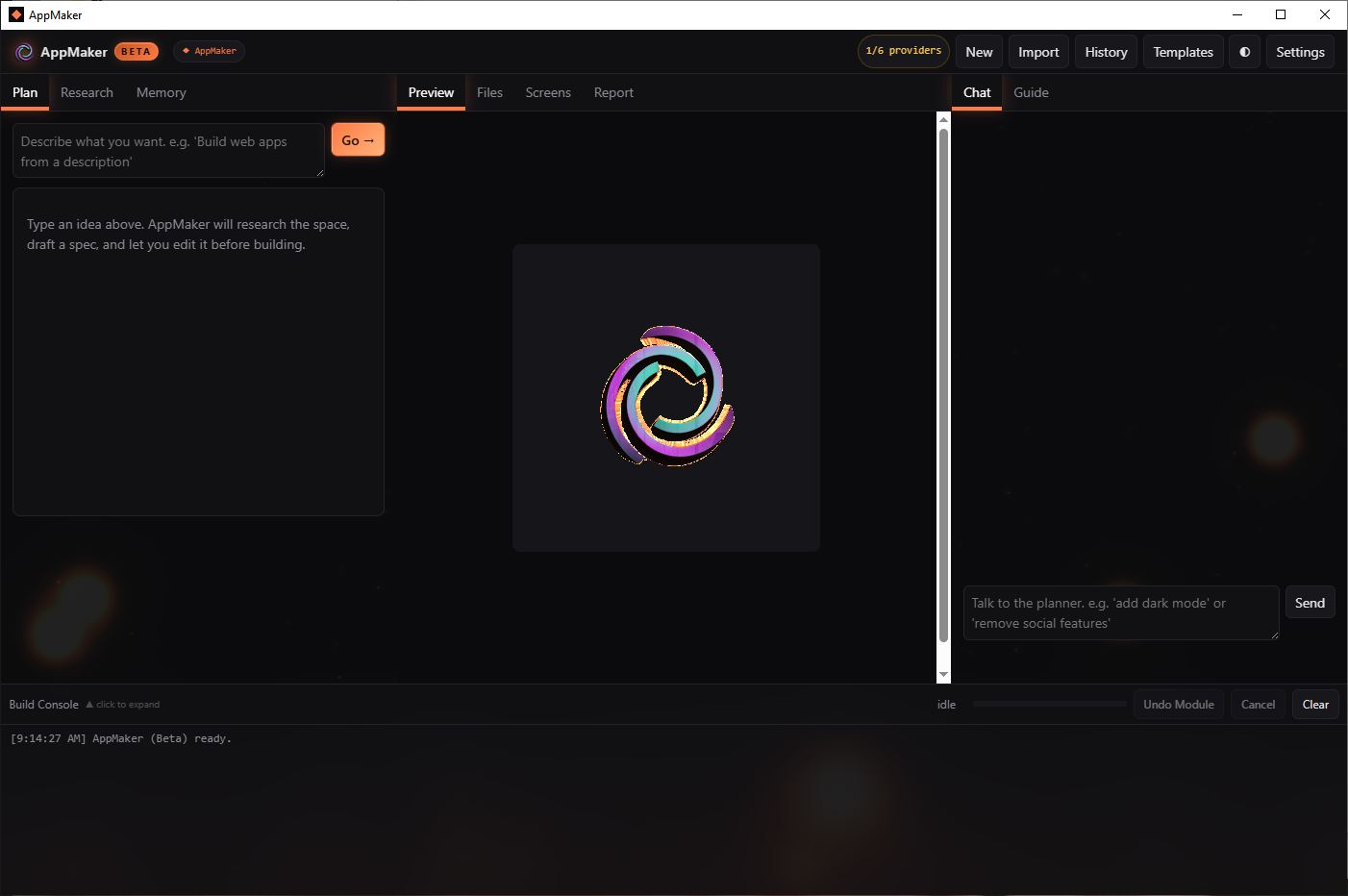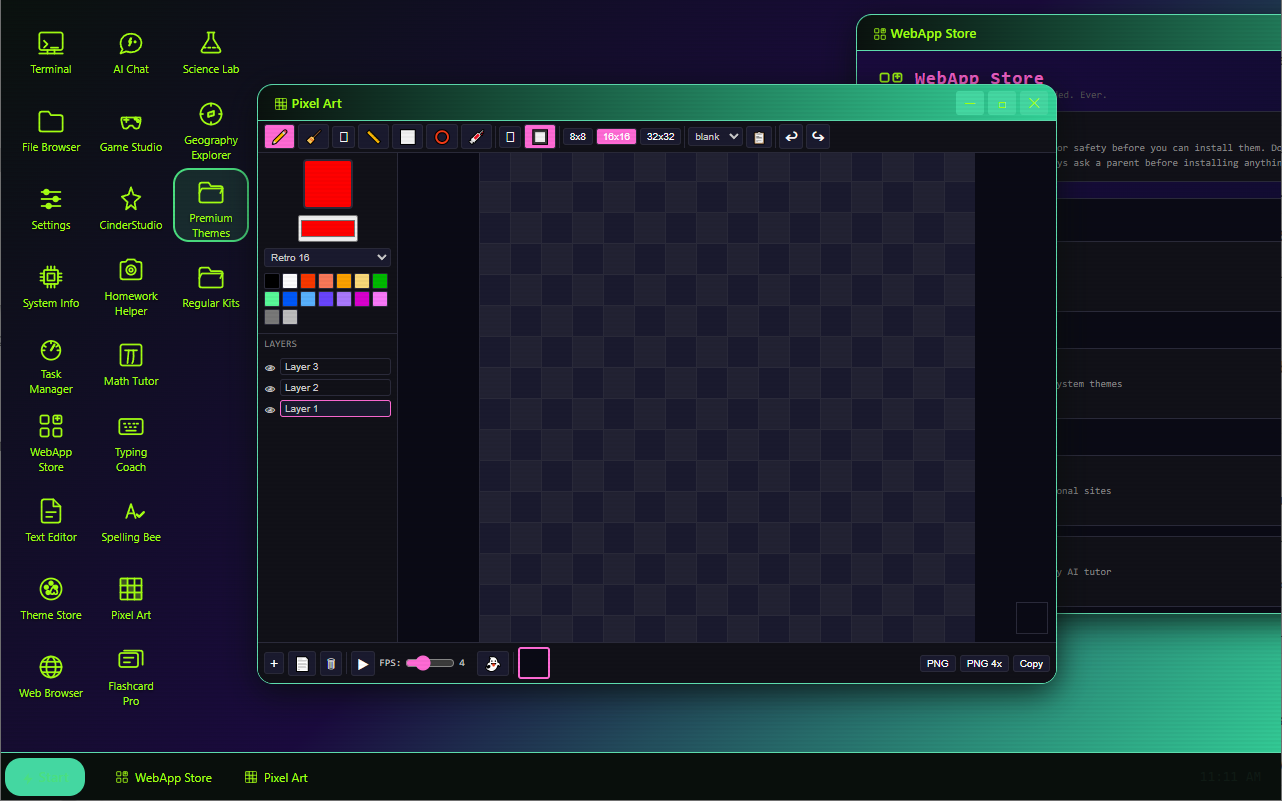
AppMaker 1.0 is a fully functional, unlocked creativity tool that I made for fun. I compared to other app-making platforms and everything seemed complicated and expensive.
https://cindercenter.itch.io/appmaker-student-edition-v10
There are tons of free tier providers and many models to choose from. The idea was, can I take just one sentence and have the platform research, plan, spec, build, test, and deploy the entire app for the user? The file itself is a single .exe custom compiled binary because I wanted this program to be powerful but harmless. There are many layers of guardrails that look at every phase of the build to determine if the thing being built is helpful and not something that can cause harm.
On the right side menu, there is Chat and Guide. the Guide is the user manual baked into the app so you never have to go searching for it. Chat is allows you to modify your current project or plan live. It has the features that I wanted but couldn't find else where. There are no gpt and claude integrations yet because the point of the project was to left anyone with an internet connection be able to use ai meaningfully to help improve their learning/careers.
I don't know the limit of what the app can make because I've been making a number of different projects to test it, and I think it's a great starting point for anyone trying to learn how to make things with ai. For professionals, the app has 14 integrations to allow a true "one - click deploy" pipeline to serve mvps to clients very quickly. This function is there for students to use, but may be a little overwhelming at first- ask in the Chat and have the ai explain how the program works.
A lot of people asked me why this is a single file. To me it was the most obvious way for people to use this easily. If users needed to install dependencies and figure out the right build environment to even get started, then there is a lot of potential burned away in that learning curve. Maybe it's possible to make it easier, and hopefully this app is something that aids that. The second reason is the guardrails I mentioned above.
The system uses custom security configurations to always protect the user's keys, output, and the usage of the app itself. The OUTPUT of the app itself uses three independent TPM (trade protection measures) so that USER OUTPUT is also protected under DMCA 1201.
*Recommended: Since the file is brand new and will trigger smart screen warnings, please only have an adult OK using this.
For adults: Please run the file through virustotal and confirm that there are 0 virus detections and 0 implementation of anything harmful to the user or in general. The warnings triggered are from several things related to Encrypting user data, Protecting user output, one-click deployment of user projects. The lack of detections and any High or Critical warnings is because the system truly does not hide itself, its actions, or causes harm.
https://www.virustotal.com - Get free file verification from 90+ security vendors. Also checks sites!