

The edit was to change Documents to Pictures due to the new system.
A member registered Apr 28, 2024 · View creator page →
Creator of
Recent community posts
Blockyscape community » Tutorial · Created a new topic How to intergrate Blockyscape to Steam Deck and Steam Machine
When you collect all of the eggs, this screen should popup
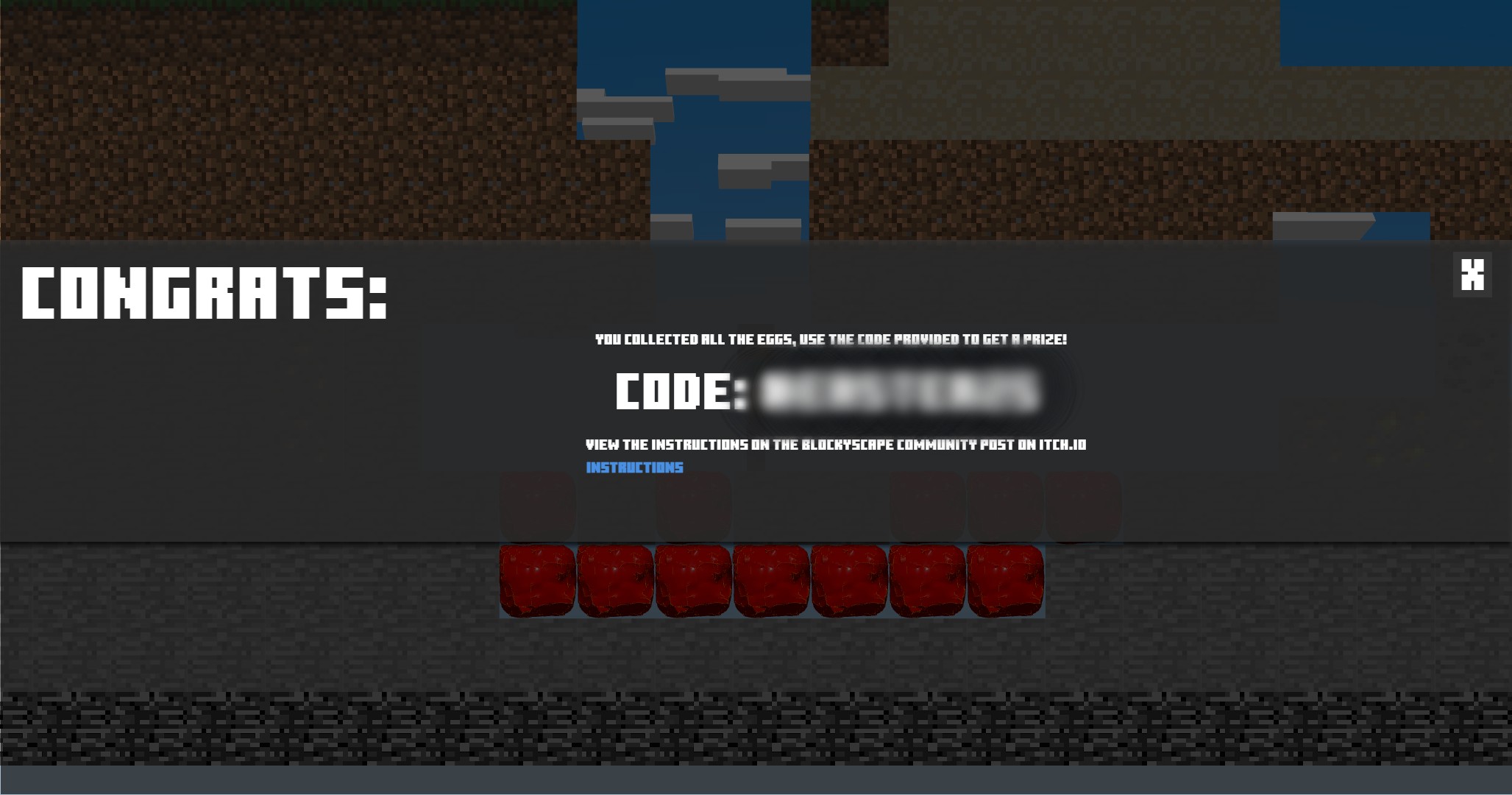
1. Memorize or write down the code, then close the popup and go to the main menu; Then click the egg icon on the bottom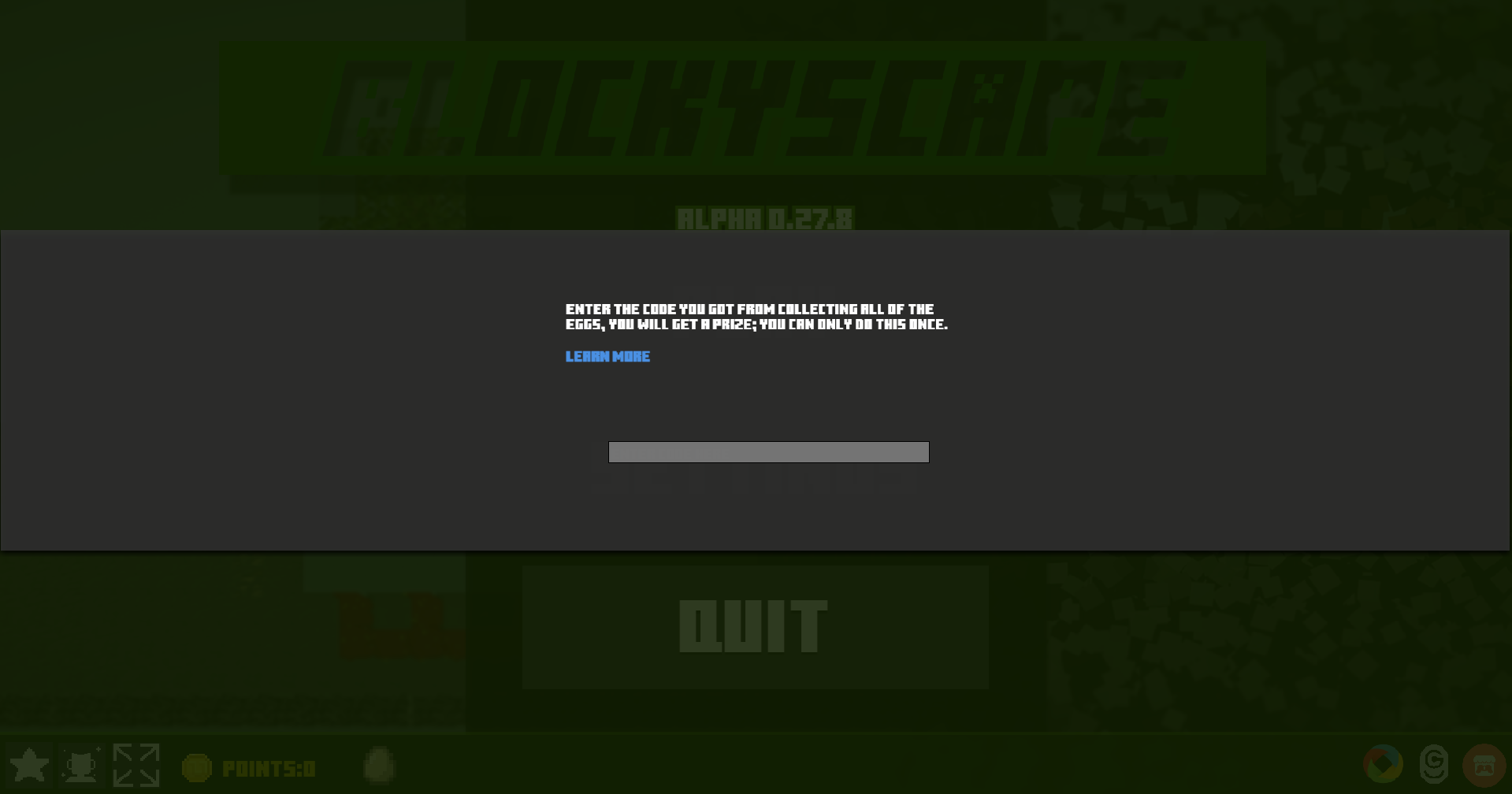
2. When you this screen, enter in the code in the box, if you get the code correct, a screen will popup showing you your prize!
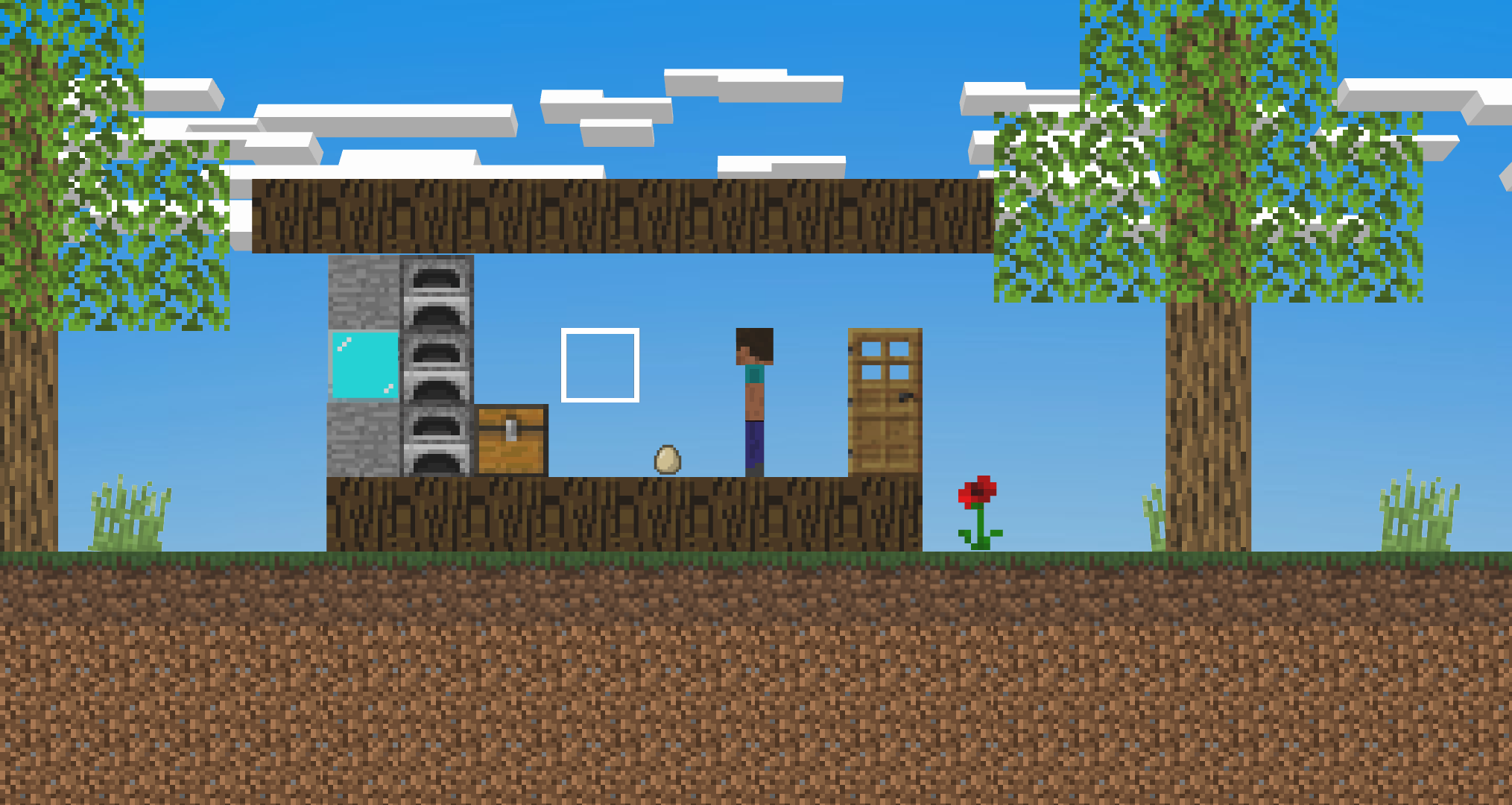
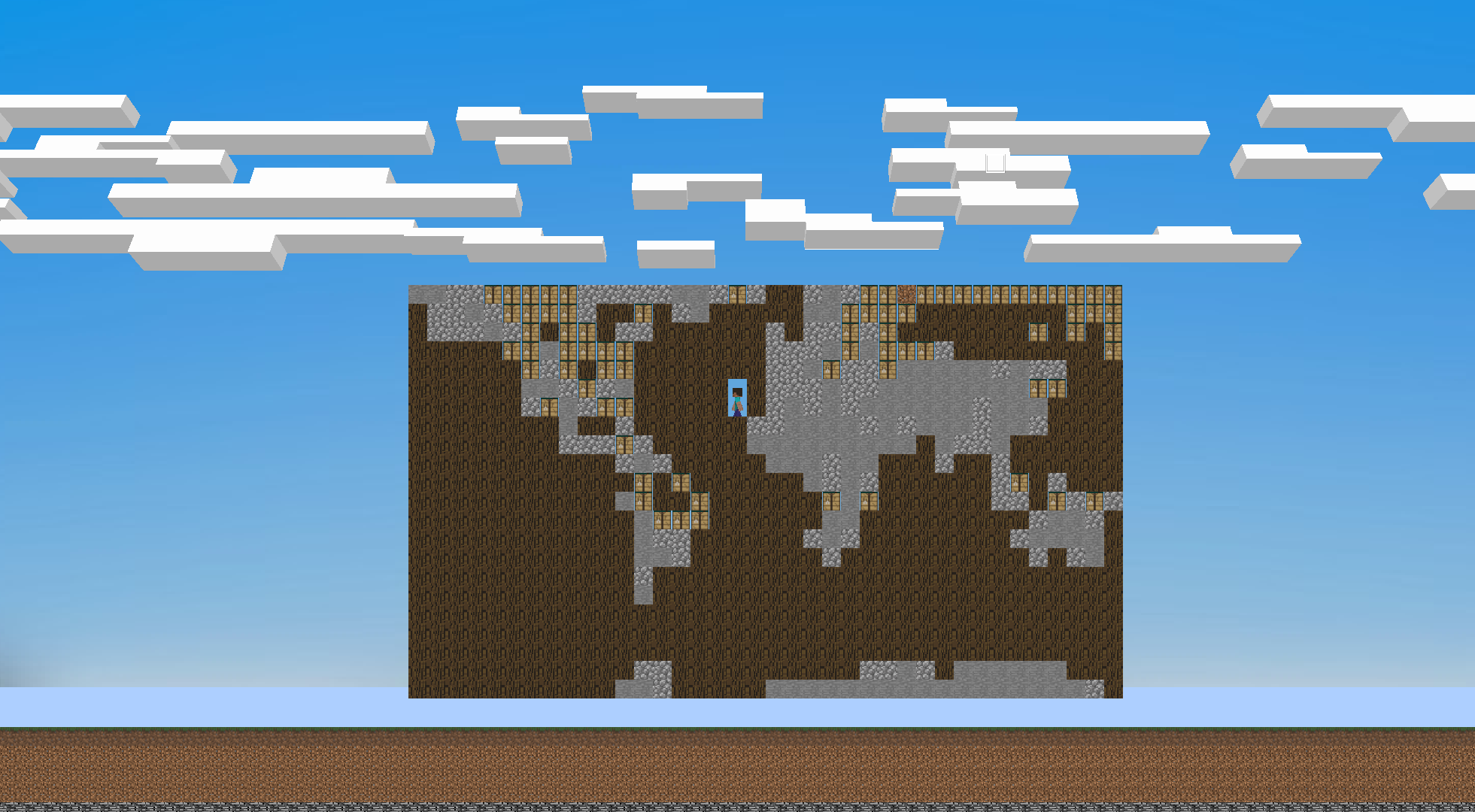
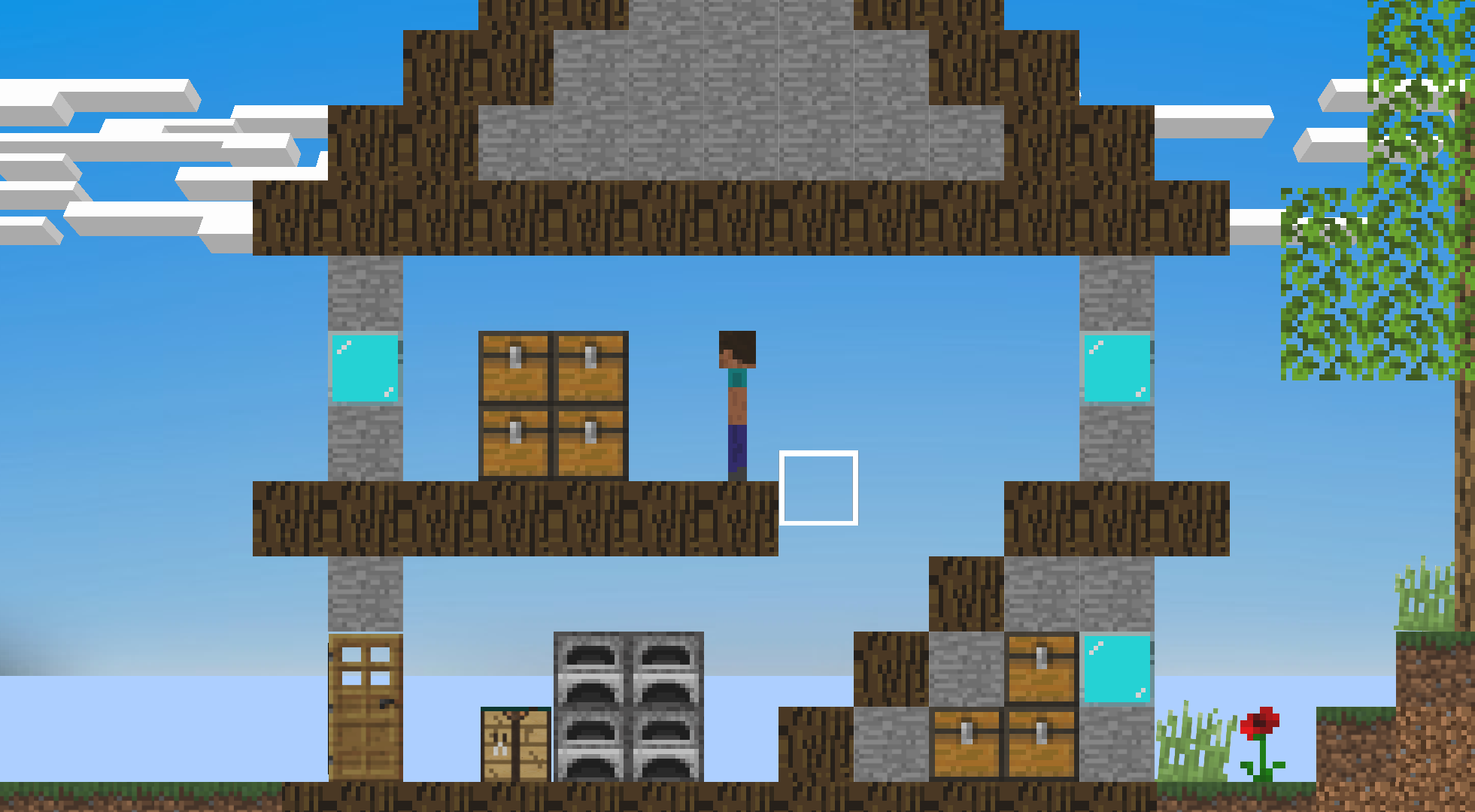
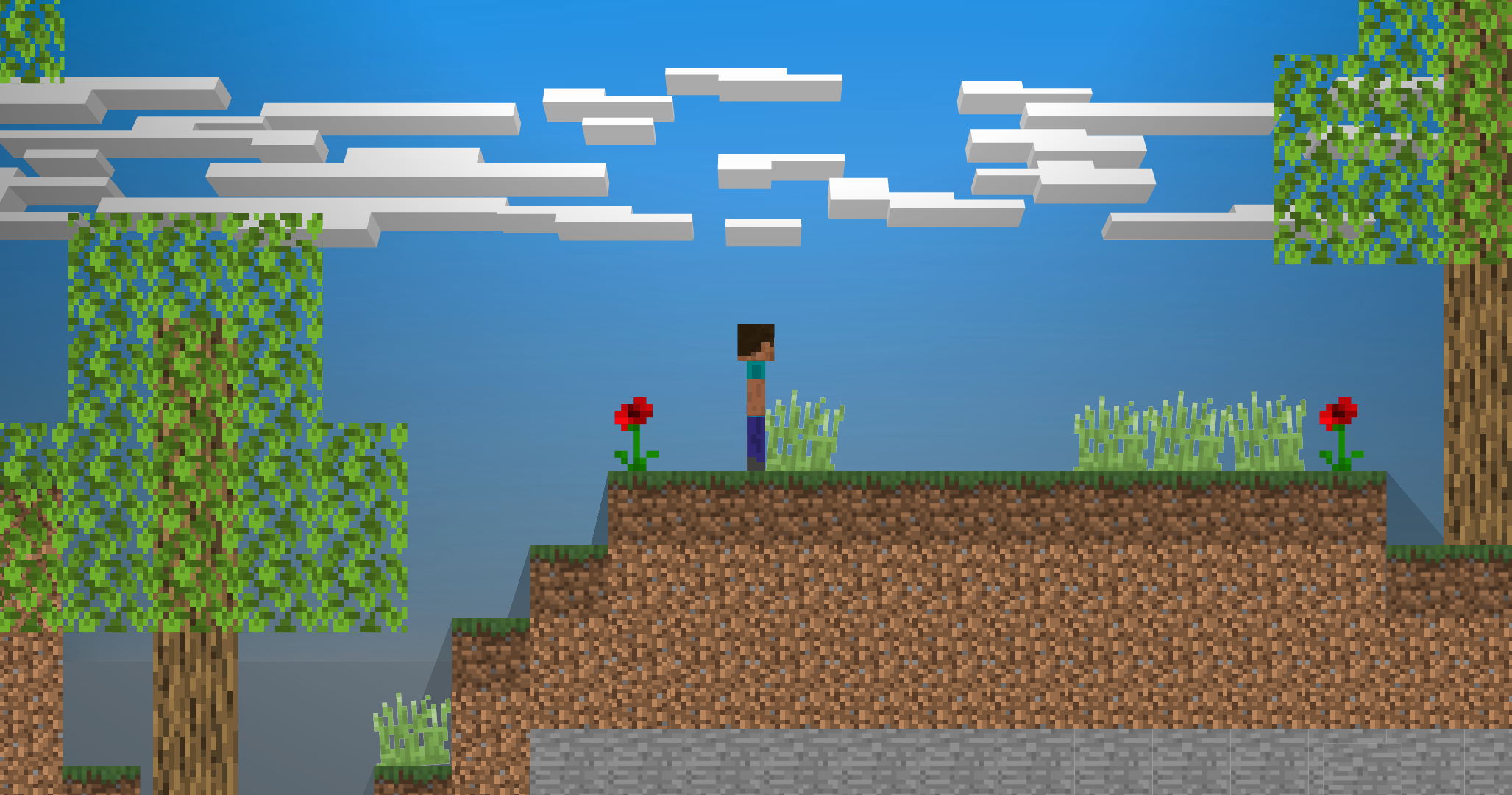
Press P key or click the Camera button in the menu to screenshot
- Click the arrow in the bottom-right corner
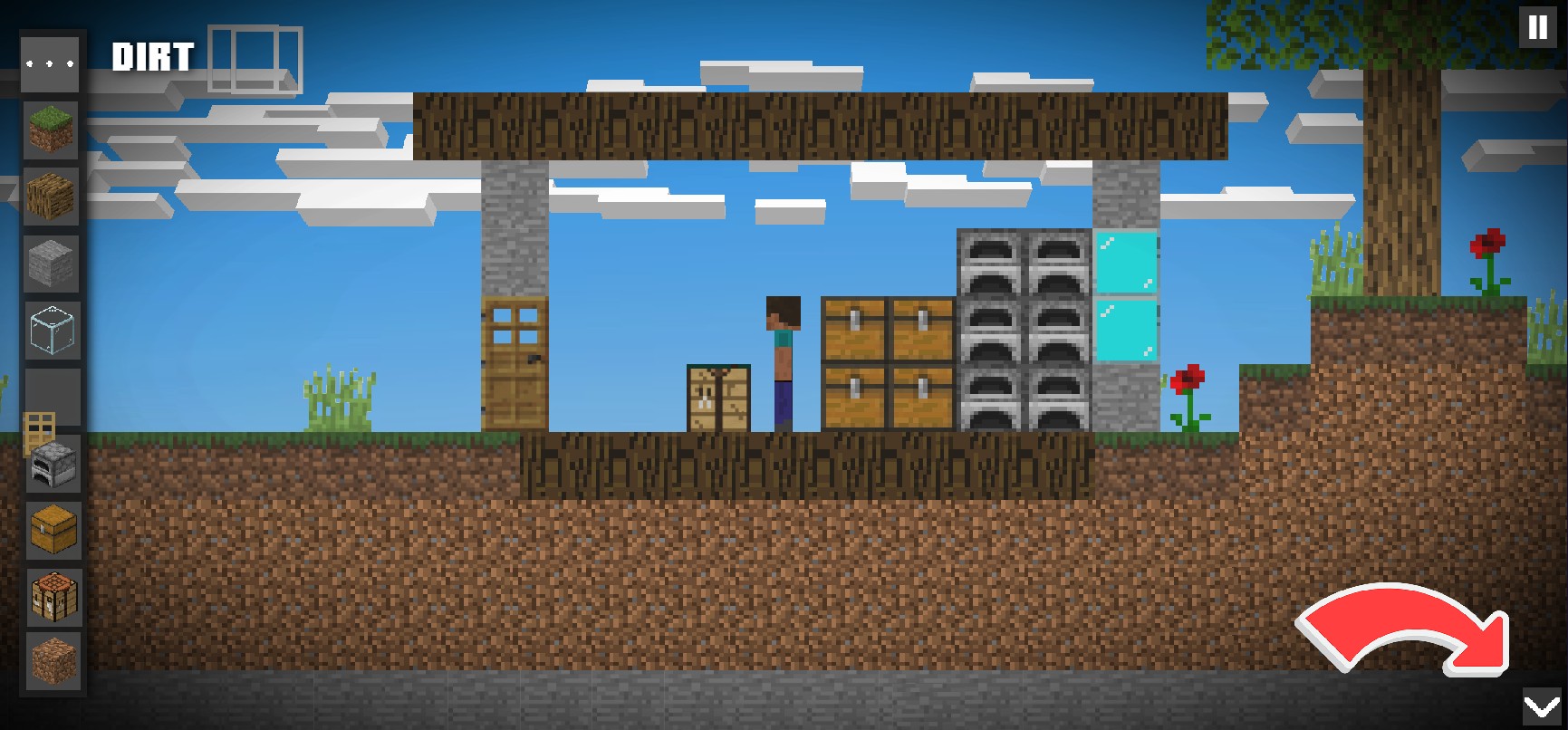
2. Click the camera button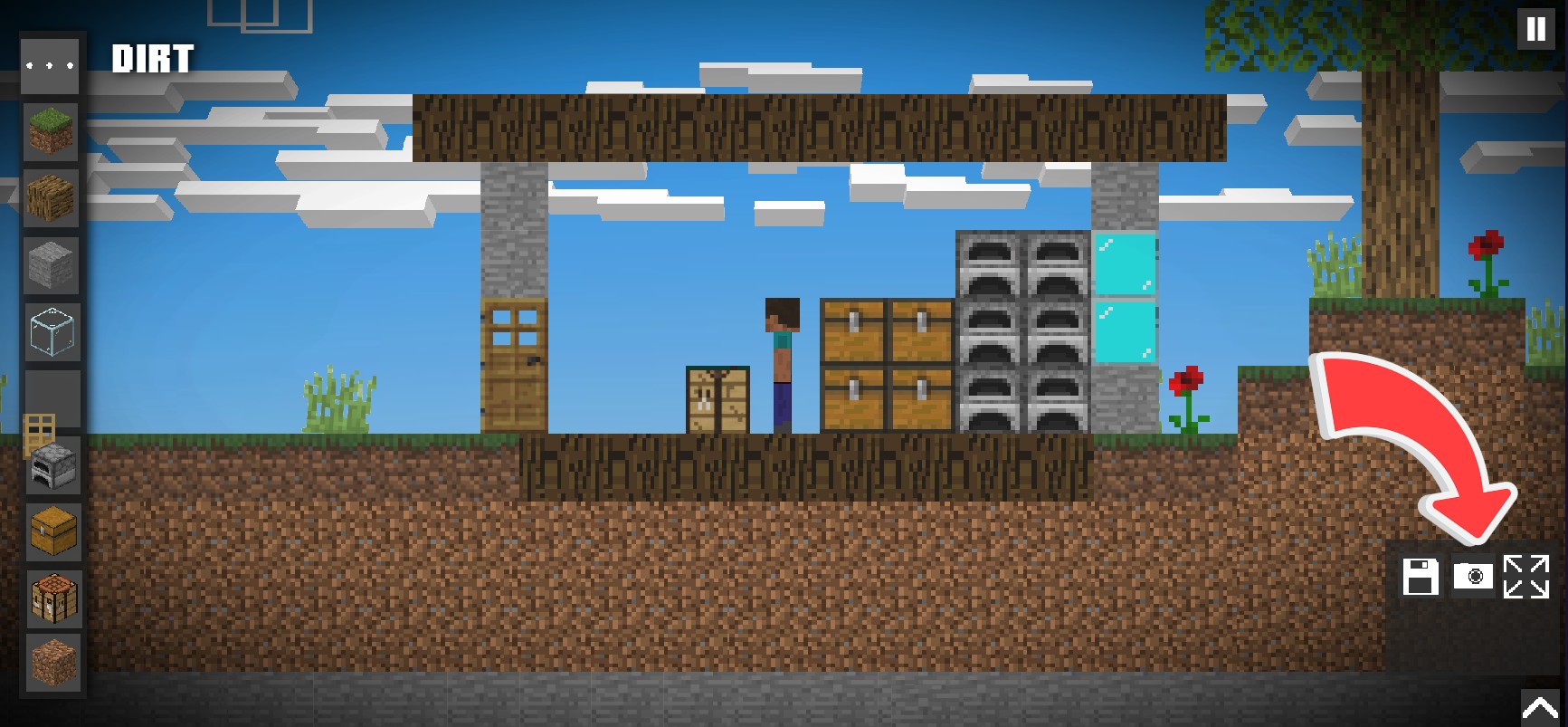
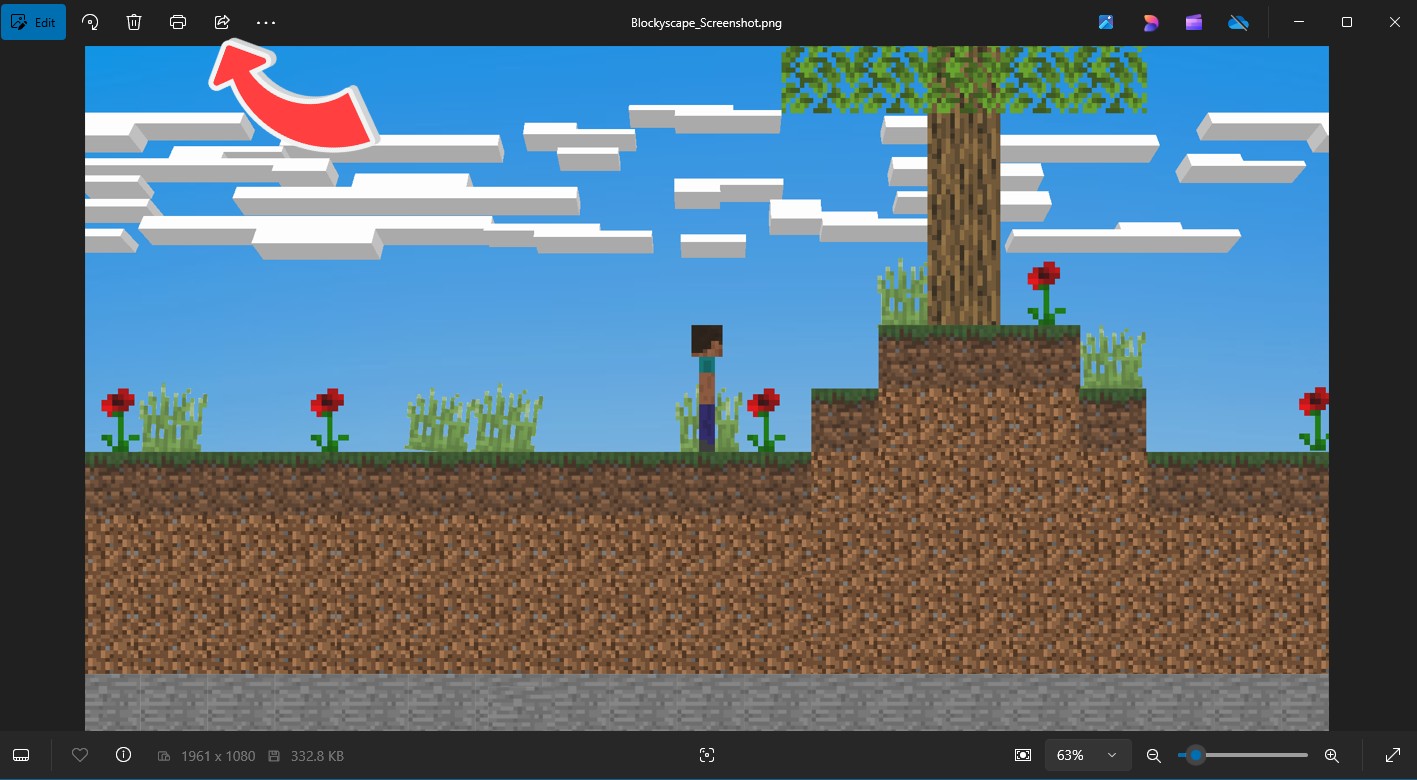
3. Go to your Pictures folder on your computer and click on
"Blockyscape_Screenshot.png"
to view and share

4. To share click the Share button on the top-left corner and click the app you want to share the screenshot to.
Notes:
- The UI will be hidden, but the block assistant still shows up
- Screenshots will save in your Picturesfolder under the name "Blockyscape_Screenshot.png"
- Screenshots only work on PC or browser