On Sale: GamesAssetsToolsTabletopComics
Indie game storeFree gamesFun gamesHorror games
Game developmentAssetsComics
SalesBundles
Jobs
TagsGame Engines

bottomoftheocean

18
Posts
2
Followers
8
Following
A member registered Nov 11, 2023 · View creator page →

Recent community posts
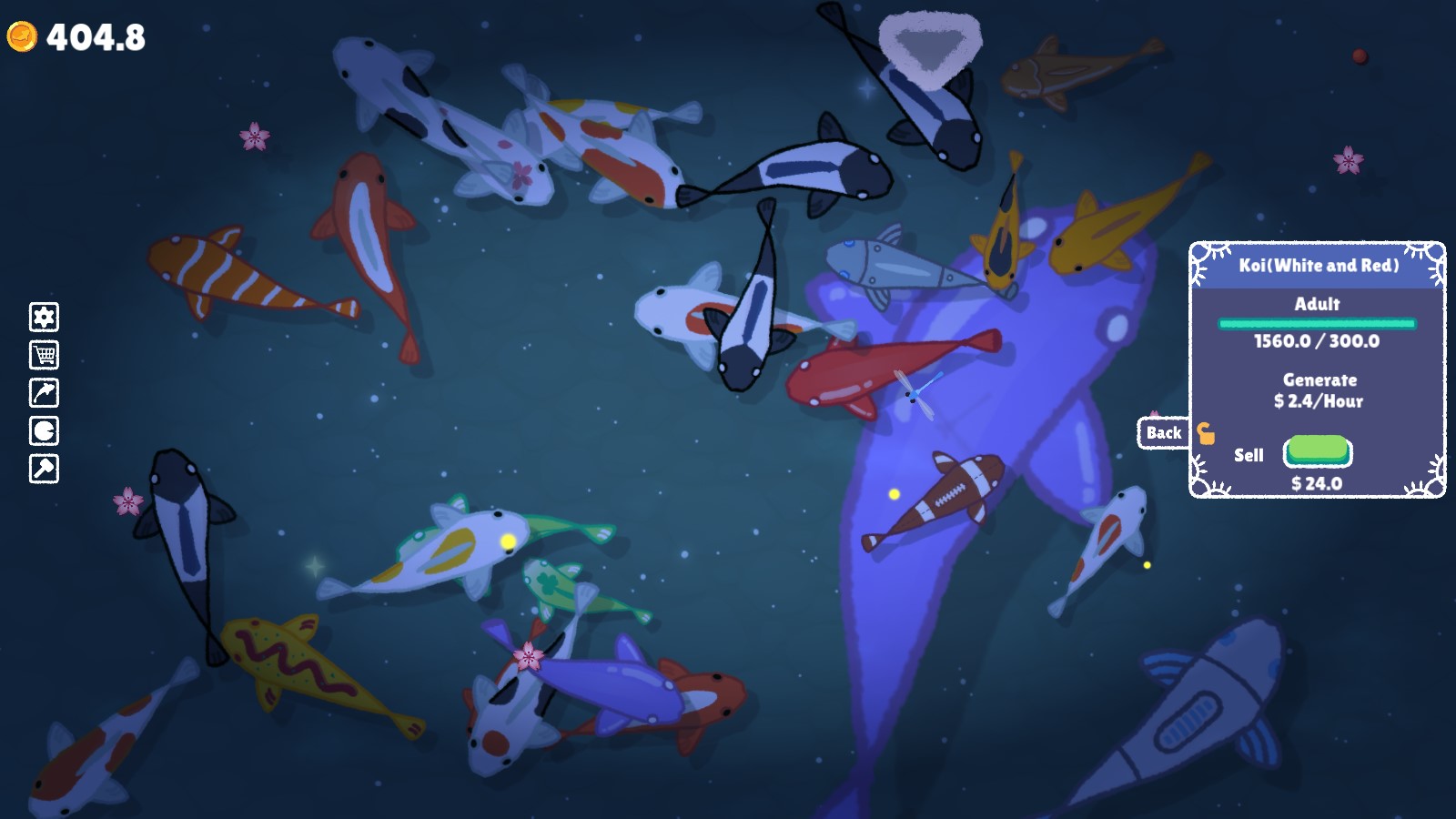
enjoying this so far, but it seems that the chromatic aberration and the camera motion toggles don't hold when changing areas. if you turn it off in the overworld, and then go down to the mine, it turns back on even though the toggle indicates that it's off. if you turn it on and back off again it works, but again, only until you change areas

back again lol, I haven't seen any overgrown fish since the update you mentioned, but the sell all buttons do seem to have an issue still. if there's no locked fish, it works perfectly - the sell all button sells all, and the sell adults button will sell all the adults and only the adults. 

however, when there's locked fish in the pond, it seems to stop selling the fish when it hits one that's locked, instead of continuing checking the list of fish? if that makes sense? as in if the fish were in a list like this:

unlocked 1
unlocked 2
unlocked 3
locked 1
unlocked 4
unlocked 5
locked 2
locked 3
unlocked 6

it will sell the first three just fine, but not the other unlocked ones. if, however, i go through and unlock fish and try again, and happen to unlock "locked 1", it will then sell that fish, as well as unlocked 4 and 5. "unlocked 6" doesn't get sold though unless I unlock the remaining locked fish. I'm not sure if it's exiting a loop instead of just incrementing or something.

again though, I'm a huge fan and I'm looking forward to a full release ! 

it did continue to get bigger and bigger, and i can't seem to recreate it with my current upgrades. it seemed to happen when a fish that was nearly grown would eat a lot of food all at once (like if i'd clicked a lot in one spot and it made a little pile). I'm not completely sure, but i think it did stay really big when i changed ponds. I'll try again to recreate it and see if i can figure out how it happened

(1 edit)

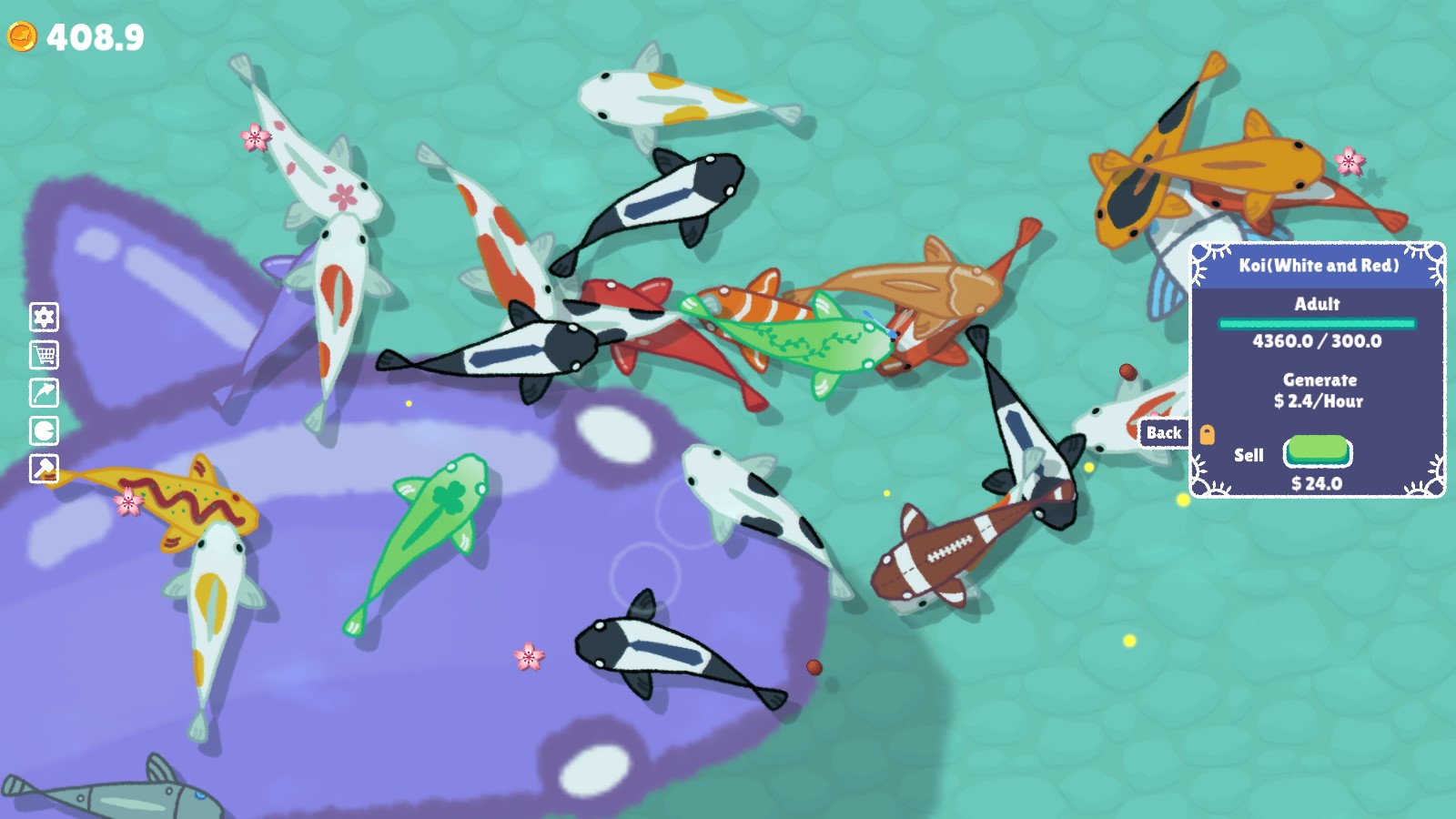
this one, which is marked as a white and red koi even though it's actually purple, didn't stop eating and is now huge. I do have "not feeding adult koi" on

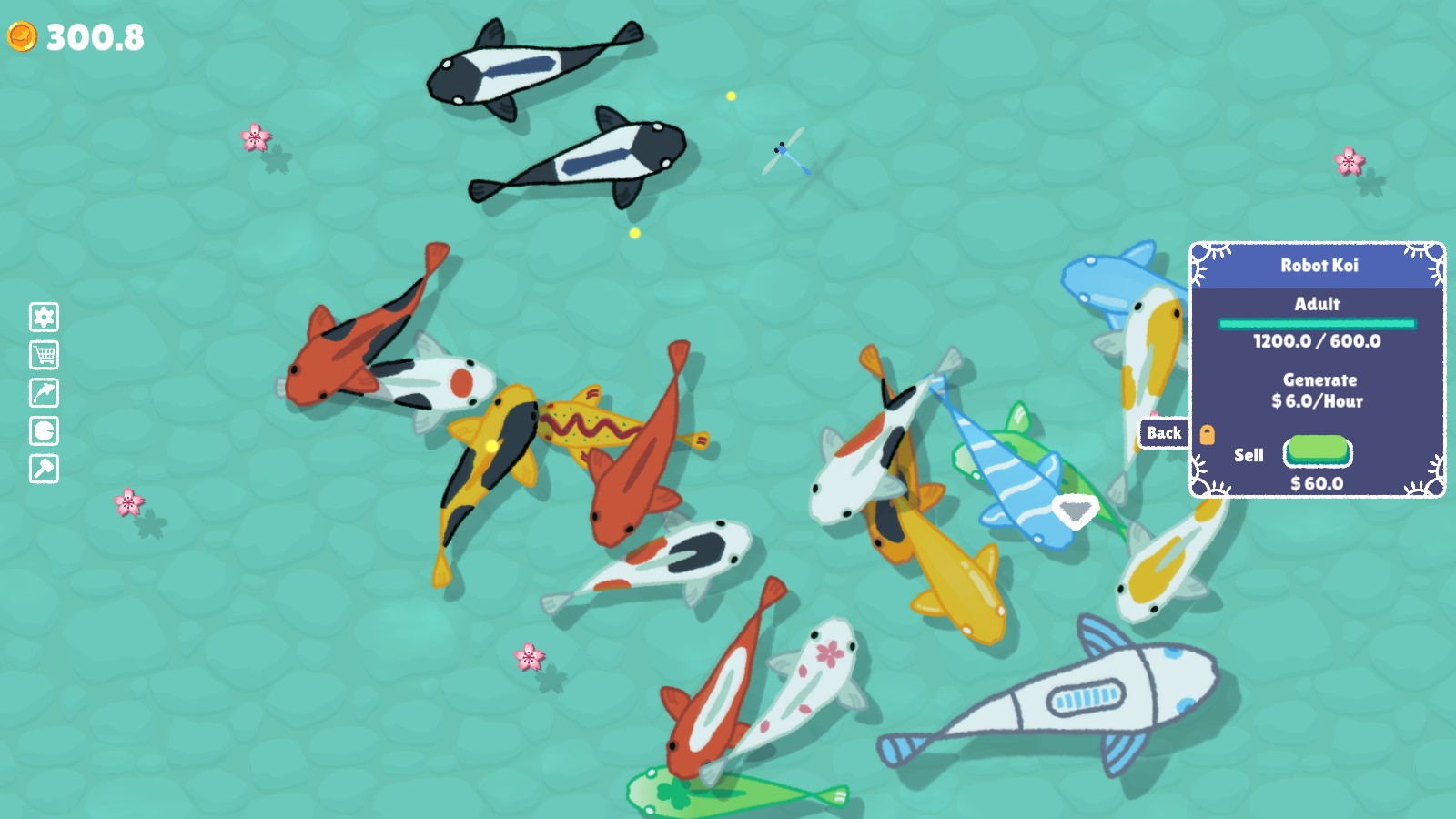
i've just noticed why it is that I thought the fish scale was too large - for some reason a couple of my fish have grown to 200%, and it's only those fish that seem particularly large. I had a few of them but sold them without thinking about it, but I do still have a robot koi. I'm not sure if they're supposed to continue growing?
huge fan of this so far, but i have one note and one possible bug:

first, I think the fully grown koi might actually be too large - everything looks crowded and it's hard to appreciate how pretty each one actually is, especially when they're near the edge of the pond and get clipped off

second, the two 'sell all koi' buttons don't seem to work. they definitely did the other day, and I'm not sure if they're broken right now or if they don't work when you have locked fish. which would be odd, nearly every collector like this this that i've played would simply sell every fish that wasn't locked.

anyway, i look forward to the full release !

huge fan of the inclusion of an easy mode, it's great for when i'm super tired

The little indicator that you added in the shop tab makes it way clearer, it's really good! 

solid foundation! i had some issues for the first ten minutes or so because i misunderstood how the pulp restocking worked. the menu hides the pulp storage, and i didnt realise that the purchase was for the entire storage getting filled, so i was filling it back up as fast as i could. my money was going down and my press kept working, so it took a while to figure it out lol 


that might just be bc im sleepy though. either way, looking forward to updates 

im really enjoying it but please add a mute button. it doesn't open in a tab by default so it's a pain to mute it on the browser end

came down here to say this lol

pretty sure the stats of your loot and your actual stats are exactly the same thing, so just look in the middle of the screen

I took a very idle approach, so it was a while before hitting this, but i did enjoy. nice

found this while looking for something to distract me from the absolute emotional nightmare i'm going through due to a several week lapse in my T (hrt) prescription (HOPEFULLY getting dealt with later today, but i guess we'll see). i can't quite express how nice of an experience this was and apparently i really needed it. thank you

only closing the tab now because its starting to run really poorly (it's the web version i have no complaints lmao) but definitely enjoyed staring at it for several hours

very interested to see where this goes but for now i will indeed enjoy watching the numbers go up

(1 edit)

EDIT: worked it out. there were no pop-ups first time i loaded, but there was this time. put the shapes in the play field, and click them for stars. for moons - the third upgrade type uses moons, despite the s indicating that you use the same currency as the other two. to get those, put enough of a shape on the board and then click that shape in the list under the consume section. the colours do not need to match

hey, super intrigued by this, but i can't figure it out. what is the consume section on the side, and how do i interact with it? dragging to it, clicking on it, placing the shown shapes on the board, nothing seems to do anything. and what do the upgrades even do? i can buy the top two just fine, but the bottom one has been stuck on "virgo 2 s" basically the whole time and I can't seem to do anything about it.

hampter