
Indie game storeFree gamesFun gamesHorror games
Game developmentAssetsComics
SalesBundles
Jobs
TagsGame Engines

boristhoris

5
Posts
4
Topics
A member registered 8 days ago · View creator page →

Creator of

Recent community posts

Hi everyone!

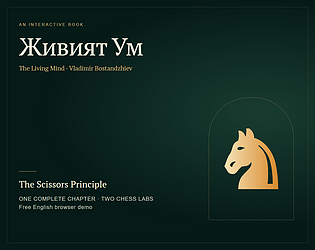
I've just released a free English demo of Живият Ум (The Living Mind), an interactive edition of my father Vladimir Bostandzhiev's book. Alongside his other books, this is part of his life's work, and this is our family's first step toward sharing it directly with readers in a digital format.

Try the demo here: https://boristhoris.itch.io/zhiviyat-um

This is a demo, not the full book: one complete chapter, The Scissors Principle, and two optional chess Labs. It runs in your browser on desktop or phone.

I'd especially love feedback on the Labs system. The idea is to move from reading a passage to exploring a position, making a decision, seeing the evidence, and returning to the exact passage. In the longer Lab, you can form a first impression, test legal queen replies, then decide whether to take or leave a pawn. The shorter Lab asks you to choose a pawn by its route toward a goal.

I'm trying to make these interactions useful and engaging, and I'd be very happy to receive more feedback on how to make them better:

• Did exploring the board help you understand the idea in the chapter?

• Were the controls, available choices, and consequences clear?

• Did the Labs give you enough room to investigate, or did they feel too guided or too shallow?

• What would you change, add, or remove?

Even a short first impression would help. If something feels confusing or breaks, please tell me which Lab you were in, what you tried, and whether you were using a phone or desktop. I'd also love to know your level of chess experience so I can understand where the design needs to improve.

Thanks for taking a look and helping us make this better!
Hey everyone!

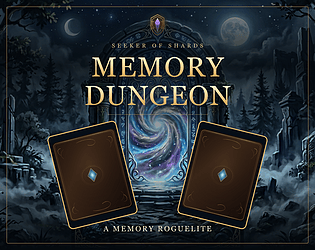
Memory Dungeon is now playable on itch.io, and I’d love for you to try it and share your thoughts.

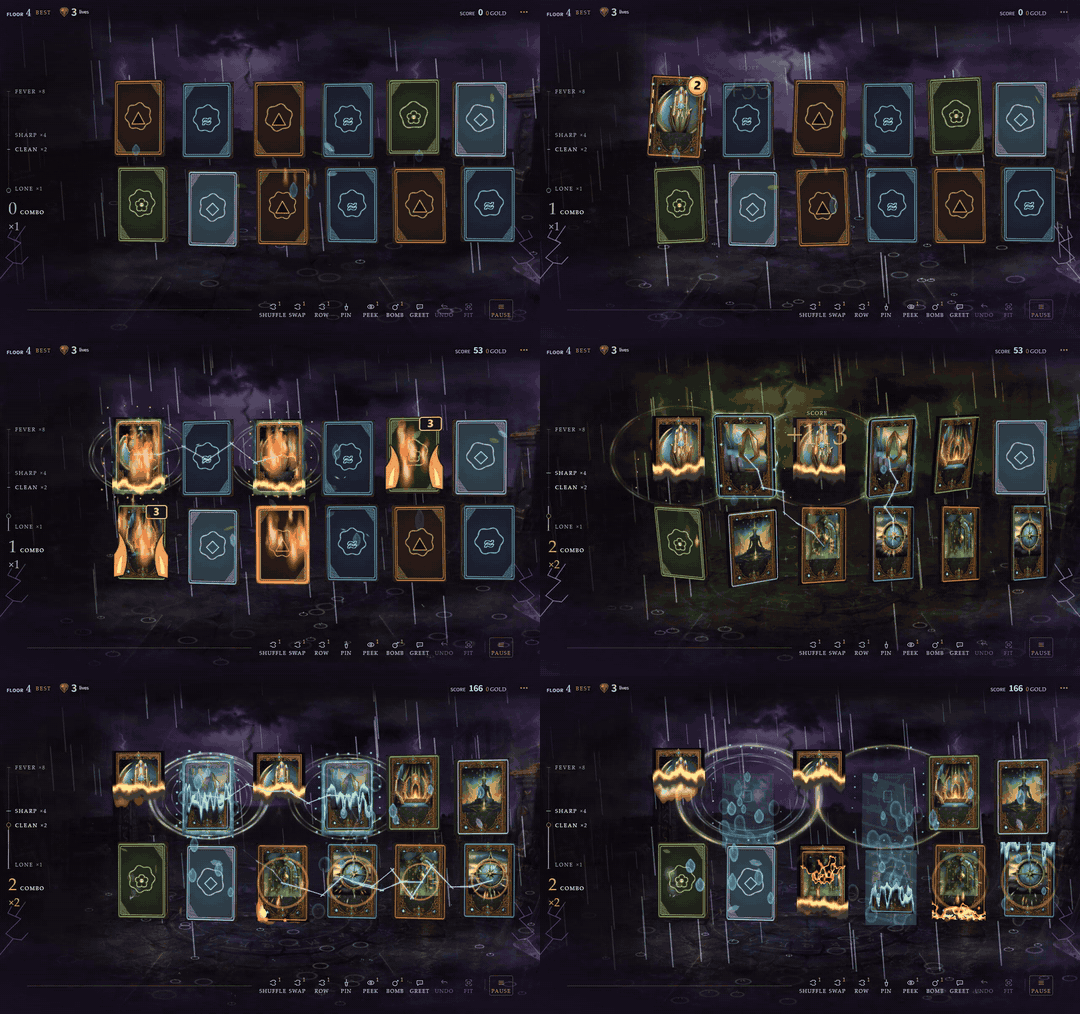
It starts with a familiar challenge: study the cards, remember where they are, and match pairs. Then the dungeon starts interfering. Cards move, vines bind them, ice freezes them—and your elemental matches can change what happens next.

Play Memory Dungeon free in your browser
No installation needed. It’s in beta, and donations are optional.

Memory Dungeon gameplay showing an elemental reaction

Memory meets deduction

When you flip a card, the number in its top-right corner tells you how many horizontal or vertical steps away its nearest matching card is. 1 means directly beside it; 2 means two steps away. Use that clue alongside what you remember to plan your next flip.

Your match order matters

Elemental pairs cast spells. Fire burns vines and melts ice, water puts out fires, and repeating an element primes a stronger reaction.

For example, Fire → Fire → Water triggers Steam, revealing nearby cards. Now you have some information—and another chance to forget it immediately.

As you descend, five realms and different floor rules change the challenge. Tools can help you recover, and the dungeon’s residents occasionally offer something useful. One of them is a lost sock. Manage your expectations.

There’s a crown to steal

Play an endless solo descent in Classic, or share one device with 2–4 players in Pass and Play.

Classic has one global high score. Beat it, enter your name when your run ends, and become the Dungeon Master on everyone’s main menu.

I’d really appreciate your feedback

The game is still in beta. After a run, I’d love to know:

  • Were the distance numbers and elemental reactions easy to understand?
  • Did the difficulty feel fair? What ended your run?
  • What made you want another floor—or made you stop?

If you hit a bug or performance problem, please include your device, browser, and what happened. Even “reached floor 4, got confused by this” is useful.

Give Memory Dungeon a try and leave your thoughts here. Thanks for playing!

Warning: may cause “one more floor” syndrome. If you start matching your socks for combo bonuses, take a break.

Thanks for trying it and for the clear step-by-step feedback! No extra step should be needed: the Channel Rack opens below the arrangement, so the Drum and Piano tracks remain visible above it.


I checked the City Bounce flow and found the edit action was hidden until hover, with the controls shifting as they appeared. I have updated the browser beta with an always-visible Edit button beside each pattern. Open Patterns, then click Edit beside City Drums to reach its steps. I have verified that route on the live itch build.


Please try again after reloading the page and let me know whether the rack appears. If it still does not, a screenshot and your window size would help me investigate. This kind of first-session feedback is exactly what I need. Thank you!

Hey everyone!

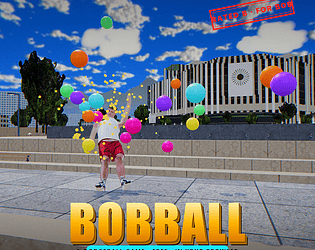
bob.ball started with me taking a T-pose picture of myself. I wanted to see if I could turn that photo into a 3D model. One small experiment, just to see whether it would work.

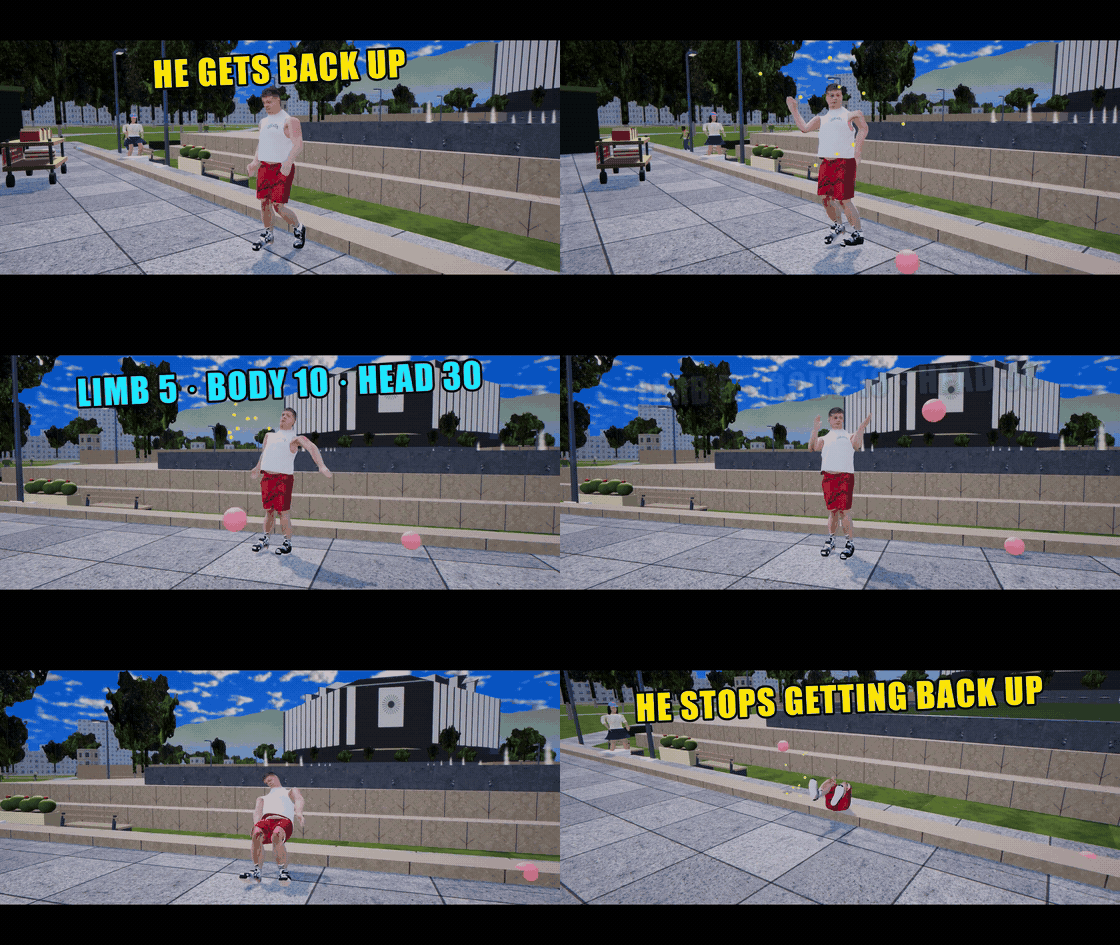
That experiment kept growing, and eventually became a game. Now there's a digital version of me getting dodgeballs thrown at him, falling over, and getting back up for more. A slightly unexpected use for a photo of myself, but here we are.

Bob gets knocked down and gets back up — an animated excerpt from the bob.ball trailer

A moment from the trailer.

It's a free browser game with quick, 60-second rounds: aim, throw, and see how much chaos you can cause before the timer runs out.

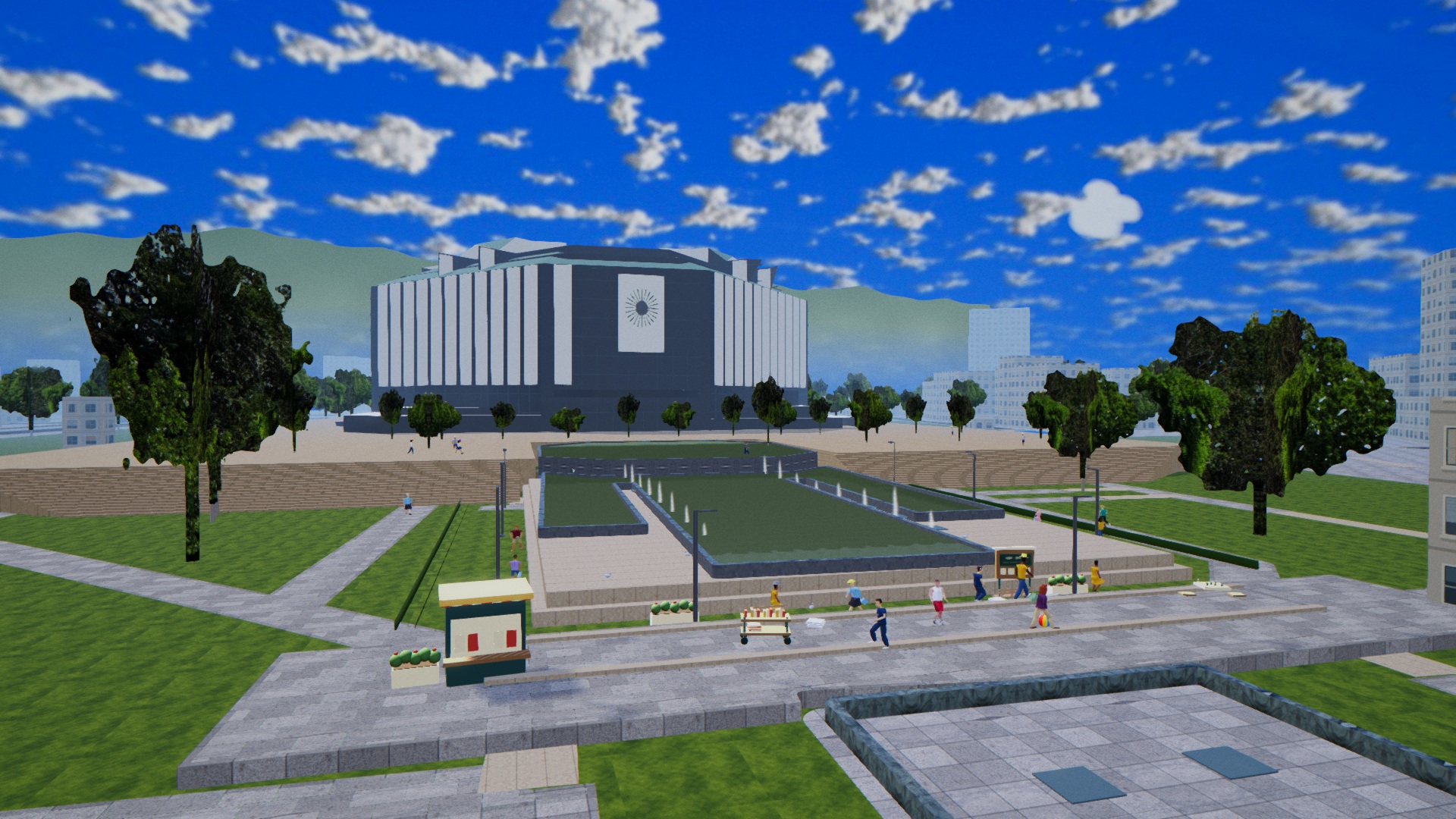
As it grew, Sofia, Bulgaria became a big part of its identity. The game takes you around NDK (the National Palace of Culture), Sofia Airport, and the Mladost neighbourhoods. I wanted those places to have a presence of their own, so you can also slow down and explore.

NDK, the National Palace of Culture in Sofia, with fountains and Vitosha in the distance, as seen in bob.ball

NDK in Sofia, Bulgaria — an in-game screenshot.

Play bob.ball for free on itch.io

If you give it a try, I'd love to hear what you think of the throwing, Bob's reactions, and the Sofia locations. And if you've ever had a tiny experiment turn into a whole game, I'd love to hear that story too.

(2 edits)

Hi everyone!

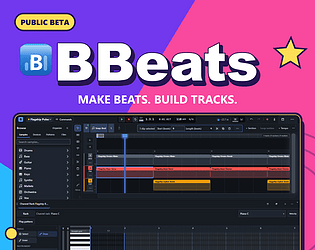
I've been working on BBeats for several years, and the public beta is now on itch.io. It's a music studio that runs in your browser, where you can go from a drum loop or melody to an arranged track.

I'd really love feedback from people trying it with fresh eyes, especially on how easy it is to get a first idea playing. After spending so long with the project, hearing where other people get stuck would be a huge help.

Try the BBeats beta on itch.io — free to use in the browser.

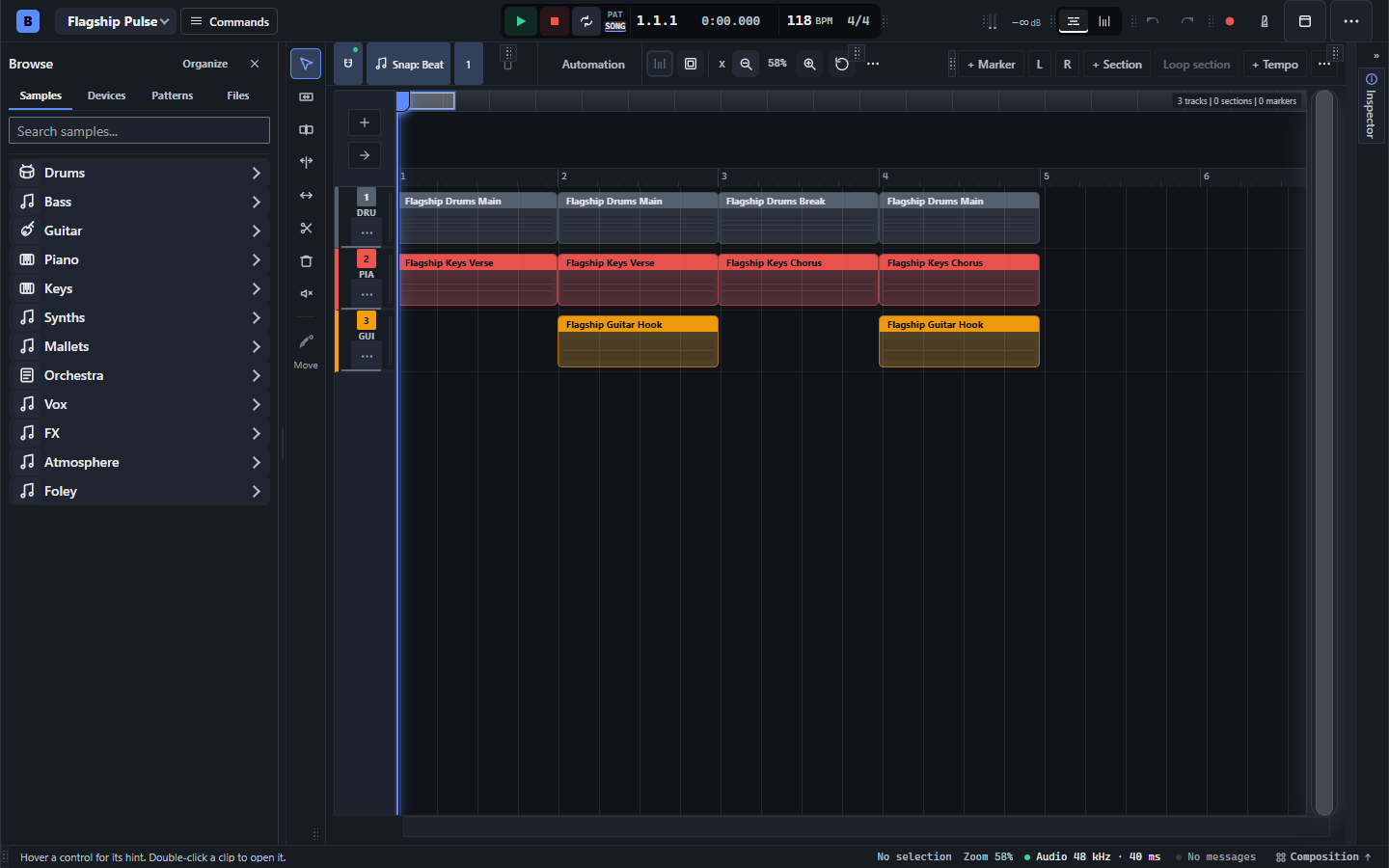
BBeats showcase: multitrack arrangement with drum, piano and guitar patterns

From a loop to a song: arrange drum, piano and guitar patterns in the same editor.

Write beats and melodies

  • Write beats and melodies: Channel Rack step sequencing, variable row lengths, velocity and swing; a Piano Roll with snapping, quantization, scales, ghost notes, and note transforms.
  • Develop musical ideas: chord-progression generation with key/scale choices, inversions and chord locks; arpeggiation, humanization, strum, and pitch flips.
  • Use MIDI: MIDI import/export, typing-keyboard note entry, and Web MIDI input where the browser/device supports it.

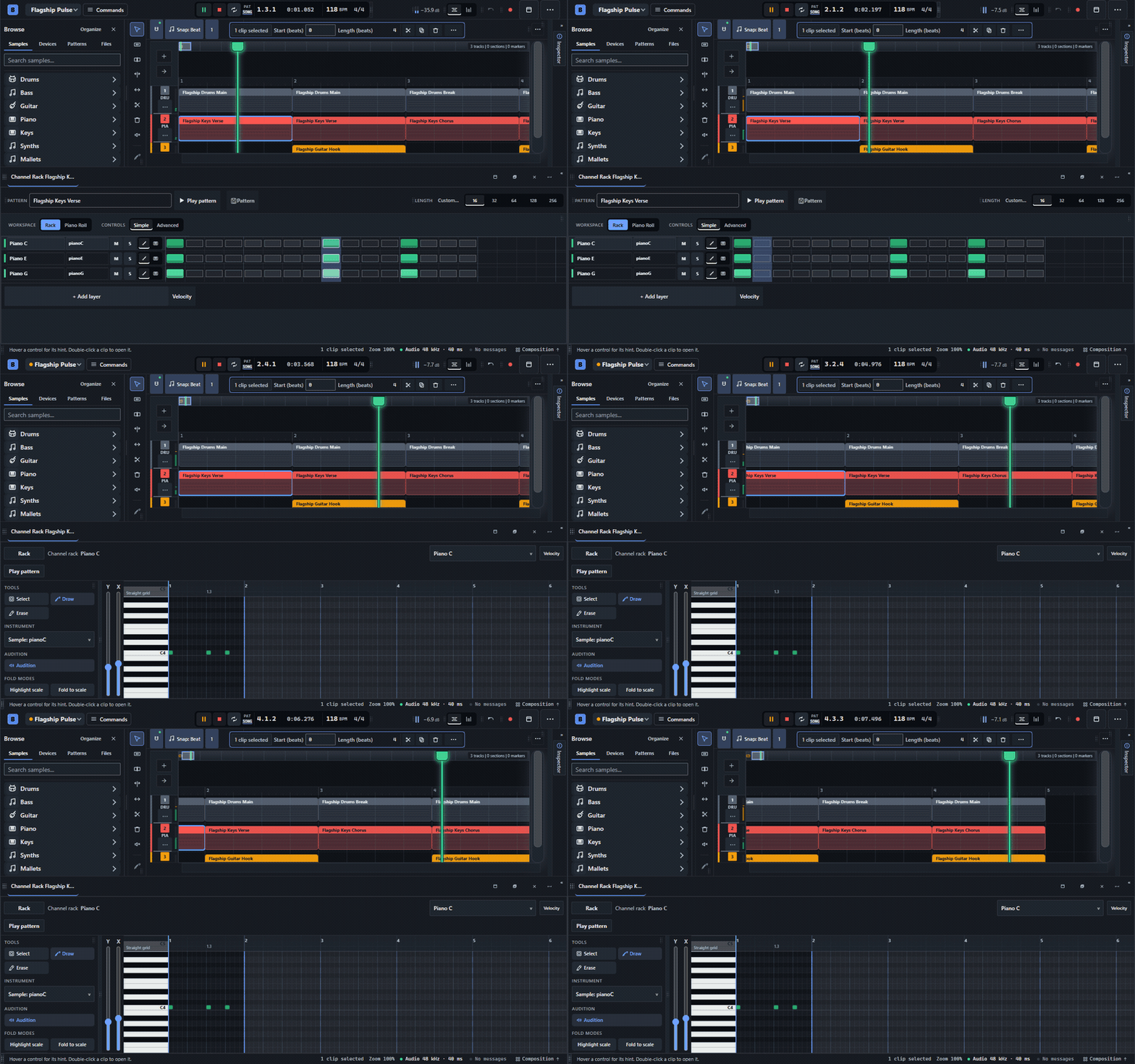
BBeats beta: switching between Channel Rack steps and Piano Roll notes during playback

Two views of the same pattern: rhythmic steps and precise notes. This is a recording of the actual editor; the GIF is silent.

Build your sound with web plugins

  • Play sounds and web plugins: hundreds of bundled sounds, sampled instruments, and Web Audio Modules (WAMs—the browser-plugin equivalent of the “web VST” idea), including synth, drum-machine and soundfont options.
  • Shape devices: instrument/effect chains, plugin interfaces where available, presets, bypass/reordering, A/B parameter comparisons, macro assignments, and reusable channel-strip templates.

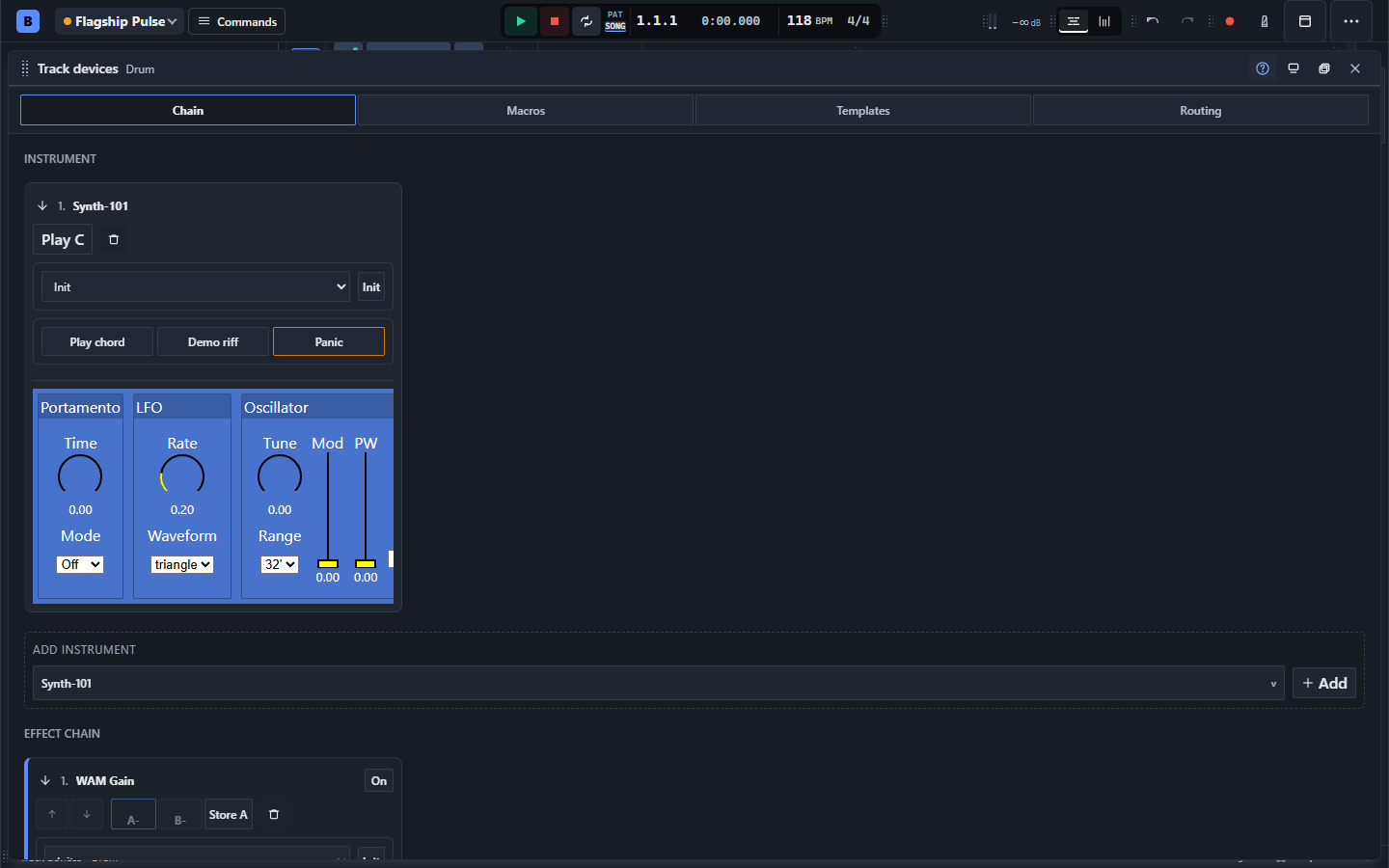
BBeats showcase: Synth-101 browser plugin loaded in the track device rack

The beta hosts real web audio plugins. Here, Synth-101 is loaded in the track device rack.

Arrange, record, mix, and automate

  • Arrange a song: multitrack patterns, audio and automation clips; move, trim, split, duplicate and make pattern clips unique; track folders, markers, sections, loop ranges, tempo and time-signature changes.
  • Record and edit audio: audio/stem import, microphone recording, waveforms, fades/crossfades, reverse, normalization, transient slicing, pitch and gain envelopes, stretch markers, bounce and consolidation.
  • Mix and automate: track/channel faders, pan, mute/solo, meters, sends and routing, linked faders, automation points/curves and supported parameter recording; a mastering workspace with loudness targets and export-readiness checks.

The project page has the detailed feature overview and browser requirements. Plugin compatibility, recording, MIDI access and export codecs depend on your browser and the device/plugin involved.

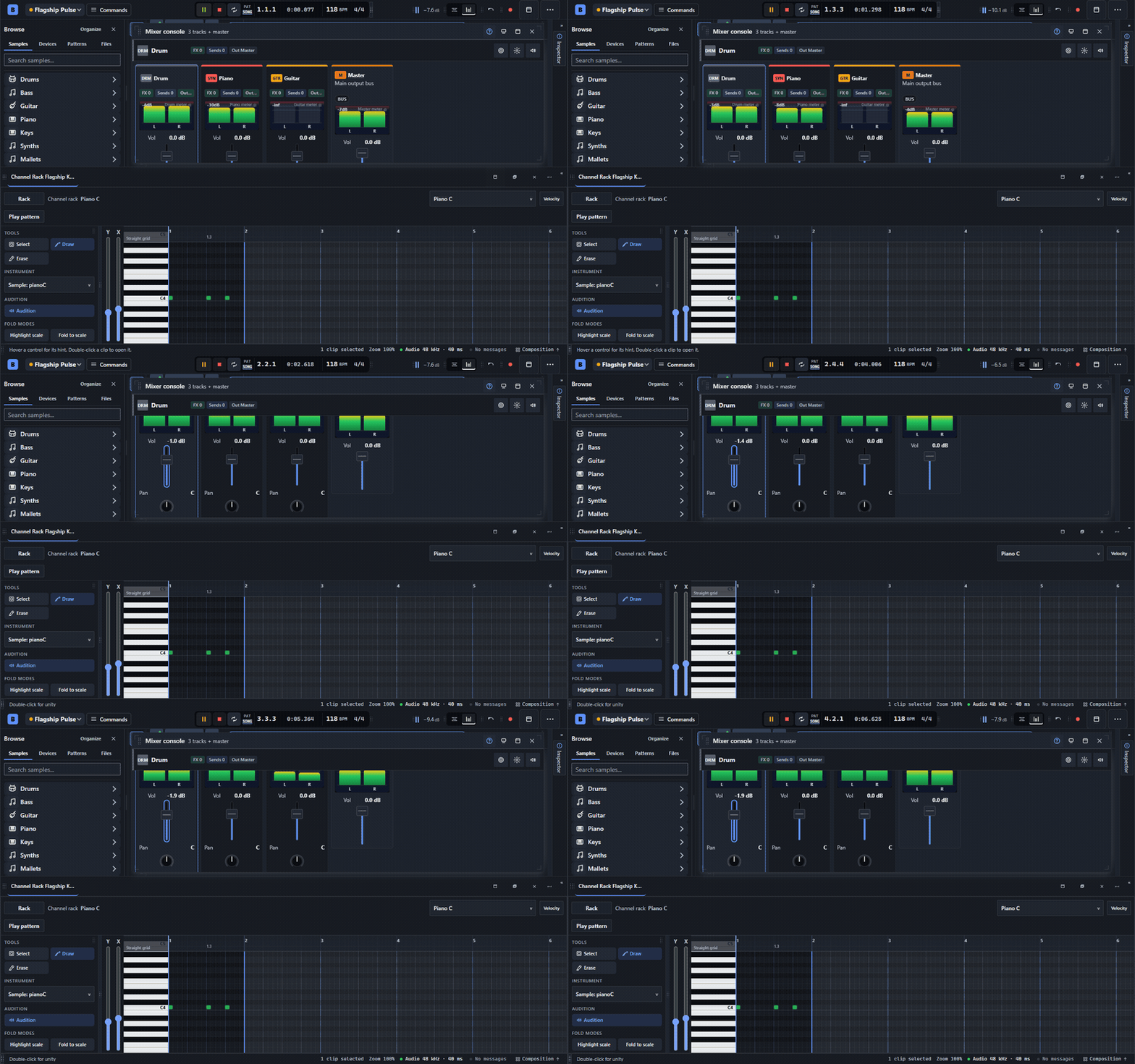
The BBeats mixer with track faders and stereo meters above the Piano Roll

Balancing a track in the live mixer, with the Piano Roll below. This editor recording is silent.

Save your work and make the workspace yours

  • Save and export: browser project saves, project-file import/export, versions, undo/redo and session recovery; full mixes, selected ranges and stems in supported audio formats.
  • Set up your workspace: dockable, floating, resizable and split panels; named layouts, themes, interface scaling, compact/touch controls, searchable commands, shortcuts, and the guided editor tour.

The feedback I'd find most useful

  1. Your first few minutes: can you get a loop playing and change a pattern without getting lost? Where did you hesitate?
  2. The editing flow: what feels awkward when choosing sounds, editing notes, arranging clips, or using the mixer?
  3. Things that break the flow: any audio glitches, lag, confusing saves, or export problems? Your browser/device and the steps you took would help.

If you have five minutes, try a starter arrangement, press Play, and change something. There's an optional guide under Help → Take the guided editor tour if you'd like a walkthrough.

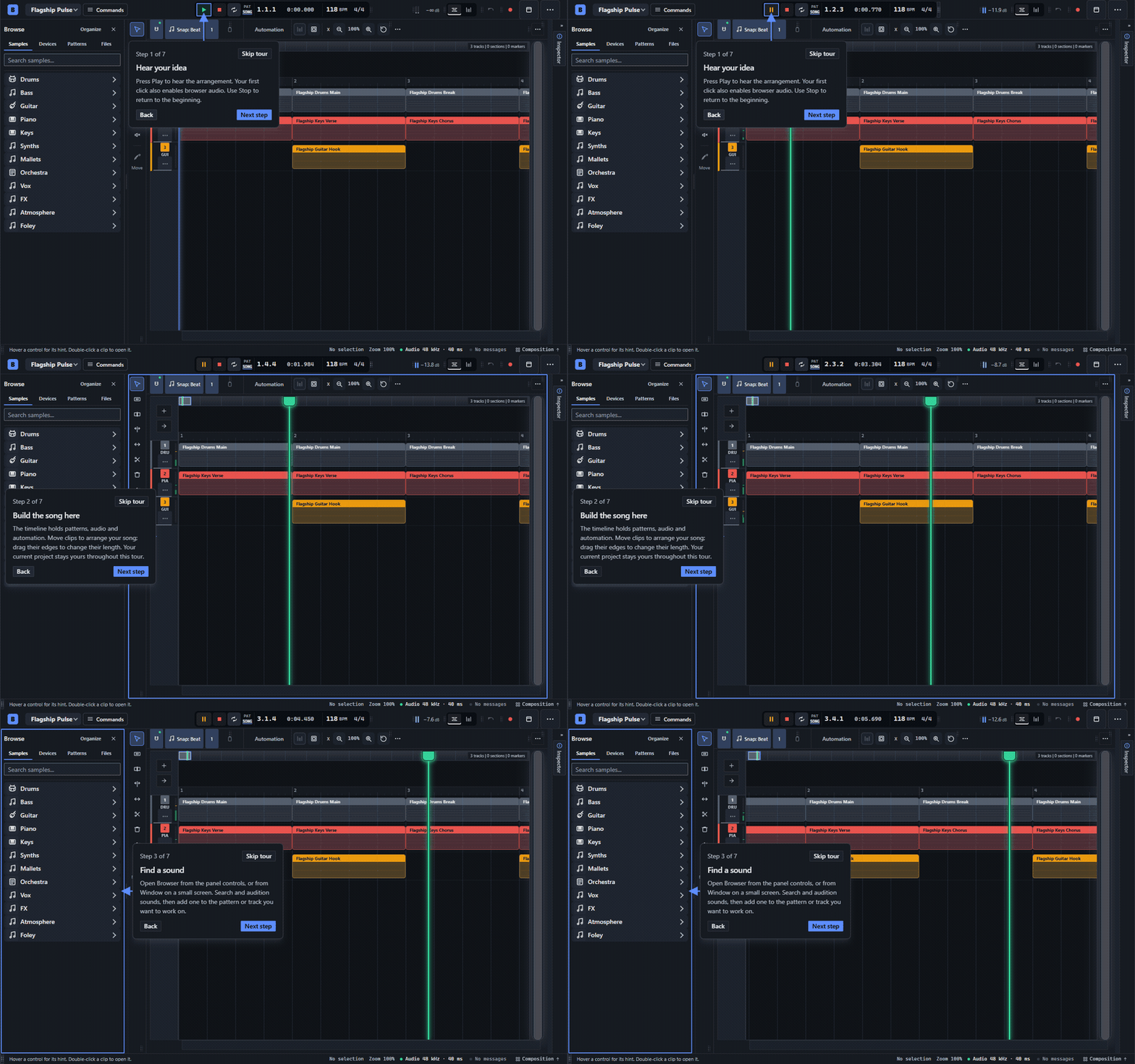
BBeats showcase: guided editor tour with arrows pointing to the actual controls

New to the editor? The optional tour points at the real controls. This recording is silent.

It is still a beta, so expect rough edges. A current desktop Chrome or Edge is the best place to try the full editor. Projects save locally in your browser; please download a project backup if you make something you want to keep.

You don't have to answer everything above. Even one small observation is valuable, whether you're a musician, a game-jam developer, or trying this kind of tool for the first time.

Thanks for taking a look. I'd love to hear what you think—and what you make with it!