Weird, i can play it with a x-box one gamepad with default values. You must connect the gamepad before the game, once on menu page press a button and you will see a gamepad icon blinks a few seconds.
I tried your keyboard config, and y doesn't work too. And i know why now, the game use a system with a b x y l1 r1 r1 r2, and if you bind a key to x or y it doesn't work.
I tried an xbox controller, for the same reasons you can't bind to x y, For the axis, it finally worked but not at first try. I need to investigate a bit more ...
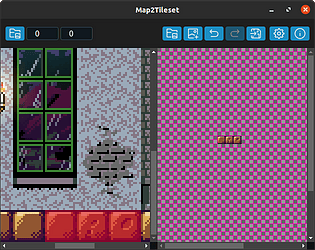
No. There are already scripts to extract all the tiles, but that's a lot of tiles in a random order, not very usable for me. That's why I created this app.
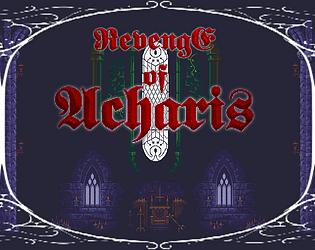
Really strange, there's no difference in the code between the whip key and the jump key. I don't know why it happens. Try to use the whip key as the jump key to see if it works. When you use the jump, hold down the key at least 1 second to make a full jump.
The windows version is an electron like app (nwjs) and use chromium, there is no tweak on the controller. Perhaps with a software like joytokey https://joytokey.net/en/
Hope this helps, once you found it, please delete the map, to not spoil others players. And rate it plz, it's the best you can do for this game :) Thanks for playing ;)
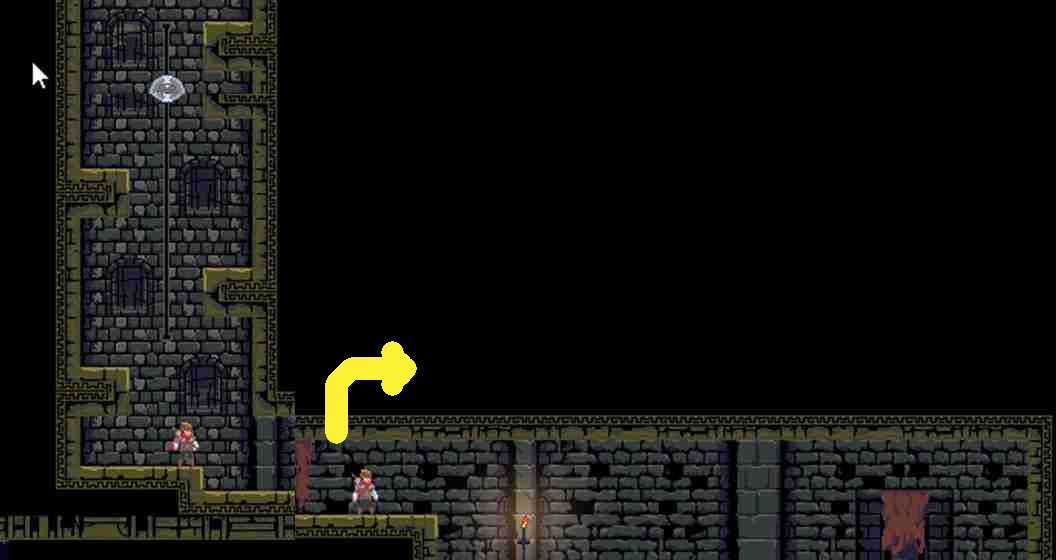
In the first part of the castle, there is a room with a big red enemy, when you enter the room, listen carefully, you can hear an enemy, there's an hidden wall.
This version use the locaStoarge too, it's the same code, but embeded with NW.js (sort of Electron). It is probably stored somewhere in your home folder, but i don't know where exactly
Haha, thanks for the video, it's quite fun to watch your gameplay and the comments (I kinda understand br). You seem to struggle with the axeman, I have to admit the hitbox is quite thin, due to the fact that the character is quite thin too. I will fix it.