Indie game storeFree gamesFun gamesHorror games
Game developmentAssetsComics
SalesBundles
Jobs
TagsGame Engines

Jeremy Cahill

5
Posts
2
Topics
1
Followers
1
Following
A member registered 94 days ago · View creator page →

Creator of

Recent community posts
Bugs fixed and suggestions implemented :)

Thank you MadGrace for your support.

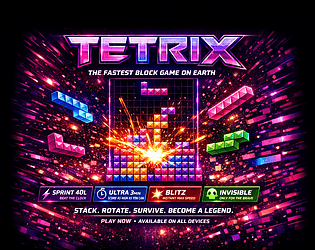
TETRIX — UPDATE LOG

====================

VERSION 1.01 — May 3, 2026

----------------------------

BUGS FIXED

----------

1. BLOCKS FALLING THROUGH FLOOR

   - clearLines() was using splice() on wrong row indices mid-loop

   - Fixed: collect all full rows first, sort descending, then splice

   - Prevents board corruption that caused pieces to pass through placed blocks

2. PIECES FREEZING MID-AIR

   - lockTimer was incrementing even when piece was not grounded

   - Fixed: lock timer only starts when tryMove(0,1) fails (piece is actually on floor)

3. ONLINE GARBAGE NOT SENDING

   - After clearLines rewrite, garbage table referenced old variable 'n' (now 'cleared')

   - garbageTable[undefined] always returned undefined — zero garbage sent to opponent

   - Fixed: updated reference to garbageTable[cleared]

4. P KEY NOT RESUMING GAME

   - handleKeyDown() had early return when gs.paused=true

   - P key check came AFTER the guard, so press was swallowed

   - Fixed: P/Escape checked first before any pause guard

5. A AND D KEYS NOT WORKING

   - Only ArrowLeft/ArrowRight were in the keydown handler

   - KeyA and KeyD were never bound

   - Fixed: A/D now mapped to left/right movement + DAS repeat included

6. SPACE BAR SPAM CRASHING GAME

   - hardDrop() had no guard against being called while paused/game over

   - Spamming space during freeze caused multiple lockPiece() calls corrupting state

   - Fixed: space key and hardDrop() both check game is running before firing

7. ZEN MODE BOARD OVERFLOW

   - No game over in zen mode meant board could fill past top, looked broken

   - Fixed: when board tops out in zen, top 6 rows auto-clear with "✨ Cleared!" popup

8. SELECT MODE SCREEN CUT OFF

   - screen-mode used justify-content:center, pushing top row off screen when 10+ modes shown

   - padding: var(--space-6) was overriding has-topbar 48px padding-top

   - Fixed: justify-content:flex-start, overflow-y:auto, padding-top:calc(48px + var(--space-6))

9. DESKTOP SCORE PANEL CUT OFF

Also since this game was released yesterday make sure to have an online friend ready to test online vs mode. I tested myself and it works. 

Thank you I will fix these bugs! 


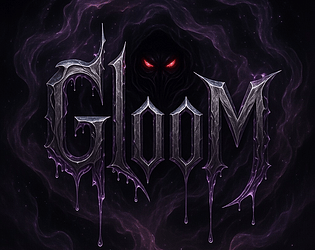
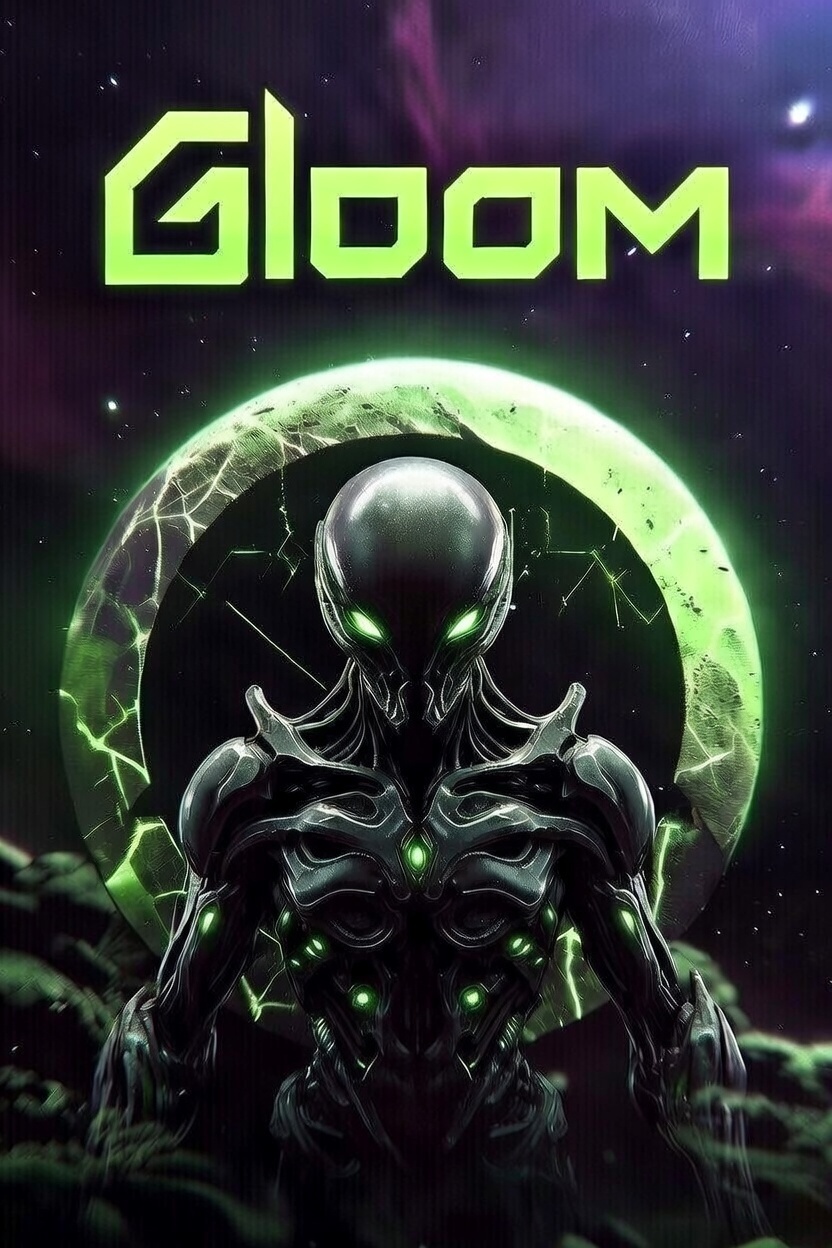
GLOOM Biomech corridors. Living weapons. Mechanical horrors. Synopsis Enter GLOOM, a tense, retro-inspired first-person shooter built entirely in HTML5 Canvas and JavaScript. Traverse eerie, procedurally lit biomechanical mazes across 8 increasingly nightmarish levels from the shadowy Gloom Corridor to the pulsating heart.  Arm yourself with the Pulse SplicerGrave Maw, and Core Eviscerator to blast through hordes of relentless enemies: agile Necro-Drones, stealthy Void Stalkers, hulking Mecha-Ghouls, and the colossal final boss.Hunt, dodge, and survive. Clear all enemies in each area to advance. Collect ammo, health pickups, and weapon upgrades dropped by fallen foes. Throw grenades for crowd control, jump over hazards, and use the minimap to track threats. One wrong turn, and the machines consume you. Can you escape the Gloom? How to Play

Open in any modern web browser (Chrome, Firefox, Safari, Edge).

Click ENTER THE GLOOM to begin.

Lock your mouse for full FPS controls (click canvas in-game).

Supports keyboard/mousegamepad/controller, and touch/mobile.

Performance Note: Runs smoothly at 60FPS on most devices. Fullscreen recommended.ControlsKeyboard & Mouse (PC)

ActionKeys
Move WASD or Arrow Keys
Look Mouse (pointer lock)
Shoot Left Click or Ctrl
Jump Space (tap)
Grenade G
Switch Weapon 1/2/3 or Mouse Wheel
Pause ESC

Controller (Xbox/PS/Gamepad)

ActionButton(s)
Move Left Stick
Look Right Stick
Shoot RT or A
Jump B
Grenade LB
Switch Weapon X (next) / Y (prev)
Pause Start/Menu

Touch (Mobile)

  • Left Side: Virtual joystick for movement.
  • Right Side: Drag to look + auto-shoot.
  • Pause via on-screen button.

Features

  • 8 Levels: Themed biomes with unique walls, floors, and enemy counts (8-16+).
  • 3 Weapons: Varying fire rates, damage, spread, and ammo costs.
  • Enemies: 3 types + boss with patrol/chase AI, health bars.
  • Powerups: Health, ammo, weapon unlocks.
  • Mechanics: Raycasting renderer, jumping, grenades (bouncing/explosive), invulnerability flashes.
  • HUD: Health/ammo/grenade bars, score, minimap, enemy/ weapon info.
  • Audio: Procedural beeps for immersion (Web Audio API).
  • Settings: Adjustable mouse/stick sensitivity (saved locally).
  • Progression: Inter-level rewards + "Area Cleared" screen.

Levels

LevelNameEnemiesTheme
1 Gloom Corridor 8 Rusty organics
2 Blood Furnace 10 Crimson heat
3 Shadow Vault 12 Neon blues
4 Rust Crypt 13 Corroded maze
5 Frost Reactor 14 Icy circuits
6 Grave Engine 15 Purple decay
7 The Maw 16 Flesh-metal
8 The Core 1 (Boss) Golden horror

Screenshots(Embed or host images here for GitHub Pages)Credits

  • Developer: Inspired by classic FPS like Doom/Wolfenstein.
  • Engine: Custom JS raycaster + billboard sprites.
  • Music/SFX: Procedural square-wave audio.
  • Playtested: Keyboard, controller, mobile.

License

Copyright © 2026 Aluminati Studios. All rights reserved.

Enter the Gloom. Rip and tear.

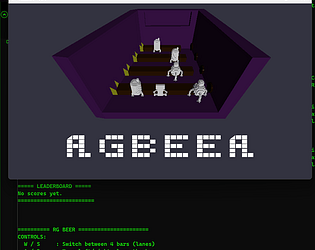
RGBEER by Billy-Gatez
RG BEER is a fast‑paced bartending gauntlet where you juggle four chaotic bar lanes, impatient customers, and the constant threat of running out of lives. You play as the lone bartender in a packed medieval tavern, racing to grab empty mugs, fill them at the taps, and slide them down the bar before customers lose their patience. Every served drink earns points. Every mistake — spills, delays, or missed customers - costs you a life. The deeper you get into the night, the faster the crowd grows and the more frantic the bar becomes. Survive the rush, keep the drinks flowing, and push your score as high as you can before the tavern overwhelms you. When the night ends, you can restart instantly and chase a new high score. RG BEER is all about rhythm, speed, and flow - a pure arcade loop built for quick runs, tight control, and that “one more try” energy. RG BEER - Controls Overview Keyboard Controls W / S Move between the four bar lanes (up and down) A / D Move left and right along the current bar J Interact Pick up empty mug Fill mug at tap Serve filled mug to customer P Pause the game 0 Quit to desktop R Restart from Game Over ENTER Start game from Main Menu ESC Restart from Game Over (same as R) Xbox Controller Controls Left Stick (LS) Move between lanes (up and down) Move left and right along the bar D‑Pad Same as left stick movement Up / Down: switch lanes Left / Right: move along bar A Button Interact Pick up empty mug Fill mug Serve mug LB / RB (Left Shoulder / Right Shoulder) Restart from Game Over (mapped to the same logic as R / ESC / ENTER restart) Start / Menu Button Pause the game X Button Quit (mapped to keyboard 0) Game Flow Main Menu Press ENTER or A to begin In‑Game Serve customers, manage lanes, avoid spills Pause Menu Press P or Start to pause Press again to resume Game Over Press R, ESC, ENTER, LB, or RB to restart Then press ENTER or A to begin the next run