I dont know when i will be able to work on the whole UI rework (Not in the next months for sure). It is definitly needed and is the last step for V1.0 after i know which features are included and how i might progress with this app. But as everything works and certain workflows can be replaced with different apps, the UI rework doesnt have any priority.
Here i will collect the ideas for the rework. I will add some ideas in the next days.
The general idea:
One coherent workflow with all editors acting on the same data, instead of multiple editors each with its own data stored
Only one renderer, settings more organised
Model Import via
Orthogonal Views (Slicer)
GLTF (GLTF Importer)
Stacks
Vox-File Load
Export
Orthogonal views
Stacks
Vox-Files
Needed Editors:
Planner (Multi Drawer) -> should allow multi edit on each view, and some live preview if possible from the heavy calculations
Can you just open up a new discussion thread on the community board in the next days? Unfortunately this comment thread wont be accessible anymore after changing it to a discussion board.
Then we can talk there about the UI. I will explain you my rough vision and would like to know your ideas :)
For V0.5 i will continue with a discussion board, as this is much more organized. Unfortunately previous comments wont migrate. I will just post them here as an archive.
Ambient lighting can be fully turned off with the color mode (on the right side: height, normal, color, light).
For that i might better setup a Discord server i guess. I am open for any feedback, though it might take a while for me before attempting the full ui rework, which is kinda the final step to 1.0
I will push a small update in the next days as i implemented MagicaVoxel integration today on a hunch lol. Then i will update the page with a discord link and hit you up in the comments. I also just looked into your request, it should be an easy addon, so you might be lucky.
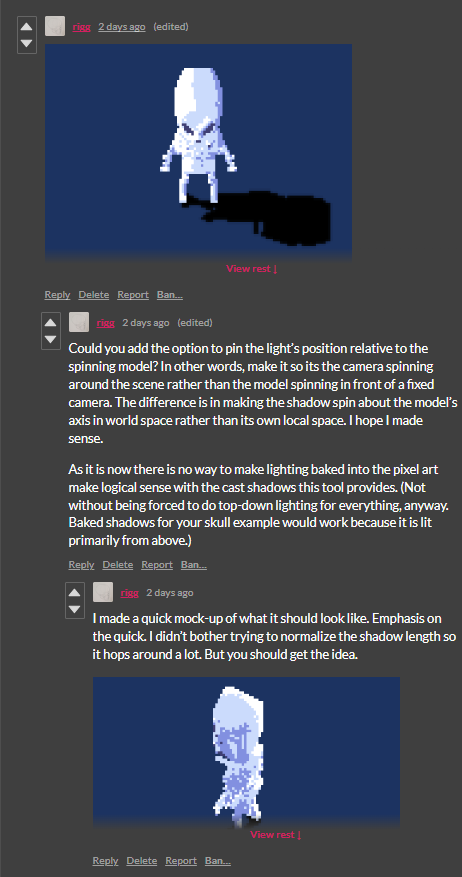
Sure, i will add this option in the export menu, i wanted to add light presets anyway, for quick save/load of settings, but yeah you wouldn't want to load in 8 different settings and export everytime.
So just a toggle button to either rotate the camera or the light source+model at export should suffice hopefully. Thanks for the input.
But yeah, baked in lighting actually also doesnt make so much sense, as the ambient light from the normals should take care of that. But the model you created is actually a nice artstyle, wouldnt have guessed it will work that way
Tbh, if I may suggest, in your case, i would probably not use the rendered shadow, but just add a small circular dropshadow. For the export setting you will have to wait some time (~2 months at least)
Batch processing should be easily feasible. I don't think I would add an extra headless app, more like inside the app for quick generation of the the output from any input. Should be actually just a menu where you can select the input and at what stages you want the export and can very well be the whole feature set, (faces to render, slices to render or faces to voxel model shouldnt be much different). Yeah i can imagine just wanting a different light position and reexporting all assets is not what you wanna do.
Have you read the help instructions (upper right corner)? There it is mentioned how and what to load for any given tab as they currently work independently.
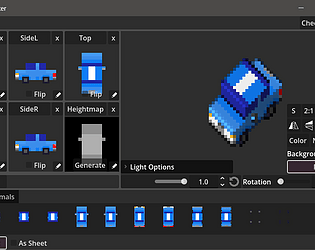
Loading on the slicer tab is a little bit hidden as it is done via the the buttons that seem like the title (e.g. "Front", "Left", etc.), which opens the file explorer for loading individual images.
While, in the planner there is currently only the option to load in batches of the full view and not individual images (see instructions as well).
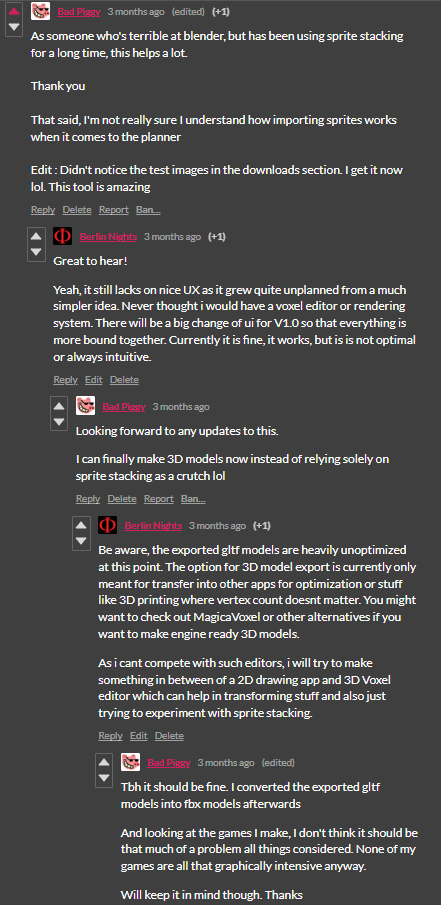
You can download the test_images in the download section to get something to start with as there are also examples for the different conventions.
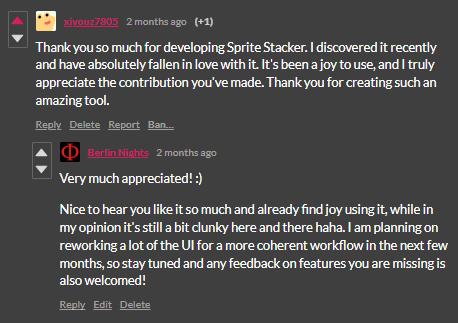
Nice to hear you like it so much and already find joy using it, while in my opinion it's still a bit clunky here and there haha. I am planning on reworking a lot of the UI for a more coherent workflow in the next few months, so stay tuned and any feedback on features you are missing is also welcomed!
Be aware, the exported gltf models are heavily unoptimized at this point. The option for 3D model export is currently only meant for transfer into other apps for optimization or stuff like 3D printing where vertex count doesnt matter. You might want to check out MagicaVoxel or other alternatives if you want to make engine ready 3D models.
As i cant compete with such editors, i will try to make something in between of a 2D drawing app and 3D Voxel editor which can help in transforming stuff and also just trying to experiment with sprite stacking.
Yeah, it still lacks on nice UX as it grew quite unplanned from a much simpler idea. Never thought i would have a voxel editor or rendering system. There will be a big change of ui for V1.0 so that everything is more bound together. Currently it is fine, it works, but is is not optimal or always intuitive.
Oh i missed the quad plane, but the box is implemented. Also want to add the ability to change the light direction later on, but i hope that suffices for now.
BTW: Doubleclicking on the Preview will reset the transform of the mesh
Your feedback is motivating me to work at least on a small update in the near future :) Thanks.
btw: I've read some of your blogposts. Very interristing stuff and nice artwork. I am also thinking about to write a mail, asking you for some sort of coop
Thanks for your reply, i really appreciate your feedback!
At least i will note down this bug and check it out in the future. As you can see in the timeline, the developement slowed down over the months, since i am working on different projects, but from time to time i still work on it. Hit me up, if you have any problems.
Hey, sorry but i have not updated the new versions in Linux and Mac and so i just hided it. But especially for you, i have exported the newest version for Linux and uploaded it here.
I would appreciate a quick comment if it is working or not! :)
Thanks! Since i am german, and many of the 'K's in german will be translated to 'C' in english, i just assumed it would be "Canban" without spell checking 😃
Thank you very much for your feedback. You was totally right. Checking without any past save files (so first time-initialising state) is going right on my Debug Checklist for the next releases.