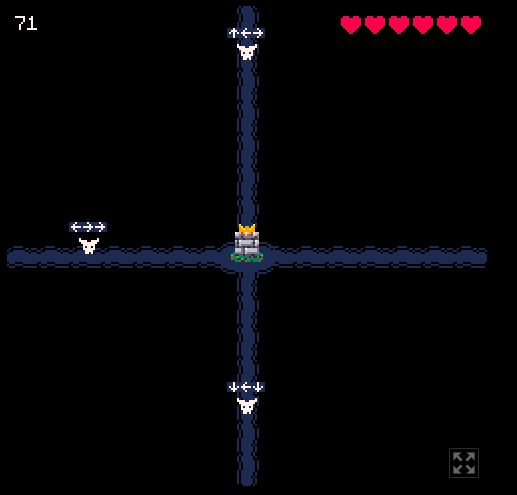
Nice game, i got 71 I love it! :)) (its a bit easy tho)
Barni - 07
Creator of
Recent community posts
it is a very nice game, i love it! I have some feedback to share (i don't fully know what is planned in the full release):
- I think adding a tool to remove random ores or water would be nice
- A bigger map size
- Maybe when hovering over a building it could show its recipe?
- Copy / pasting or at least block picking, where if you pick a building it remembers the recipe you set in it
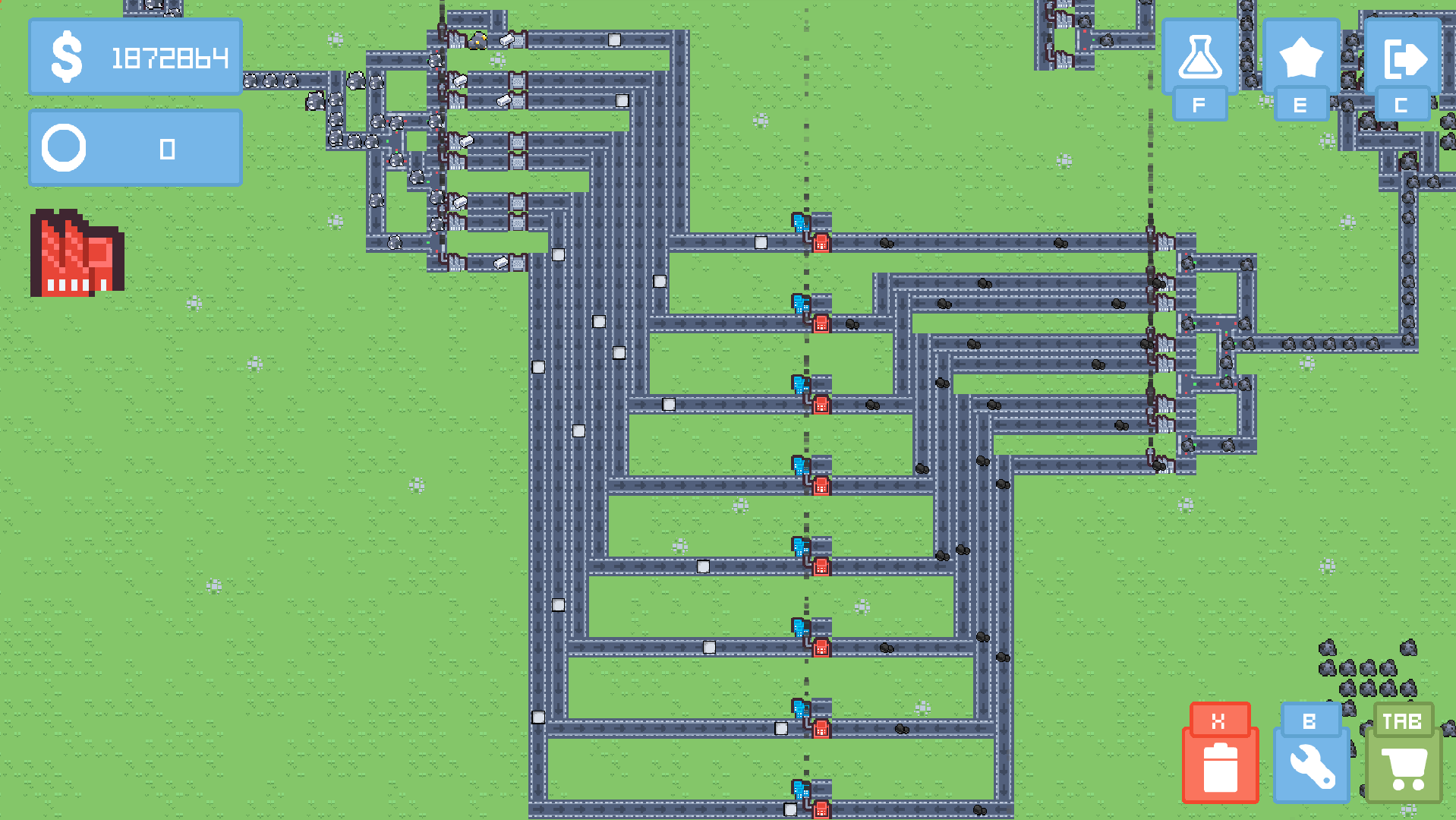
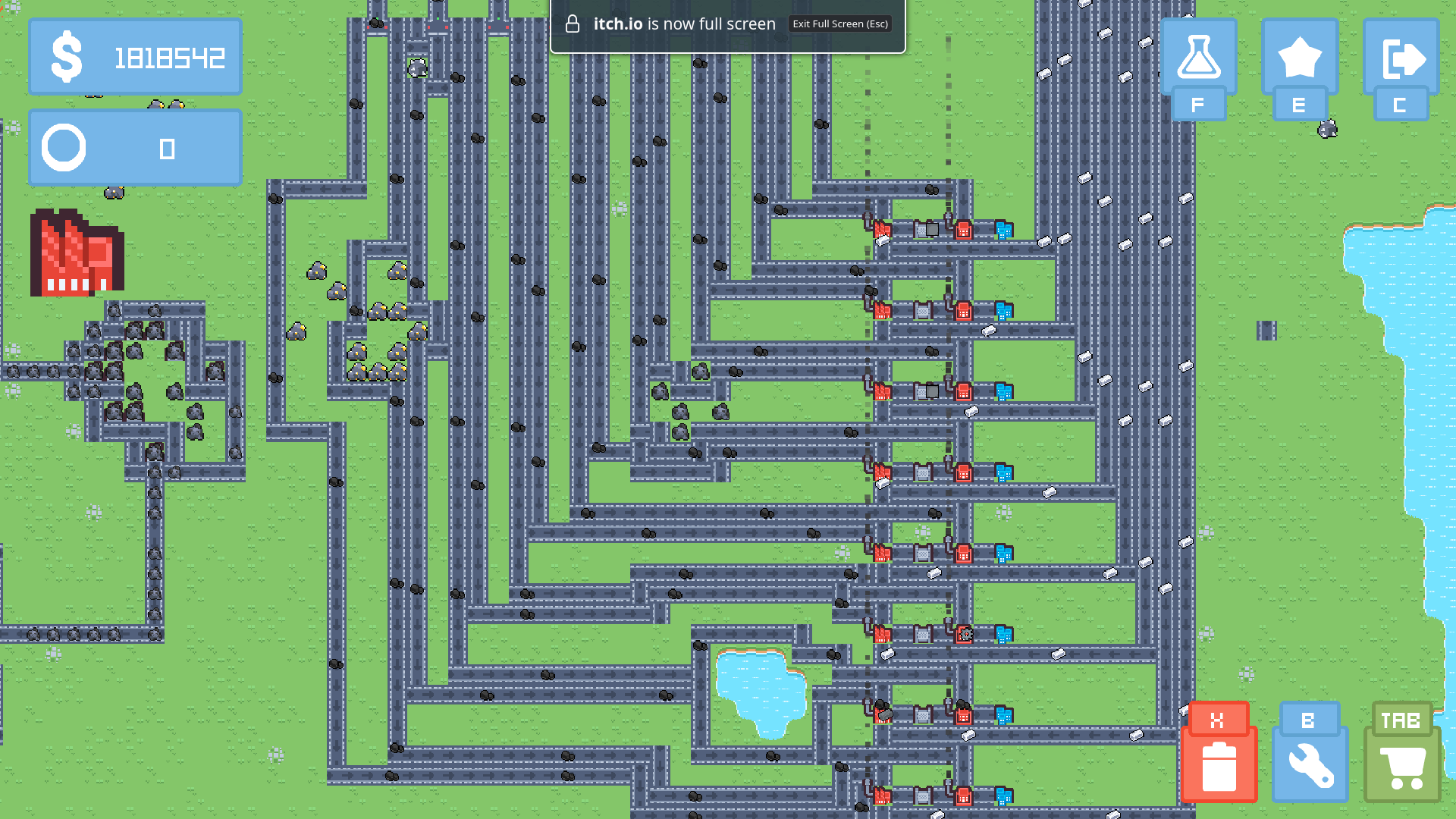
- Belt tunnels would be useful, because for example it is very hard to build a steel production factory and get the steel out of it. (You can see on the images, I'm not even getting them out of there, just processing them in place) Instead of tunnels, some logistical problems could be solved with a smart filtered splitter.
- Some music would be nice
- Maybe add some coin particles when you sell an item, so it gives you the satisfaction
I also noticed that after building a factory for a research, it is often not needed after that, so i had to demolish it.
- Please make the demolish tool draggable, so i don't have to click on each tile individually... (or the selection tool would solve this issue too)
Very nice game! Maybe add a nice medival song in the background. or simulate people living, and trading on the markets. Or add FPS exploraion! option, so you can walk on the streets and see the bards playing music in the town square! Definetly add an option for fountains / city decoration or lush gardens!
Hello! Widows, says it, because the .exe file was not "verified". Meaning: It was created by a third member, who microsoft does not know about. So windows is just telling you: Hey! I don't know who made this program, and what it does. Are you sure you want to run it? It can be a virus or something... But if you thrust that program, then you can force execution. To be safe, you can do a scan with the windows defender antivirus, to check if the file is "infected" or not.
#3D cube
const tickRate 3 op R0 = 0 op R40 = 0 #Y rotation op R44 = 0 #X rotation label mainLoop clear 0 #Top four points op R63 = R40 op R62 = R44 call renderPoint op R63 = R40 + 90 op R62 = R44 call renderPoint op R63 = R40 + 180 op R62 = R44 call renderPoint op R63 = R40 + 270 op R62 = R44 call renderPoint #Bottom four points op R63 = R40 op R62 = R44 * -1 op R62 += 180 call renderPoint op R63 = R40 + 90 op R62 = R44 * -1 op R62 += 180 call renderPoint op R63 = R40 + 180 op R62 = R44 * -1 op R62 += 180 call renderPoint op R63 = R40 + 270 op R62 = R44 * -1 op R62 += 180 call renderPoint display_color sleep tickRate #Rotate X op R40 += 2 op R40 = R40 % 360 #Rotate Y op R44 += 1 op R44 = R44 % 360 jump mainLoop #R63: angle Y #R62: angle X func renderPoint #Get point cos R63 R60 sin R63 R61 #Y scale sin R62 R59 op R59 += 100 op R59 /= 5 op R59 = 20 - R59 #Scale it op R60 /= 8 op R61 *= R59 op R61 /= 200 #Y offset cos R62 R59 op R59 += 100 op R59 /= 10 op R59 = 10 - R59 print R59 1 #Center it op R60 += 19 op R61 += 15 op R61 += R59 #Render it set_pixel R60 R61 3 return 0 #R60: x1 #R61: y1 #R62: x2 #R63: y2 func drawLine op R50 = R62 - R60 #dx op R51 = R63 - R61 #dy print_txt "dx: " 0 print R50 1 print_txt "dy: " 0 print R51 1 op R52 = R50 * R50 op R52 += R51 * R51 #dx**2 + dy**2 sqrt R52 R52 #length from x1;y1 to x2;y2 print_txt "Len: " 0 print R52 1 op R0 = 0 label lineLoop op R53 = R52 - R0 #progress print_txt "Progr: " 0 print R53 1 op R62 = R50 * R53 #offset x op R63 = R51 * R53 #offset y op R62 /= R52 op R63 /= R52 op R62 += R60 #line start pos x op R63 += R61 #line start pos y set_pixel R62 R63 9 op R0 += 1 if R0 <= R52 lineLoop return 0
Use this instead, free and easy to learn *definetly not made by me*: https://barni-07.itch.io/jassembly