

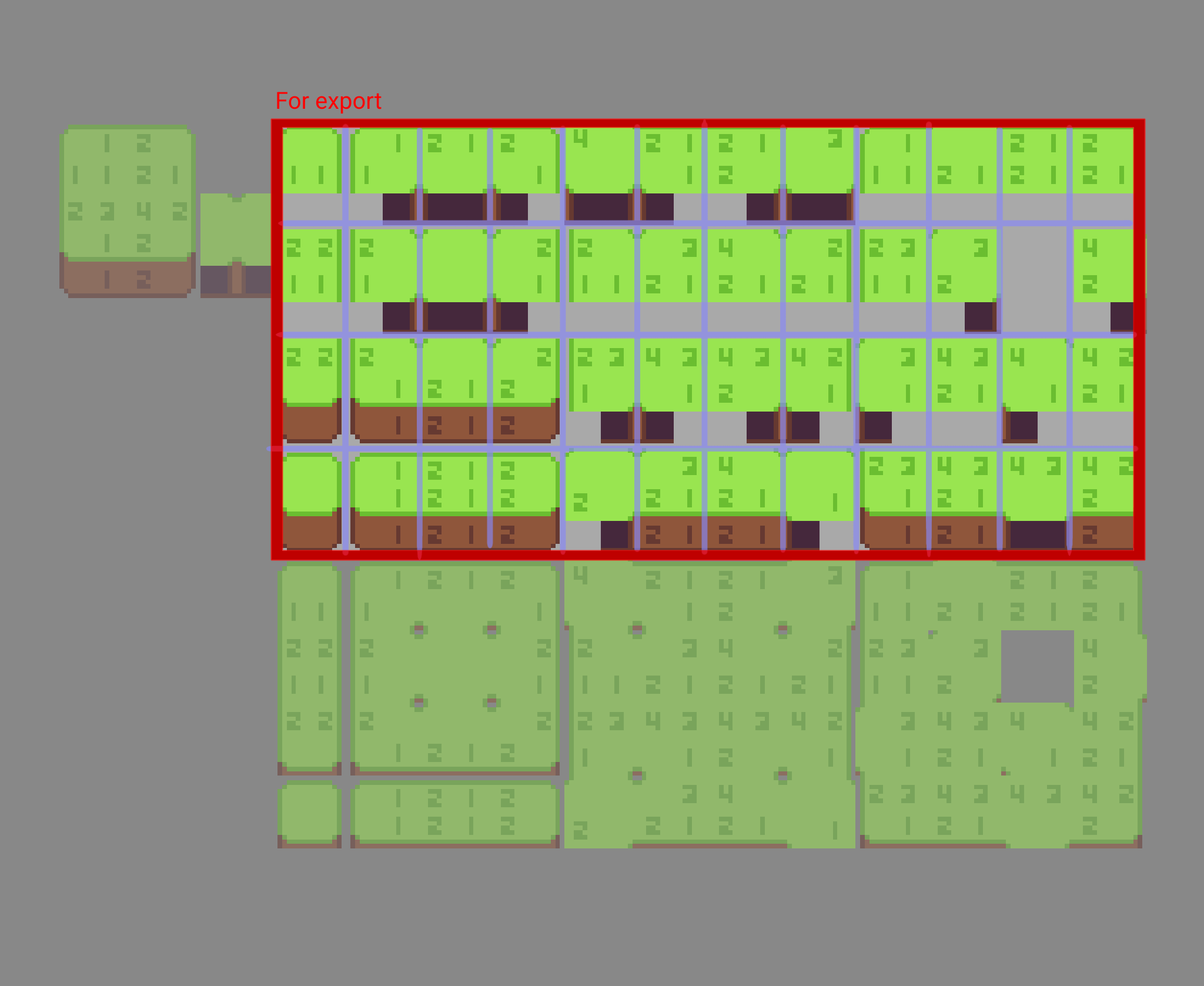
The wall tile arrangement/orientation (on the export section - see under watercolor's comment) follows the same arrangement of the normal godot floor tiles.
But since they are wall tiles, they have to be extra tall to compensate for the wall height. This makes it visually harder to see the tiling effects, that's why I have a top view version on the bottom, which makes viewing/editing the tiling effect much easier.
Upon export, do your autotiling setup the same you do for your floor tiles and make sure to offset your tiles vertically and set your hitbox to the lower half correctly.
I was going to release a proper video on the usage of the wall template with the aseprite extension when it was done, but I think I should do the video on the wall template sooner than later to clear up confusion on its usage since the extension is going to take a while.
A member registered Nov 30, 2020 · View creator page →
Creator of
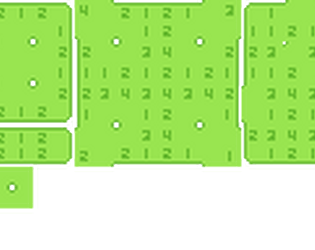
These are some tilemap templates you can use in asesprite
Recent community posts
Asesprite subtiling - tilemap templates comments · Replied to BCS in Asesprite subtiling - tilemap templates comments
 Yeah, I didn't cover that in the video.
The wall palette have the same godot format, and covers more height vertically. The base minimized version is on the top left, and on the bottom is the top view of the tileset so that you can double check the seam/tiling on the top.
To export, you just have to crop it as shown in red, the blue cells show the tile shape