Of course you can!
Apokalips123
Creator of
Recent community posts
Thank you for youe feedback!
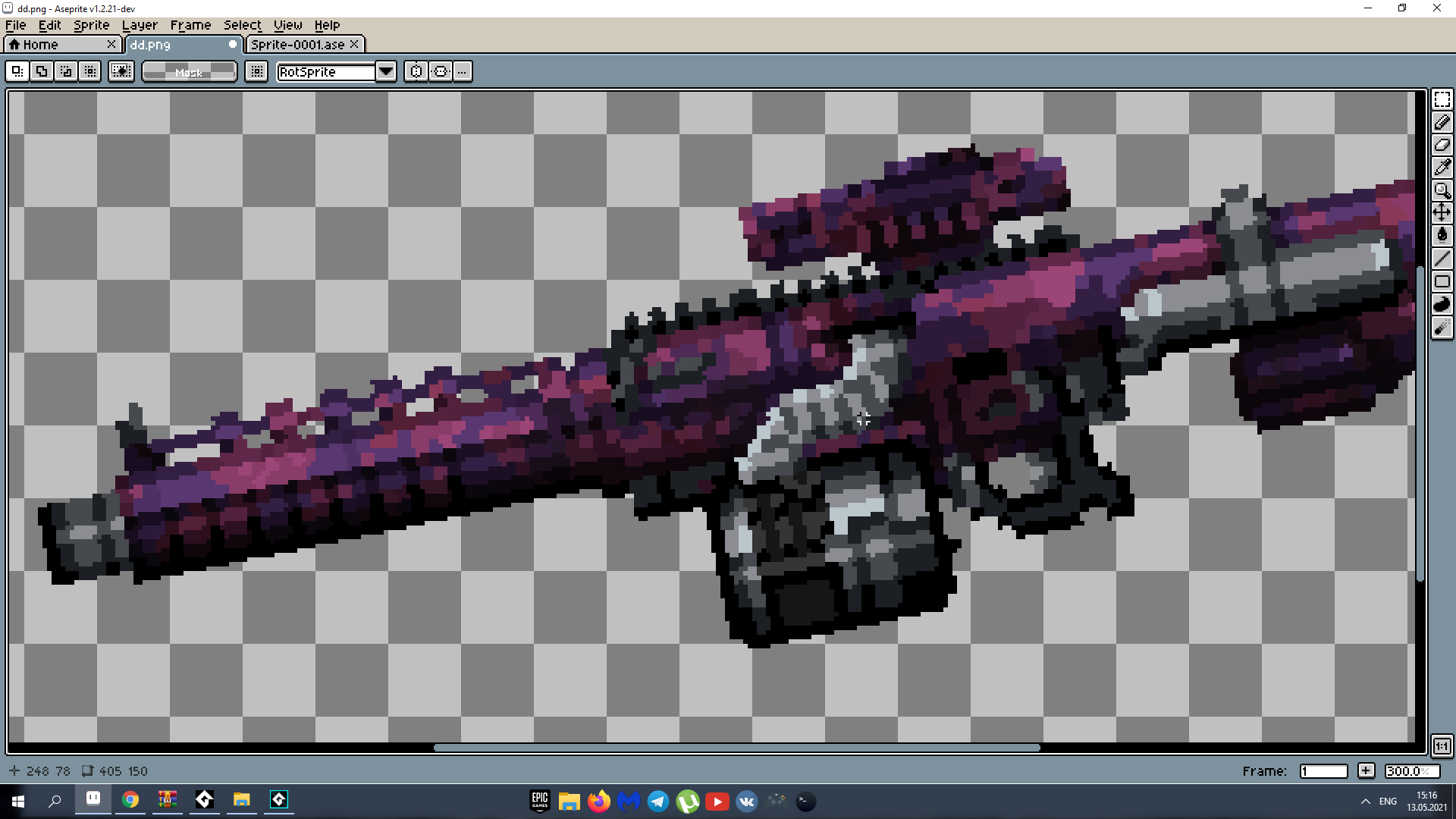
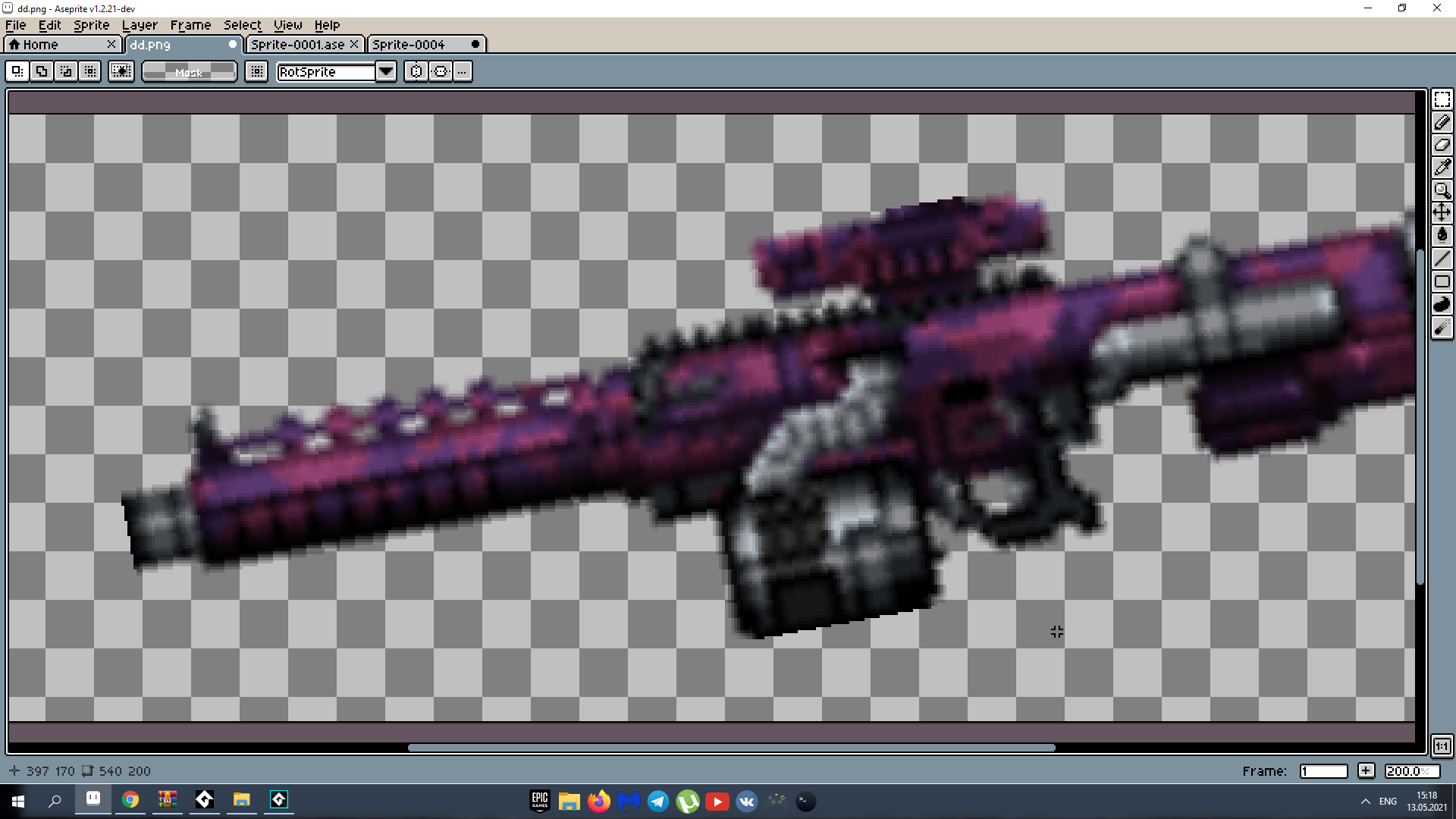
If the new parts are drawn taking into account the position of the old parts (it is most convenient to do this in the .aseprite file), then you don’t need to change anything, just add the parts as new frames of the existing sprites.
System not so flexible enough to support dynamic position changing of parts. You can use existing positions or setup new ones manually
You can ask your questions about the addon in this topic. The FAQ will be updated with questions from this topic
Common questions:
Q: What are the limits of the PoFP?
A:
- This generator is designed for hard surface objects that can be separated into parts. This generator can’t generate creatures or humanoids;
- All parts must be predefined and configured before generation;
- There is currently no collision checking between parts, so pay attention to this when designing the structure of your procedural objects;
- Number of parts in your object is limited with MaxIterationNum in the addon menu to prevent infinite generation that causes memory leak. If you have parts that potentially can spawn themselves, do not make this number too big;
- Now works only in blender, but you can export results of generation in common formats like FBX and OBJ.
Q: What are the best use scenarios?
A: PoFP is suitable for:
- Concept art and prototyping of hard surface 3D models;
- Getting a large number of objects for your projects with lots of variations in a relatively short time;
- Filling your Blender scenes with a variety of objects;
- Experimenting with procedural generation.
Troubleshooting:
Q: Objects not generating?
A:
- Make sure that you have a collection named “Setup” with an object named the same as the collection with first part of your objects;
- Make sure that you have a collection named “Generated”;
- Check the names of collections and joints.
Q: The object is not generated completely?
A:
- Try to increase MaxIterationNum in the addon menu;
- Check the names of collections and joints.
You can use it in commercial games, but you can't sell generated guns.
if you want to sell it, you can redraw all parts used in the generator by yourself and use the generator to combinate it,
or you can use generated images as a base and redraw it, then you can sell it,
or we can make a deal if you interested write more about what you are going to do: semarumov@gmail.com
Unfortunately, to make Mac OS support I need a Mac computer, if you have a GMS2 desktop license you can build it by yourself.
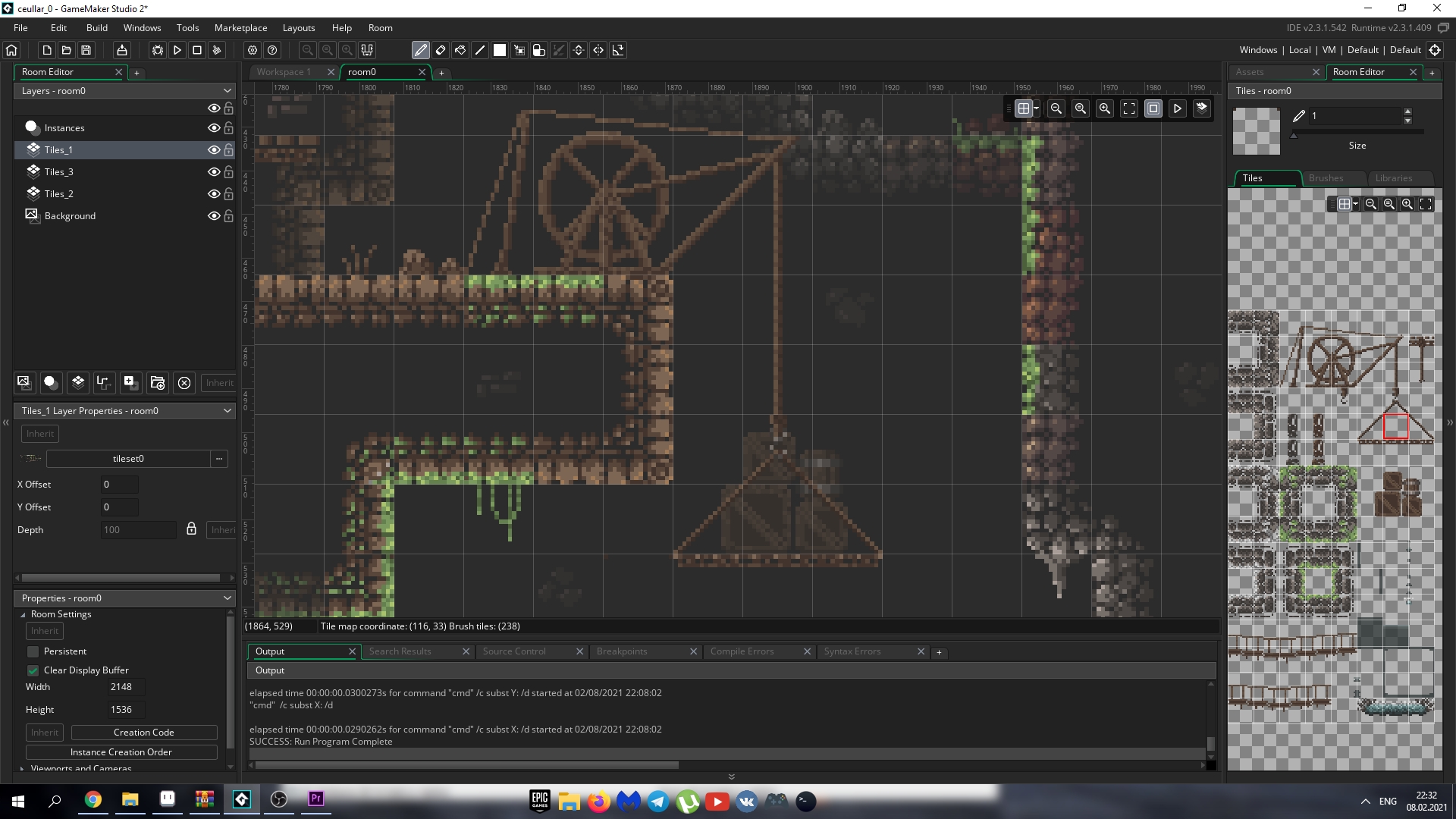
You can change the shift key to another in GMS2 object0 ->Step event-> line 53-> replace 'keyboard_check_released(vk_shift)' to ' keyboard_check_released(ord("F")) ' you can write any char instead ' F '
Do you need to scale the whole weapon or delete big parts from the generator?
You can delete parts by deleting frames in parts sprites but do not forget to delete the same frame in mask sprite for the same part.
If you need to scale the whole weapon it is problem because you need to redraw all parts.
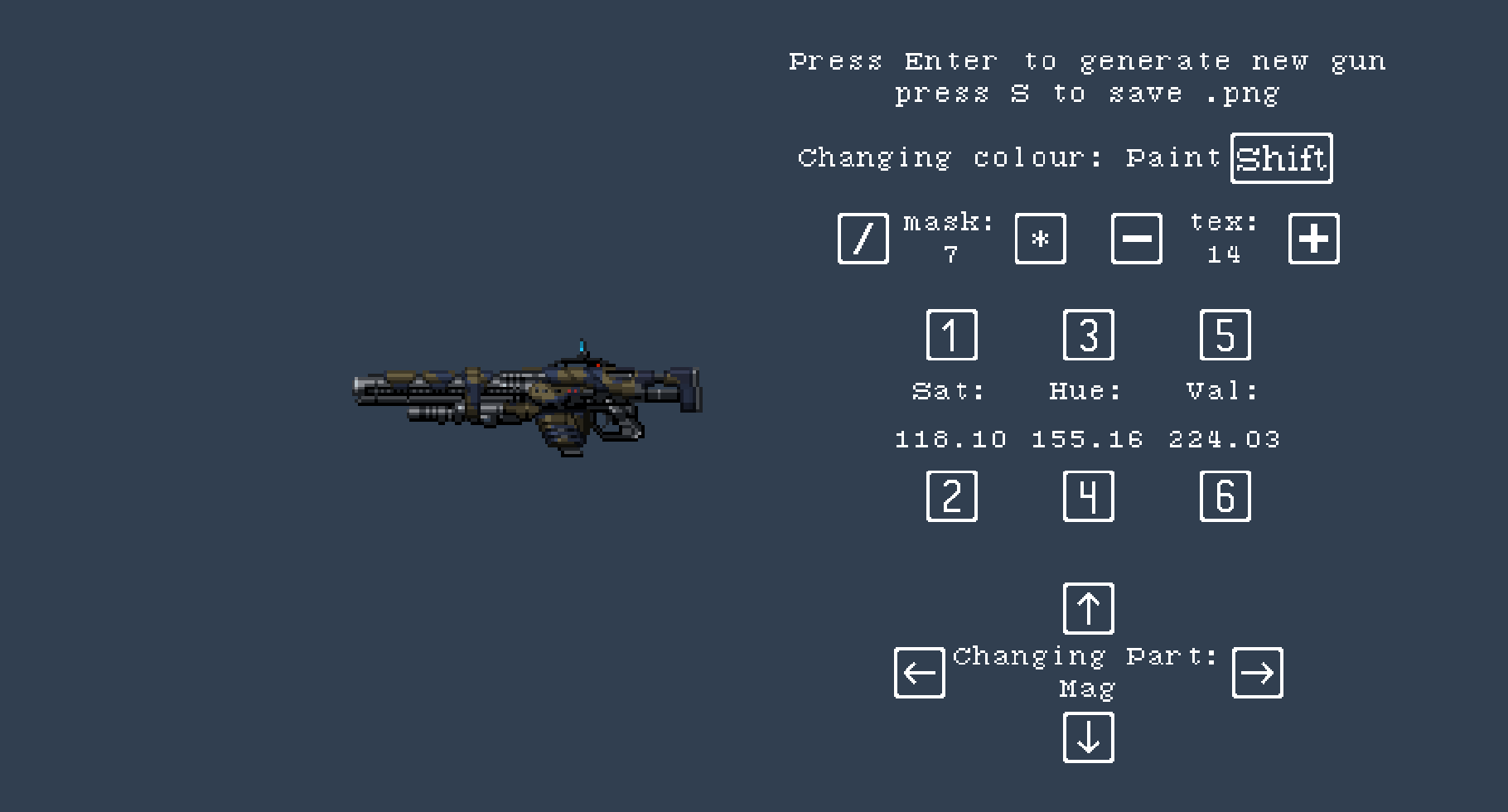
You have this interface, right? You can change paint mask by "/" and "*" in numpad, if you don't have numpad use numlock (look in google). You can change colour by numpad numbers and "shift" for gun/paint colour to change.
If you need to use your own masks you need tier 4 and GMS2 game engine. Change one of "mask" sprite.
Write your email, I can send you tier 4 generator if you have GMS2 engine