Initially, the death animation was even longer because it waited until the player touched any solid ground, but when I added spikes to vertical walls, I had to change it to 1 second. Maybe it’s a bit too long still, but I didn’t feel it was momentum-killing.
Still, I played versions of the game for almost 8 days while making it, so by the end of the jam I could complete it with a relatively small amount of deaths. For a new player with no experience, this 1 second may add up a lot, so thanks for the feedback!
The TAS actually does some insane skips, a few of which are humanly impossible (some are humanly possible, but still not feasible for a regular playthrough).
I thought about adding more checkpoints, but decided not to. Last-minute idea was to make powerups act as checkpoints too, which made some screens easier, and some harder. For instance, the double jump powerup acting as a checkpoint meant that you’d have to learn how to do extended double jumps of screen-wide hazards, but I should probably have made a little more safe ground immediately to the left of the powerup, so you didn’t need to react right on the screen transition. But I guess an optional dynamic camera that follows the player helps with that a bit.
Adding more checkpoints, in my opinion, would make this game a little less challenging, and remove some sense of accomplishment when you finish a long obstacle gauntlet and collect a new powerup as a result. But I agree, not everything had enough polish, and some deaths may feel cheap.
Level design is probably my weakest link, and my goals for this jam were to improve skills in this regard and make a player controller feel agile. My previous games feel sluggish as hell in comparison.
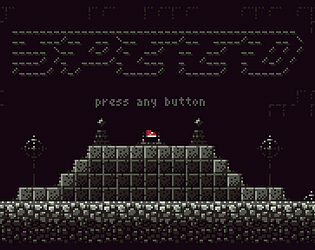
Yeah, I was so into TIC-80 aesthetics that I forgot that not everyone is familiar with its virtual controller mappings (even though I made an in-game tutorial that switches between keyboard keys and controller buttons in the message, depending on where the game is played, I still forgot to mention it on the title screen)
It’s a rather short game, so let’s pretend that I made it difficult on purpose to prolong it, like on good old NES, where many games were stupidly hard too. (I should probably have playtested it, but didn’t have much time left.)
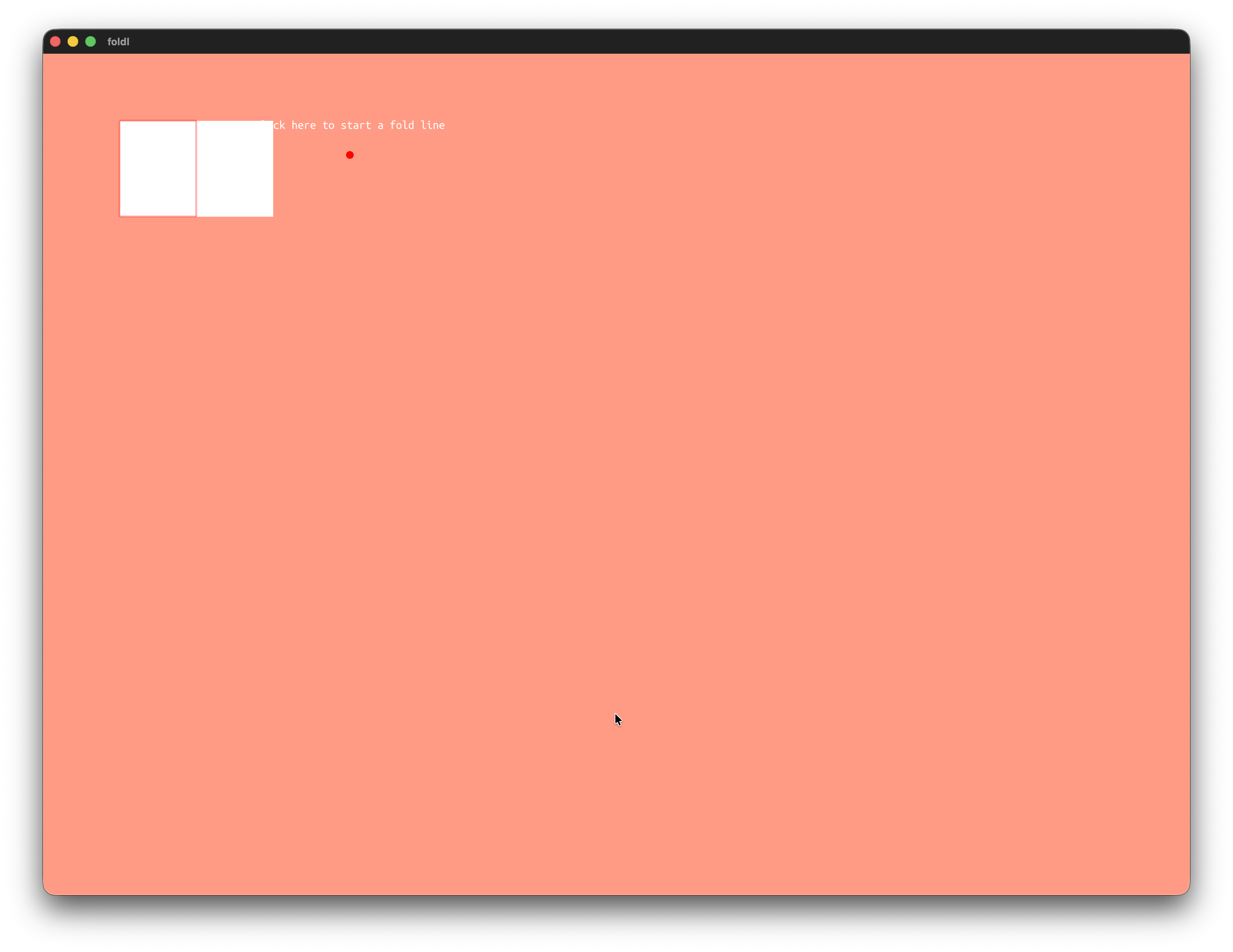
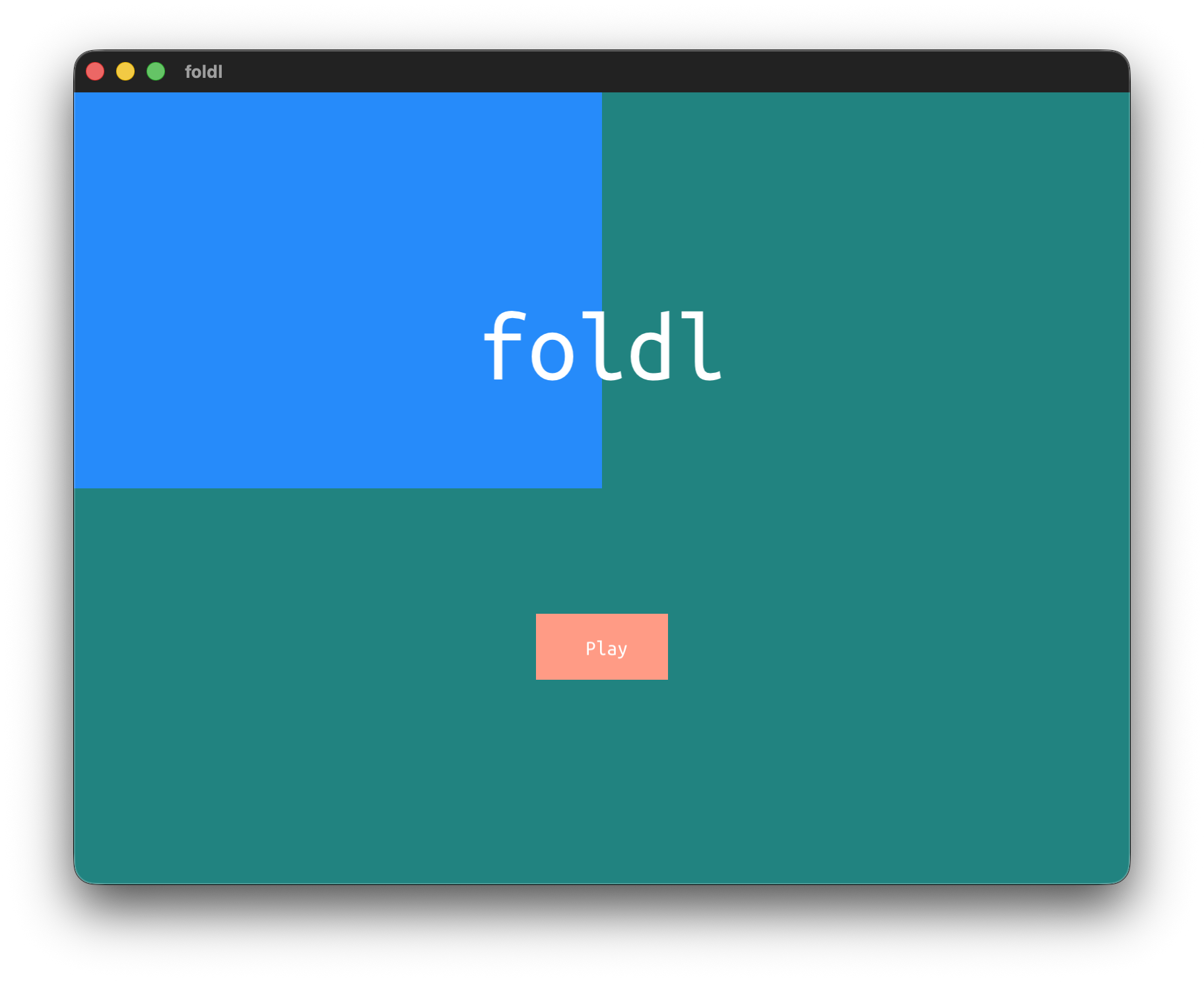
I think there might be a mismatch between the physical pixels that glfwGetFramebufferSize returns and the virtual screen pixels that glfwGetCursorPos returns, so a scale needs to be applied when mapping clicks on UI elements
On macOS, I can’t press the play button, nor advance with any of the keys, and the game won’t start without the -XstartOnFirstThread flag. Looks interesting. Any tips on how I can make it work?
I don’t see an image, but I think I know the place. Yeah, it may not be obvious how to make many of the jumps, and I didn’t have time to properly playtest this with other people, so it may as well be janky, but I’m too familiar with it to really see that. There’s also a playthrough video on YouTube, linked on the game page, if you wish to see the rest of the game.
There’s a thing that this was a game jam entry, so I would not do any updates to it, it is an artifact of the process, and I’d like to keep it that way. Maybe if I will ever do another game of this genre I will definitely change a lot of things :)