https://540software.itch.io/dicon
This is dicon, it's the icon building app I always wanted and never had. I made it for my own use, but hopefully someone else finds it useful. ICO isn't just an image format, it's a collection of a bunch of images in the same file - dicon gives you an easy way to drop images into that collection. If you have a bunch of different sizes for your app's icon, you can just put them all in the same folder and point dicon at the folder. You'll import them all together and then you can use the auto-assign feature to put everything where it needs to go. Making an ICO file with this workflow takes basically no time whatsoever.
You can also crack open pre-existing ICO files if you want to get the images back out. Very convenient feature if you forgot to save your dicon project and don't want to start from scratch.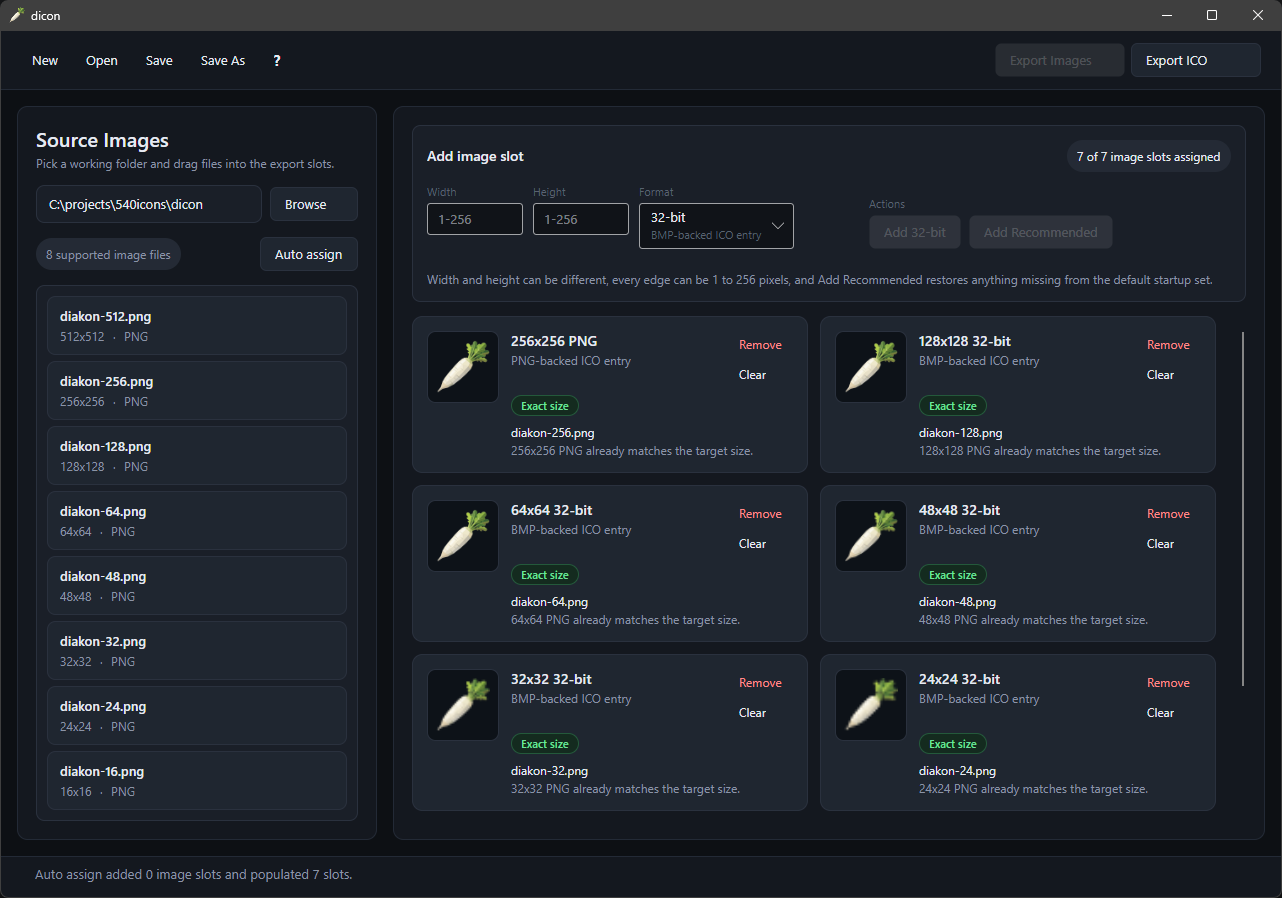
Creator of

Recent community posts
https://540software.itch.io/takataka
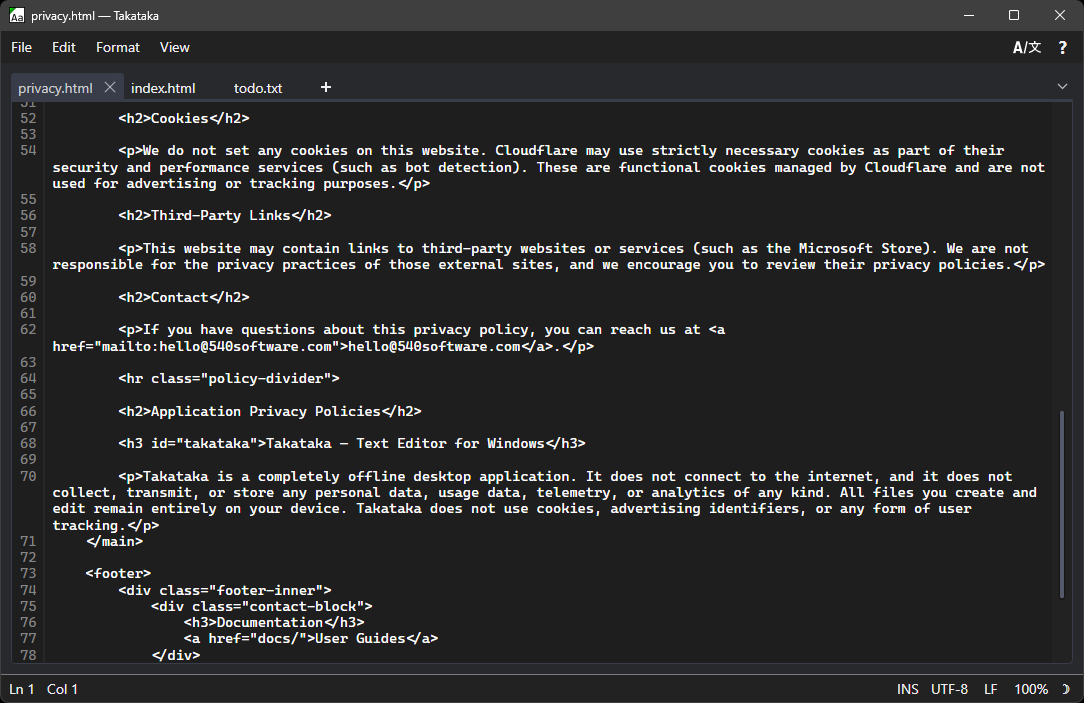
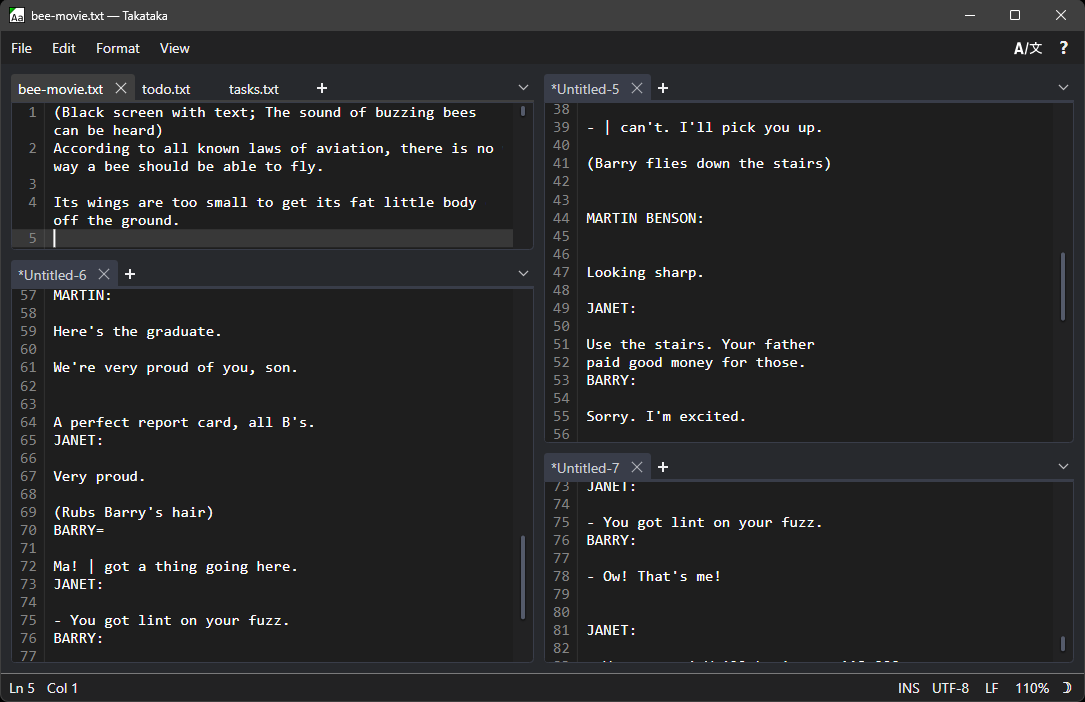
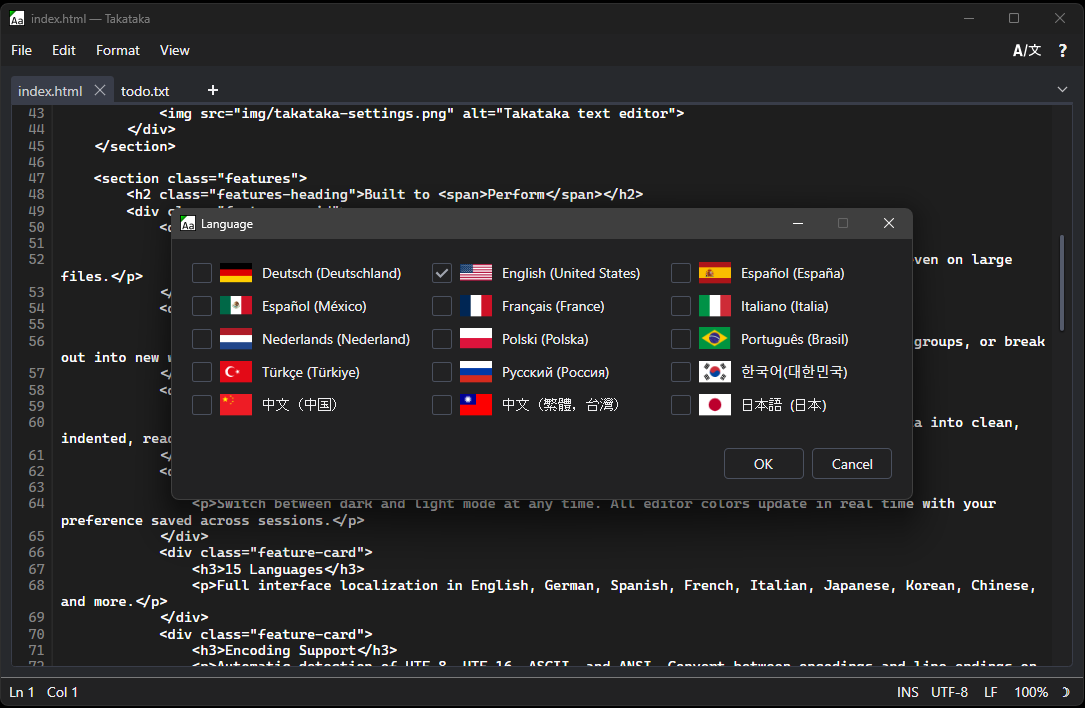
Takataka is basically just the text editor that I wanted to make for myself, with the features I personally thought would be appealing. It's the first of a bunch of tools I plan on making. You can do whatever you want with the tabs, drag them around and make arbitrary groups/splits however you like, pop them out into new windows - basically whatever you want. It keeps sessions, so you can close and reopen it to find all your files still there, including the unsaved ones. This preserves your work in a crash too. You can smoothly scroll and edit files that are many-many-millions of lines without any visual slowdown. The tab context menu lets you rename files or open containing file locations from right inside the text editor. The most recent update added multi-line editing, which was probably the last big-ticket-feature that I personally wanted. The original version is on the Microsoft Store, the new update with multi-line is pending validation over there. (It's available now.) I'd love feedback from anyone that tries it and has any suggestions or runs into any issues. There's links to the user guide and bug reporting form through the About window in the app - (The question mark button in the upper right)
It's taken over as my main text editor in Windows, maybe it might be yours too.
Grab the version from the Microsoft Store if the Smartscreen warnings in Windows make you nervous.