No, this one is feature complete and is a finished product.
4mat
Creator of
Recent community posts
After doing some more tests. If I put the sidlab program in a folder with some sid files and set that as the IEC device folder it works.
I can load/save them and also config files. So the main part seems to work.
The directory listing looks a bit weird because I don't have support for caps letters or anything so I can look into that. Is this what you were looking for?
I'm using all Kernal routines for the drive so I assume some of it probably works. (like the load/saving) Testing locally in an emulator it seems the directory is blank if I set to an IEC device. I'll have a look if that's an easy fix, the drive stuff is probably the oldest part of the tool. :) I only have space for about 60 filenames from a directory.
Note : Playdate recently changed how envelopes work in the online editor, all the music in these projects was written BEFORE that change so notes will be staying on for too long in the demo songs. This doesn't affect the music converter though, as I don't create envelopes in the conversion process. See the youtube video for how they were supposed to sound.
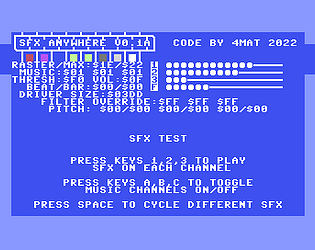
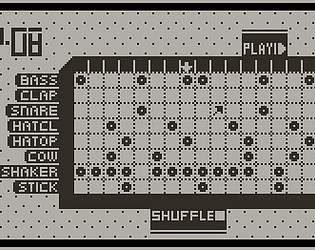
Ah, yes doing a step on joystick input would be easy to add. Let me have a look into that. Usually the music driver is running off the system interrupt. I'll have to double check but I think as I don't set the timer speed it'll default to 60fps on both PAL & NTSC systems. The tempo counts X ticks and then moves to the next step. Note lengths are dependent on the oscillator's gate being switched on or off on a step. As it's feeding data into the sound chip registers directly all the settings for a channel can be independent of each other. The downside with this editor is registers can only be set to a fixed value once per step (the left side of the screen) , but their values can be altered per tick using addition/subtraction on the right side of the screen.