

Hi, sure it is a good place :-)
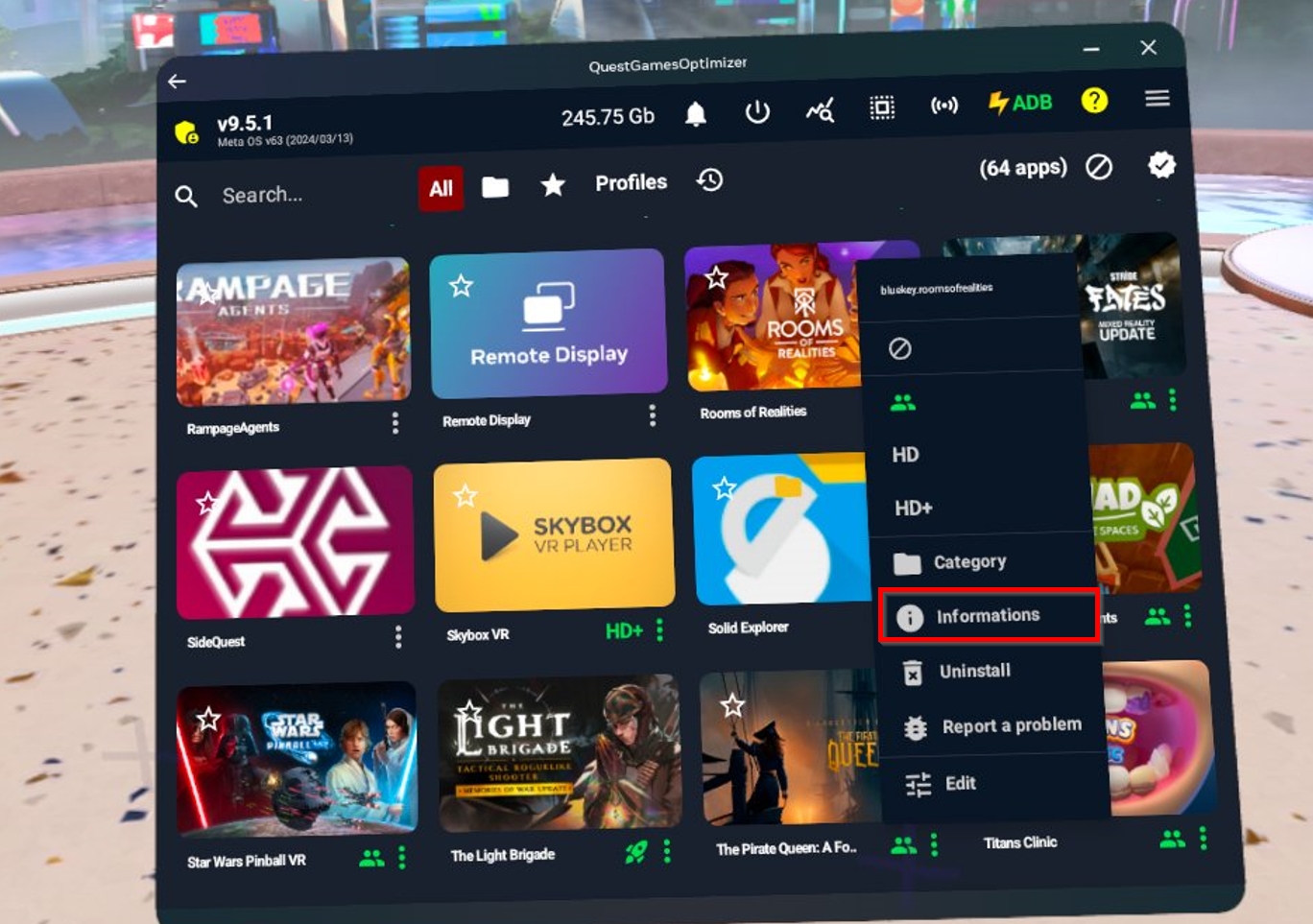
However, I don't understand. I just checked and I wrote "Informations", so it seems to be good ?
Do you mean, I must write "Information" instead of "Informations" ?
Are you kidding guy... ?
I just saw your rating... You know I answer everyone, you know you can contact me by email, or contact Itch.io support, you know you can contact me on discord, on reddit, on facebook and just here as many do.
Did you follow the explanations and solutions in the red banner in QGO ? When you installed QGO, did you follow step by step and click by click what I show ?
Please uninstall QGO, restart the Quest, enable first ADB wifi via sidequest, then sideload the apk, then start QGO, log in with your email, and accept 4 prompts and click 4 time on ALWAYS ALLOW ON THIS COMPUTER/NETWORK and not on ALLOW button. You must not click on the ALLOW, but the ALWAYS ALLOW, this is very important. If you don't have the 4 debug prompt and if you don't click 4 time where I show, every time you will restart your quest, ADB will be red.
Also, you have some explanations that explain why ADB can be red (if you change network, for example). All of that is in the FAQ page you can see on my Itch and in the installation and instructions section : https://anagan79.itch.io/quest-games-optimizer/devlog/538649/questions-answers
So please do it again and come back to me. You have my email on this page : questgamesoptimizer@gmail.com, you also can send me a video showing you installing the app in order I check if you do all thing in the good way. I will help you until you change your rating ;-)