
Indie game storeFree gamesFun gamesHorror games
Game developmentAssetsComics
SalesBundles
Jobs
TagsGame Engines
(1 edit)

YoutubeVR

Profile for YoutubeVR does not work with HD+ Profile, the right lens will go out of focus, I found out it was the 3072 DPI was too hi so I set it down to 2560 * 2816 so far seems to be ok now.?

Anyone else noticed this problem previous versions of QGO I was able to set it to 3072 DPI?

FYI. Running the latest Version QGO 5.2.3 and Meta Quest Version 50 I did a factory reset and reinstall all apps / games. 

Thanks 
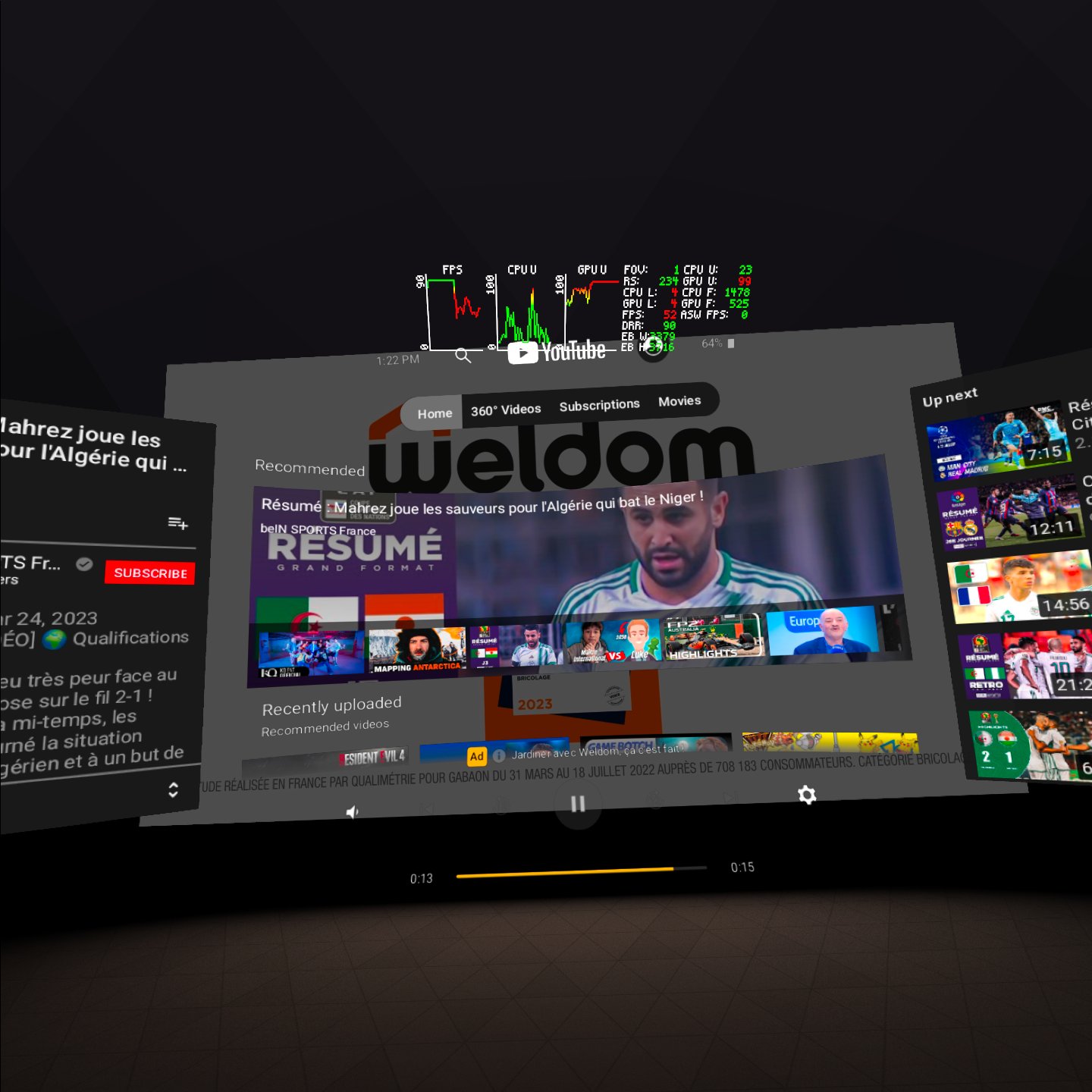
Hi Carlos, I saw your email yesterday, but I was busy. I need to check today :-)

Hi Carlos, I have no problems with what you mean about the out of focus. I tested on both my Quest Pro and Quest 2 but thank you for the alert, I just republished the HD+ profiles for Quest 2 and Pro because these profiles were very laggy as you can see on my screen...

Thank you.  Working now.

Does profile updates work automatically or I have to activate..  Just wondering?

Thanks again. 

Keep up the good work. 

Automagic  😉