

You can use relative path just by renaming the path property (see how the image is saved in getting started project for example). Pixel Composer will search for the same directory of the project first, then search for the entire device.
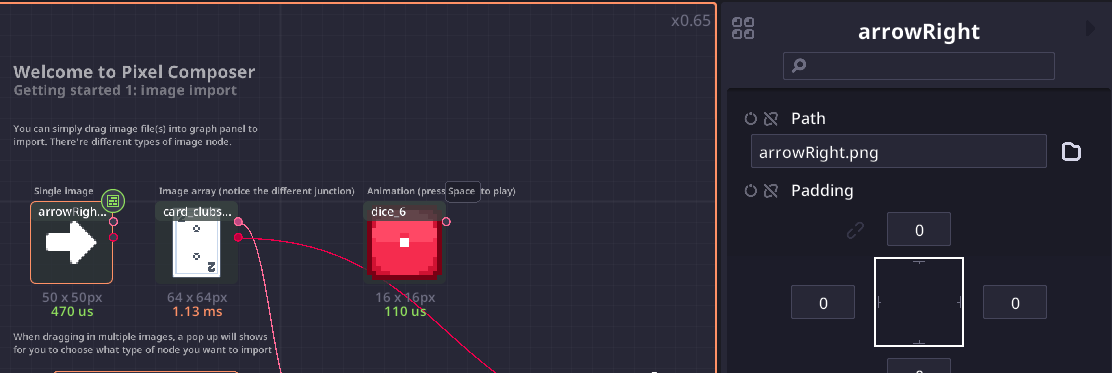
Unfortunately you can’t change the path property of an image array. In the current version (v1.0.9) you have to edit the save file by opening the .pxc file in a text editor and replace the path manually.
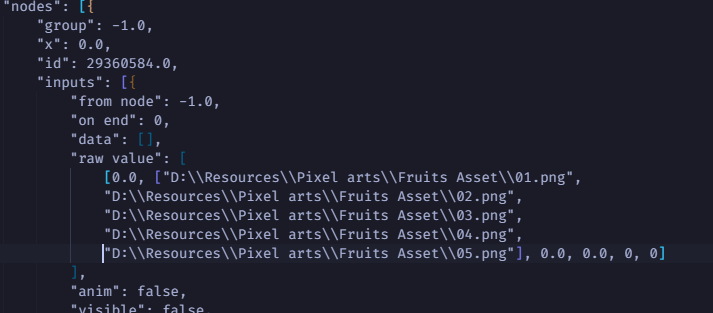
The save file is simply a single line .json file, in vscode, you can use beautify to format it and search for absolute paths.