

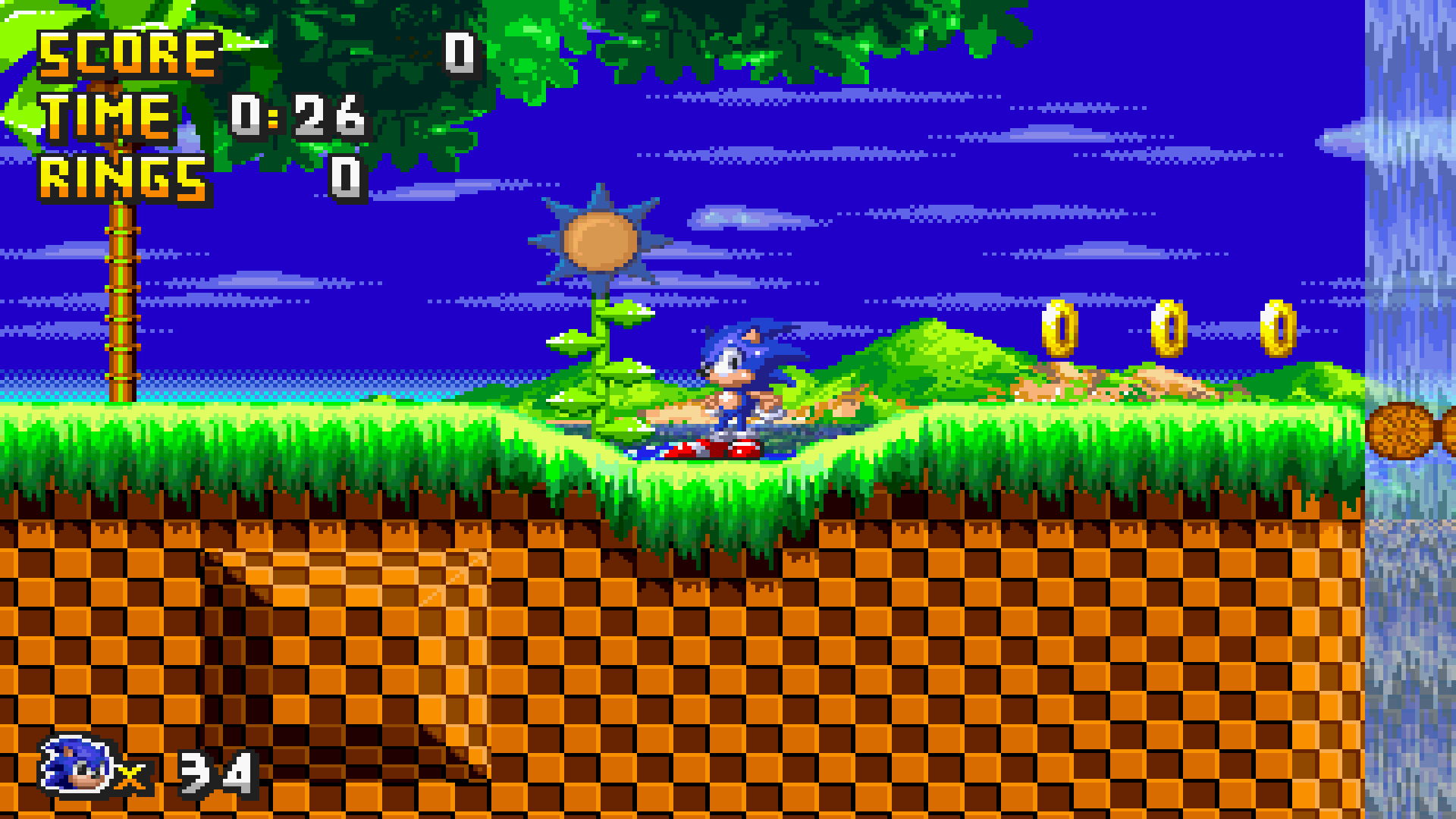
for everyone's sake, i will say that the tv filter makes an work here, as you can see, this fangame has dithering for extra colors, not for transparency, since it's has transparency for waterfalls, shields, tubes and more, without the tv filter, you will see dithering, is an bit charming for some people, but anoying for some others, here's an example:
for backgrounds:
with tv filter on:
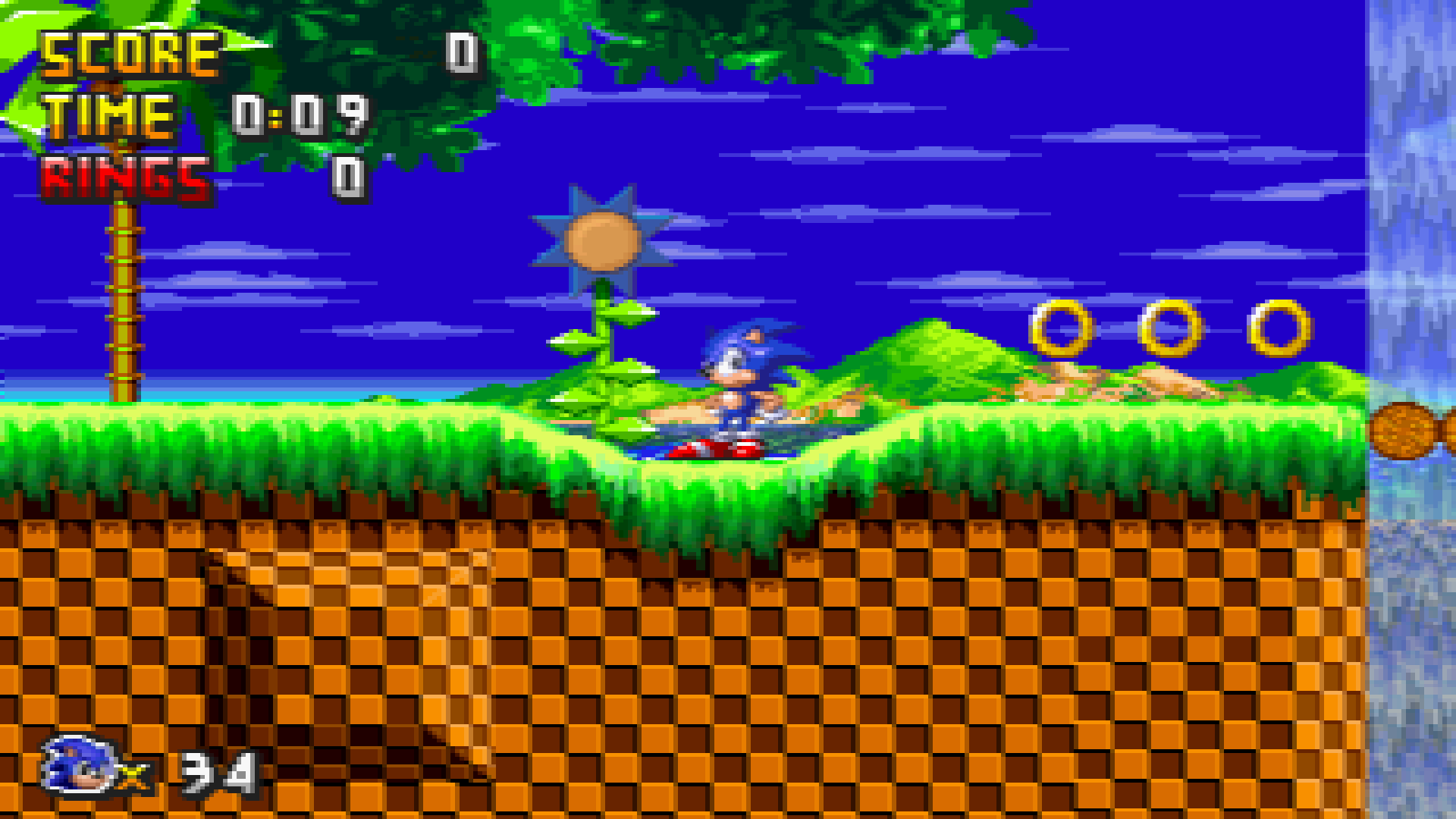
with tv filter off:
and here's some dithering in eggman's mobile:
with tv filter on:
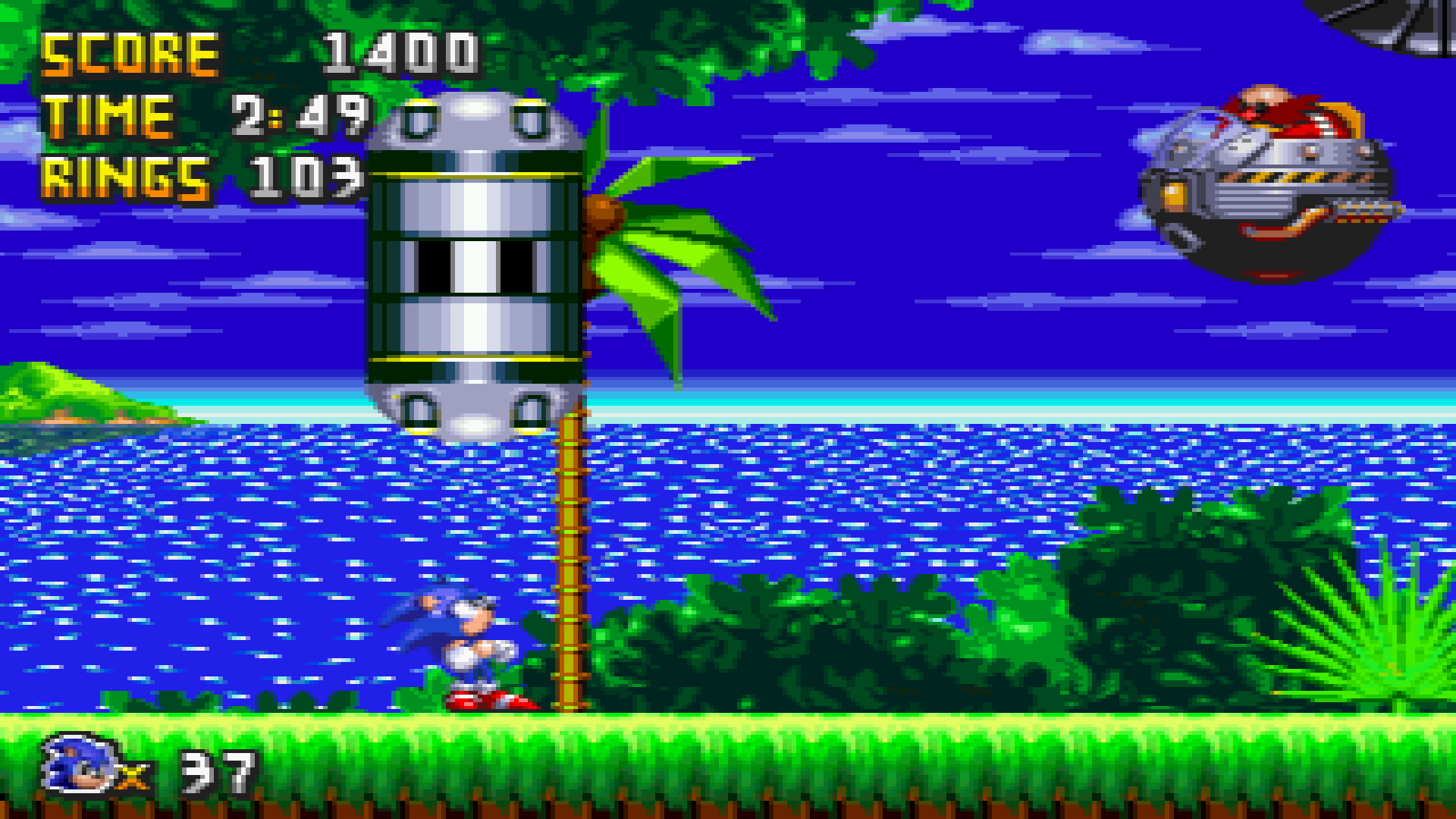
with tv filter off:

the tv filter doent's need to be activated if you only want transparency.
here's an example:
waterfalls:
with tv filter on:
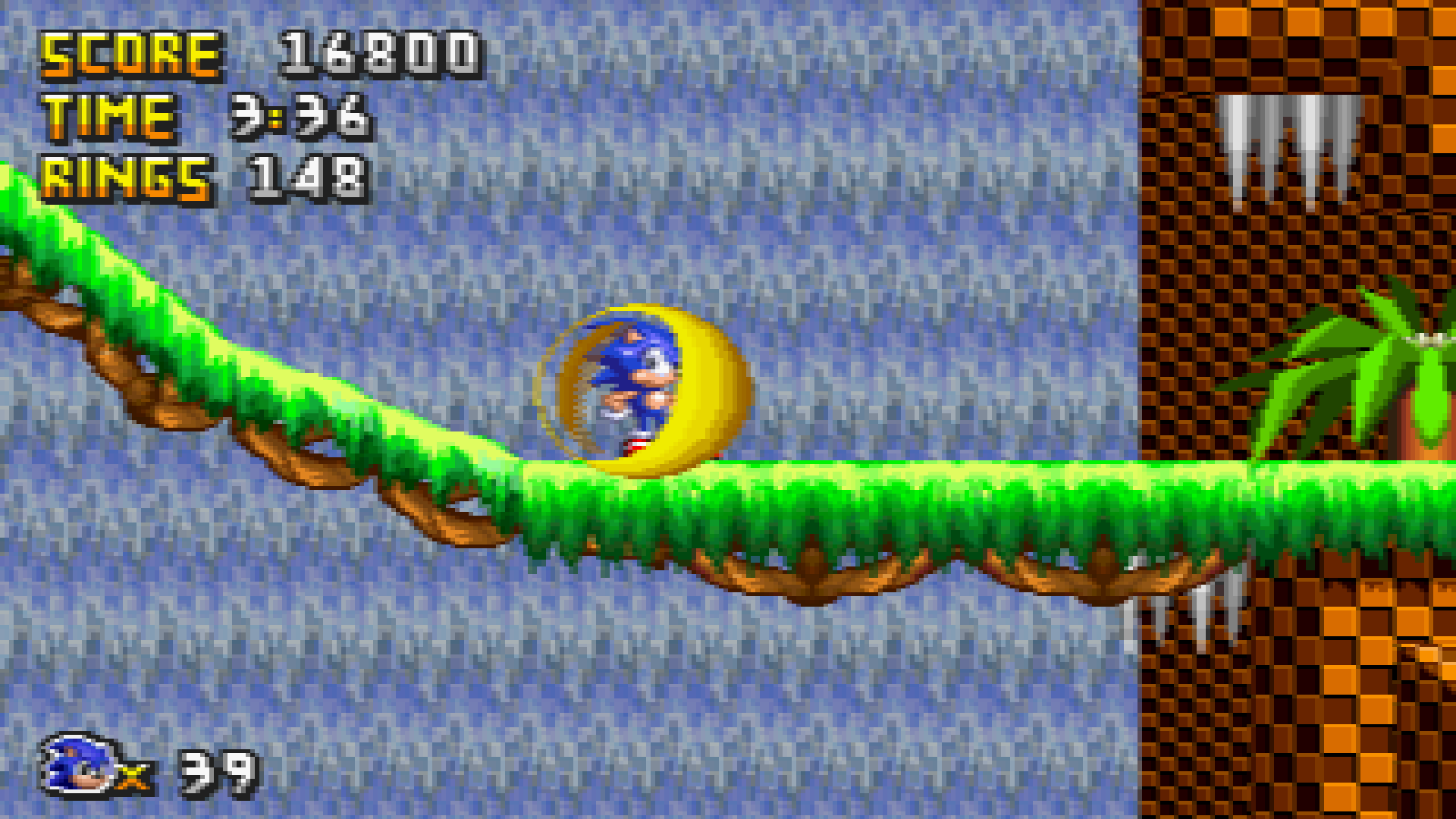
with tv filter off:
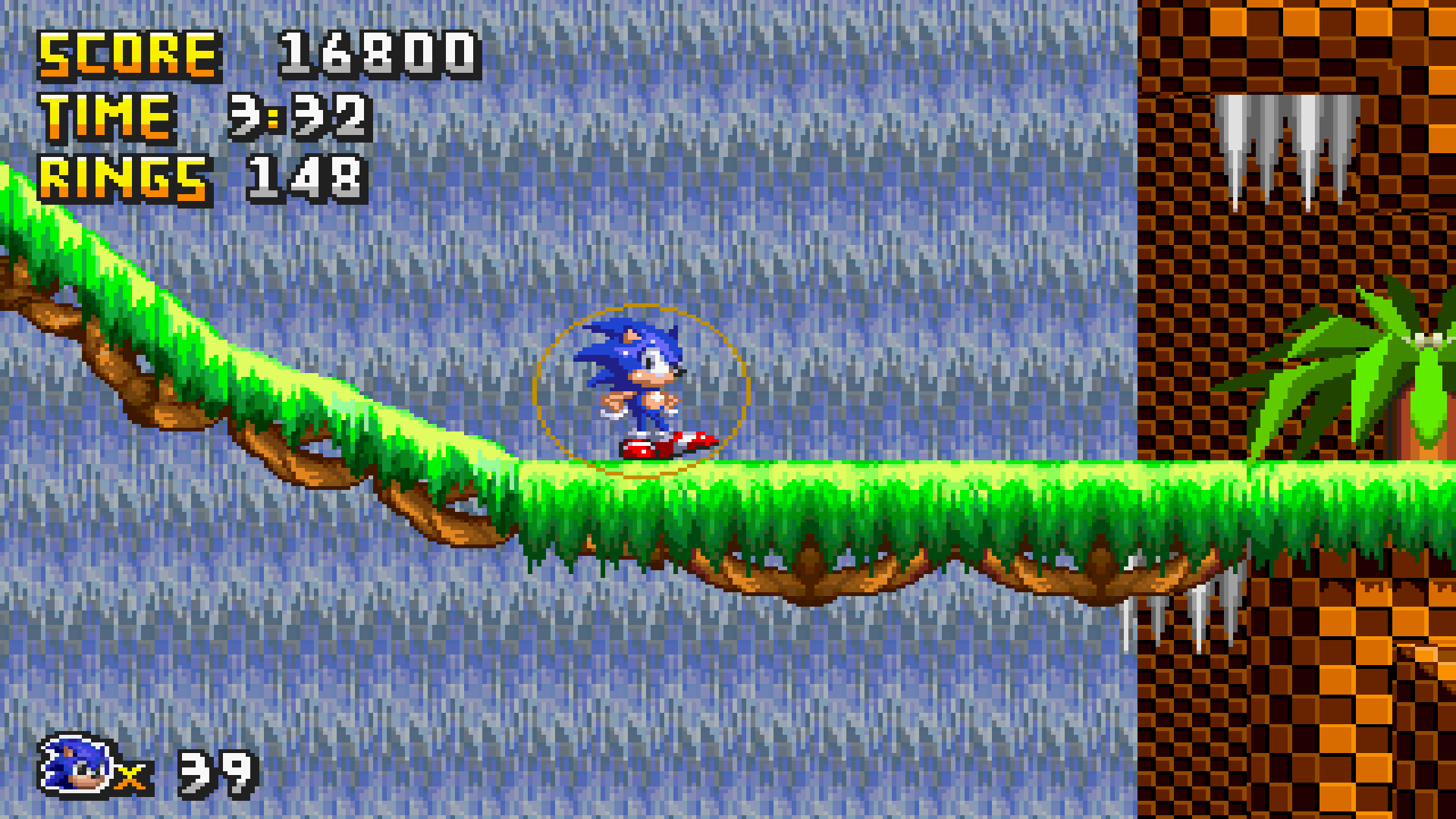
see? the waterfalls will look more colorfull with tv filter activated, but those waterfalls already has transparency so the filters does an great job hiding dithering from this fangame, and i can say that it's looks great for me who's played this in 2020, this fangame aged pretty well for it's standards, good job sotaknuck for using dithering to simulate genesis graphics, it's looks great with tv filter on, well if you want more examples comment here. thanks for your patience.