

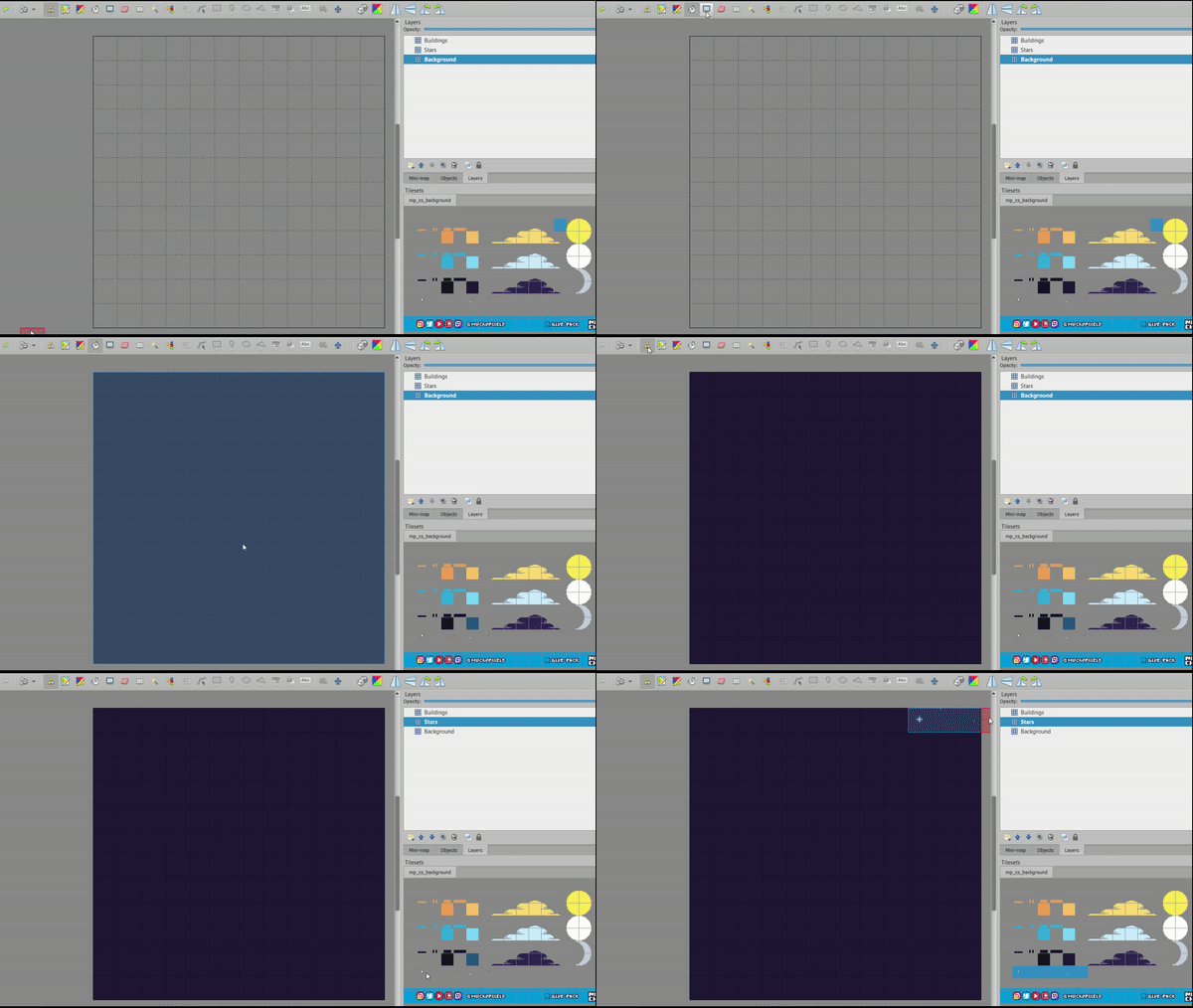
Hi! Hope you are enjoying the courses! Here you have two GIFs to understand the functionality of those specific assets. I'm using the software Tiled on these examples but you can use other software if you want, you just need layers.
The dots are "stars", they work nicely when you fill the background with a dak color.
The dark squares are the minimum assets for creating buildings on the background horizon (the skyline). You have small details (placed right above the squares) that will make the building look more dynamic and more like actual distant buildings.
Here you have an example of how to use those stars and the skyline squares:
Shadows can be used in many ways, you just have to take care of placing the layer that contains them in the correct hierarchy. Here you see how easily you can add some depth and volume by adding shadows to the wall of a simple house. This will help the player to "read" the ground:

Sorry for the low quality of the GIFs. Hope they help! We will try to share a full developed post with tips and tricks using our tilesets :)
Cheers!