I have no easy way of just sharing a file, instead you can:
- First, you need an app that can create and edit txt files. This app for example.
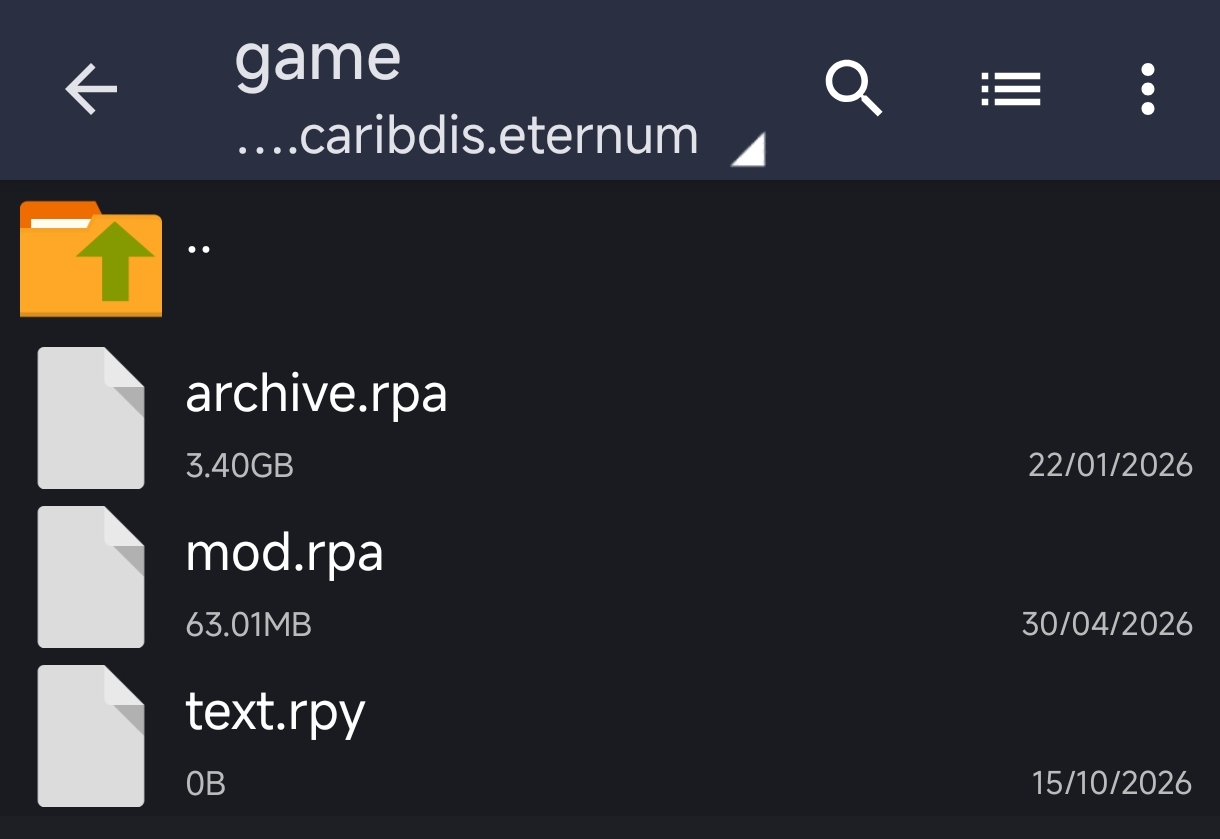
- Create a new txt file in your game's "game" folder. Name it something like "gallery_unlock.txt"
- Open that file in your app and paste in this code:
init 999 python:
for scene_idx in range(len(replays)):
renpy.mark_image_seen(replays[scene_idx][0])
- The spaces before line 2 and 3 are important! Don't remove them.
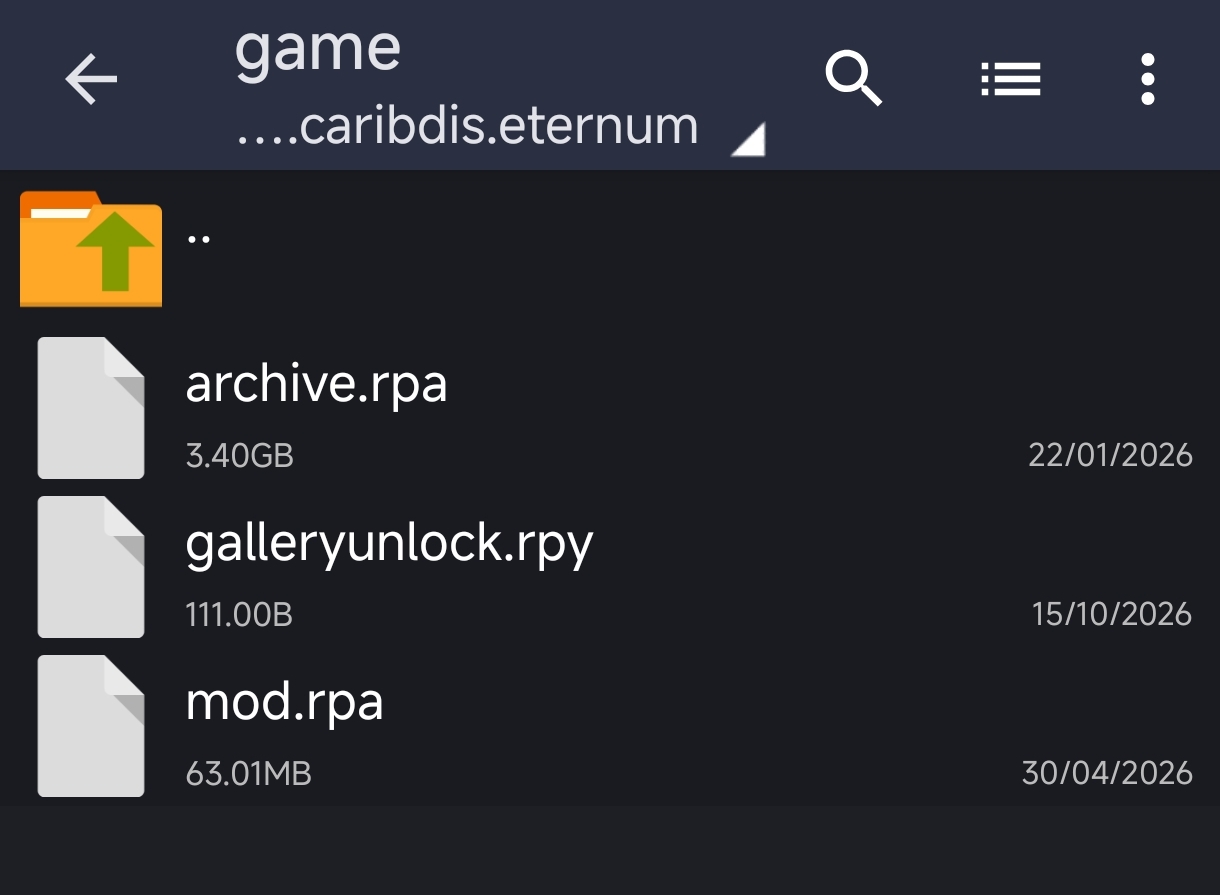
- Then you save the file and change the file name's suffix to rpy, so now the file name would be "gallery_unlock.rpy"
- When you run the game, all scenes should be unlocked now
- After you close the game again, you can remove the rpy file and the rpyc file that got produced, the scenes will stay unlocked
Credit to Baman, who came up with the original version of this script.