

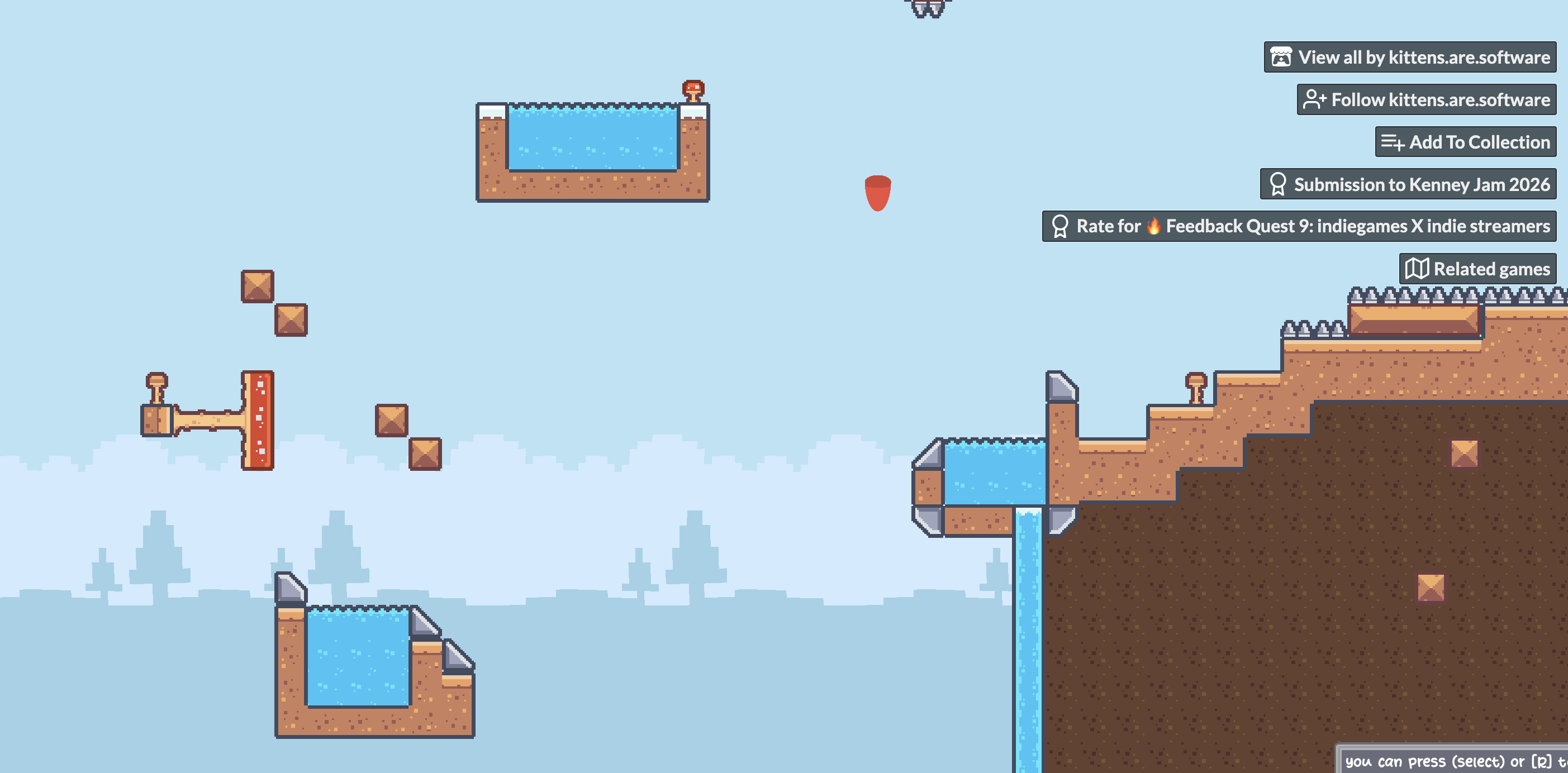
I figured out what was causing it. I’m playing on a 13-inch MacBook Air, and the game viewport is too large to fit properly on my screen in the browser.
The fish is actually located in the bottom-right section of the game, but that part of the viewport isn’t visible on my screen. That’s why it looked like the fish had been left behind when the camera moved.
I’ve attached a screenshot so you can see what I mean. So it seems to be a screen-size/responsiveness issue rather than the camera movement itself.