
Indie game storeFree gamesFun gamesHorror games
Game developmentAssetsComics
SalesBundles
Jobs
TagsGame Engines

On my PC, right after the game started, the in-game window appeared so large that it overflowed the screen, making it impossible to even begin playing. I had no choice but to try playing on my Android tablet, but it seemed like many of the card and enemy images weren't displaying.
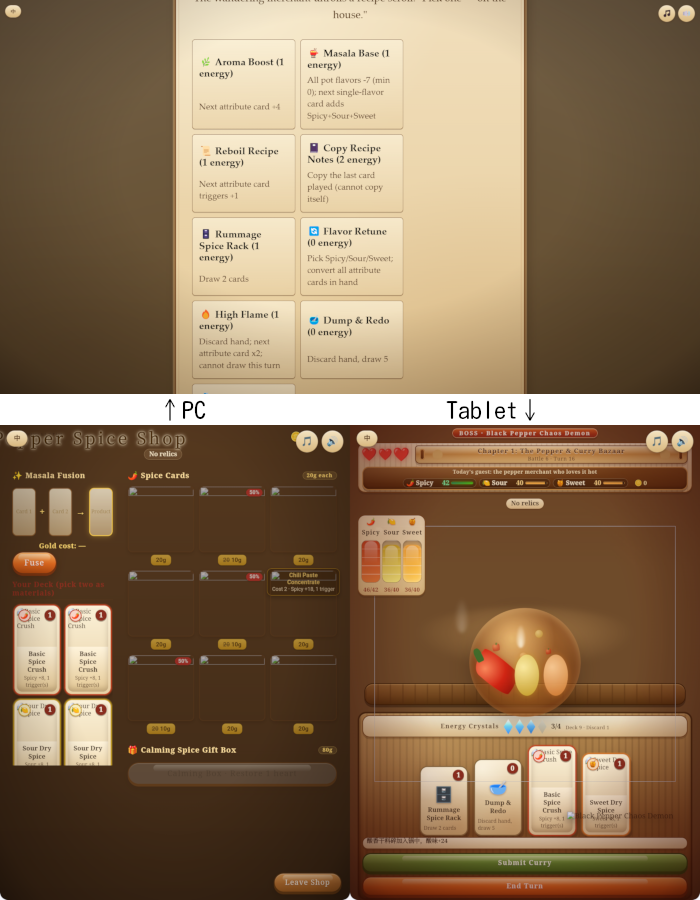
Since I was able to get the necessary information just from the text, I kept playing until I cleared Stage 1. The game itself was fun.
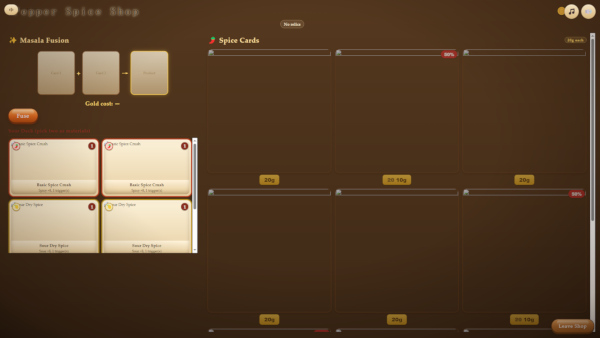
(+1)

Thank you so much for taking the time to play it — and I'm really glad the game itself was fun despite the issues! Both problems you ran into are now fixed: the game auto-scales to fit any window (so no more overflow on PC), and the assets are heavily optimized so images load properly on tablets too!

Thank you for the thoughtful feedback and the screenshot — that's really helpful !

I tried playing on my PC again, but while the game is displayed on the screen, the images still aren't showing up.


I even tried clearing the browser's cache completely, but the images still didn't appear, so I think there might still be an issue with how some assets are being handled.

I'm really sorry about that !— I found the issue was in my compression method, and it's now been fixed. Thanks so much for your feedback !!❤