Honest review: I absolutely love it!
Ever since I saw the trailer and the two videos for this game, I have to honestly admit… I fell in love with it! It’s incredibly cute and pleasant. After spending some time playing, I have a few thoughts to share, including both things I loved and some bugs I encountered:
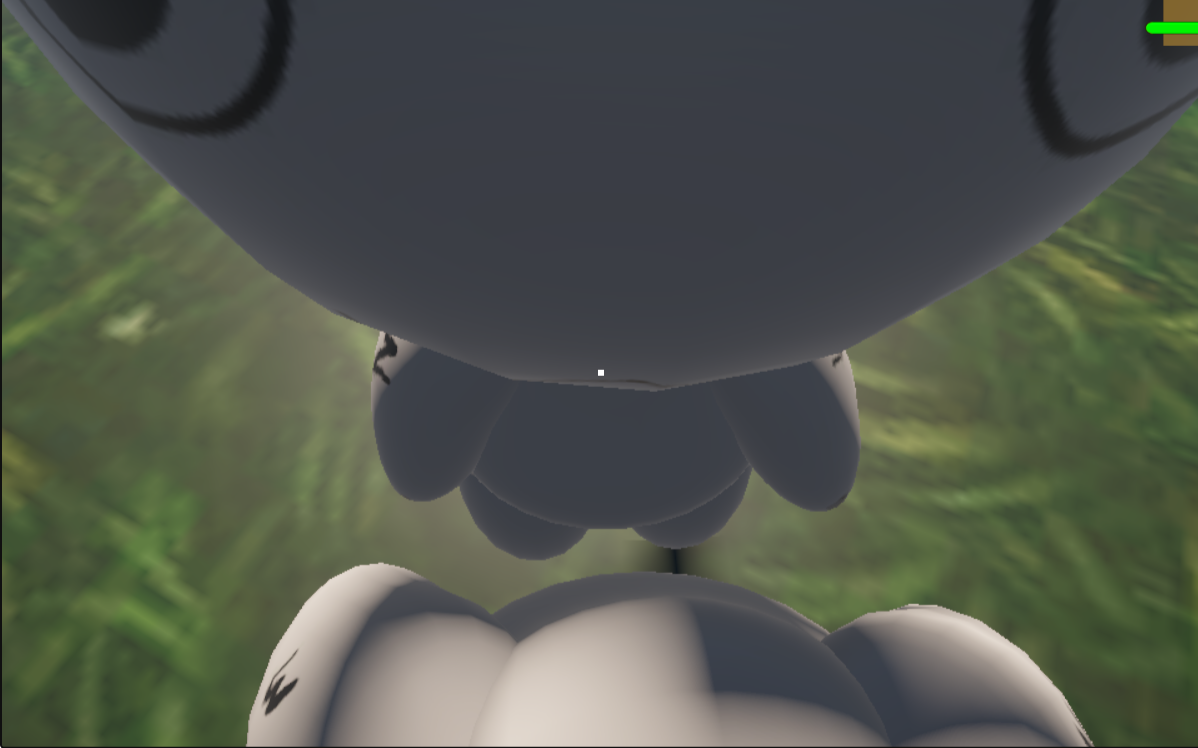
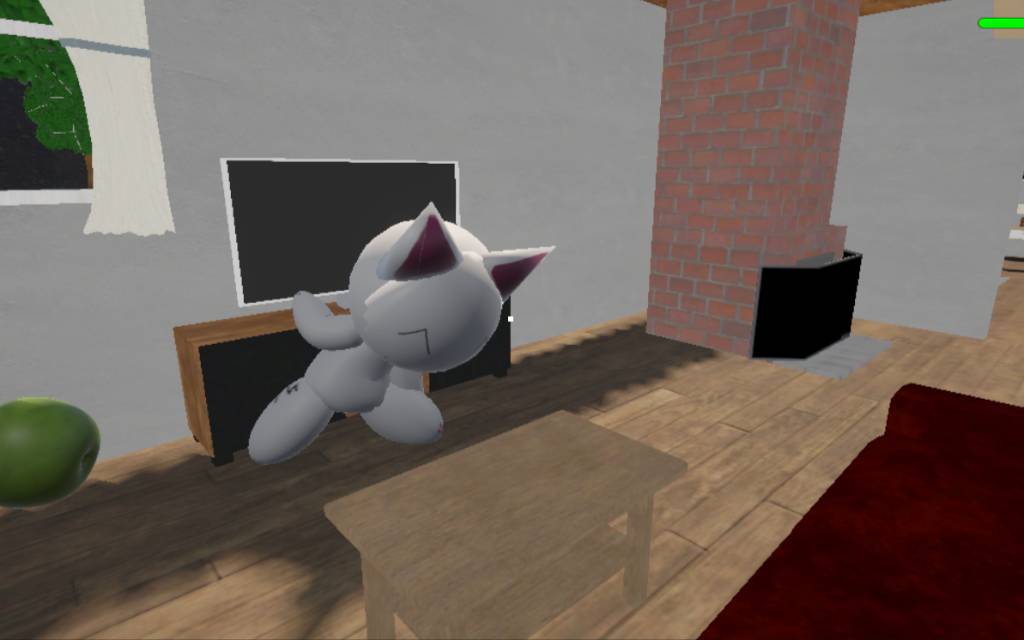
- Marshmallow: He is adorable, pleasant, and great company! He is literally the kind of pet cat I’ve always wanted. I love that he has real reactions and doesn’t feel rigid. If I play music, he starts dancing. If I throw an apple at him, he falls over and gets mad at me when he gets back up. It’s really well made!
- Bugs: I noticed a few technical issues during my playthrough:
- Visuals: Many objects tend to pop in and out of existence. This causes visual glitches, like the house lights flickering or disappearing depending on where you look or how close the camera is. It also affects trees and other objects. This might be due to web browser limitations or object culling/rendering settings. Since you are developing in Unity, I highly recommend uploading a downloadable PC or Android build. Testing a standalone build makes it much easier to tell if these are just browser-specific WebGL glitches or issues within the game itself.
- Apples: The physics work well, but grabbing apples is a bit clunky. You have to look at and press “E” on very specific spots to pick them up. It would feel much better if you could grab them just by aiming generally at the apple and pressing “E,” without needing such pixel-perfect precision.
- Screen & UI: This is a very common issue, likely caused by browser scaling or different monitor resolutions. The user interface stretches outside the screen boundaries, and the green bar is barely visible. Instead of using fixed UI positions, anchoring the UI elements properly in Unity to auto-adjust to different aspect ratios would easily fix this without needing a thousand manual configurations.
- Controls: This one is important! The game doesn’t check if you are actually looking at the radio before interacting. This means if you try to pick up an apple with “E”, the radio turns on at the same time (since it shares the same key). I actually spent a while blaming Marshmallow, thinking he was the one turning it on and getting spooked! There are two easy ways to fix this:
- Change the radio interaction to a completely different key.
- Implement a raycast check so the radio only turns on/off with “E” IF the player is directly looking at it. This is what most games do to avoid triggering multiple interactions at once.
And that’s all! I had a blast playing and messing around with Marshmallow, and I even took screenshots of my favorite moments. This game genuinely has a future, and I’m not just saying it to be nice. Nowadays, most games fall into the repetitive “creepy friend/yandere wants to hurt you” trope, but this game is doing something much better and unique. If this is what the early versions look like, I can’t wait to see how amazing it will be in the future! ⭐⭐⭐🌟!