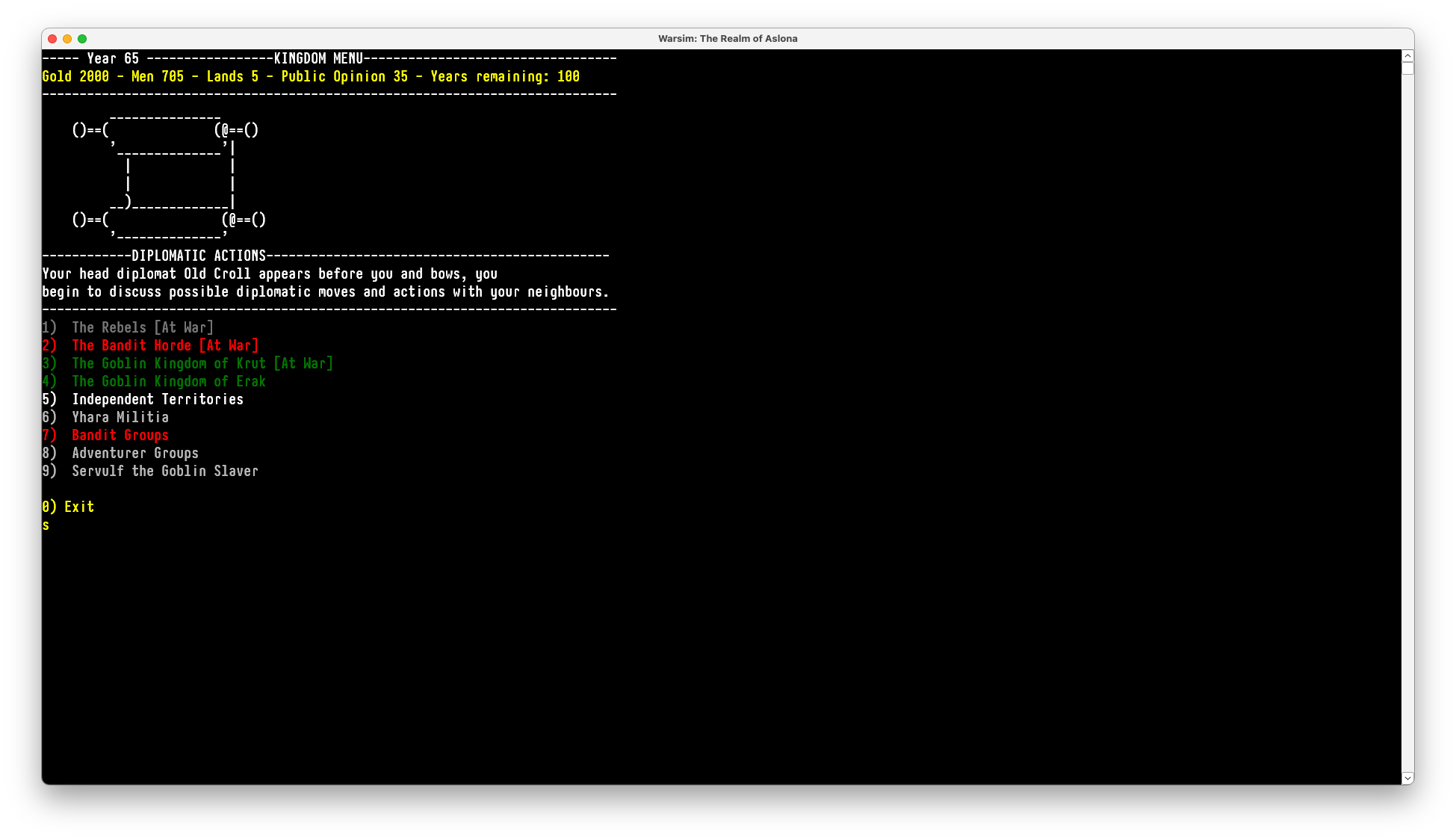
I bought this game before I switched to Mac and had completely forgotten about it. However, I just got the update news and decided to see if it was possible to play it. I don't know what I'm doing at all, but it seems to run fine through Crossover. Just leaving a comment so any other Mac users know. This is on a MacBook Air M5, so running on Apple Silicon.
How you install it:
- Launch Crossover.
- On the "Bottle" menu, select "Create New Bottle". I picked Windows 10 and called it Warsim.
- Select it from the Bottles menu on the side.
- Click "Open C: Drive".
- Navigate into "Program Files".
- Drag the unzipped "Warsim Full Game" folder in there.
- To run the game, go to the bottle, click "Run Command", navigate to Program Files > Warsim Full Game > Warsim.exe, and open it.
- Click "Run". Note that for some reason if you save it as a launcher so it gets an icon on the Crossover main menu, it launches it headless (i.e. you can hear it running but can't see the screen). If you do this use "Quit All Applications" in the Warsim bottle to quit it. I just launch it manually at this time. I'm not an expert at Crossover, so there's probably an easy fix to that.
- Using the menu-based font tool doesn't work. To change the font, right-click on the window and select "Properties" and then "Font".