Hello!
Ah I see what you are saying. Automatically no, the app doesn't do that. But manually, yes:
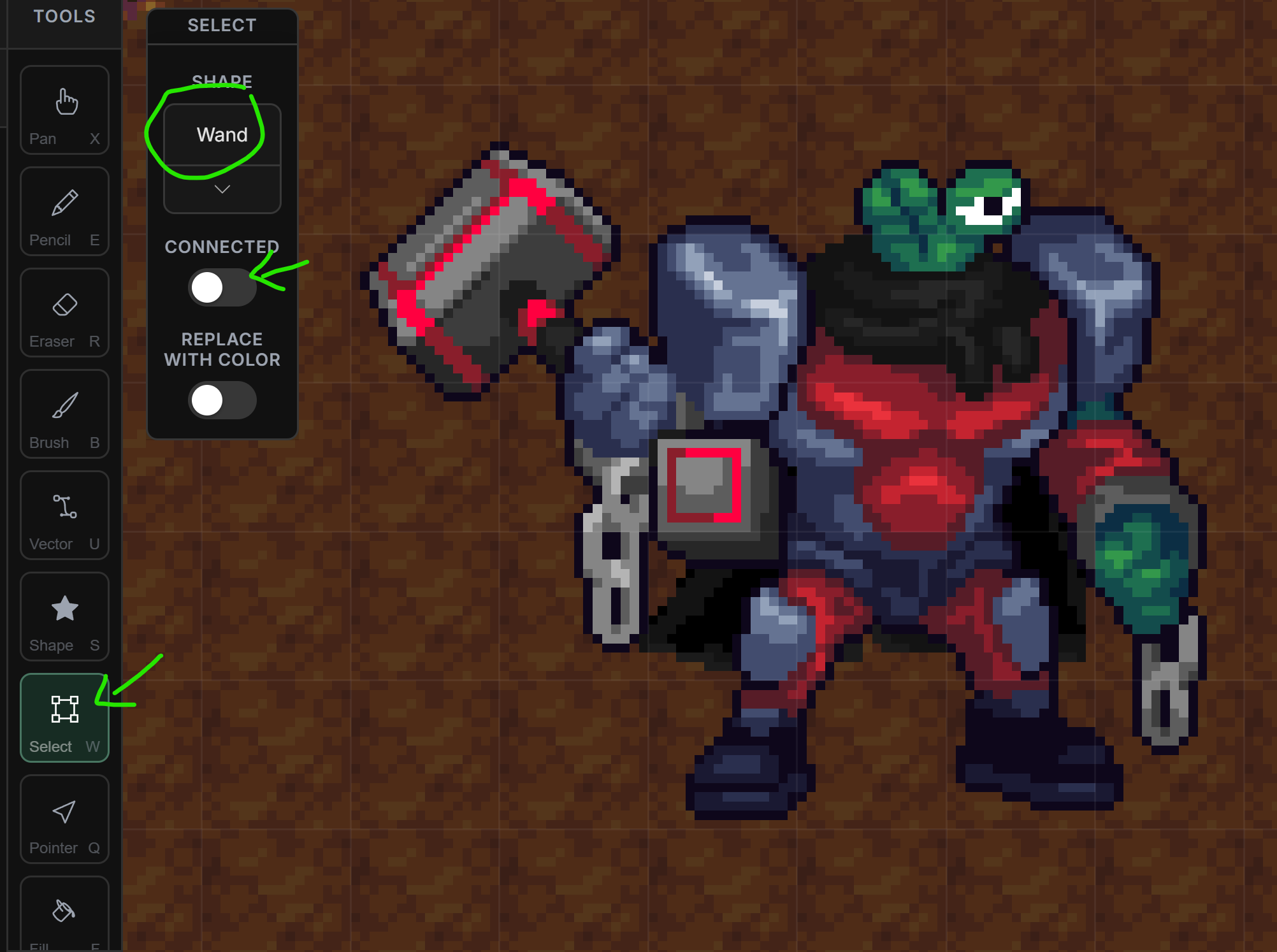
- Switch to the Select tool (W).
- Change the Shape to Wand.
- Make sure Connected is turned off.
- Click the color you want to remove and press DELETE on your keyboard.
- It will remove that color from the image.
Note: You can also change that color instead of removing it by toggleing on "Replace with color".