

Hello, how are you?
I’ve been testing the demo version, and in summary, it seems to be working perfectly. However, I’d like to share a few more details about my experience using it on Linux.
As for Windows, I stopped using it completely a few months ago. I used to have it set up in dual boot just for games with anti-cheat systems that did not support Linux, but since I no longer play those games, I decided to keep only Linux so I could have more free space on my storage drive. Whenever I need something that requires Windows, I use WinBoat, although it has been a while since I last used that as well.
My experience with the application
Launching the application
The first time I launched the application, it displayed an error and closed. However, this only happened on the first attempt; when I opened it again, the same error did not occur and the application launched normally. I don’t know whether switching Proton versions solved the problem, but I tested the previous Proton version again and the error still did not return.
I was using Proton-CachyOS, then switched to Proton-GE, and on the third test I switched back to Proton-CachyOS. The application launched normally in both the second and third tests; the error only occurred during the first test.
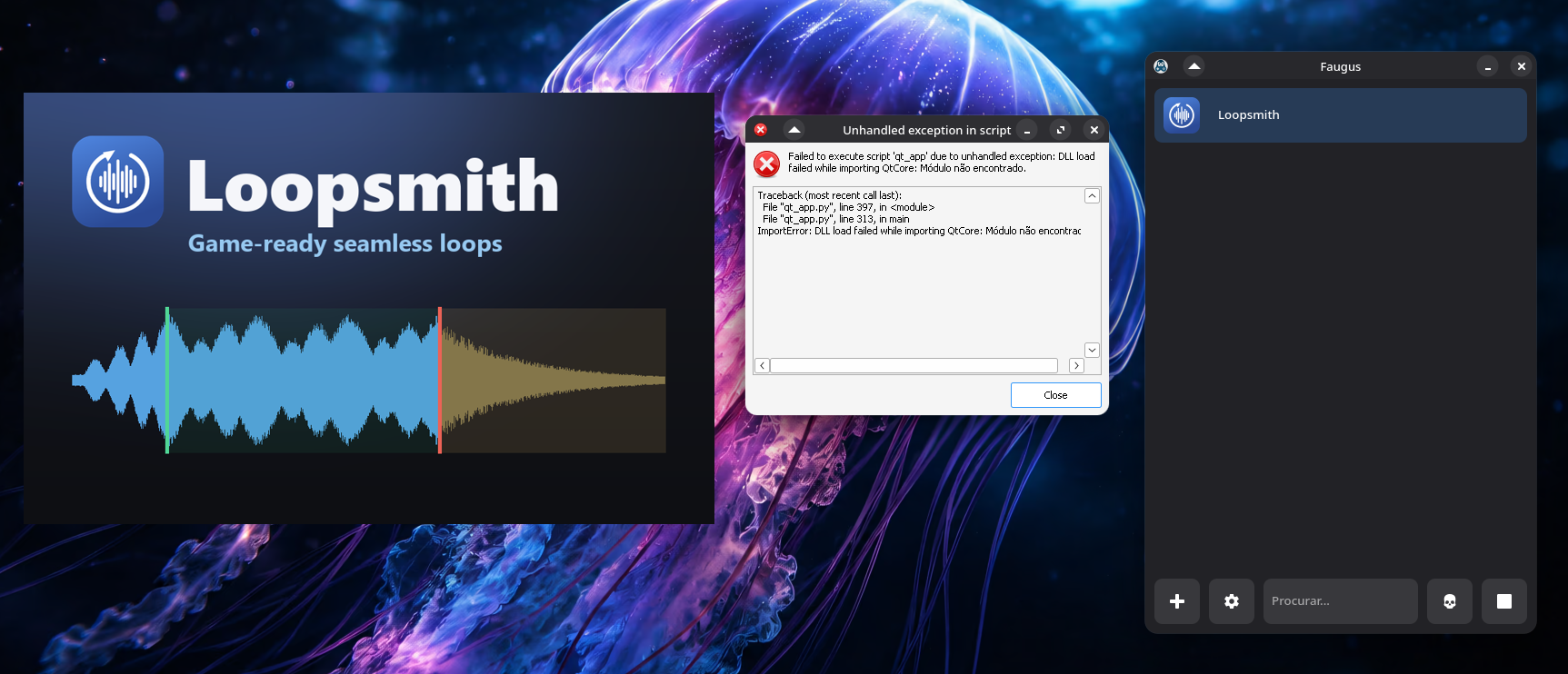
Failed to execute script 'qt_app' due to unhandled exception: DLL load failed while importing QtCore: Módulo não encontrado.

Traceback (most recent call last):
  File "qt_app.py", line 397, in <module>
  File "qt_app.py", line 313, in main
ImportError: DLL load failed while importing QtCore: Módulo não encontrado.
Importing audio
I tested dragging and dropping a music file into the application. However, when I did this, the application became stuck on a loading screen and froze, so I had to force it to close.
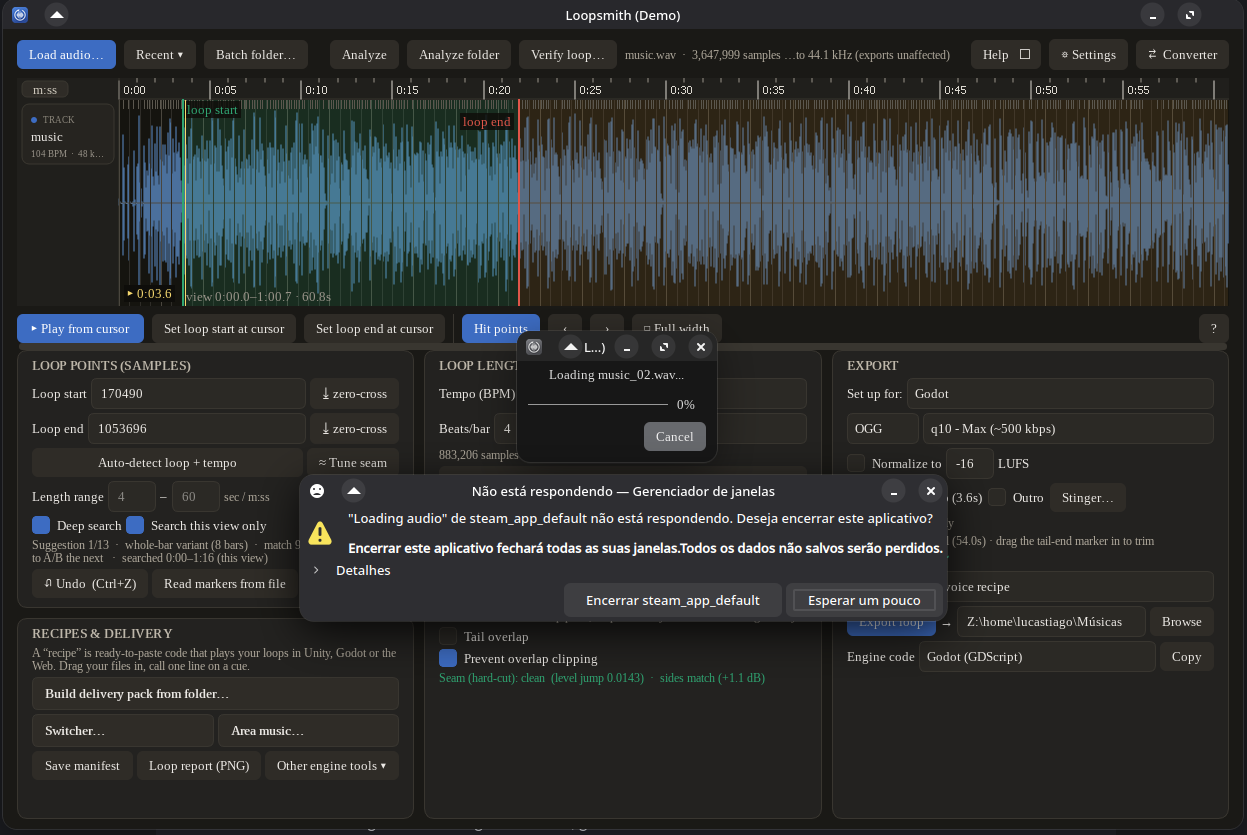
However, I can import audio normally by using the “Load Audio…” button. As you can see in the image above, I had already imported an audio file using the “Load Audio…” button, but I repeated the drag-and-drop process so I could take a screenshot and show you the issue.
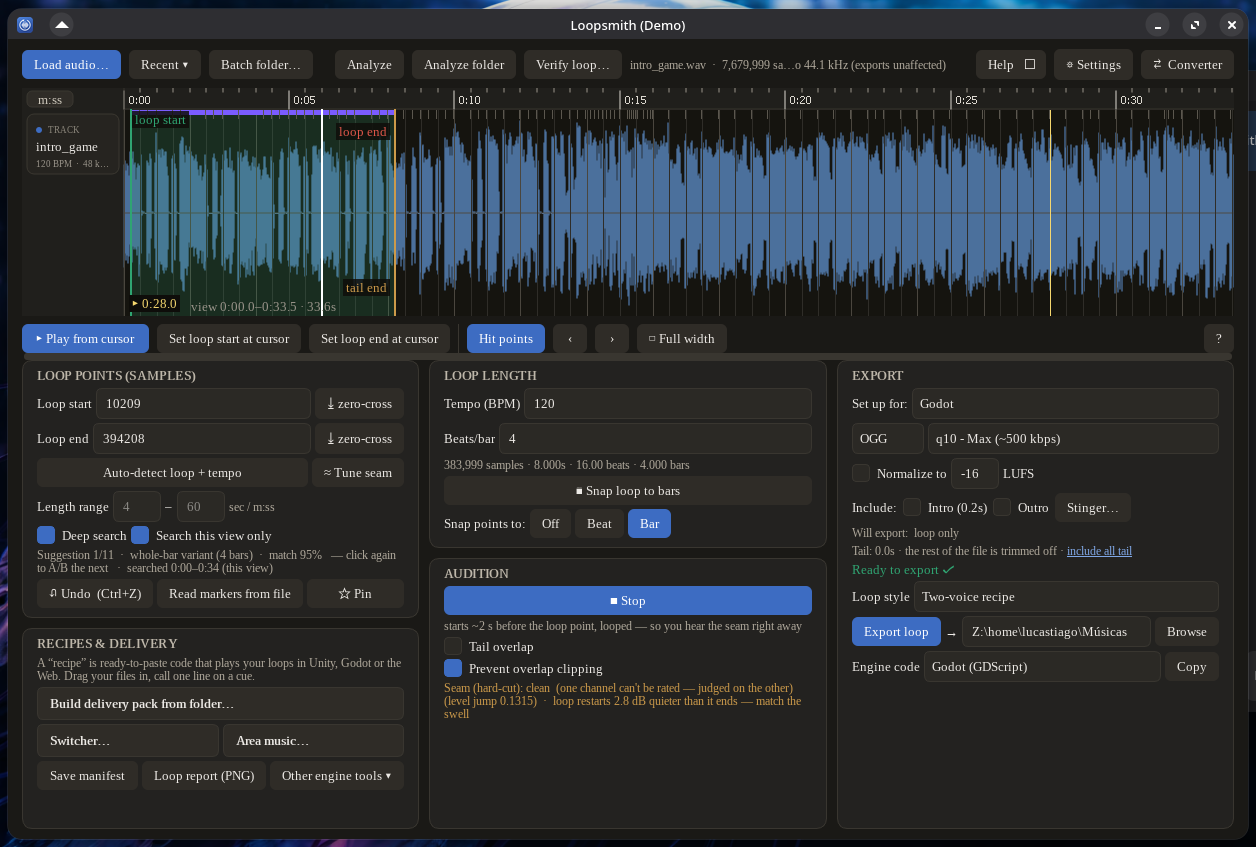
I haven’t tested the export feature yet because I wanted to perform a real-world export test and use the result in Godot, but all the other features have been working perfectly so far.
Your application is wonderful. There is so much you can do with a single piece of music—even something like what I saw in a game, where the music evolves along with the player’s progress by adding more sounds and instruments. If the player takes damage or loses, the music returns to its base arrangement.
My system
In case it is helpful, here is some information about my system:
Operating System: BigLinux based on Manjaro Linux
KDE Plasma Version: 6.7.4
KDE Frameworks Version: 6.29.0
Qt Version: 6.11.1
Kernel Version: 6.18.45-1-MANJARO (64-bit)
Graphics Platform: Wayland
Processors: 12 × AMD Ryzen 5 5500
Memory: 32 GiB of RAM (31.2 GiB usable)
Graphics Processor: AMD Radeon RX 6600
Manufacturer: MANCER
I’m Brazilian, so some parts of the screenshots I sent may be in Brazilian Portuguese. I apologize if there is anything in them that you cannot understand.
If you need me to perform any specific tests, I will be happy to help.
Thank you very much in advance.