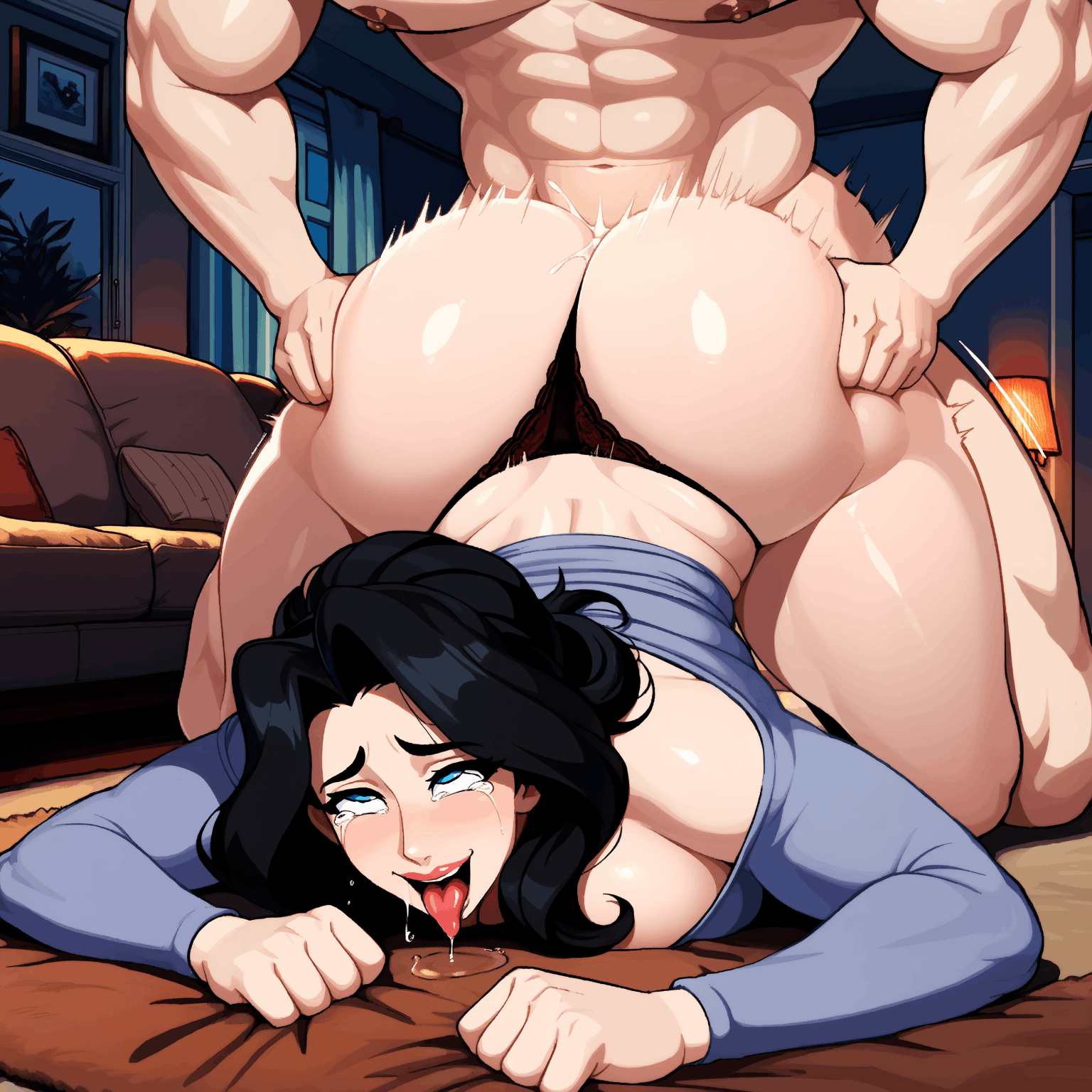
Basic prompts for Anna and LoRas can be found on CivitAI.
- Search - "Starmaker Story Style - Anima" by tang1qt - For Style LoRa
- Search - "Starmaker Story Anna" - for Anna LoRas, and pick the one you like the most. The prompts will be listed on the LoRa page under "Trigger Words"
Unless you are using a Service e.g. Grok. Then you are most likely best using Image to Image as a reference and prompt around that.
If you going local, then here is a quick getting started I posted in a different thread:
Here is a quick getting started workflow:
1. Download & Install Stability Matrix
- Search for “Stability Matrix” (by LykosAI) and download the version for your OS.
- Extract and run it. Choose a data directory when prompted (keep the path short).
2. Install ComfyUI
- Inside Stability Matrix, go to the Packages tab.
- Click Add Package → select ComfyUI → install.
- Launch it when ready. (Use the built-in Inference tab in Stability Matrix for simpler generation.)
3. Download the Anima Model
- Search Hugging Face for “circlestone-labs/Anima”.
- Download the needed files (usually from the split_files folder):
- Main model (anima-base-v1.0.safetensors or similar) → place in Stability Matrix’s Models/DiffusionModels (or the equivalent ComfyUI diffusion_models folder)
- Text encoder (qwen_3_06b_base.safetensors) → Models/TextEncoders
- VAE (qwen_image_vae.safetensors) → Models/VAE
- Stability Matrix’s model browser can often handle the downloads directly.
4. Download Starmaker Story Style LoRA(s)
- Go to CivitAI.
- Important: Enable 18+ / NSFW content in your account settings so restricted models appear.
- Search for “Starmaker Story” (or “Starmaker Story Style”). Look for the one by tang1qt and similar style LoRAs.
- Download the .safetensors LoRA file(s).
- Drop them into Stability Matrix’s Models/Lora (or LyCORIS) folder. Stability Matrix usually auto-detects them for ComfyUI / Inference when starting the service.
5. Generate
- Go to the Stability Matrix’s Inference tab.
- Load the Anima model + the Starmaker Story LoRA.
- Example prompts and recommended settings (CFG, steps, weight, trigger words) are listed on the individual LoRA pages on CivitAI, copy those.
- Common starting point for style LoRAs: weight around 0.7–1.0, add the trigger word if the page lists one, and use tags/natural language that match the game’s pixel / anime look.