


Press P key or click the Camera button in the menu to screenshot
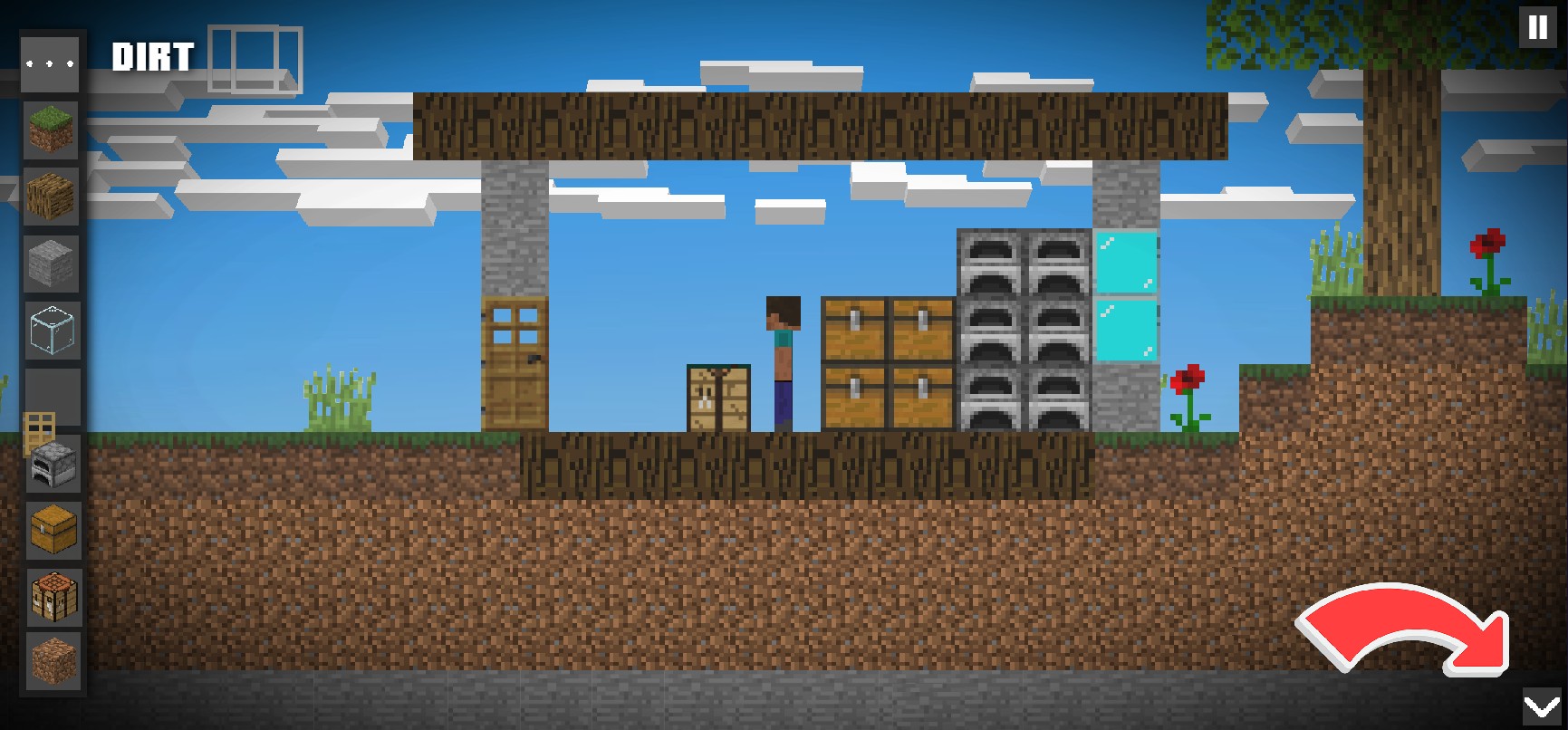
- Click the arrow in the bottom-right corner
2. Click the camera button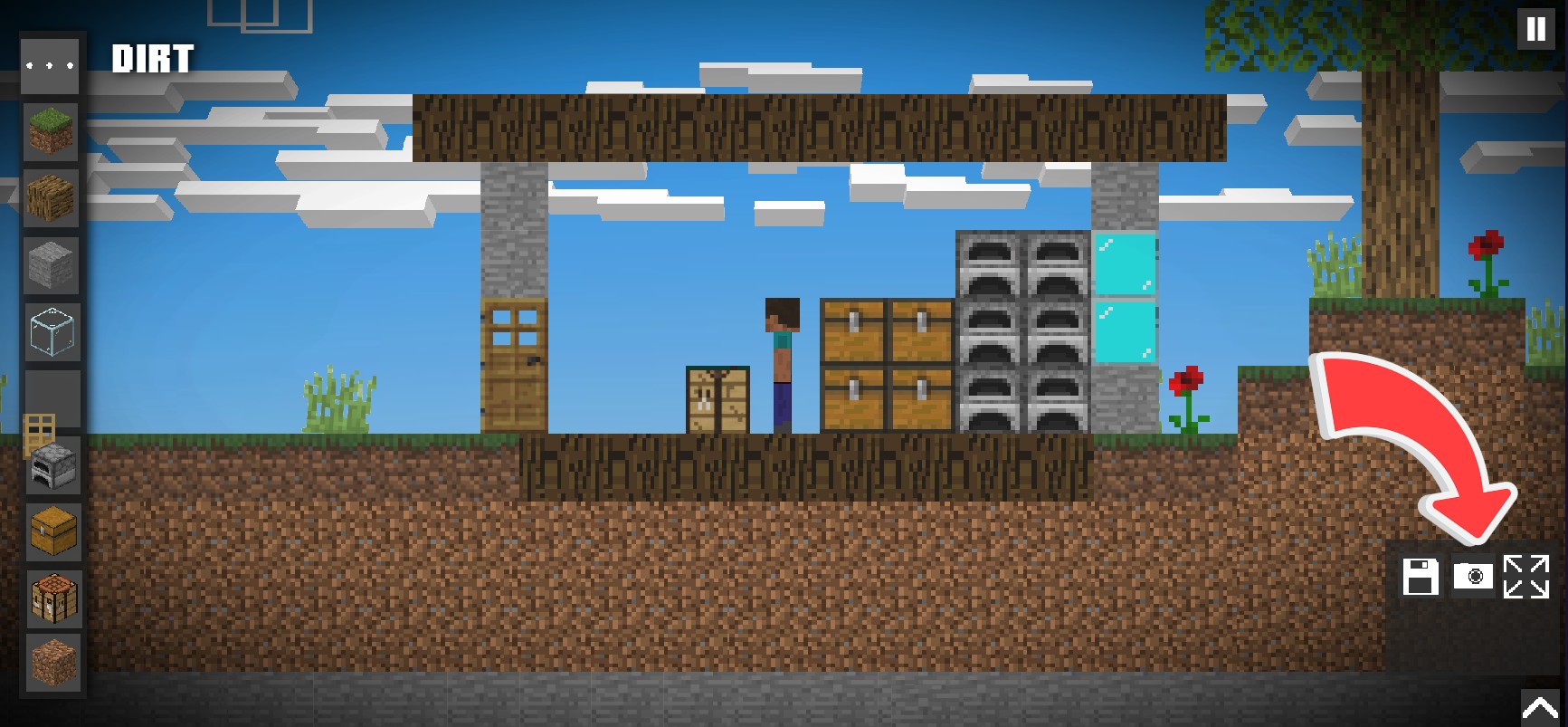
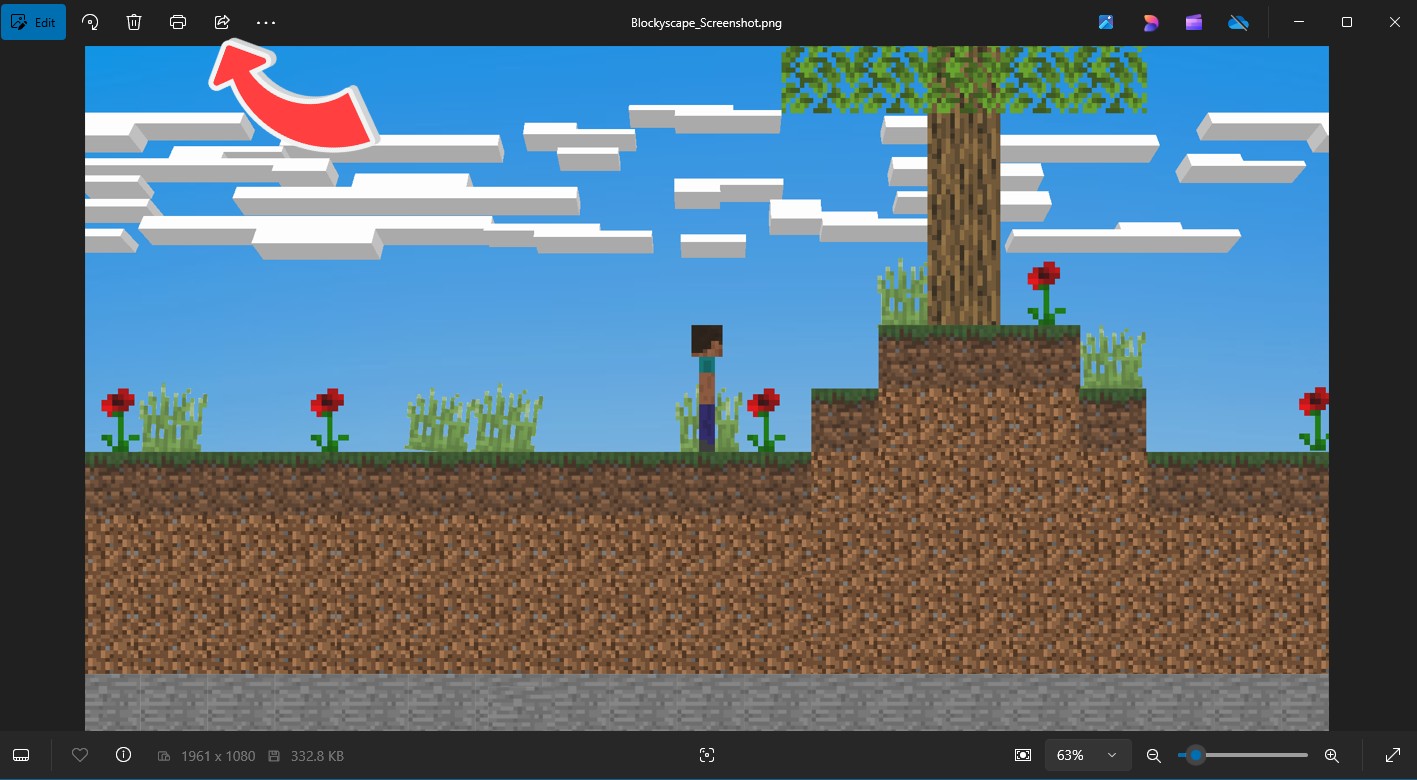
3. Go to your Pictures folder on your computer and click on
"Blockyscape_Screenshot.png"
to view and share

4. To share click the Share button on the top-left corner and click the app you want to share the screenshot to.
Notes:
- The UI will be hidden, but the block assistant still shows up
- Screenshots will save in your Picturesfolder under the name "Blockyscape_Screenshot.png"
- Screenshots only work on PC or browser