Indie game storeFree gamesFun gamesHorror games
Game developmentAssetsComics
SalesBundles
Jobs
TagsGame Engines

Could you add option to hide system info on top such as time and battery? I want a more immersive gameplay. 
Done! You can find the setting in configuration. Let me know of any other requests!

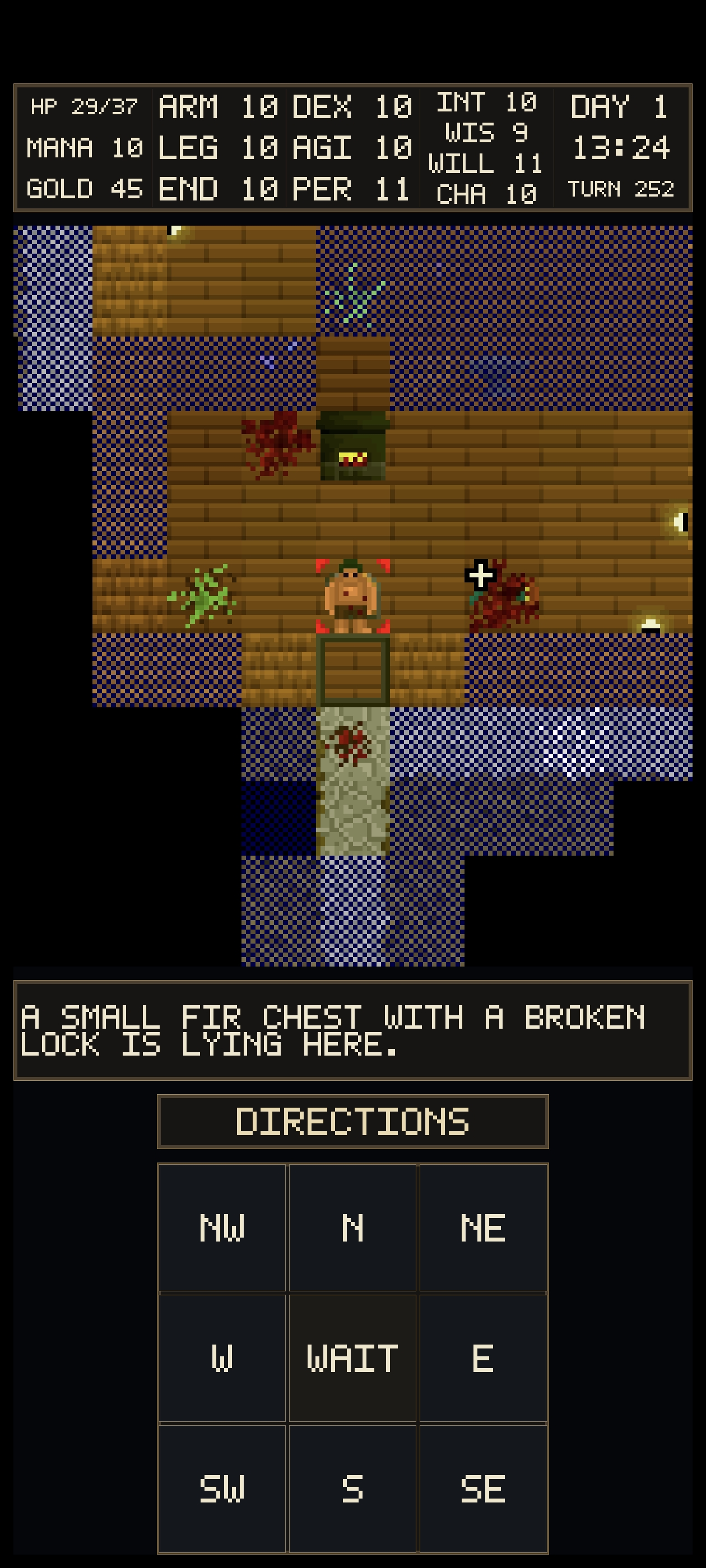
Thanks! I do have some suggestion. In portrait mode, the control panel at the bottom is centered, leaving empty space on both sides. Would placing other control headers on the left and right sides make gameplay more convenient compared to only  using long-press to cycle them?

It is something I thought about! I just dont want it to be too messy down there. I can play with some tabs to see if it looks ok.
I'm also not too happy with landscape mode and only play in portrait. Hopefully I can figure out how to improve landscape view.

Added! Enjoy

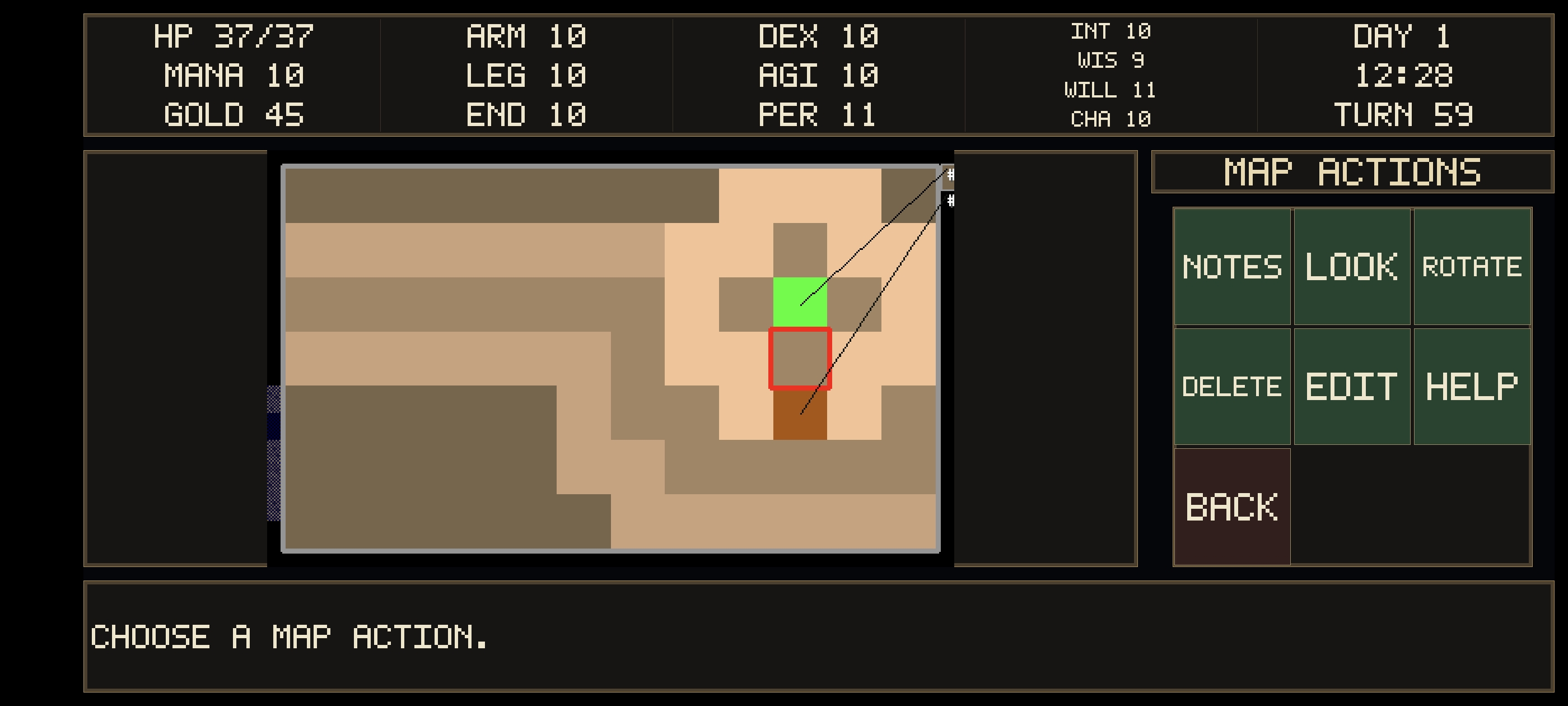
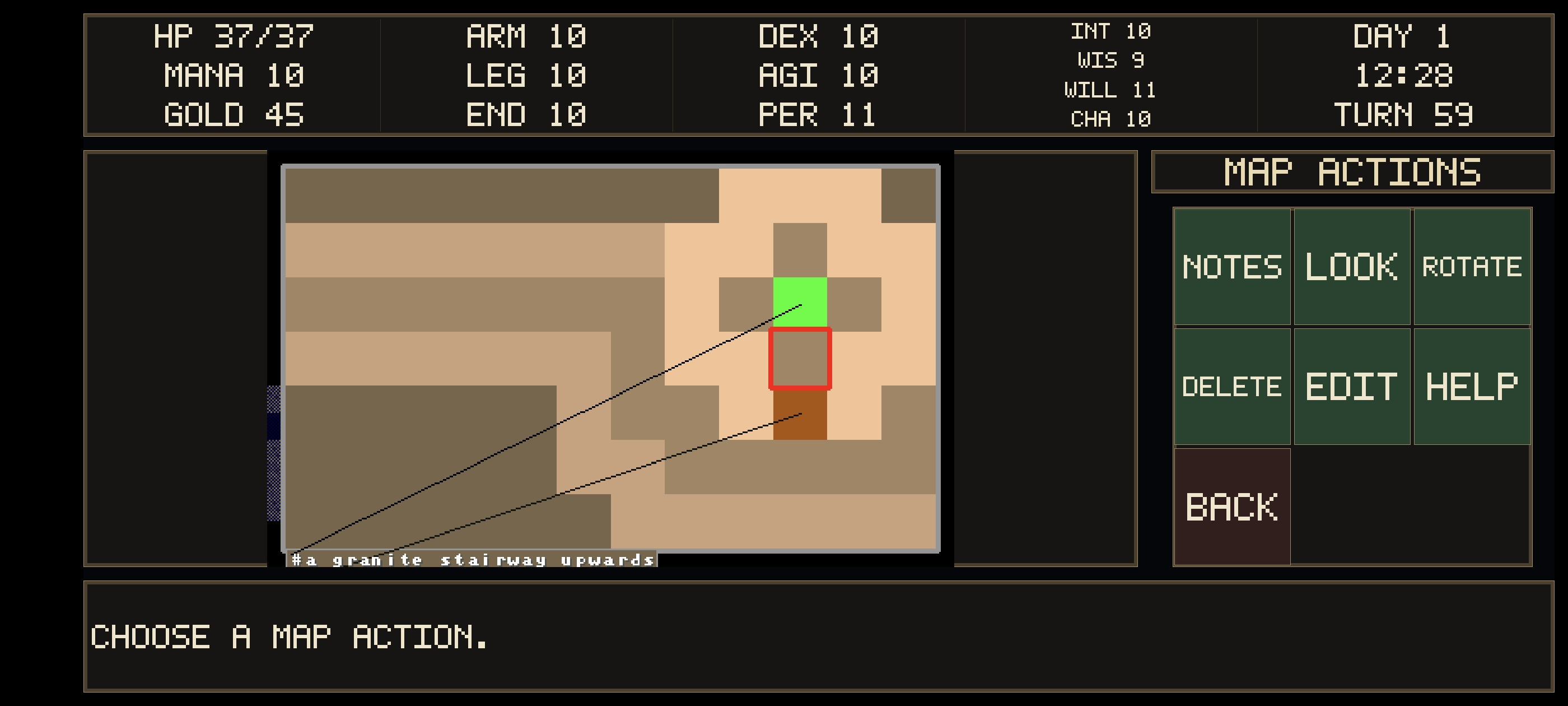
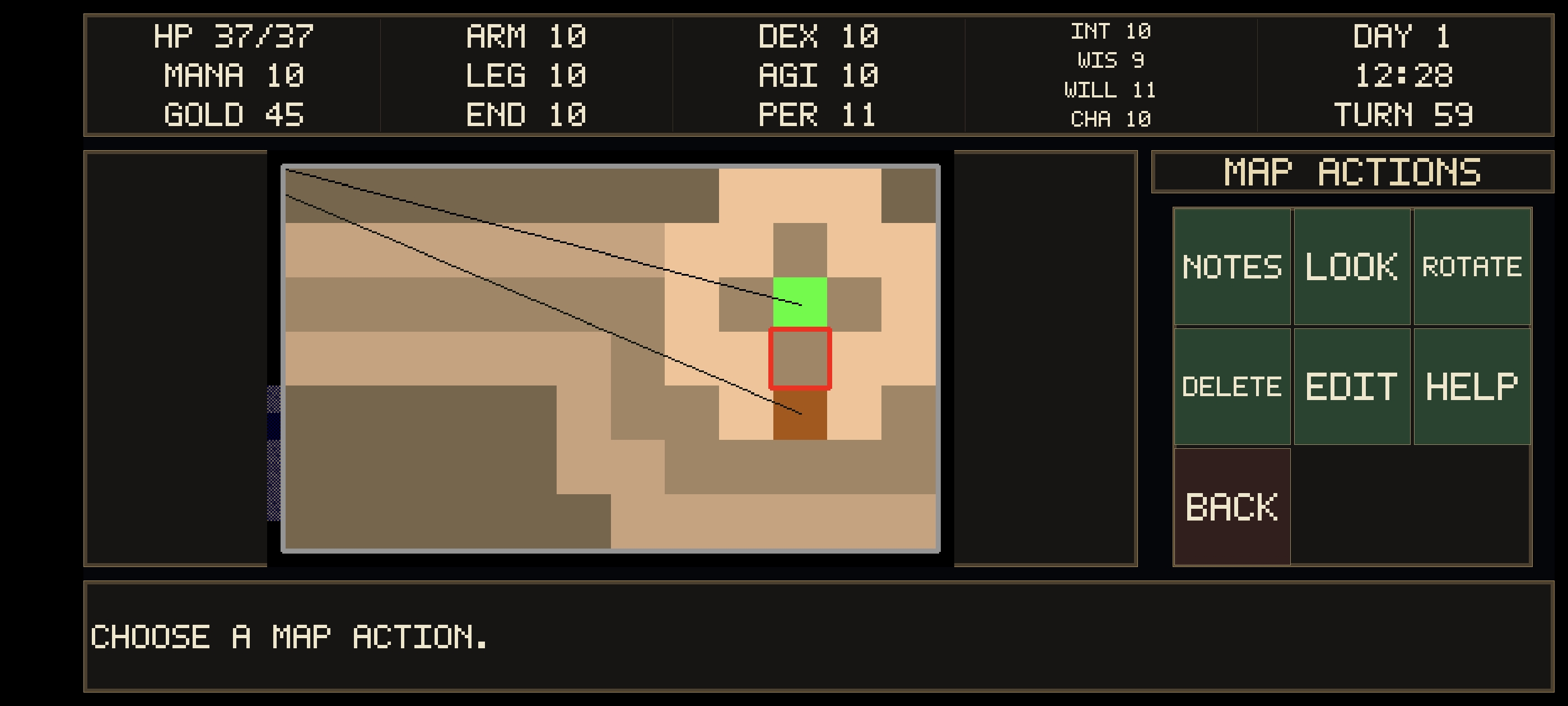
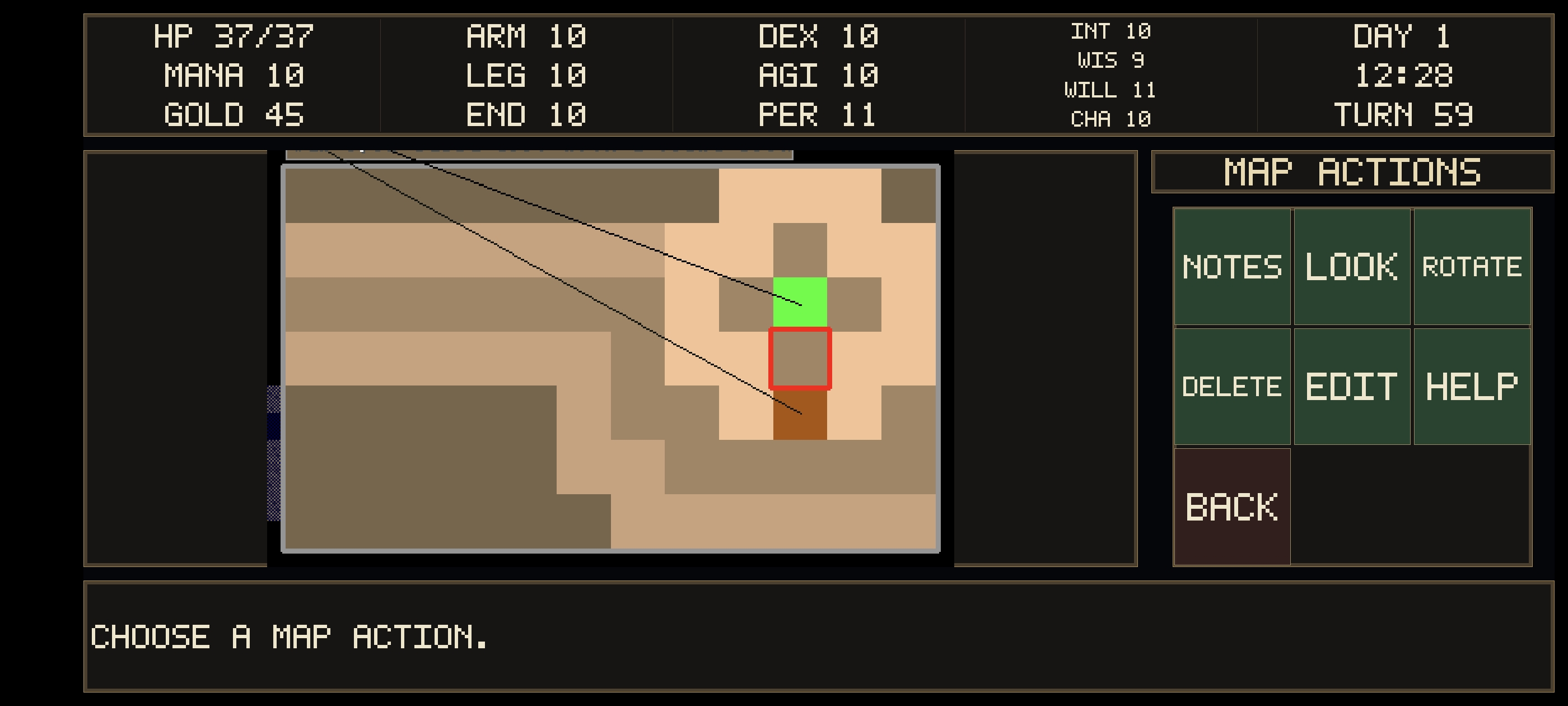
Found a bug, the notes on the map are being blocked. Also, is it possible to make the game display in the notch area at the top of the screen as well? Just like in the other game screenshots I sent. You can see there's always a black area in notch screen. 

Fixed! Enjoy

Thanks for your great work! But download file seems disappear, i can't find it on game page.


Sorry about that, it's back now!

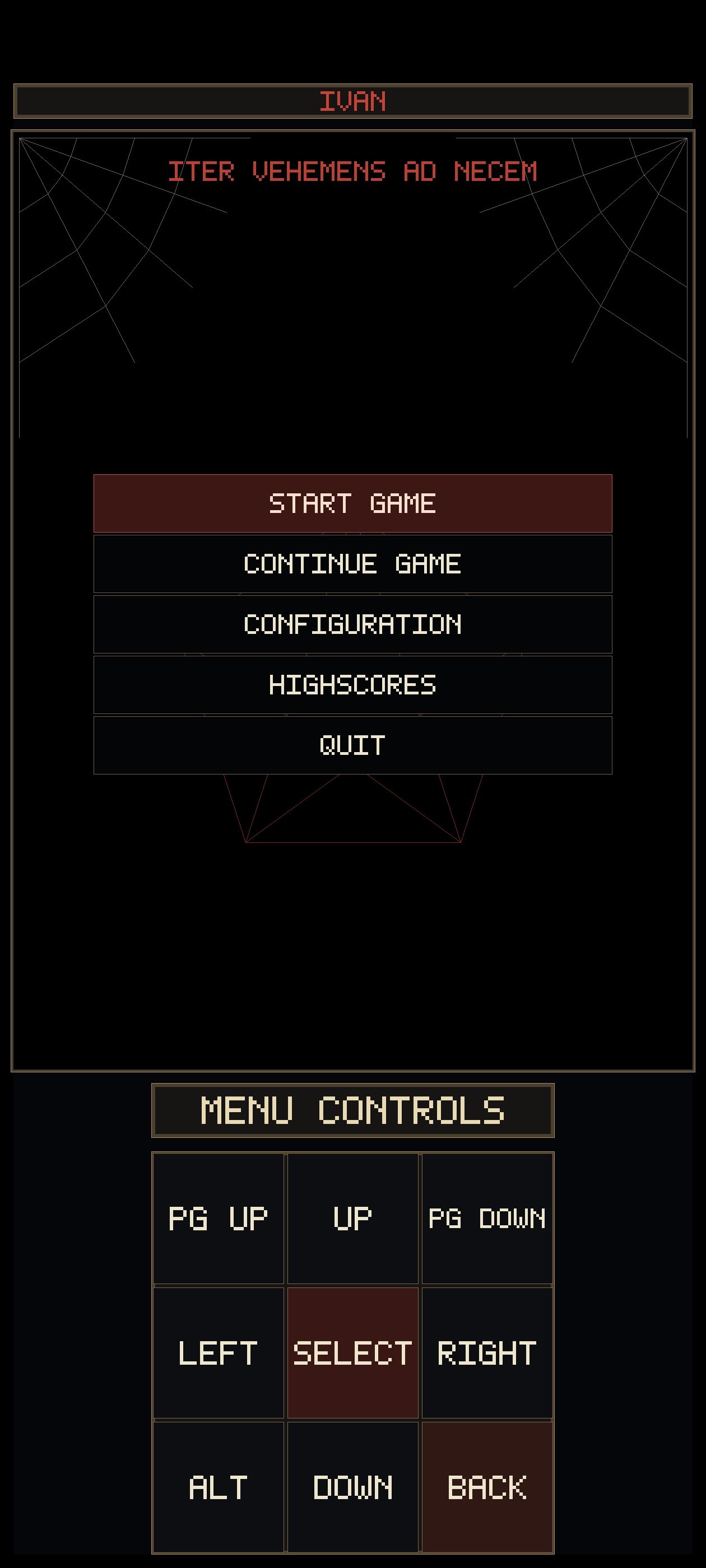
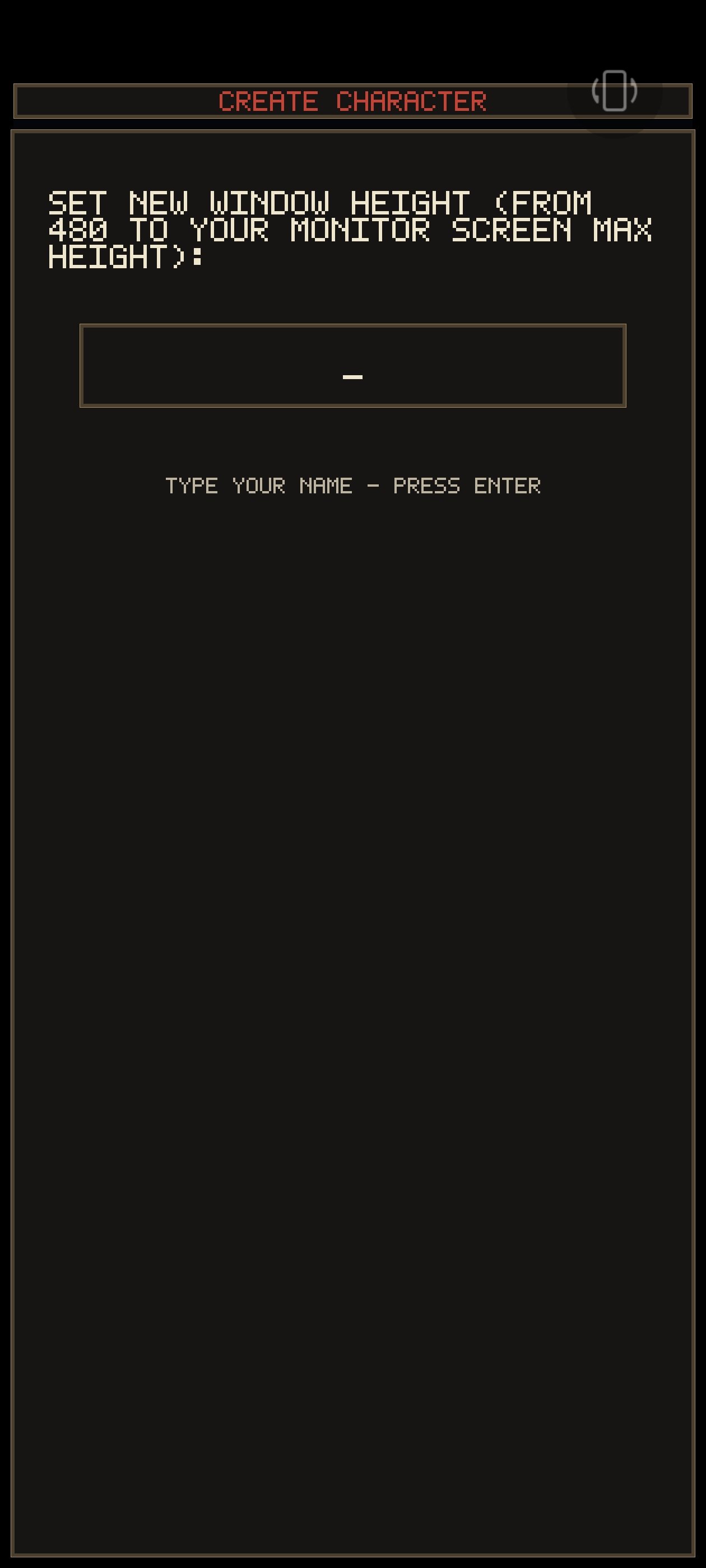
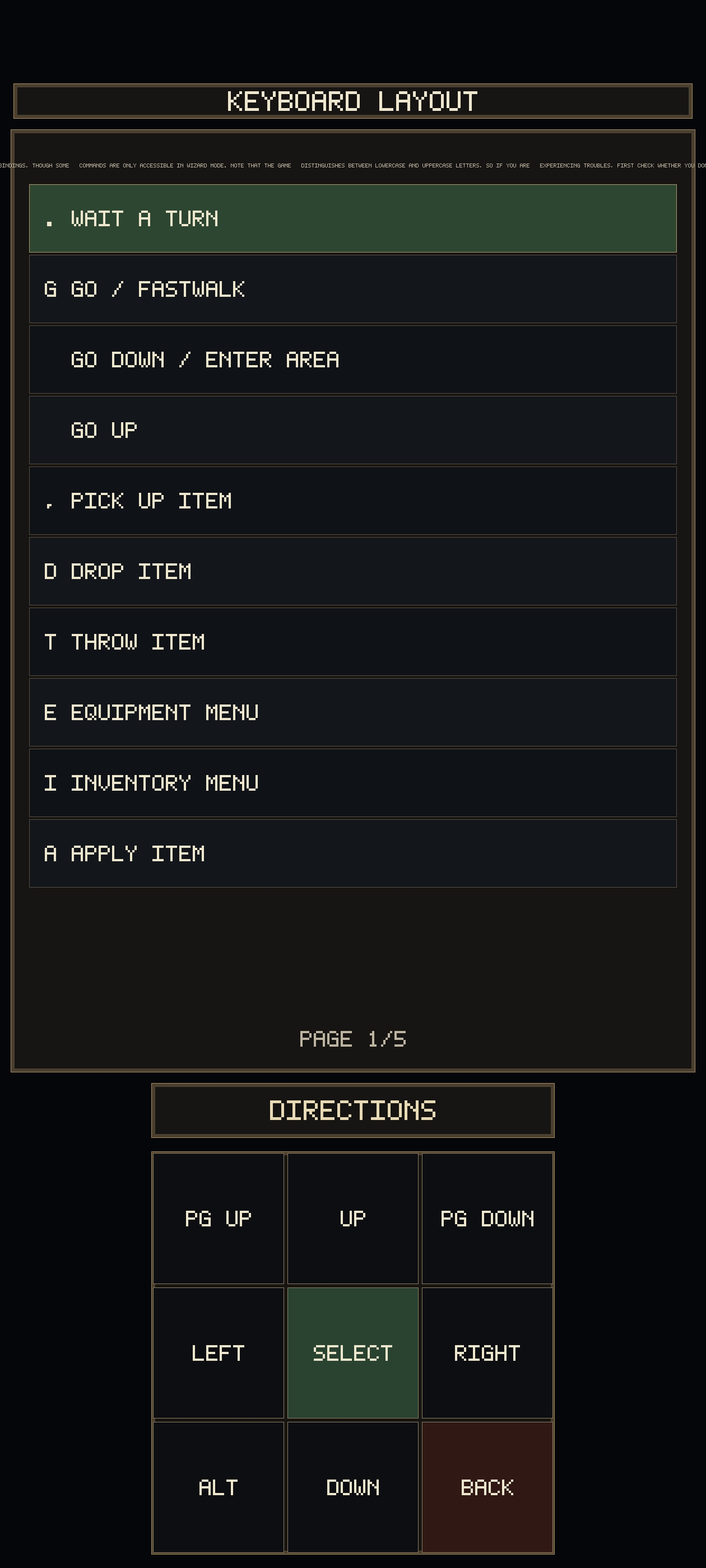
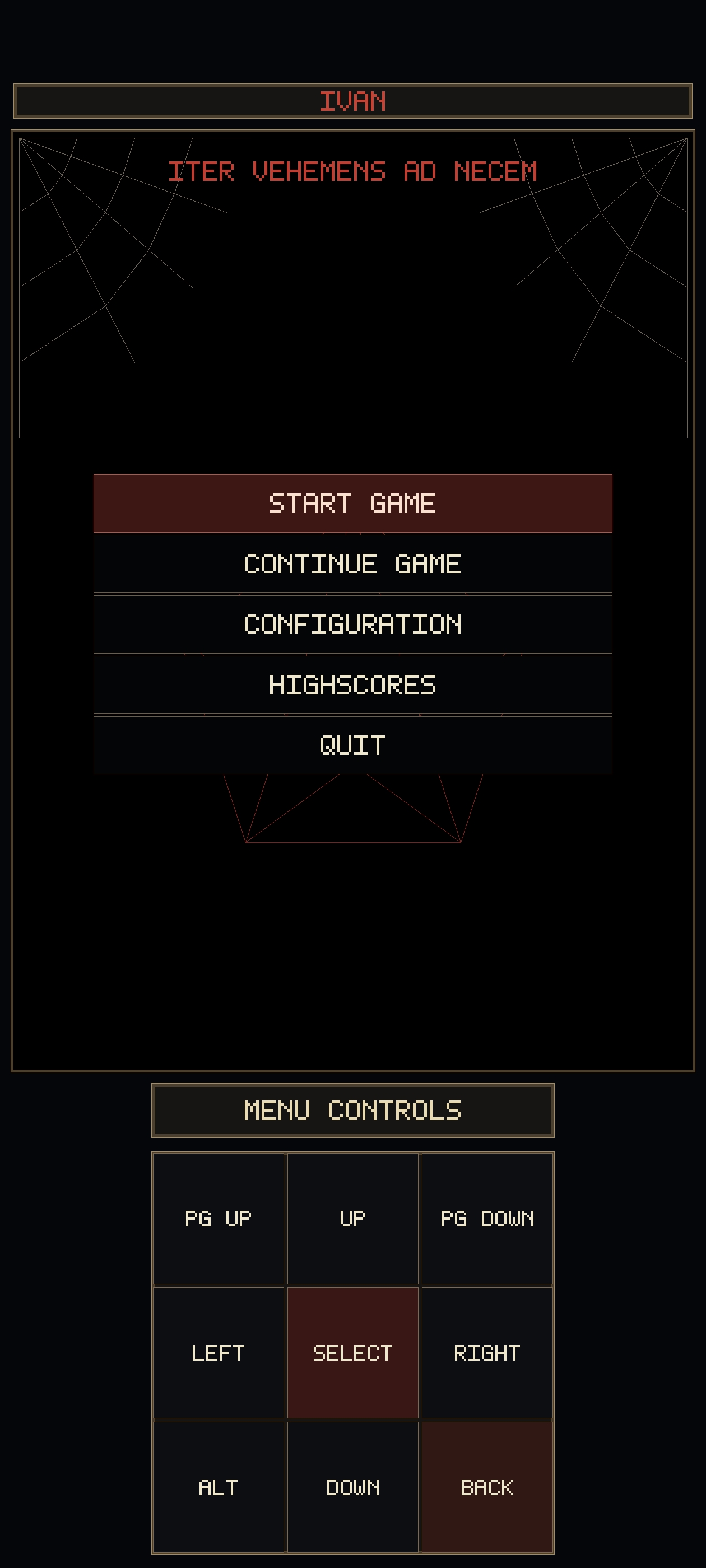
In portrait mode, the notch area still does not display game content on the main interface and the configuration interface; In the system-help interface, there is a very small line of text below 'keyboard layout' at the top, which appears to be a text layout error; In the configuration interface, options that require adjusting specific numerical values — such as contrast and window width — are unable to invoke the system keyboard, making these options impossible to set. Moreover, after entering these options, there is no way to return to the previous page; the only solution is to close the game and restart it.
Pushed a new update, hopefully most of these are now fixed!