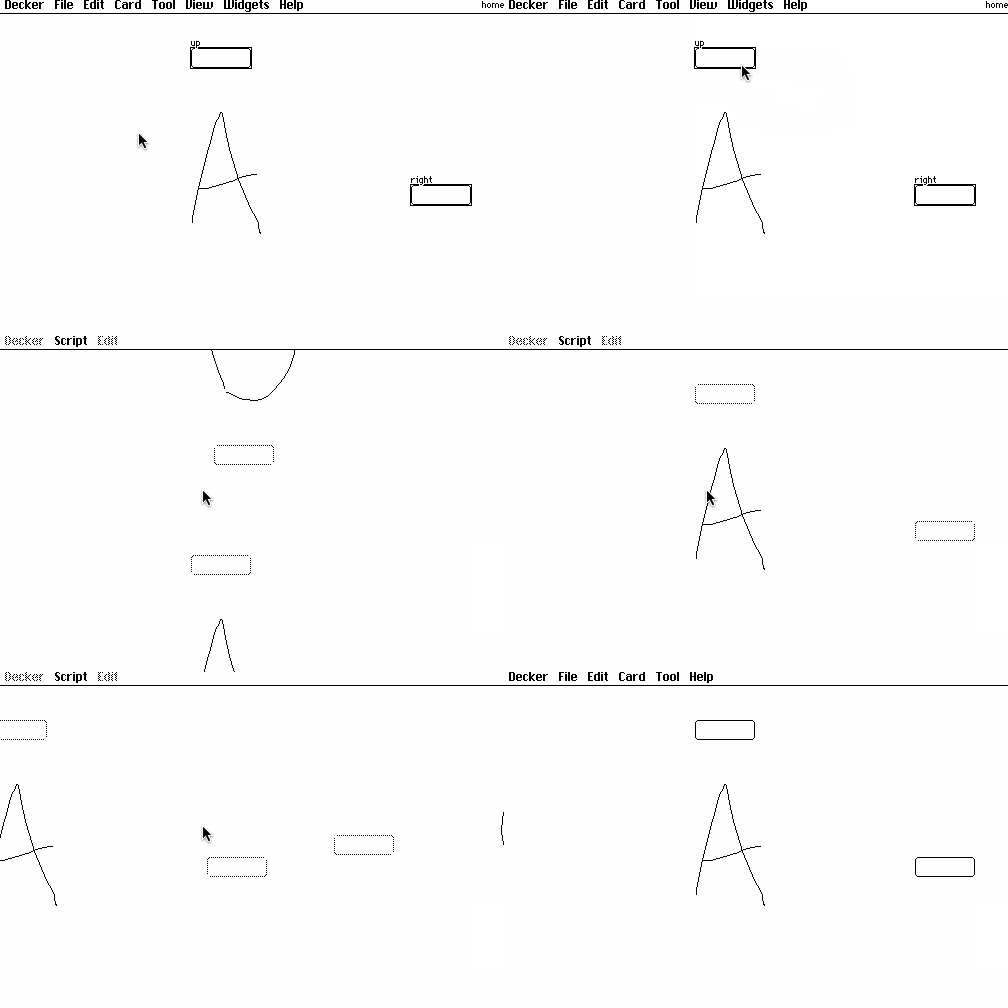
Want to make a point-and-click adventure game faster to navigate with (optional) keyboard controls?
Wire up your game normally, with buttons (visible or invisible) that move between cards, but follow a naming convention for the buttons: name them "up", "down", "left", or "right" based on which keyboard cursor key you'd like them to correspond to. Then, in the deck-level script, override the navigate[] event handler to look up buttons on the active card by name and simulate clicking them:
on navigate dir do
 deck.card.widgets[dir].event.click
end
This won't interfere with clicking on the buttons normally. If any given card doesn't have buttons with those names, this script will harmlessly do nothing.