Indie game storeFree gamesFun gamesHorror games
Game developmentAssetsComics
SalesBundles
Jobs
TagsGame Engines

Issue with 3D Project

A topic by ETHAN0L created 57 days ago Views: 89 Replies: 2
Viewing posts 1 to 3
(1 edit)

Hello!

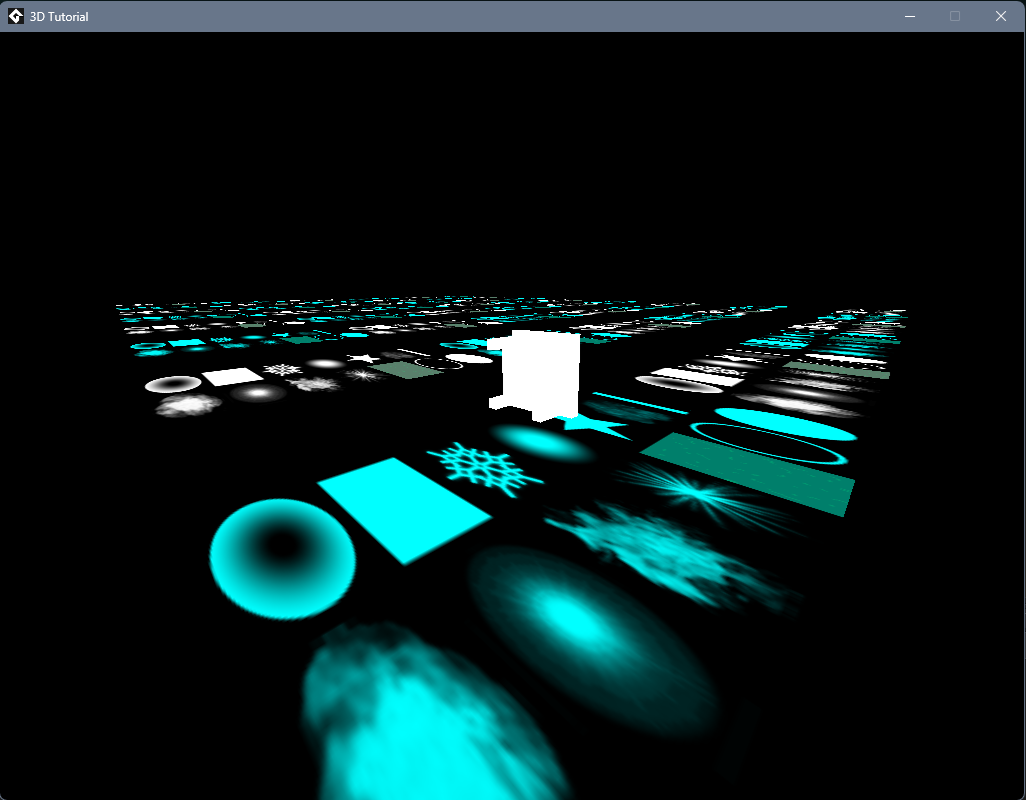
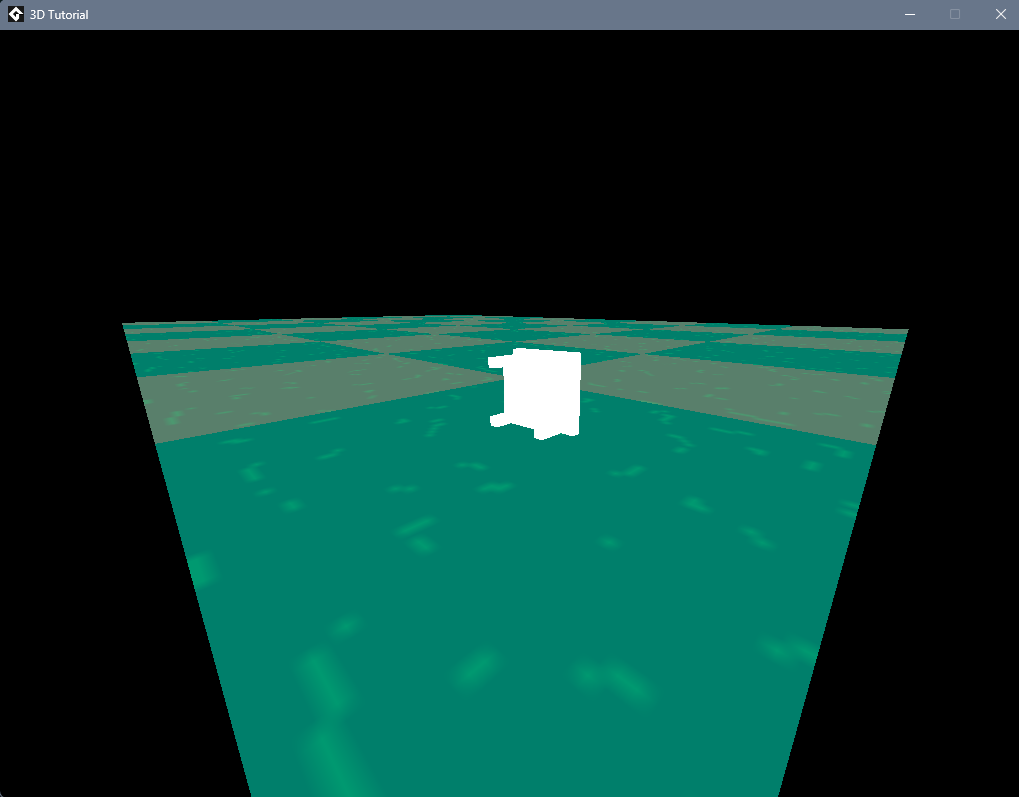
I've been dabbling in some 3D stuff with GM, but it seems that once I import GMLive into the project (a very simple project, mind you), the textures that I'm rendering don't work. I've attached pictures of before and after importing the package.

The change is immediate. Without even including the object into a room, there's issues. But once I delete the GMLive files it works fine. Does GMLive change something fundamental about how GM renders stuff?

I can include a project file if need be, but all I'm really doing is creating and submitting a vertex buffer with a given texture. 

Any help is appreciated!

Developer

Your sprite isn’t marked as “use for 3d” / “separate texture page”, so it gets packed with other graphics into a larger texture.

When you have just this one sprite and nothing else, it fills the whole texture page and all is well.

GMLive references the particle functions in a few spots so GM adds the default particle textures to your texture page and you get this.

Wow, haha. Such a small and easy fix! Thank you for your help and such an amazing tool. Still so new to 3D GM stuff