
Indie game storeFree gamesFun gamesHorror games
Game developmentAssetsComics
SalesBundles
Jobs
TagsGame Engines

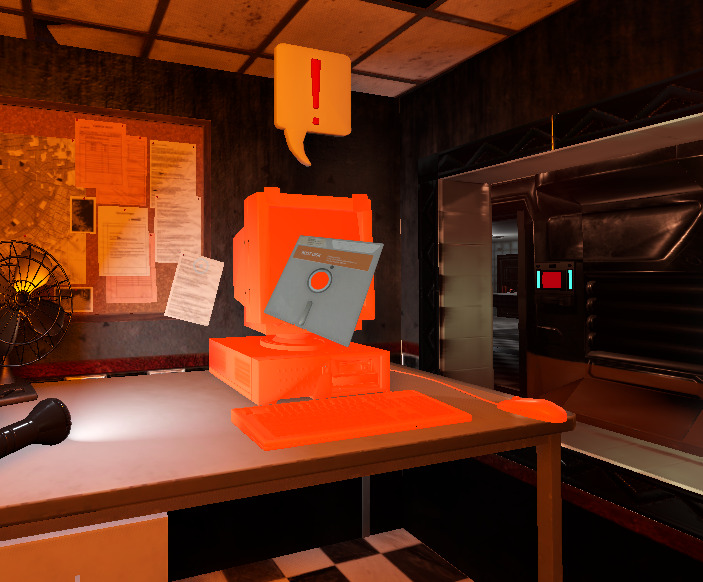
Hi Pirateaccomplished35, to insert the disk in the computer. Drag it from your inventory over the monitor (not atop it). The computer should glow orange (sometimes this takes a split second) only then let go the disk.

If the switch labeled CCTV in the office breaker box is turned on the computer will start after a second. If not turn the switch on and then interact with the computer again to start it. 
Thank you for the response, I appreciate it. I've tried again placing it in the disk slot and the monitor yet I still had issues with it sadly. The breakers were switched on both times and computer was on. 

I've tried all the steps yet think their maybe an error with the 'hitbox' or zone for the floppy disk. Would be happy to give more info/help if you need. 

Apologies for the late response.

That's quite a strange bug. Did the computer glow orange when you hover the disk over it? (that's the cute to let you know you got the right item). This is how it should look like.