

I think I got it working! I’ll outline what I did so if anyone else on Mac has this problem they can give it a try.
For clarification, I found I actually have a x64 processor. But I had tried clicking on all of them and nothing happened.
First, I found the one that fit my processor (thank you Quora). I right clicked it and clicked ‘Archive Utility’.
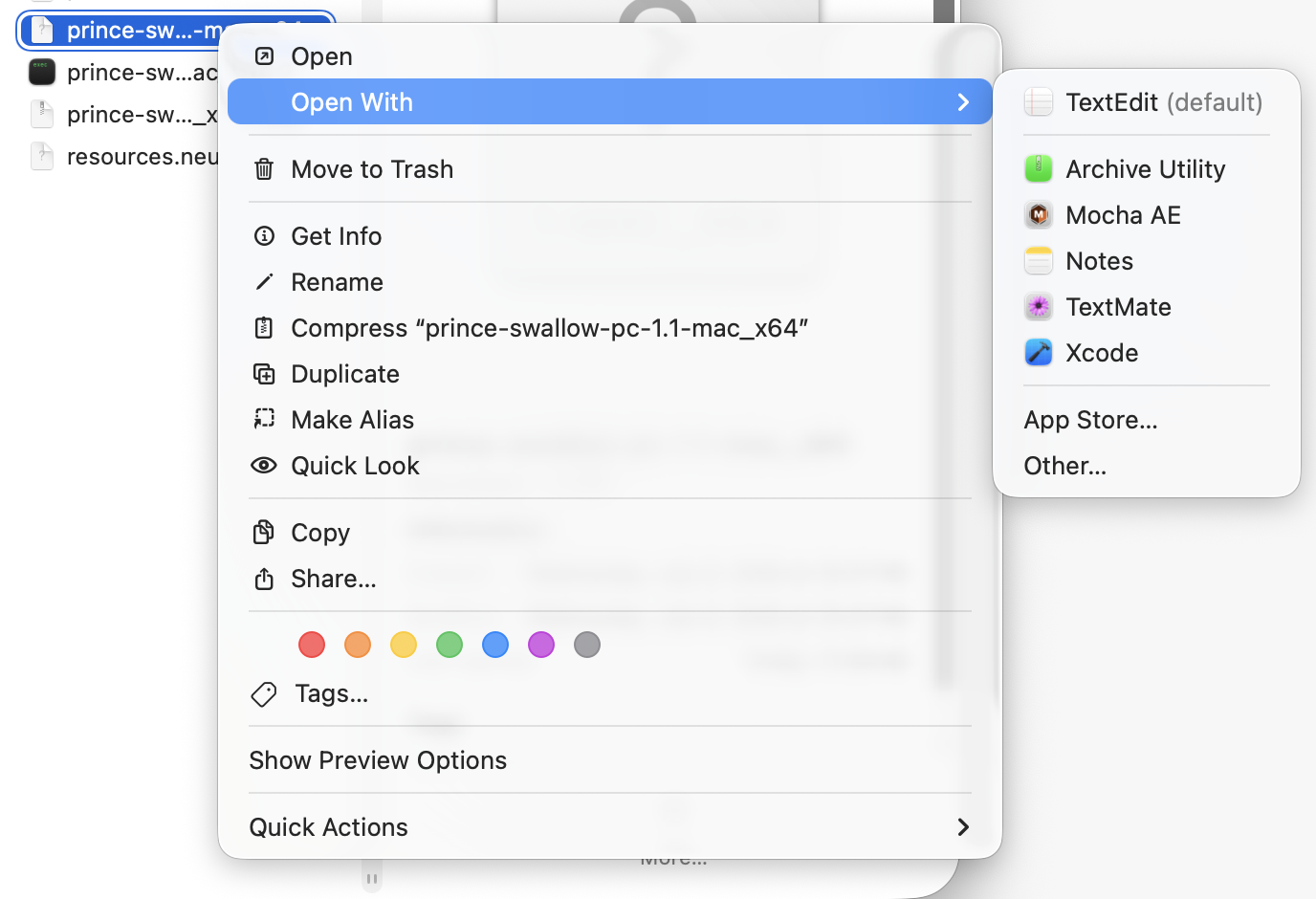
Apple blocks you from opening it. I then went to Privacy and Security Settings and clicked ‘Open Anyway’. (you’ll notice it says ‘universal’ in this screenshot instead of x64 but that’s just because I was repeating the process for the screenshot lol) 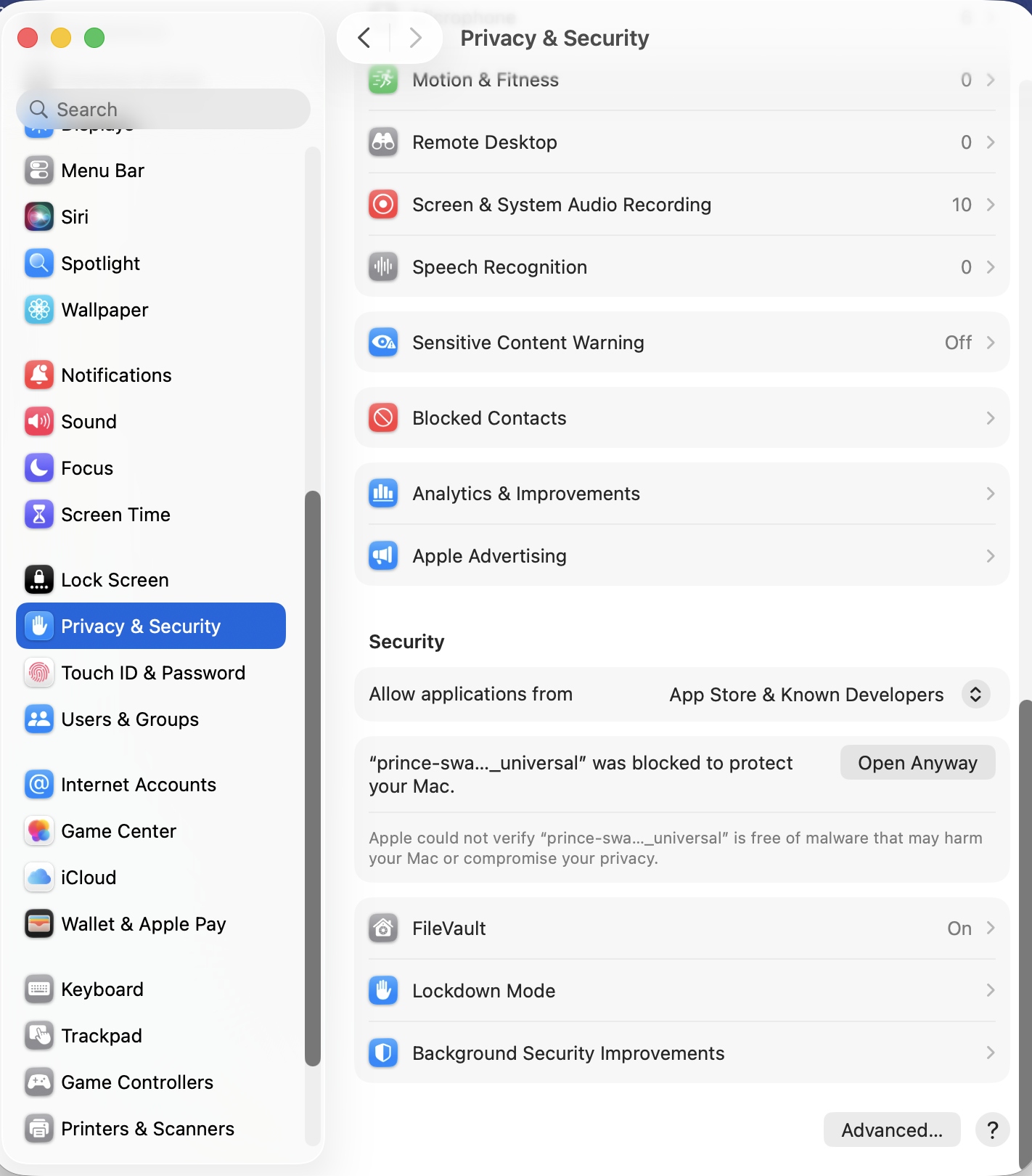
Archive Utility then creates a package that ends in the file extension cpgz. I opened it and it created the file as an executable.
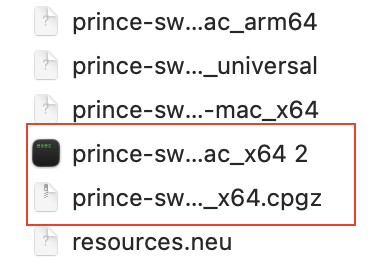
I was then able to run the executable! I don’t have time to sit and play through it right now but I’ll report back if I have any issues :>