

You can open the map with the 'Tab' key after you've picked it up at the start of the first area.
19 days ago(+1)
Sorry for the confusion but i meant as in it's always locked and i can't use,it's the same for other items.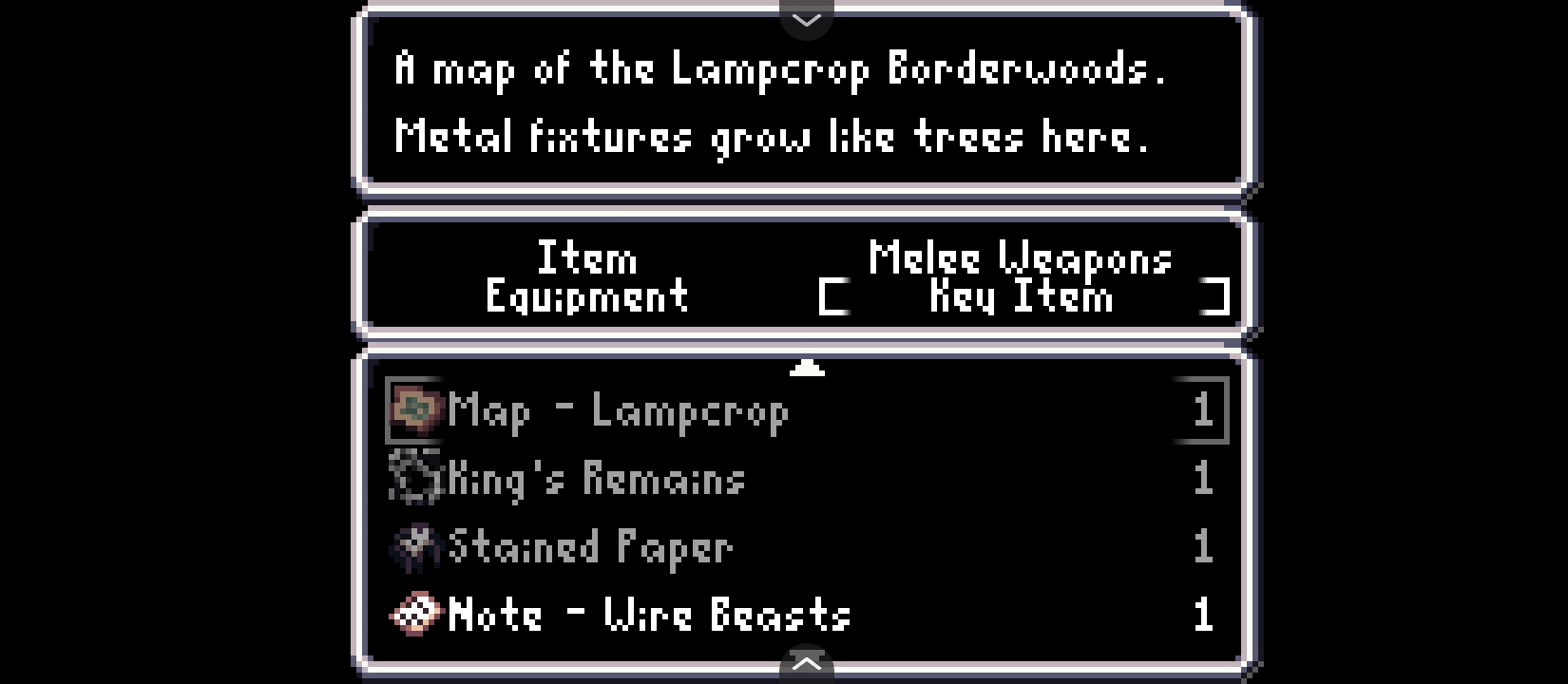
Ah, I see. Most 'Key Items' like the map aren't meant to be usable like normal items. If they are greyed-out like that then that means they don't have a menu function and are instead used elsewhere. Some might come up in character interactions if they're in your inventory, or you can open a gate or door if you have the right key in your inventory.
Picking up the Map item here is what enables you to view the map by pressing 'Tab' but it doesn't have a function in the menu.