Brother 😭, this is what Grok is telling me you should do:
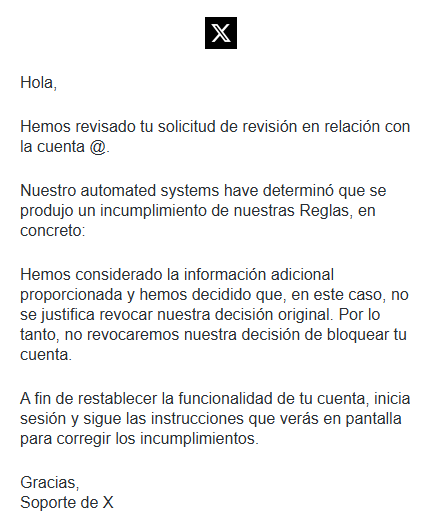
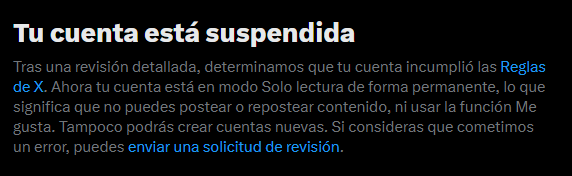
This is a standard hacked + spam suspension with an automated denial. X's system flags the crypto posts as violations (spam/manipulation), suspends to contain damage, and their automation often rejects initial appeals—even for legitimate victims.
Immediate actions he should take right now:
- Close the suspicious session (from the first screenshot): Go to the session management (Settings > Security and account access > Apps and sessions or similar). Log out/kill the "Mac Chrome - London, England - July 3" session immediately. This boots the hacker if they're still in. Change password + enable 2FA right after.
- Re-appeal with stronger details:
- Log into the suspended account (you mentioned read-only access works).
- Go to the appeal form again (usually prompted on login or via help.x.com/forms/account-access/appeals).
- Key points to include (be concise, factual, polite):
- "My account was hacked. I did not post the crypto spam. The hacker posted from [mention London session if visible]."
- Reference the suspicious London/Mac/Chrome login from July 3.
- Confirm you've secured it: new password, 2FA enabled, suspicious session closed.
- Offer to verify identity (phone/email tied to account).
Wait 24-48 hours between appeals. Don't spam them—multiple rapid ones can hurt.
- Other recovery steps:
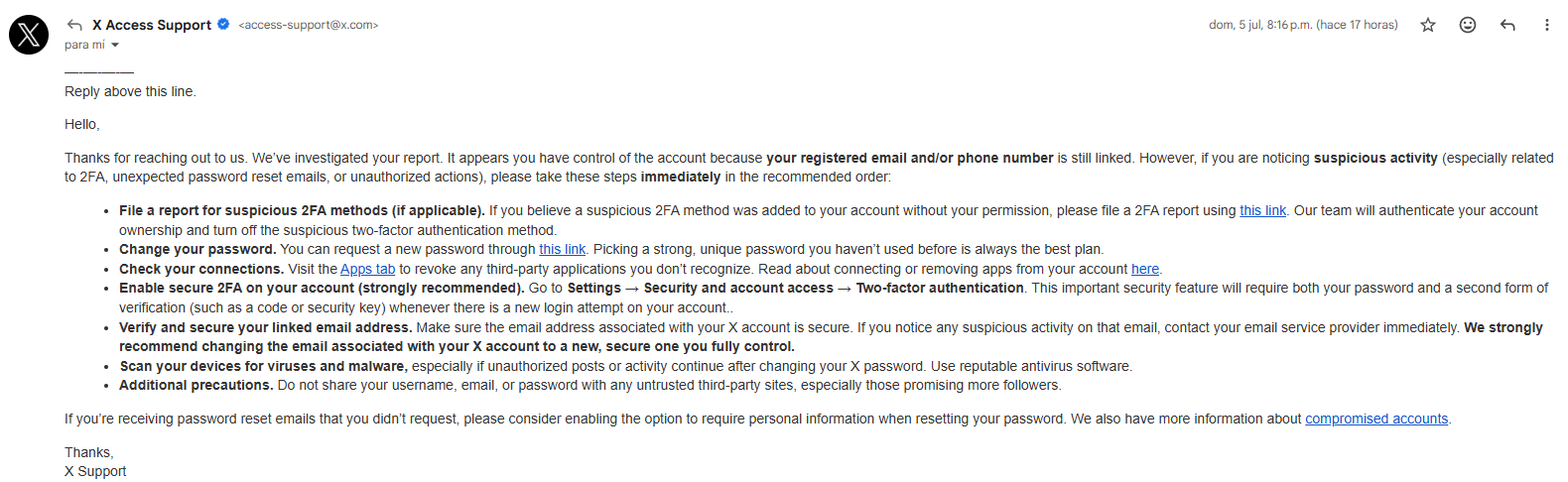
- Check associated email and phone for X notifications.
- If hacker changed email, use the "hacked/compromised account" flow in Help Center.
- Download your data archive if possible (before full deactivation).
Realistic outlook:
- Many hacked users get restored after 1-2 good appeals, especially with proof of the hack (suspicious login).
- Some stay suspended if the automation is stubborn or crypto spam volume was high. X support is mostly automated with limited human review.
- If appeals keep failing after 1-2 more tries, it may be effectively permanent. At that point, the account is often lost (common complaint with X).