Indie game storeFree gamesFun gamesHorror games
Game developmentAssetsComics
SalesBundles
Jobs
TagsGame Engines

Digital Reader – reading a story and design with a picture

A topic by DimaLink created 76 days ago Views: 89 Replies: 2
Viewing posts 1 to 3


I've long dreamed of combining two things. Writing texts. And programming. A story. And software. A program that displays your story. In a specific format. A picture. Like a cover. Or an illustration. One thing. And the text. And all this in a special program that understands its own format. That's what a digital reader is. It's a program.

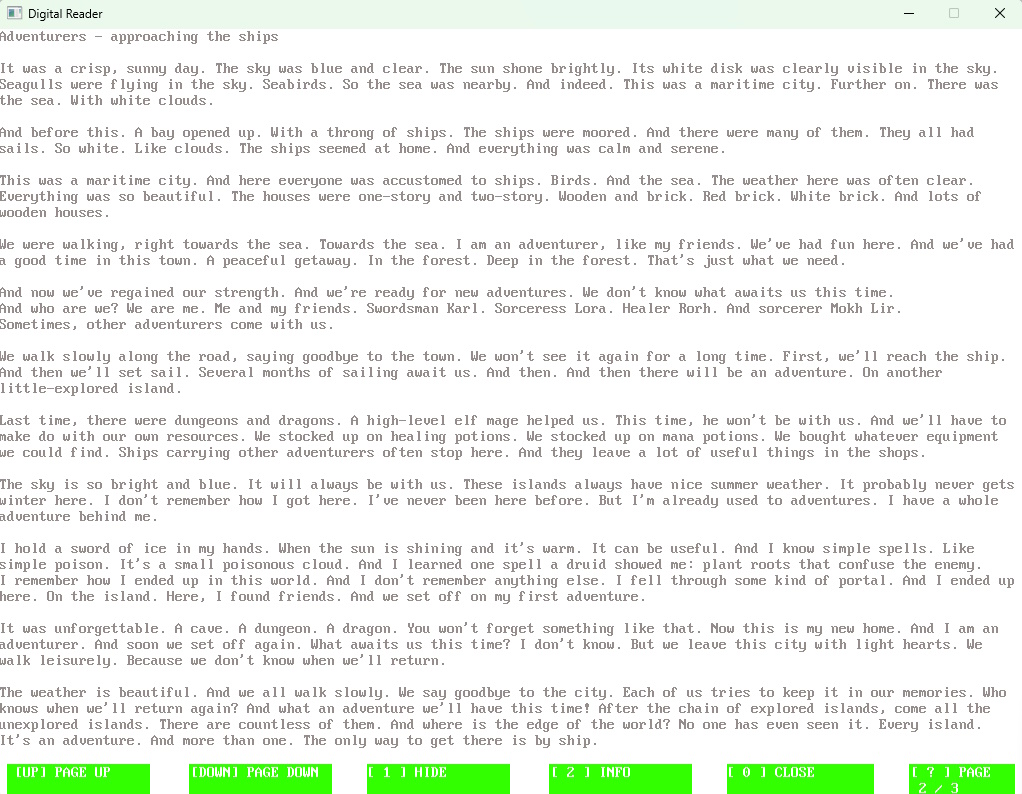
It's a little program. In which my stories are stored. I wrote a great story and put it in the program. The program's interface is reminiscent of MS-DOS shells. Several indicators at the bottom.

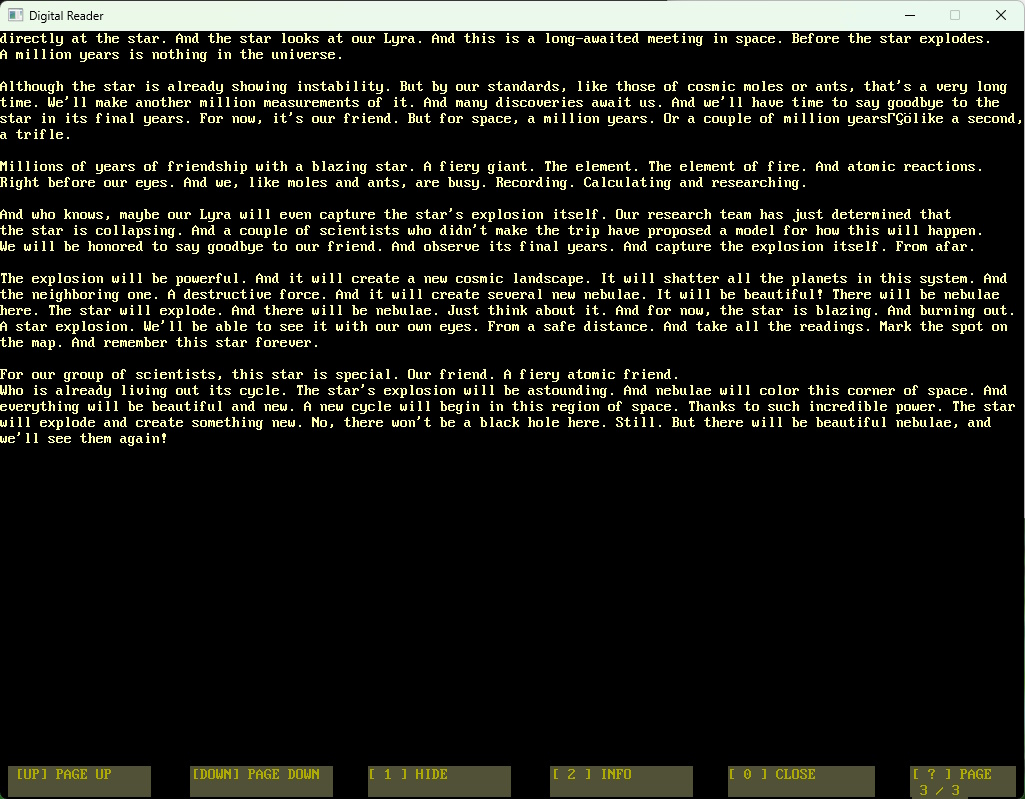
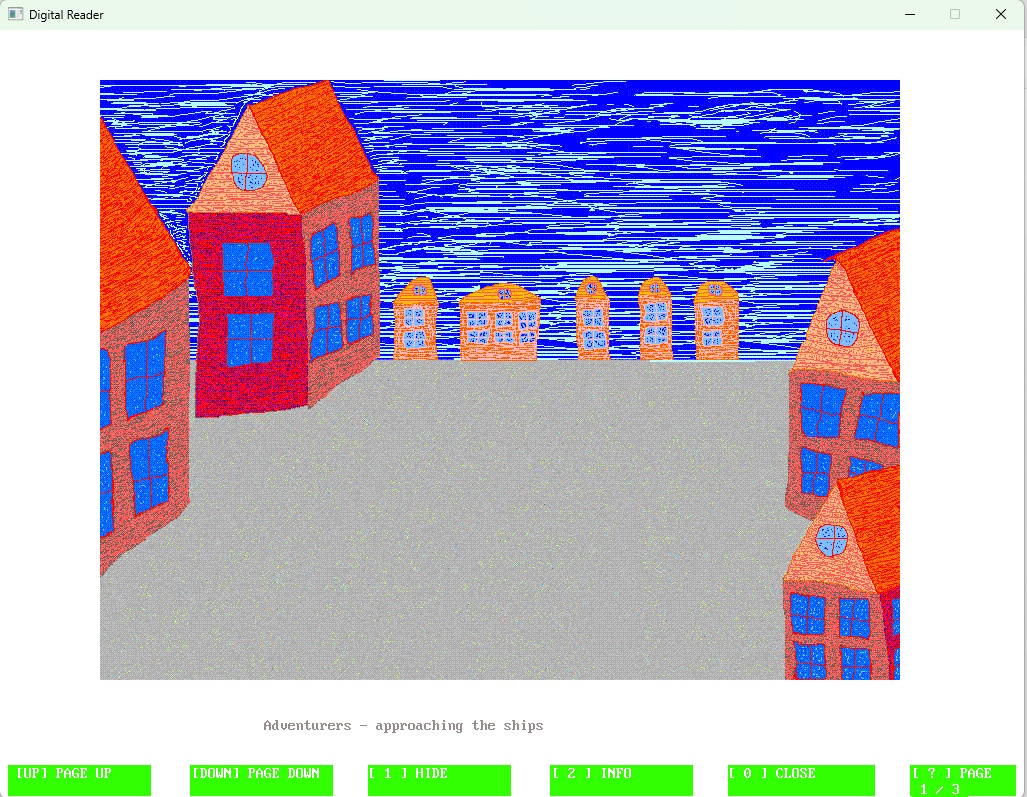
The interface is simple. Contents at the top. Indicators at the bottom. Like DOS Navigator, Volkov Commander, and Norton Commander. At the bottom, there are indicators for the control buttons. There are only a few of them. A page-up button. A page-down button. If this is the last page, pressing the down button takes you to the first page. And vice versa. From the first page, you click the up button to get to the last page. And so you wander through the pages. Like a ship on the waves. These are the reader's comparisons.
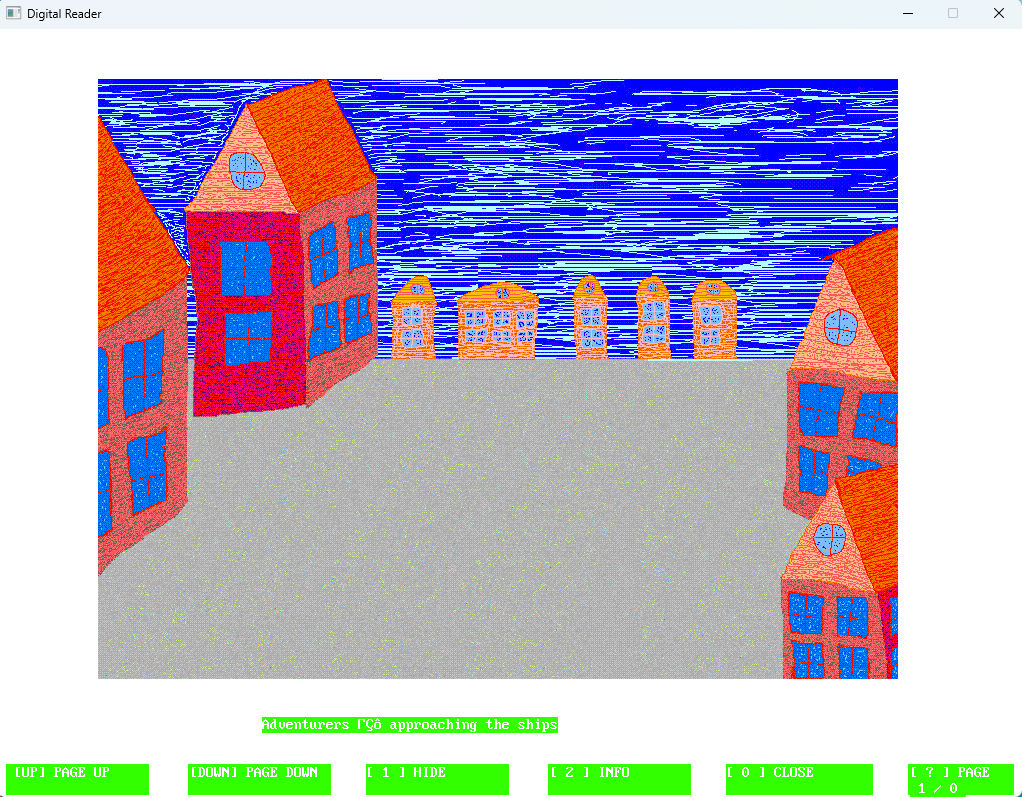
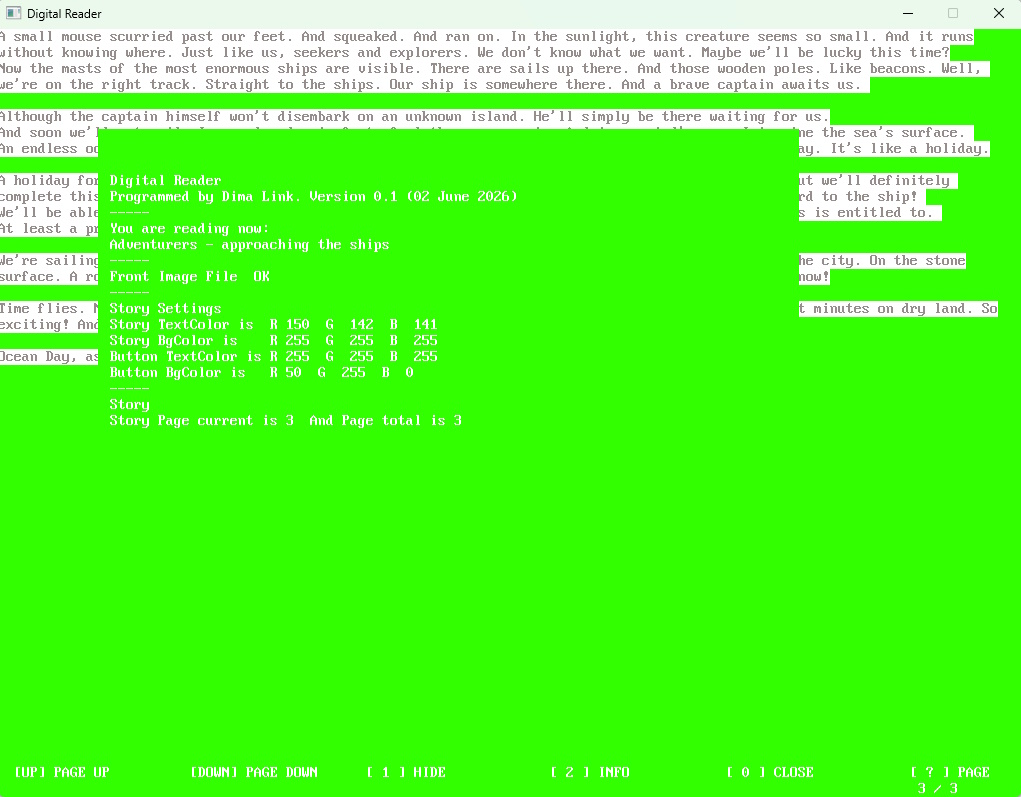
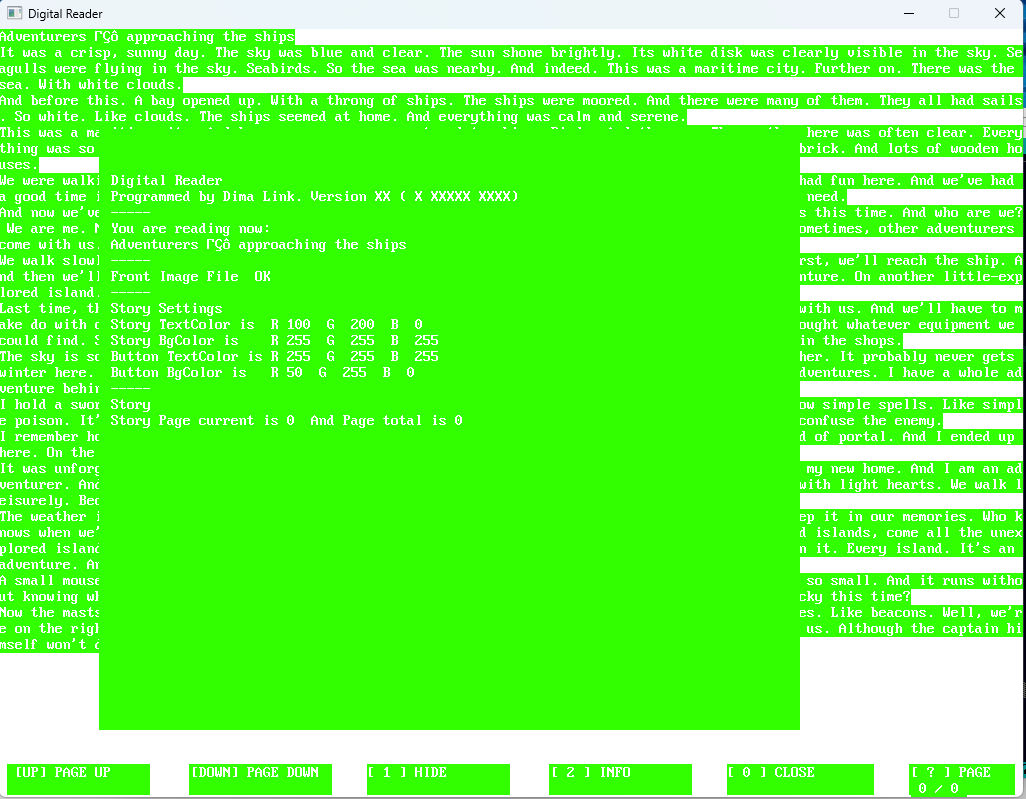
There's also the option to hide or show this indicator. Of course, there's an exit button. It's all numbers. 1, 2, 3, and exit is 0. And up and down arrows. There's information: how many pages there are and which page is currently active. That's the bare minimum of information for the reader. The information button. It contains general information. About the program itself. The program version, for example. And general statistics for this story.

A story is text. That's clear. And it's also an image. And a settings file. That is, it's a kind of file structure. And the button displays all this information. Yes, there's also a color scheme. The text, the background color, the color and text of the buttons. Four colors. Colors are on a scale from 0 to 255, and so there are three color components: red, green, and blue.
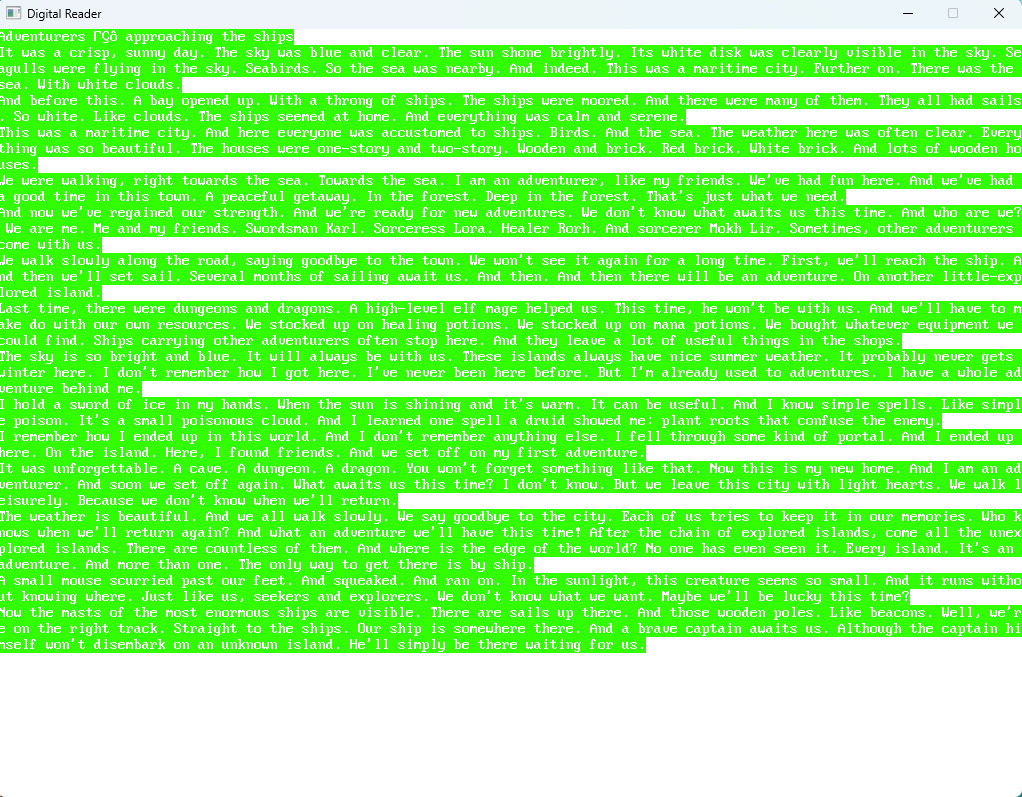
So, the program is a reader. It's tailored to a specific story. A folder. Where the text is. An image. And color settings. Text color, background color. Background color for the indicator. Text color for the indicator. This way, you can vary the appearance of the text. And make it match the style of the story. So each story will have its own visual style.

And the first page of the story. It's always an image and a title. Then the second page is the first page of the story itself. This is primarily designed for short stories. Several pages.
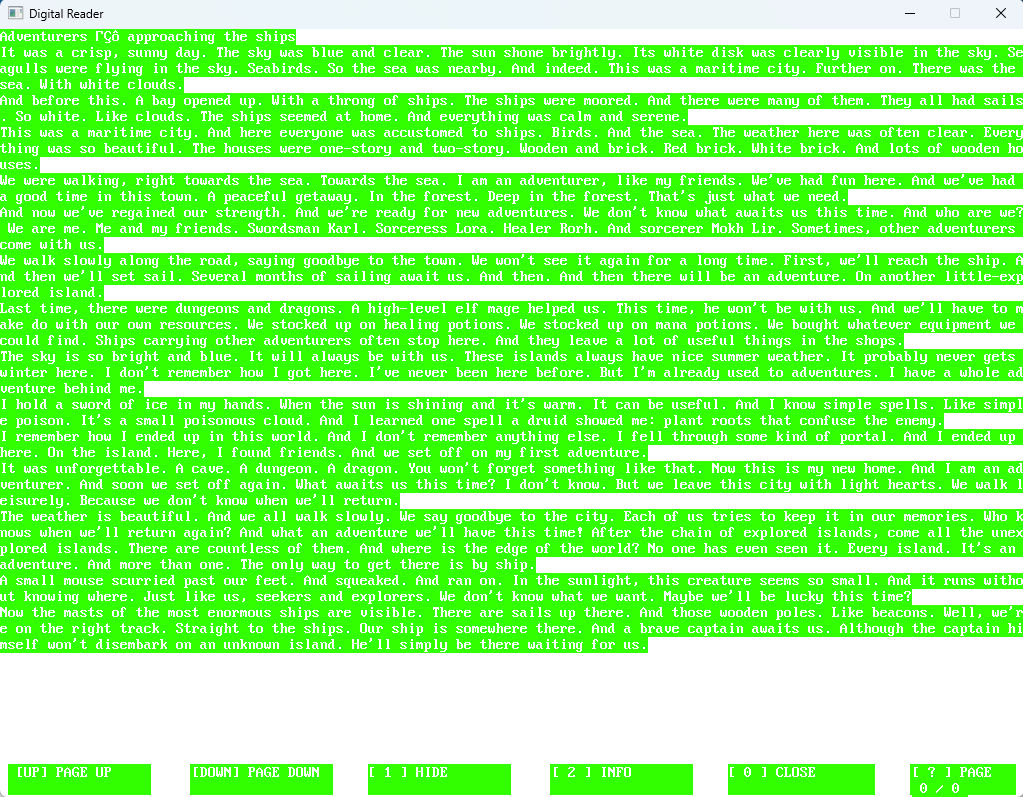
That's the whole idea. Stylizing the story through colors. An illustration for the story and the text itself. And all this is launched from the Digital Reader program. The Info button displays all this information. Including the story title. All loaded colors. Whether the image has loaded. Something else. And the version of the Digital Reader program itself.

Initially. The idea is that each time you copy the Digital Reader, the program itself. Then you upload your story in the program's format. That is, the text itself in text form (like a TXT file). An image for the story in JPG format, and a file with the settings. The txt file contains the colors for the program's style.

Sort of. It's a folder. It contains the Digital Reader program. The program. And the story text files. With settings. And a JPG image. The image is 800x600. The program itself is 1024x768. Like everything I do, it's retro. It's written on QB 64 Phoenix Edition.


Dima Link is making retro videogames, apps, a little of music, write stories, and some retro more.

WEBSITE: http://www.dimalink.tv-games.ru/home_eng.html
ITCHIO: https://dimalink.itch.io/

TUMBLR: https://dimalink.tumblr.com/

BLOGGER: https://dimalinkeng.blogspot.com/

MASTODON: https://mastodon.social/@DimaLink

Digital Reader version 0.1 – the software part of the solution

Time passed, and finally I completed another of my developments. Another direction. It's software and literature. And a bit of drawing. And color selection. This is Digital Reader. It's software that allows you to read short texts. It's designed as an MS-DOS viewer in Norton Commander. There are two stories for this version. One is fantasy. The other is science fiction. And you can read them in Digital Reader.

This is a comprehensive solution for reading short stories. This is the Reader program. That's what it's called. You read stories in it. Small in size, in theory. Written in the QB64 Phoenix Edition programming language. This is another variant of Qb64. My first attempt. But it's very similar to QB64, so you could say they're the same thing.

In this first post, I should talk about the software. This is the Reader program. A simple program for reading short texts. Stories. I created it primarily for this purpose. So that readers can read my stories using this program, I wrote the reader myself.


It looks like Norton Commander or Volkov Commander. Retro styling. Everything is listed at the bottom. Menu. Up and down arrows move forward and backward through pages. For convenience, there's a function to jump from the first page to the last. And vice versa. You can also hide this menu. And there's an information menu. It contains all the information used in the program: color palettes, text titles, page count. Everything is controlled by the numbers 1, 2, and 3. And 0 exits the program. Simple. Like on MS-DOS.


I thought long and hard about it, but overall, the program is ready. And it's ready to use. I named the program "Reader." That's one thing. Digital Reader is a comprehensive solution. Software + stories. And styling. The program is simple and ready to use. I was thinking about writing version 1.0, but I named it version 0.1. It's like a starting point. Together, it's like the comprehensive Digital Reader solution. Version 0.1 is just the beginning. So, Reader 0.1 works perfectly. Version 1.0 could have been written. All the intended functions are implemented.

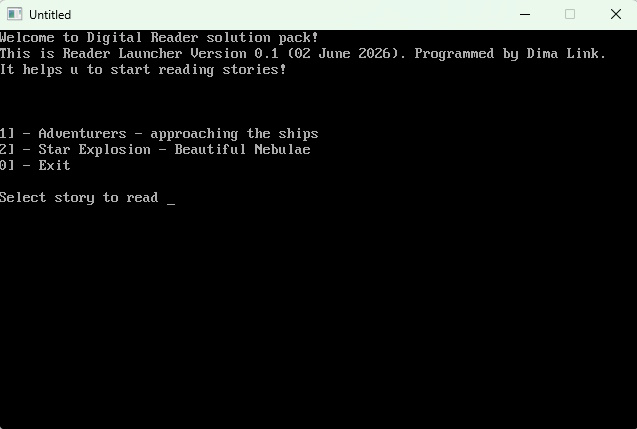
There's also a Launcher included. From there, you launch what you need, just like from a .bat file. There are two stories now. That's where you choose. So, you need to launch the Launcher. It's just a text menu, like MS DOS. You select which story you want to read by pressing 1 or 2. The Reader program launches, which already has the text for the desired story loaded.


That's basically it for the software. But another topic related to the software is styling. A set of color schemes. Each story comes with its own design theme. Four options here: Story text color. Story background color. Text color for control buttons. Background color for control buttons. Four colors in the RGB palette from 0-255 for each component.


Thus, the Reader program takes data from the story folder. And each story has its own folder. There's a file with the color scheme there. An image file. A text file. Each story for the Reader program is a folder containing three files: a color scheme, an image, and the story text.

This Launcher passes the path to the story folder as a parameter to the Reader program. It then grabs it all and applies it. It loads the color scheme, the text itself, and the image with the illustration. So, the Reader program has a launch parameter. This is the path to the story folder. In the format described. It should contain the color scheme, the text with the story, and the image.


In fact, the Reader works just like that, if you launch it. That's the secret. By default, it looks for the Data folder, which is where all of this should be. The format is the same: the Data folder should contain the color scheme, the text with the story, and the image.

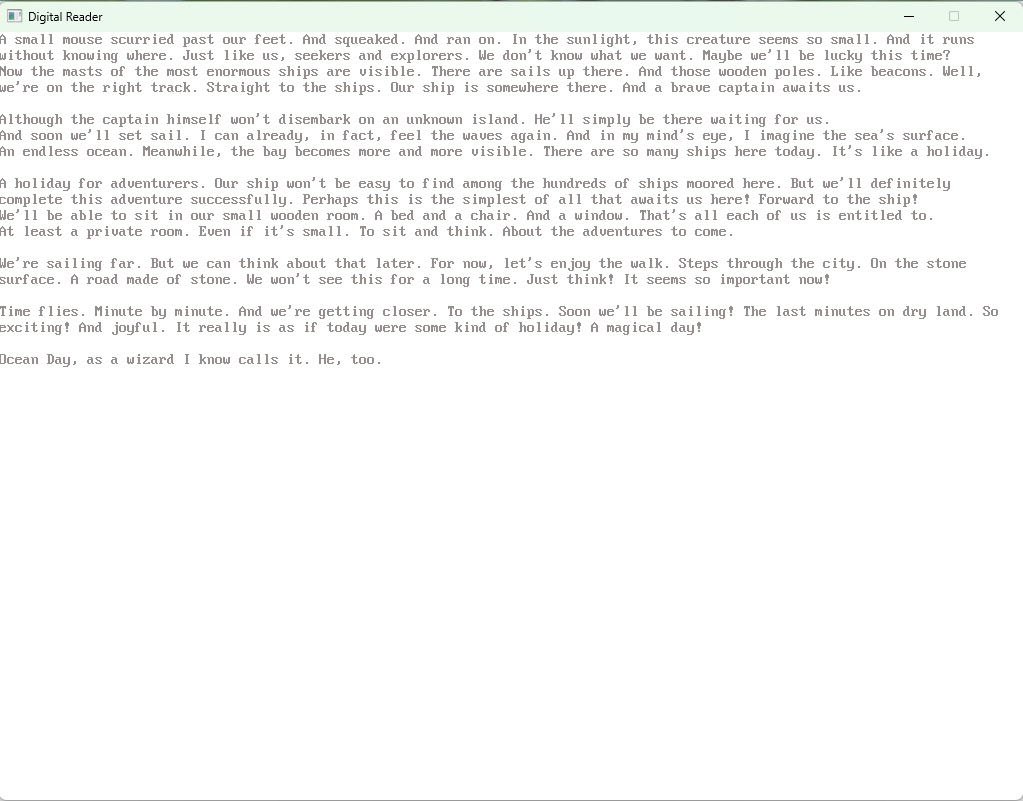
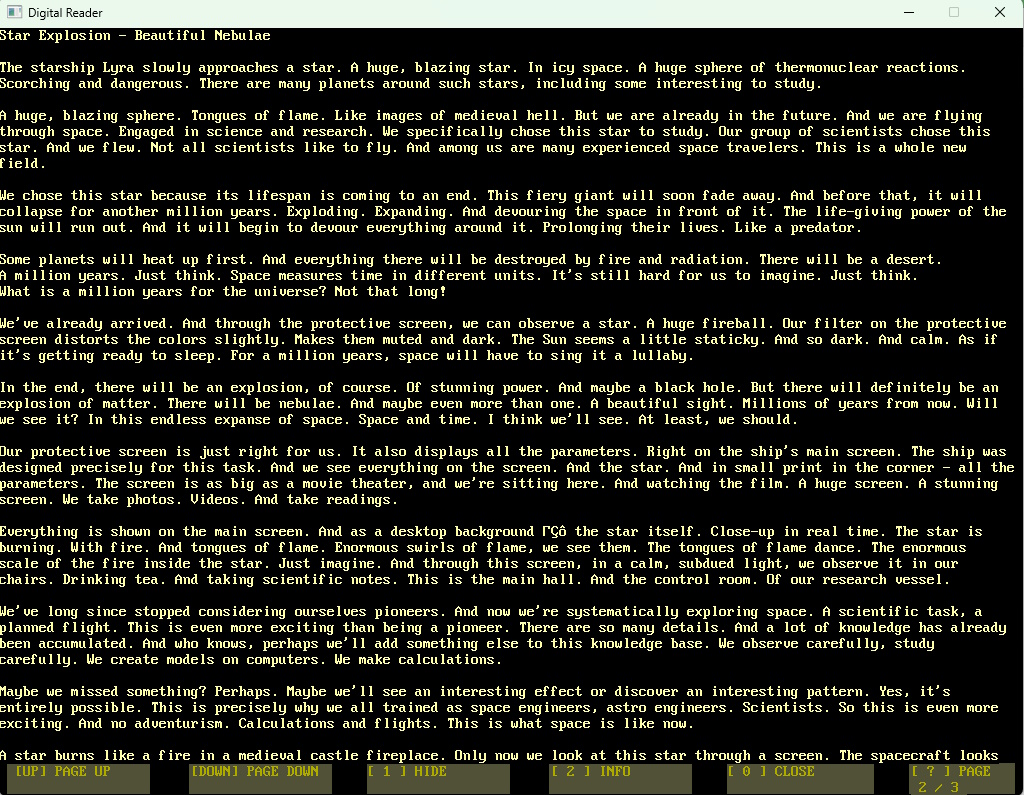
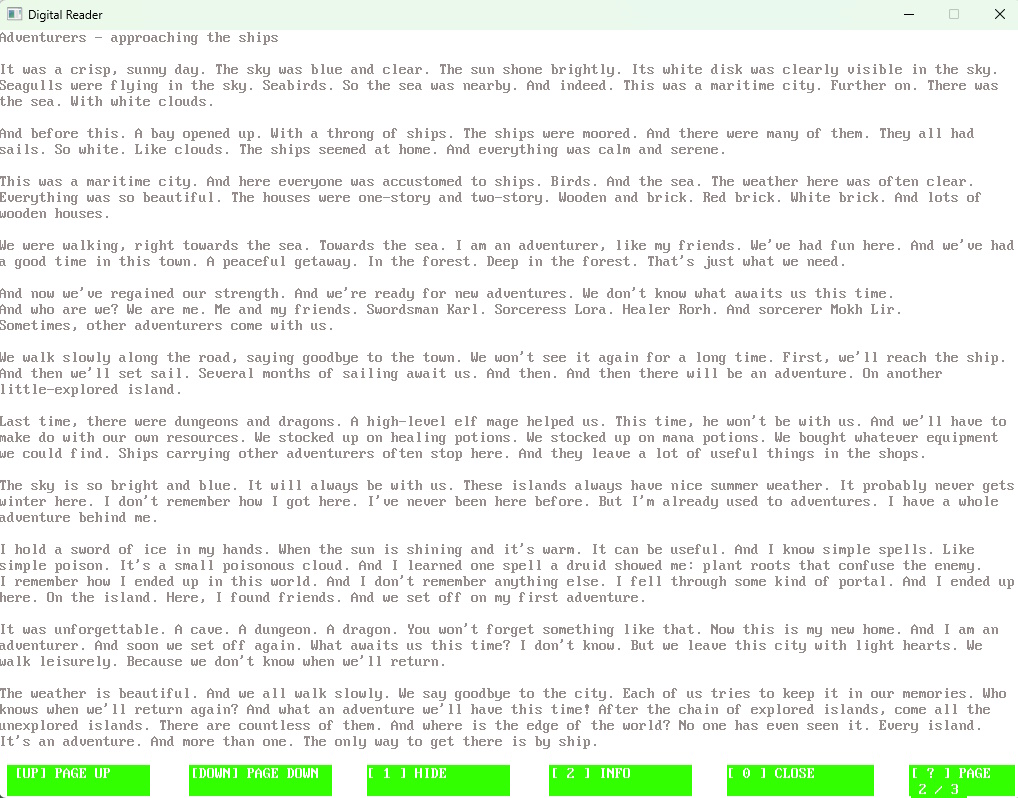
This is the software side of the issue. And the styling. Each story is planned as a separate folder, containing a file with the color scheme, an illustration, and the text itself. The text is in text form. The line length is 128 characters. The Reader has 45 lines per page. 45 lines is one page. That's how pages are counted. Plus, page number one is always the image and the title of the story. It's like a title page. So, the first page of the text file containing the text itself is page number two.

The Reader program loads from the Launcher, and you see the story's color scheme, the illustration, and the text itself. That's the idea. That's why I wrote my own software. I dream of writing my own software. Office-grade software. For simple tasks. Simple solutions.

So, welcome to the Launcher and the Reader!


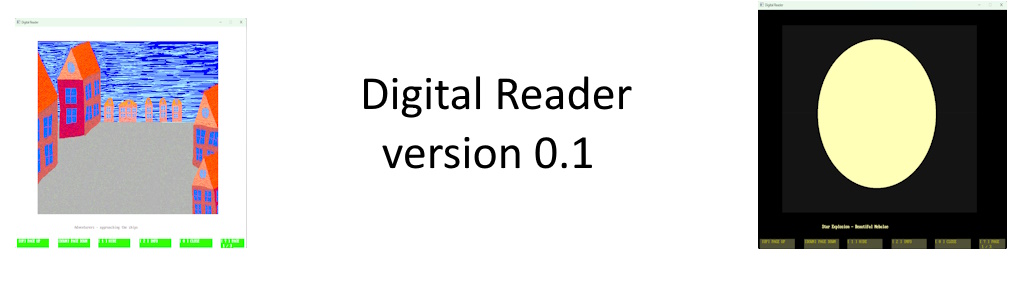
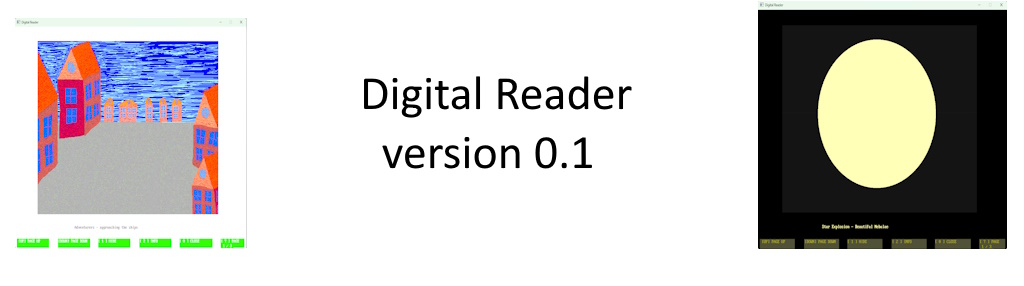
Digital Reader version 0.1 – most first version. In this version there are 2 stories! Adventurers, Explosion of a star. And also program Reader and program for launch.

Digital Reader: http://www.dimalink.tv-games.ru/apps/digitalreader/index_eng.html

Website: http://www.dimalink.tv-games.ru/home_eng.html


Digital Reader – fantasy houses and a star in space

In this starting, very first version. There are two stories. Now about the artistic part. Digital Reader is both software and reading. That is, reading short stories. With a picture. The title page of the story is the picture and the title. And the stylization with the color scheme. The story's letters and the background.

It's also reading stories. Picture and color scheme. Two stories. One about fantasy and adventure. The second is science fiction and space exploration. Adventure and the sea. On one hand. And the depths of space. And a bright star on the other. Two stories. On different topics. One thing in common – they are short stories.

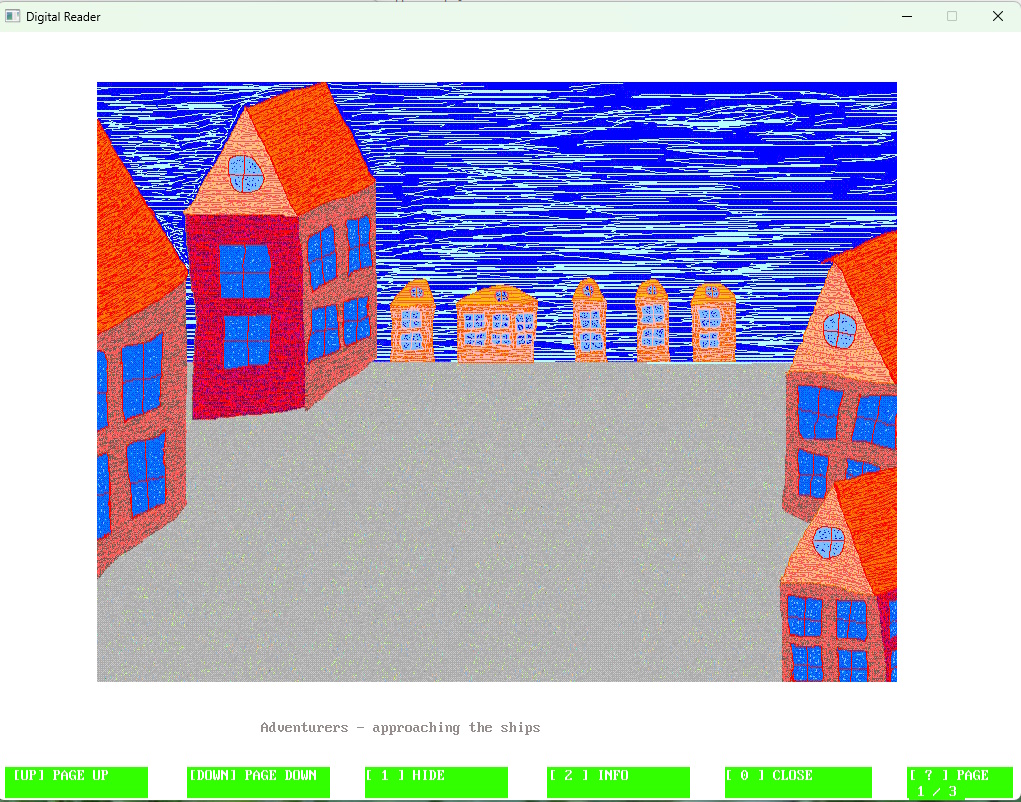
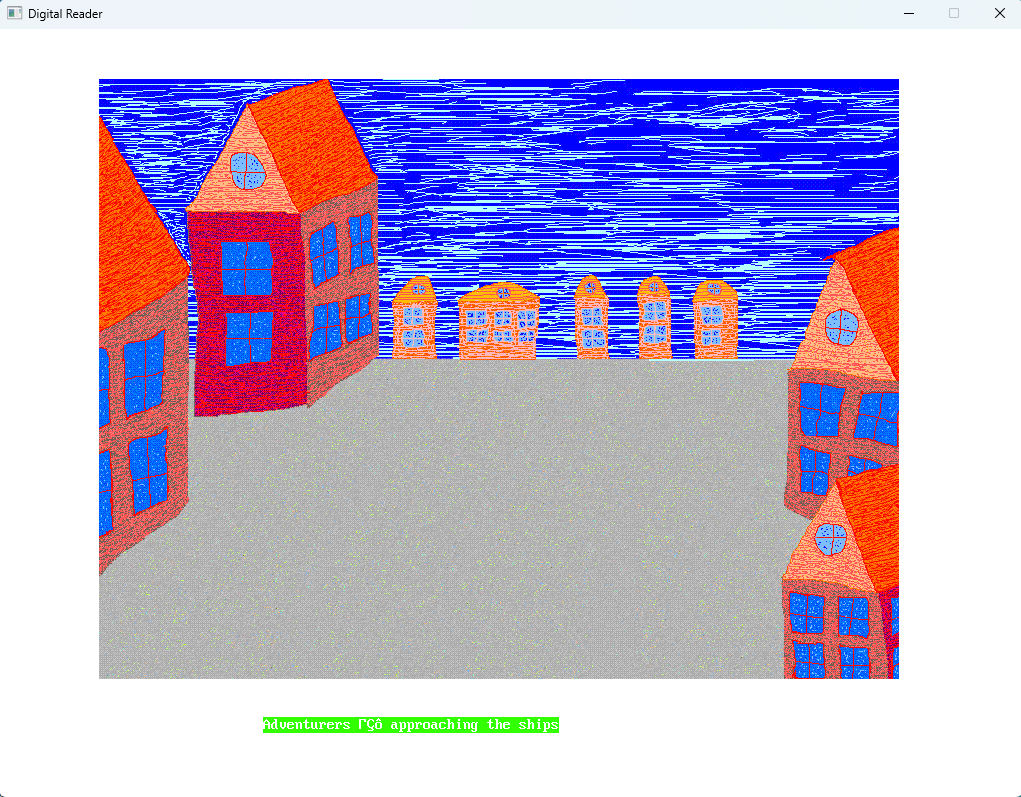
The first story. Adventurers. It tells of adventurers walking along the pavement. In the city. To the port. There are already sailing ships. And a blue sky with clouds. They are walking. And preparing for a new journey. It's like fantasy. Like anime. Like the YS video games where the hero sails on a ship. Then there's a shipwreck. And he's off on a new adventure. Or like anime about fantasy adventurers, or Dungeons & Dragons.


Only here there are heroes, a whole party, a bunch of heroes, a group. A mage, a warrior. Different classes. A healer. There's an elf. Literally four heroes. They're heading to the ships in the port. Their vacation is over. And they're ready for new adventures. Summer. A fresh sea breeze blows. The heroes are walking. And they say goodbye to the city. They won't see it again for a while.

You—you ended up in this world, you don't remember how. Like in Final Fantasy 10. You just ended up in this world. And you became an adventurer. Here the crew is heading to the ship. To sail again. To the island. To explore it. I'm already remembering episodes from previous dungeon crawls. I myself used to be a fan of watching anime. Slayers. Slayers. That's what it was called. About the sorceress Lina Inverse. And her friends. This is also a good memory. To begin the story.

Look at the picture I drew. This bright sky. Clouds. Such beautiful houses. And a stone pavement. And you're walking among these houses. Just like the island in Might and Magic 6, 7, 8. There are often islands there. I love that series of games – Might and Magic 6, 7, 8 in particular. This blue sky. This green grass. And such houses. One-story houses. I remember them very well. Here's the illustration.

Color scheme. Light. Bright. White background. Everything is so light and relaxed. Like a seagull in the sky. The sea. The ocean. And the sky. Pleasant weather.

The second story. A Star Explosion. It's written in a different style. Science fiction. Science. And space exploration. You're aboard an exploratory starship. Such a noticeable size. Like the Enterprise from Star Trek. And you look through the central screen. The front screen. At a huge star. Scientists have already figured out what will happen next in this star's life. And here's an observation. And a reflection. Calm. About space. Cosmic forces, the elements. About the future.

A reflection on how even your research spacecraft might visit this place again. And see a new cycle in the star's life. Similar research topics were in Star Trek: Voyager, The Next Generations. Probably my favorite TV series. I was studying to be an engineer and watched them with pleasure. Motivation to finish my studies. To reach the end. Half reality. Half dream. Such a leisurely story.


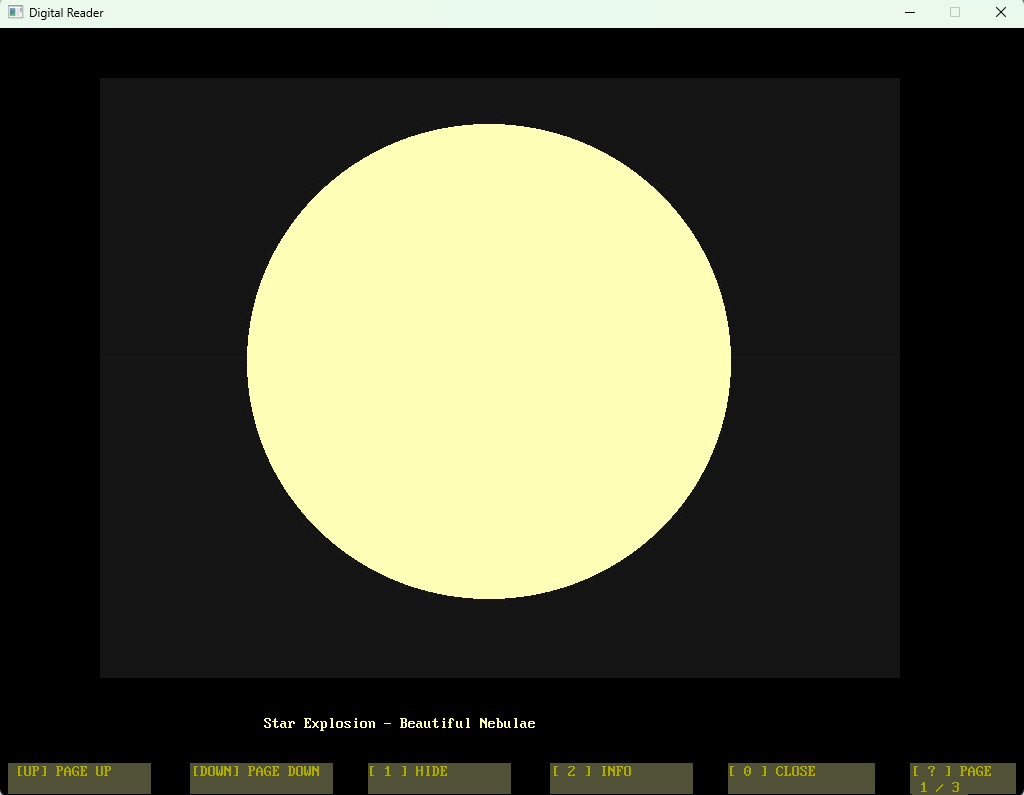
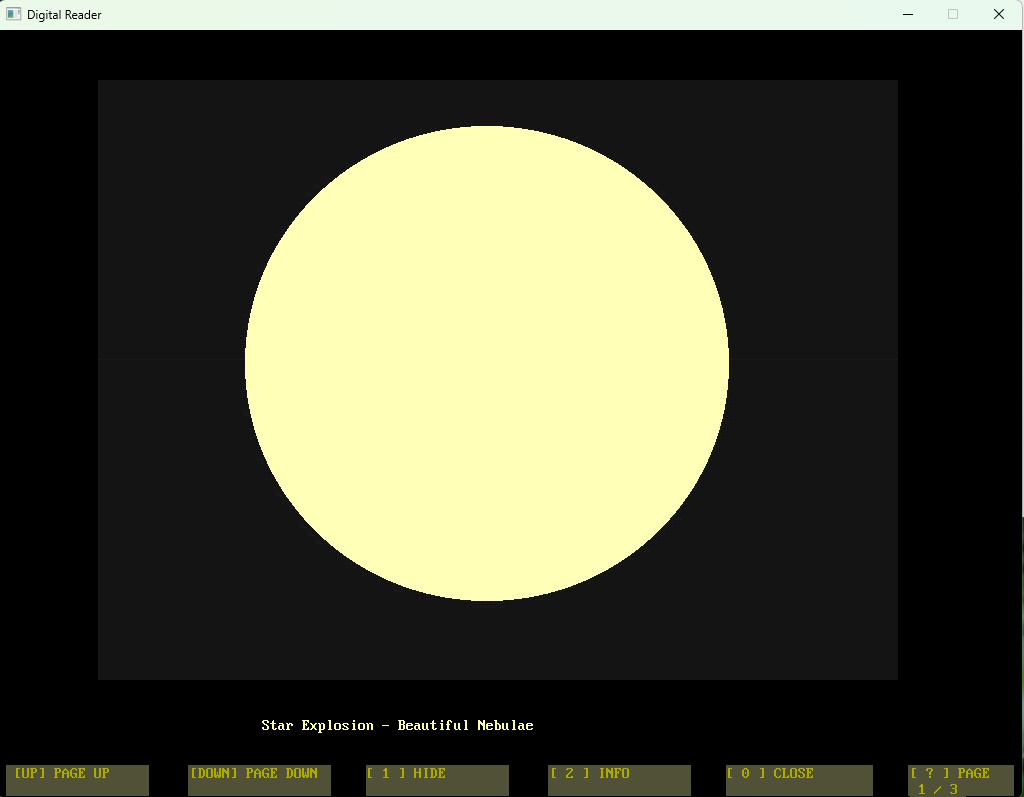
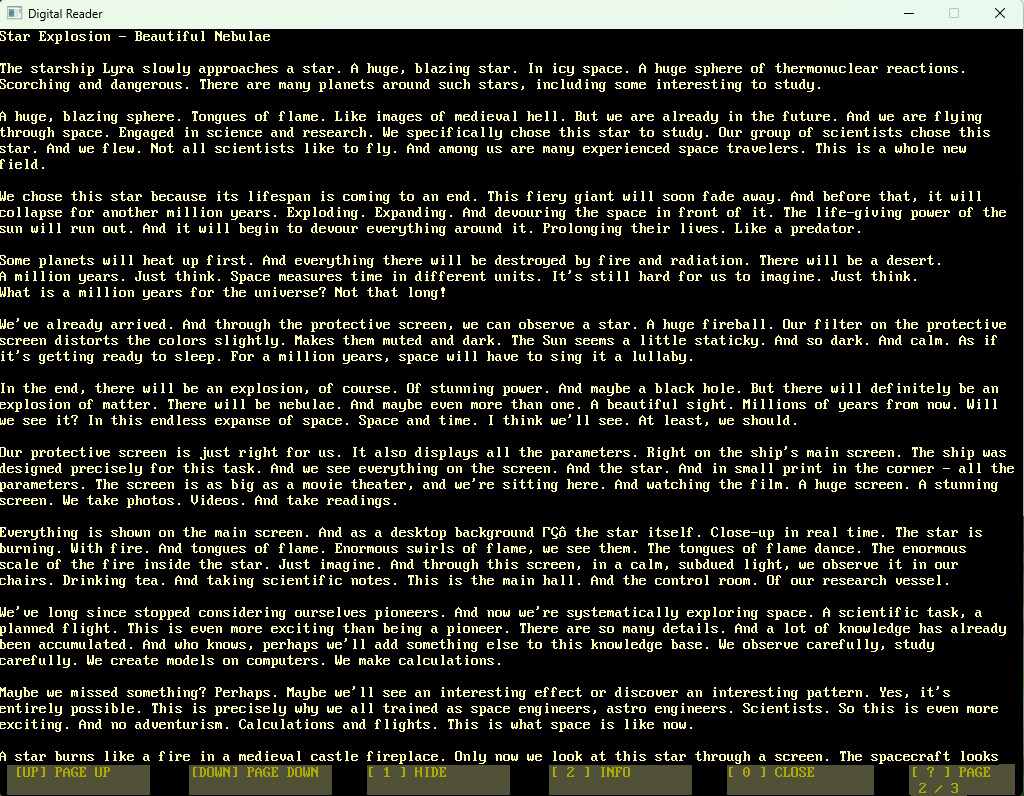
Done in black. Space is black. Majestic and calm black. And an image of a sphere. Just a circle. A huge yellow circle. It's a star. And black space. Something to think about. About life and about yourself. To think about space, stars, an engineer. A writer.

These are two stories for the very first version of the Digital Reader. A reader also means reading! Two short stories!


Digital Reader version 0.1 – most first version. In this version there are 2 stories! Adventurers, Explosion of a star. And also program Reader and program for launch.

Digital Reader: http://www.dimalink.tv-games.ru/apps/digitalreader/index_eng.html

Website: http://www.dimalink.tv-games.ru/home_eng.html