

I love this!! Even though I do have an art tablet, sometimes I would rather do the work with my mouse instead. Have a Bézier kitty for your hard work:
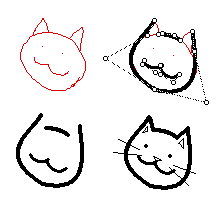
For anyone else doing this, you can do a sweeping-select of every widget and lock them all or assign show:none/show:transparent all at once. From the listener, you can run the script 'deck.card.image:app.render[deck.card]' to flatten all visible widgets to the card background.
I immediately saw a future where this can be used to 'tether' other widgets or create wiring:
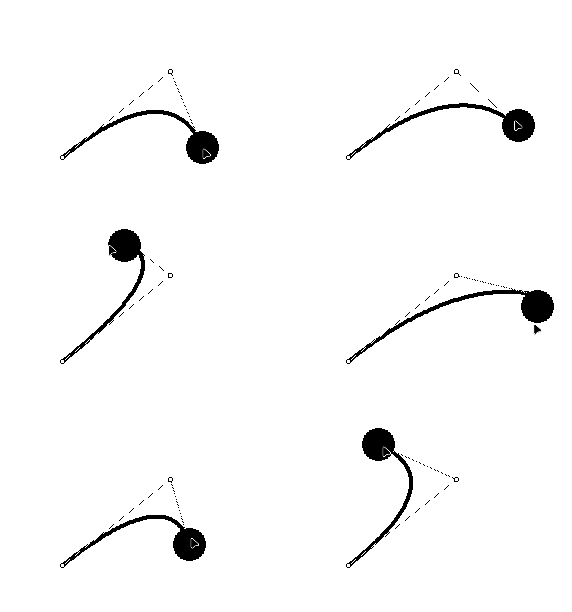
# this is a script attached to the black sphere, which is an animated, draggable canvas widget.
on view do
 p:"\n" split bezier.coords
 newpos:me.pos-bezier.pos-(floor me.size/2)
 p[2]:"," fuse newpos
 bezier.coords:"\n" fuse p
end
(As a note: When using a larger contraption size / more handles on the Bézier curve, the script profiler shoots up anywhere between 20%-70%, I didn't have any performance issues while using this on Decker native, but after adding 3 handles to a single curve, usage went up to 200%, and I wasn't able to edit it anymore. )