

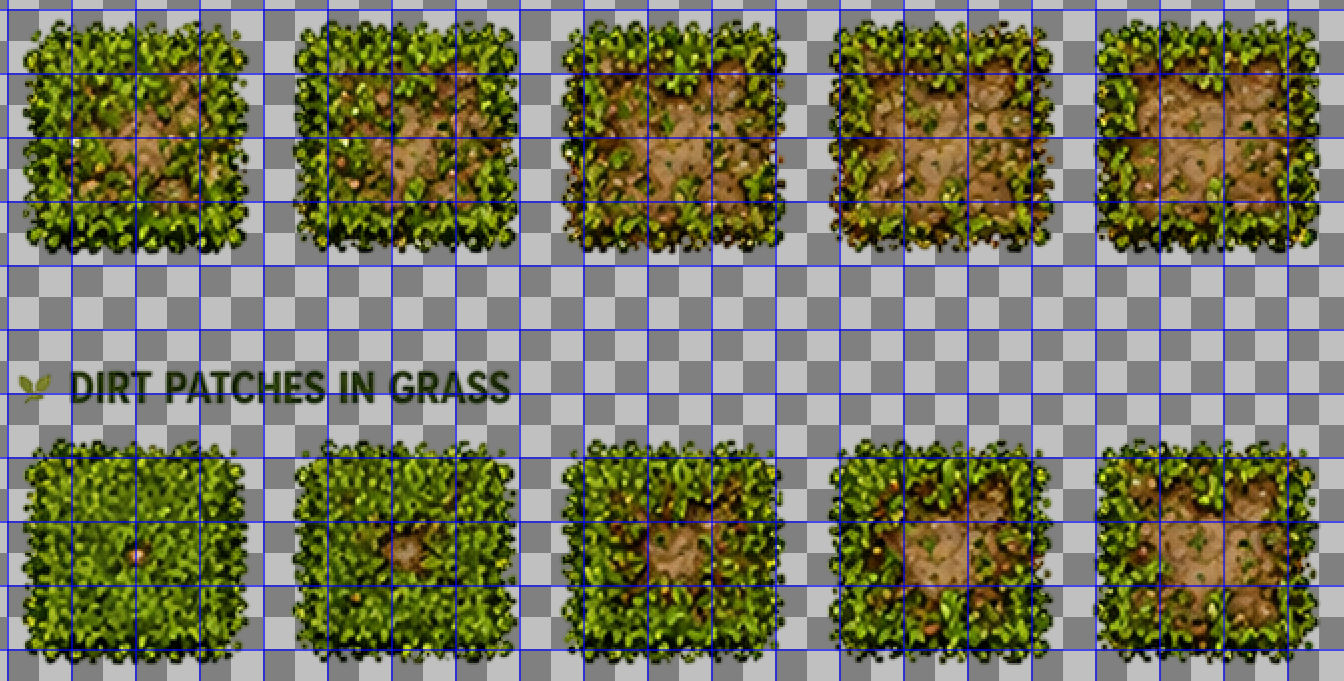
 So I imported it into to Aseprite, and was converting the sheet size. But the issue I'm running into it seems is because of the spacing between the sprites isn't the same they're becoming misaligned in Aseprite. I believe this one is from a different back but I've tried a few of them. You can't grid it properly since it drifts without manually making adjustments, taking the text out, etc.
I do very much appreciate you taking your time to respond to this.