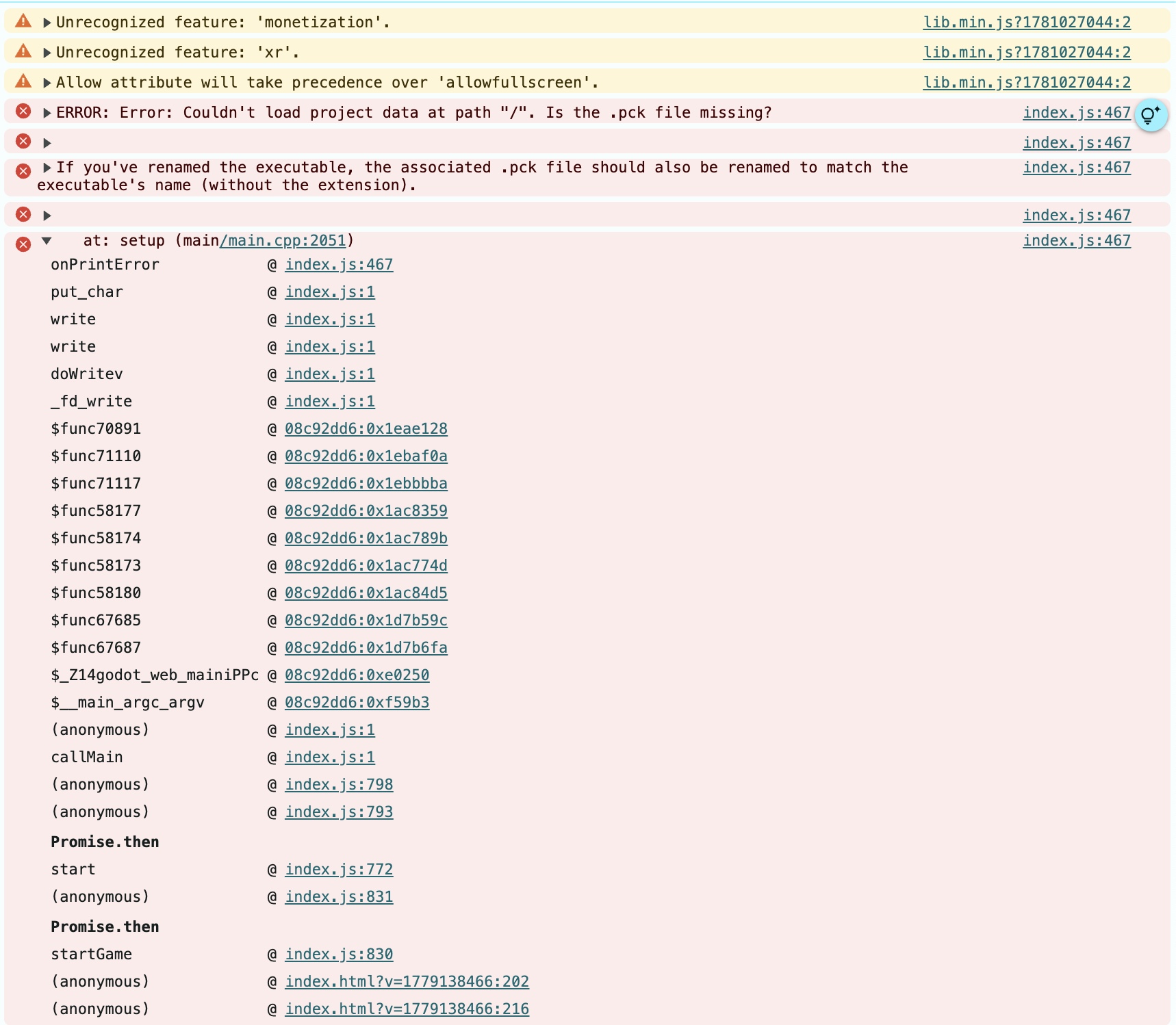
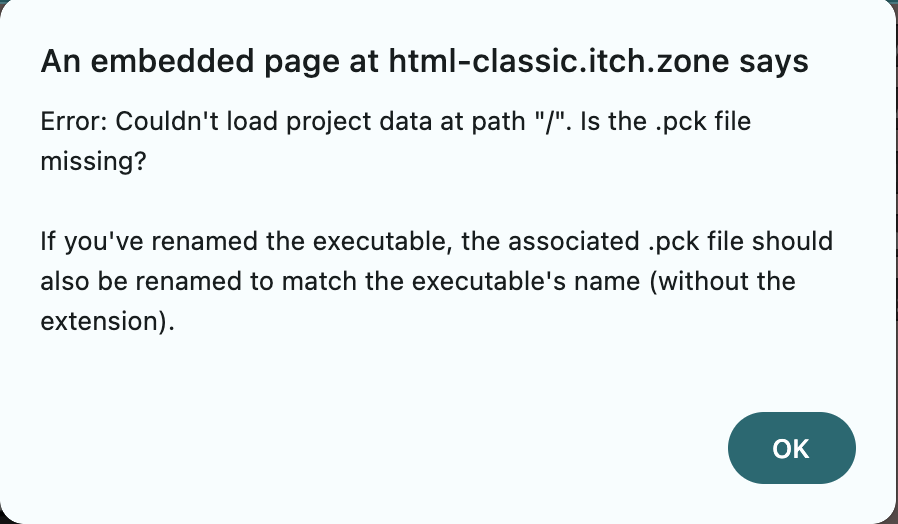
Can you open the developer console in your browser (F12 in Firefox, Ctrl/Command + Shift + J on Chrome) and paste what errors it says there? Also have you tried disabling extensions or opening in a private browser window to be sure an extension isn’t breaking it? I ask as I can’t replicate what you’re experiencing. Chrome on my Macbook loads the game just fine, as does Chrome on my Windows test PC.
67 days ago(+1)
Mac screenshots! These are from Chrome Version 148.0.7778.97 (Official Build) (arm64) on Mac. All extensions enabled.
Sam result when I tried opening in incognito. Only AdBlock Plus active there.
I have a pending Chrome update, I'll put that through and let you know if it fixed it.