Indie game storeFree gamesFun gamesHorror games
Game developmentAssetsComics
SalesBundles
Jobs
TagsGame Engines
0

Editing your page's theme on the phone

A topic by Snibo created Dec 01, 2025 Views: 1,286 Replies: 14
Viewing posts 1 to 8
(1 edit)

If you ever tried to change the theme of your page through your phone you might have realized that there isn't an edit  theme button. The reason is that the window size on a phone is too small to fit the editor so it doesn't show up.

However I have found a work around! I will be showing you how to do it on fire fox because it's the browser that I use but if you find a similar option on your favorite browser please add it to the thread

Steps for Firefox :

  • Go to your page
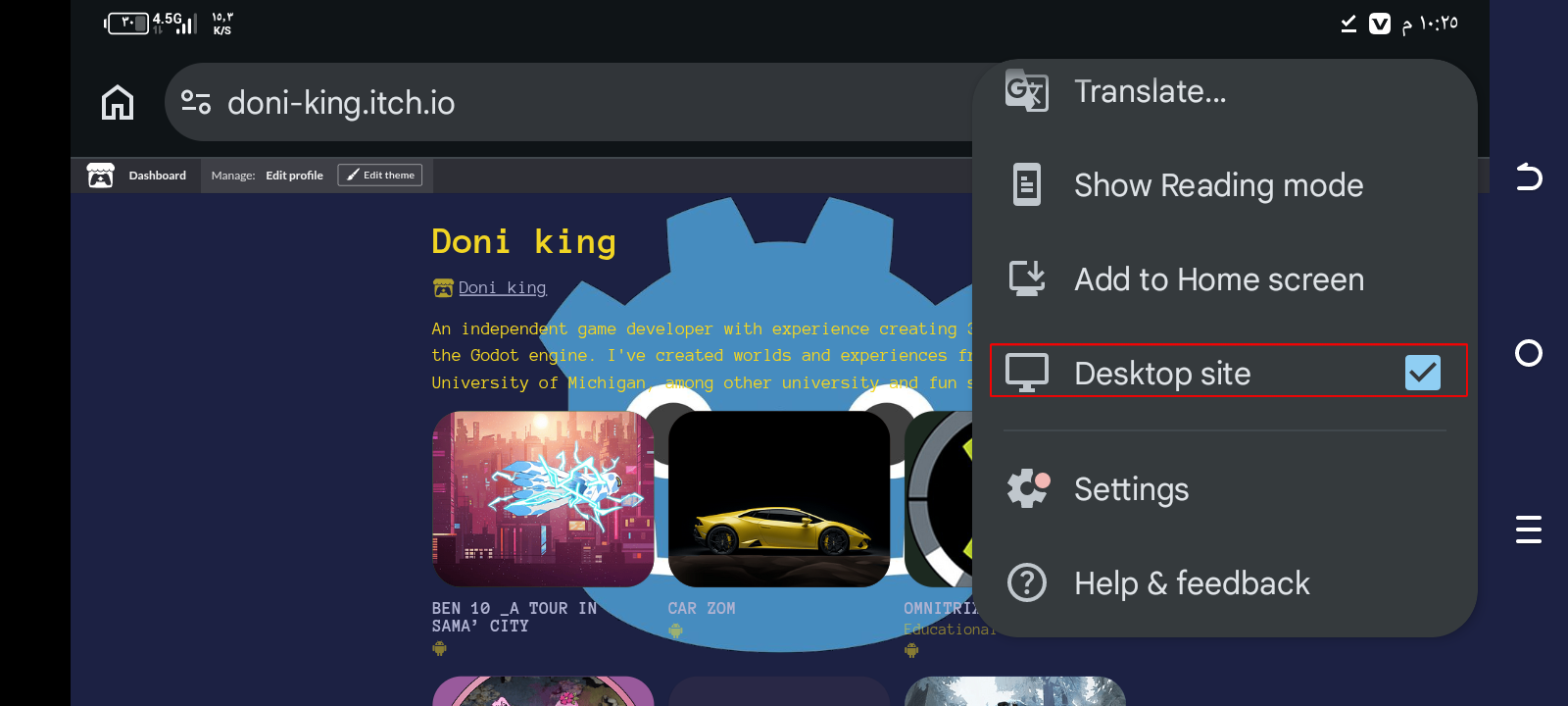
  • Activate desktop site
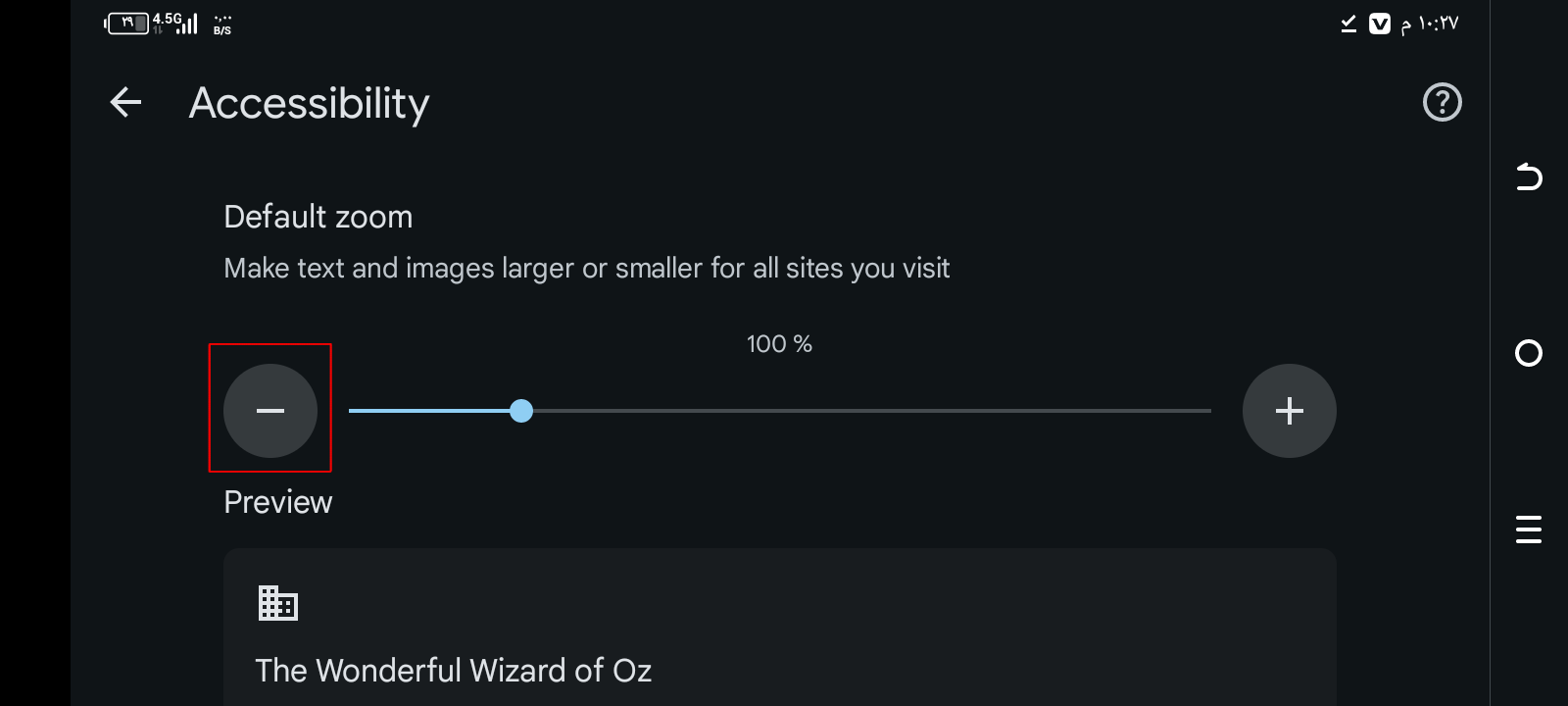
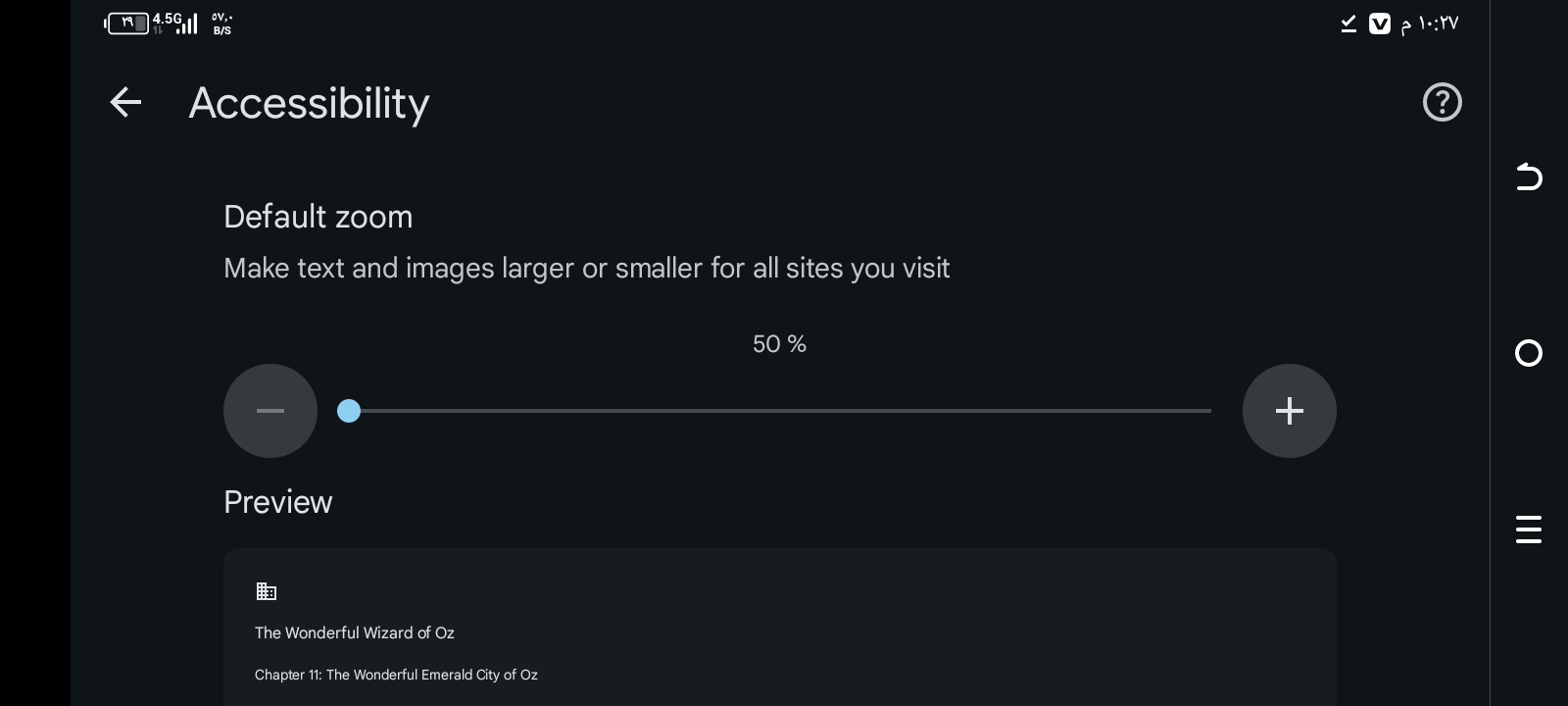
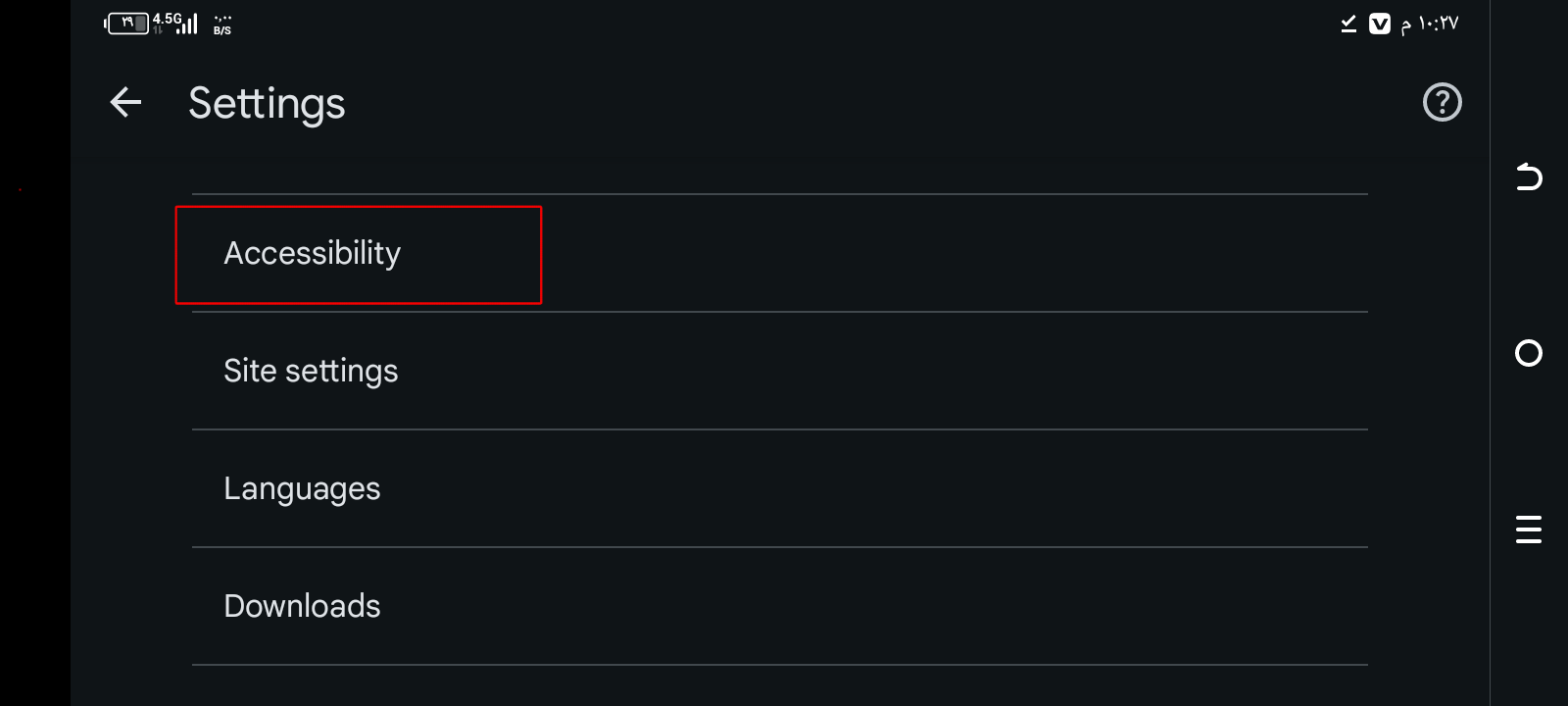
  • Go to Settings>Accessibility
  • Deactivate automatique font sizing and set the size to smallest
  • Come back to your page

And you should find an edit theme button. It worked alright with me, the ui isn't great but it is hidden for a reason. Hope this helped.
I have noticed the missing button, yeah.

Does the main Firefox mobile app have the Desktop View option? That’s the faster option on Firefox and Chrome derivatives.

Yes it does, that's the browser I am using. You can enable it by taping on the three dots next to the search bar and look through the options 

I found the solution in the settings of Google

THX DUDE YOI HAVE NO IDEA how annoyed i was at the idea of downloading Firefox JUST to change profile themezz ur the goat fr

I hope you were able to solve the problem

Indeed !! Actually tho this waw rather an odd issue , I thought it was something similar to previously switching pfps on Pinterest for PC users although I believe they fixed that,

🫡🫂

hope my problem is solved 🫡

that wasn't a problem that's why I posted it on the tips page. Though I appreciate the effort of including screenshots

You are using Mozilla Firefox, but my friend and I are using Google Chrome

this not work.