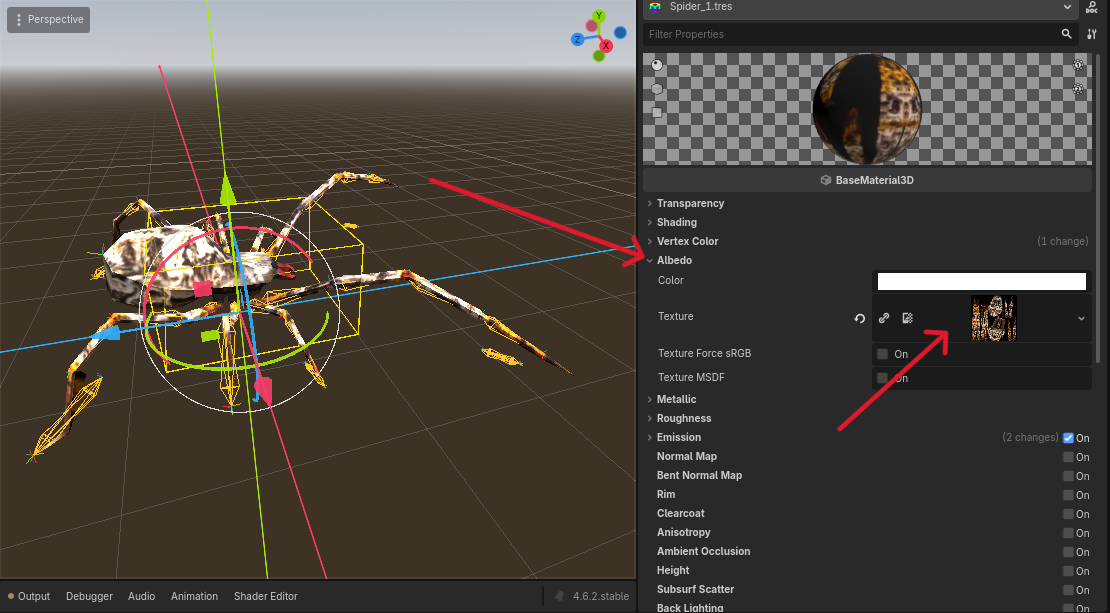
I'm completely new to a lot of this, how do I add the png texture, to the rigged spider? Using Godot.
Easy!
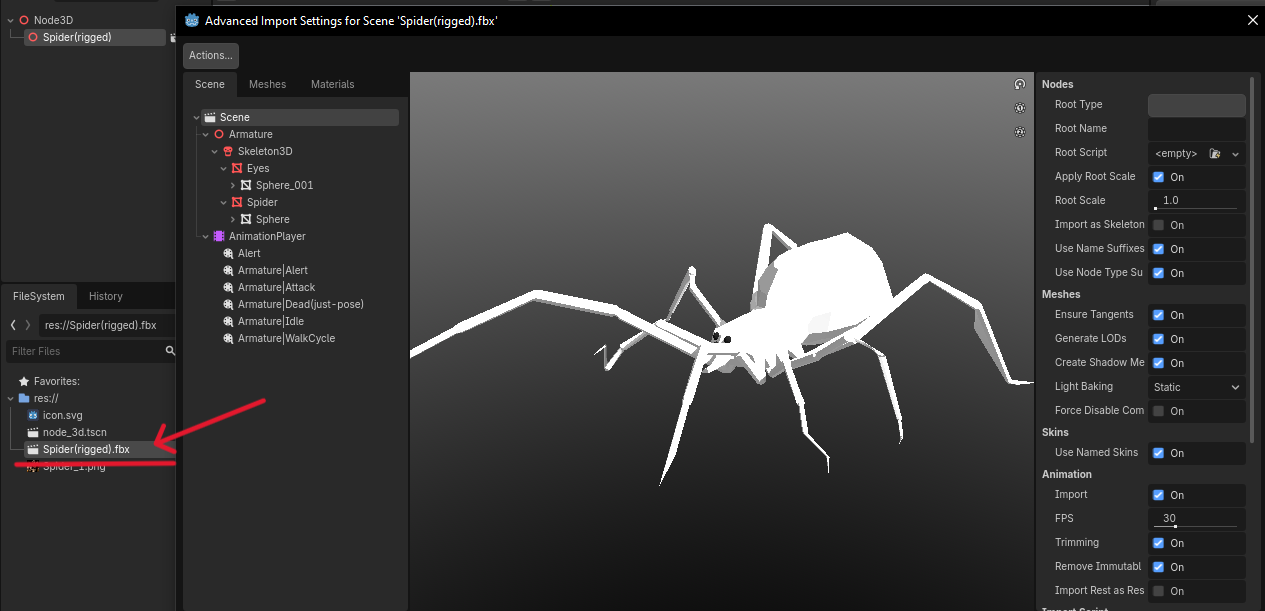
1. Double click on FBX file and open import settings.
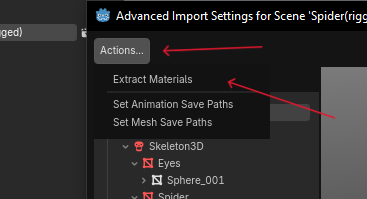
2. Click "Actions" and next "Extract materials"
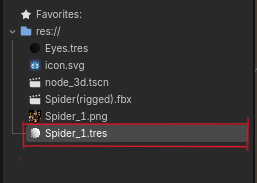
3. Choose the folder where you want to import the materials. Then double click the material.
4. Open the Albedo tab and drag & drop the texture from the FileSystem panel. (Or use Quick Load there.)
And voilà!
P.S. If you didn’t make the model local to the scene, everything should work automatically.