

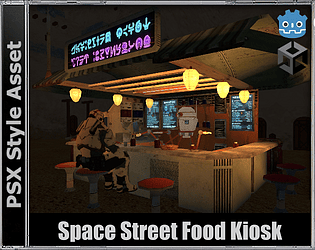
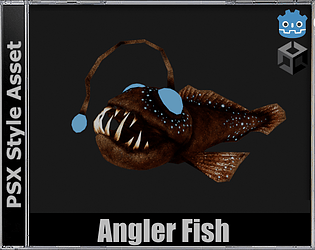
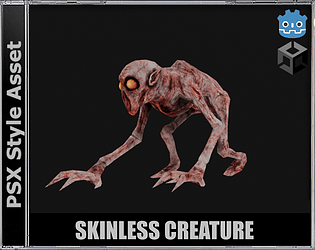
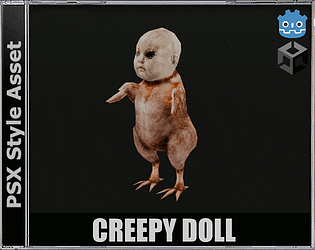


Thanks a lot! Hope it's useful :
A member registered Feb 18, 2024 · View creator page →
Creator of
FREE! Psx-Style asset
low-poly style asset
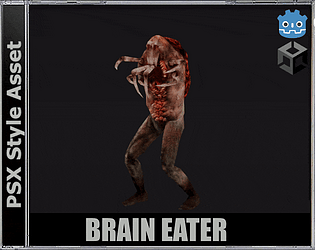
Nothing hides from it...
Said to have been created by an unknown puppeteer...
A grotesque creature driven by an insatiable hunger for a brain...
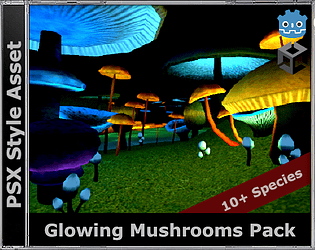
FREE PSX-Style glowing mushrooms
Low-Poly game asset
PSX-style asset
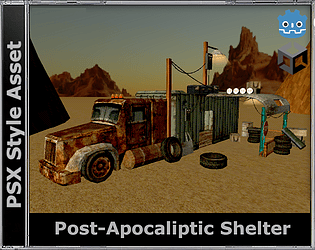
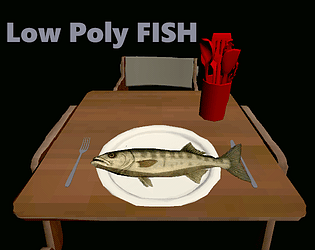
FREE low-poly asset
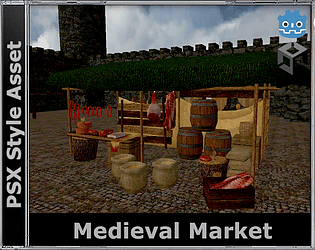
FREE medieval props
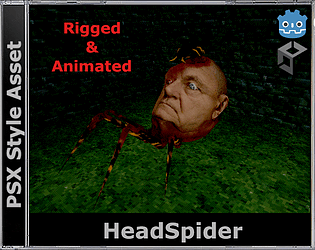
PSX-Style Headspider monster
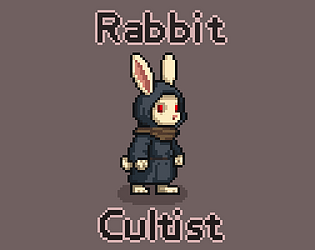
FREE Pixel character
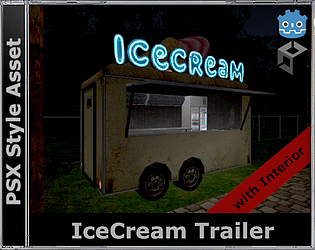
PSX-Style Asset
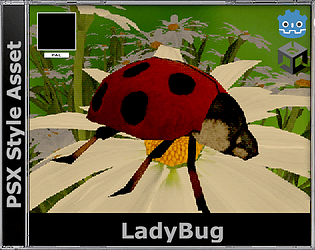
FREE! Psx-style asset
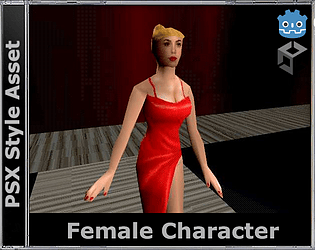
PSX Style Asset
FREE Low-Poly asset
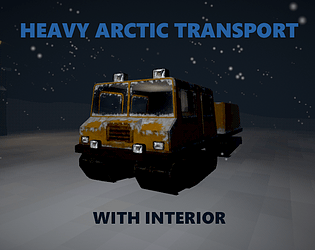
PSX-Style Arctic Transport with Interior
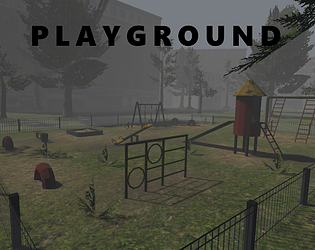
FREE Low-poly Playground
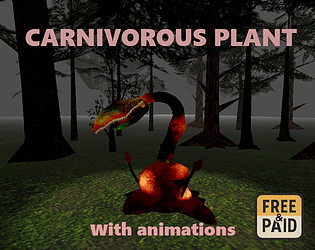
PSX Animated Carnivorous Plant
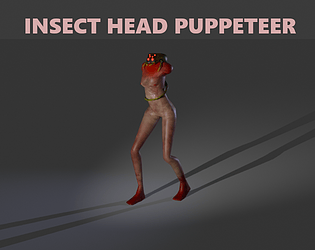
PSX Style model
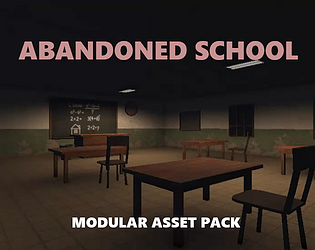
School - Psx Style modular asset pack
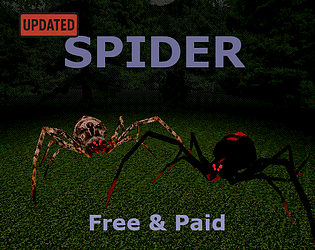
Spider - PSX Style asset
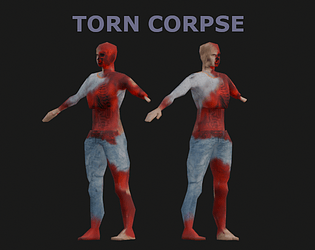
Torn Corpse - PSX Style asset
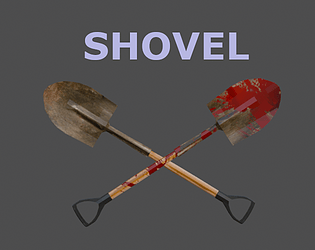
Shovel - PSX Style asset
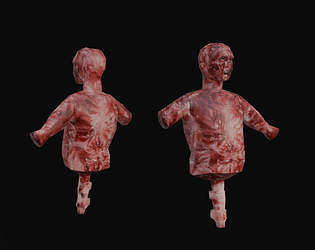
Meat torso - PSX Style asset
Recent community posts
PSX/PS1 Spider with Animations comments · Replied to Purple Pax Studios in PSX/PS1 Spider with Animations comments
Easy!
1. Double click on FBX file and open import settings.
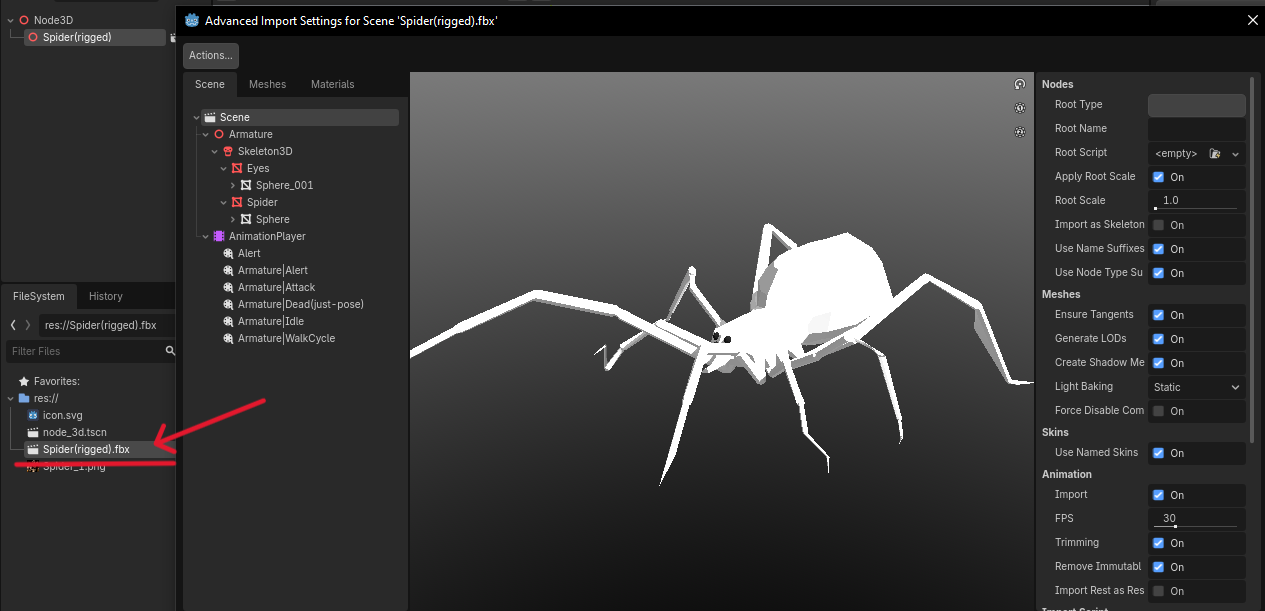
2. Click "Actions" and next "Extract materials"
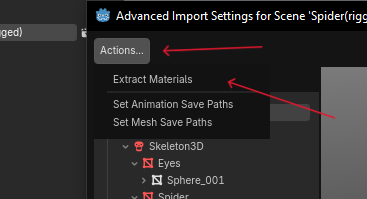
3. Choose the folder where you want to import the materials. Then double click the material.
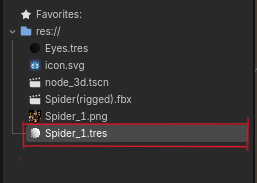
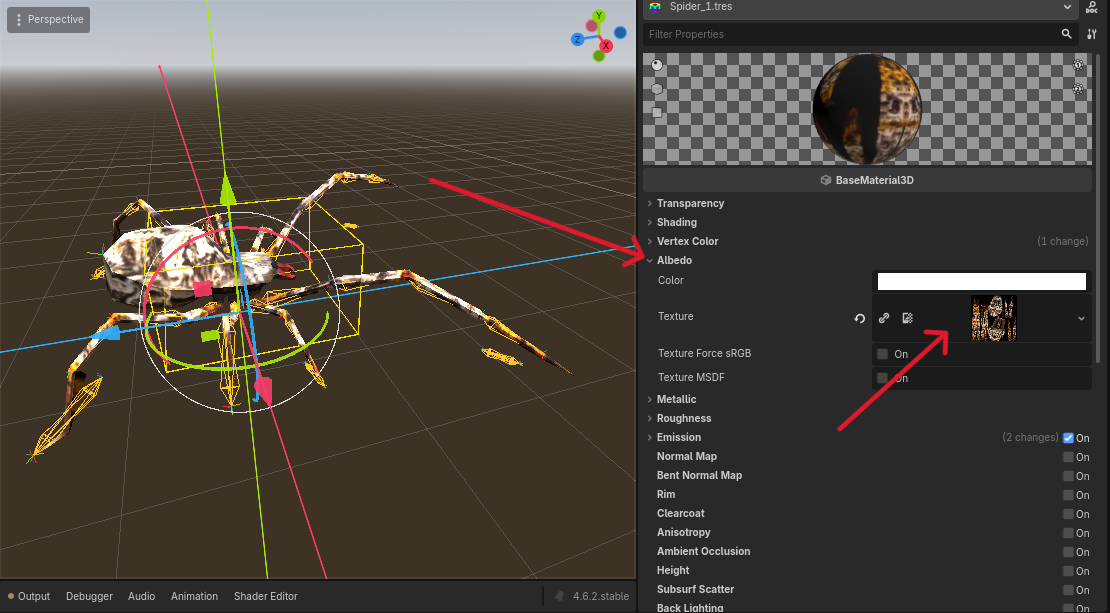
4. Open the Albedo tab and drag & drop the texture from the FileSystem panel. (Or use Quick Load there.)
And voilà!
P.S. If you didn’t make the model local to the scene, everything should work automatically.
PSX/PS1 Spider with Animations comments · Replied to Limphands in PSX/PS1 Spider with Animations comments
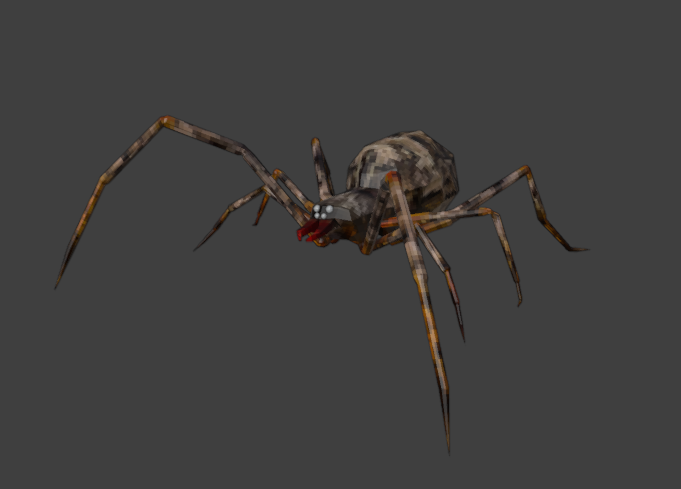 Easy! I just updated the asset and added 128x128 textures. But it’s better to do that through the game engine.
PS1/PSX Heavy Arctic Transport comments · Replied to TheAlistar in PS1/PSX Heavy Arctic Transport comments
Thanks, man!
I use basic textures or photos (like painted metal, wheels, etc.). Then I do a UV unwrap and export the UV layout to a graphics app (I use GIMP and Aseprite) and paint the textures there.
The headlights are just a photo that I paint onto the model in Blender using Stencil mode (it works best when the image has transparency).
You can find a lot of tutorials like this on YouTube.
P.S. This is the UV layout I made in Blender and then painted over.
