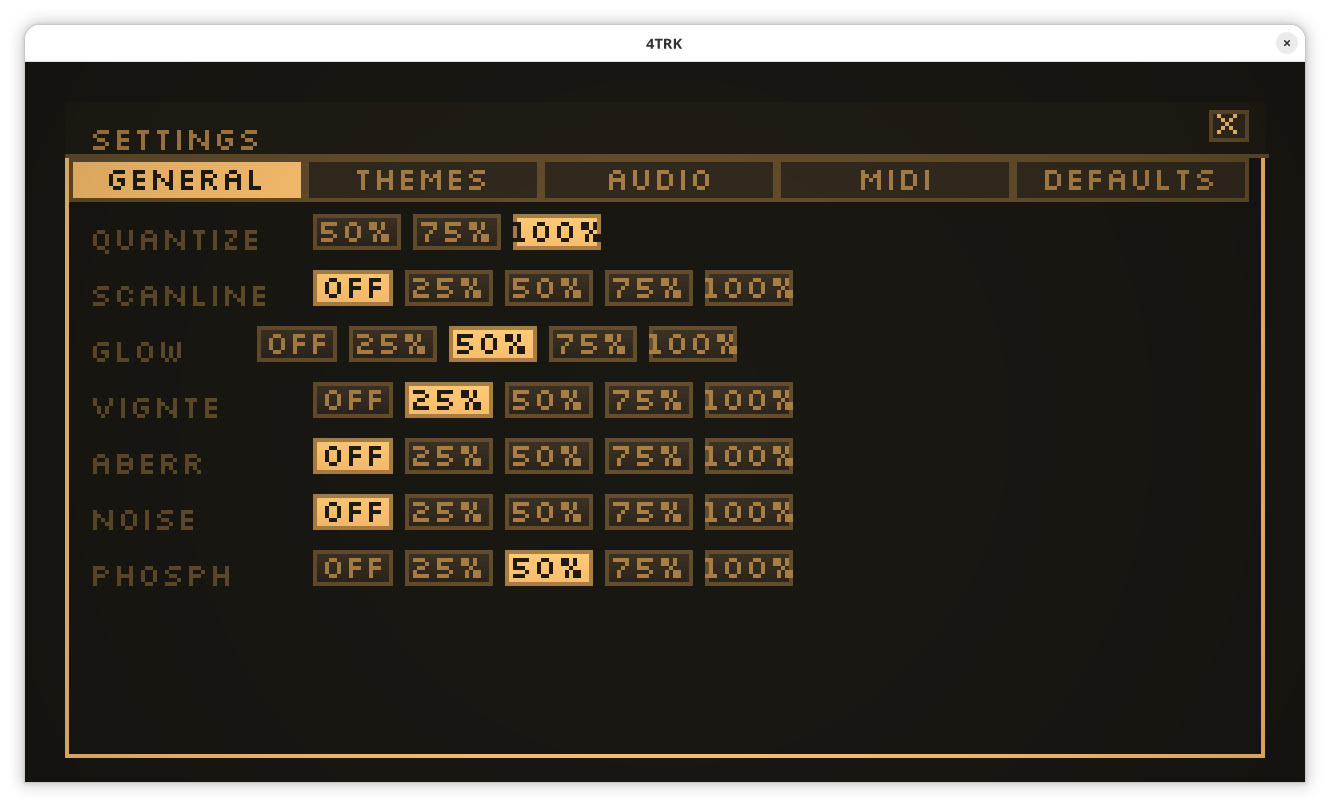
Thanks! in bottom right corner is kind of COGWHEEL icon under FILE
IN SETTINGS look for STARTUP
You will finally see: UI MODE option 320 or 640
On a different topic, do you test it on linux ? More than 4-5 voices start to crackle a lot. I think using this command lower them:
env PIPEWIRE_LATENCY=“1024/48000” ./4TRK
Edit: pinning to single core has the best results. → taskset -c 3 env PIPEWIRE_LATENCY=“1024/48000” ./4TRK
Have you tried anything else that works ?
I hope we can solve it quickly. Sorry - I'll do my best to have the next update more optimized. I'm usually running 44100 - I think my macbook audio is handled better by the app and you might have some luck if you can try temporarily switching to 44k or another system (pulse/alsa) to see if it improves.
I found a very old post here https://forum.manjaro.org/t/howto-troubleshoot-crackling-in-pipewire/82442 it might still have some useful tips :)
Cheers