
Indie game storeFree gamesFun gamesHorror games
Game developmentAssetsComics
SalesBundles
Jobs
TagsGame Engines
(1 edit)

Thank you so much because I did not want to get copyrighted that's why so what better way to ask than the person who made the assets. Also, could you make enemies for these assets too? Lastly I wish you could make your own YouTube channel so you can explain how I can use all of these things in gdevelop please? Because the assets are not working for me in g develop every time I tried to put the sprite sheet in the website or app kept crashing so could you fix it please? Please answer back as soon as you can.

You're very welcome — glad you reached out, that’s always the best way to avoid any copyright issues 👍

About enemies: I actually have another pack coming soon 👀 It’ll include 100+ enemy variations in this same style, so keep an eye out!

About GDevelop crashing — this usually happens when the sprite sheet is too large or heavy. You can try:

  • Splitting the sprite sheet into smaller files (like separate animations)
  • Keeping images at 4096x4096 or smaller
  • Using optimized PNGs (lower file size)
  • Importing as individual sprites instead of one big sheet

If you want, tell me which file you’re using and I can help you more directly.

And yeah, a YouTube channel is a great idea — I might do that in the future 🙂

Thanks again for the support!
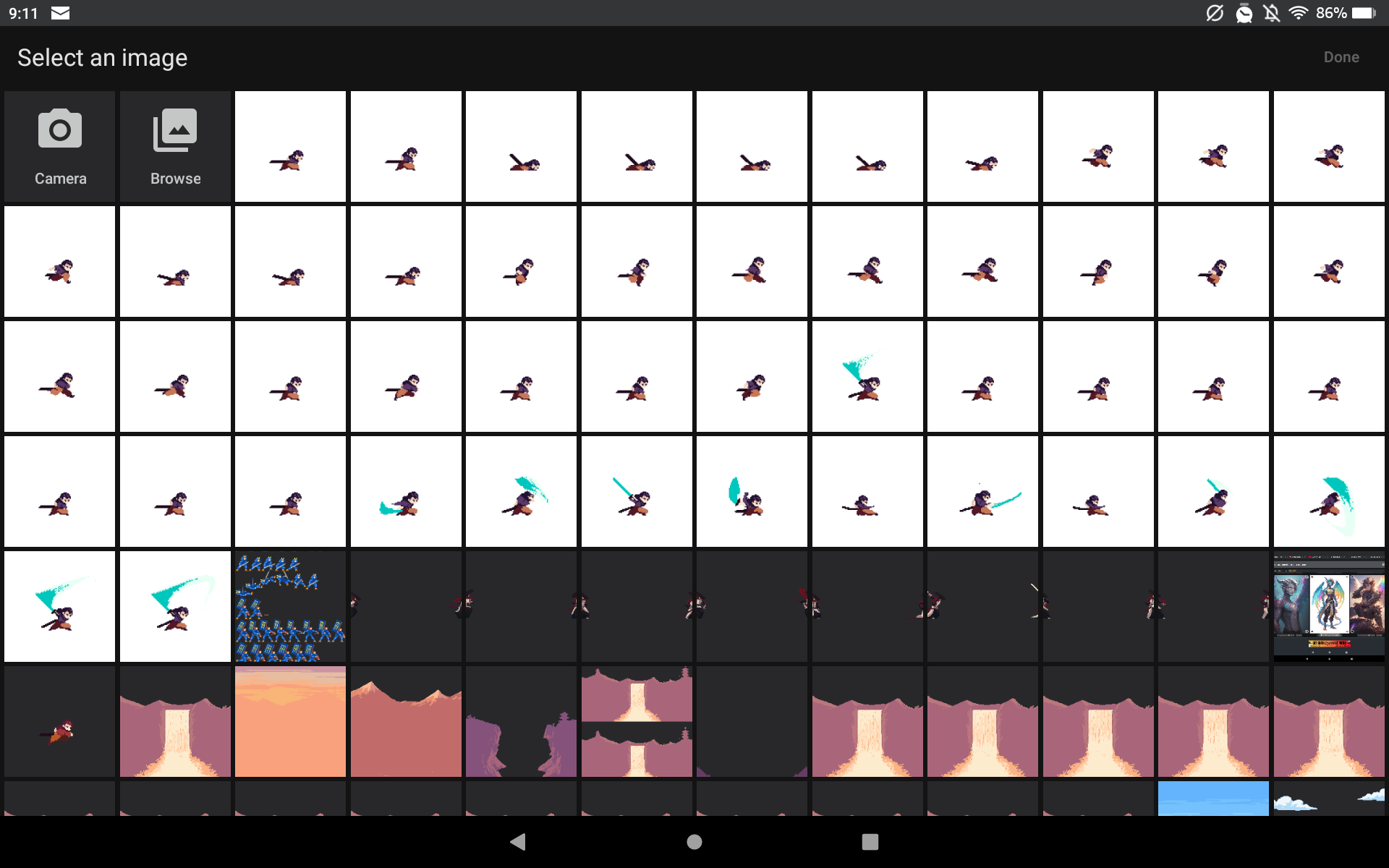
The samurai character everytime I try to put it in and click submit the website crashes and I have to keep starting over do you have any way to fix that and your welcome I'm glad you made these assets.

I really don't know Google Develop very well, but what I can advise you to do is check which image formats it accepts, such as .PGN, .JPG, etc., and see if converting or splitting the image frame by frame can solve your problem. My knowledge of it is very limited, but I hope this helps.

(2 edits)

Thanks it worked I was able to fix the problem and now I can use the character thank you for all of your help I could not have figured this out without you. Oh and with the 100 enemies I will keep an eye out for it. 😄😄😄😄

Also I looked at the frames and there is no jump animation could you fix that please?

Double-check the frame; it does have the jump animation.

I double checked and triple checked it does not have a jump animation see look at all of the white pictures as you can see there is no hint that the player is jumping in any of the frames oh and could you also tell me how I can fix the white background for the character?

Thanks for pointing that out! I’ve just uploaded an updated character file with an extra color palette.

About the white background: the PNGs have transparency, so please check your engine import settings (alpha enabled).

My email is in my profile, in case you need it; contacting me there is much easier. ^^

Thank you so much I am glad I was able to tell you the problem and be able to help fix it