

Hmm, none of those keyboard shortcuts do anything for me. If I re-size the window, the graphics do not scale, and stay the same resolution. It's too tiny for me!🧐
Yes, I did say those shortcuts hadn't yet been included in the uploaded build (which hasn't yet been updated).
But your issue with the game not scaling when maximised is something I'd like to know more about, because I haven't heard anyone else report that behaviour when testing the demo before release.
Would you be able to tell me what your actual display resolution is, so if it's an integer scaling issue, I can test if it behaves differently in actual fullscreen vs. a maximised window at that resolution?
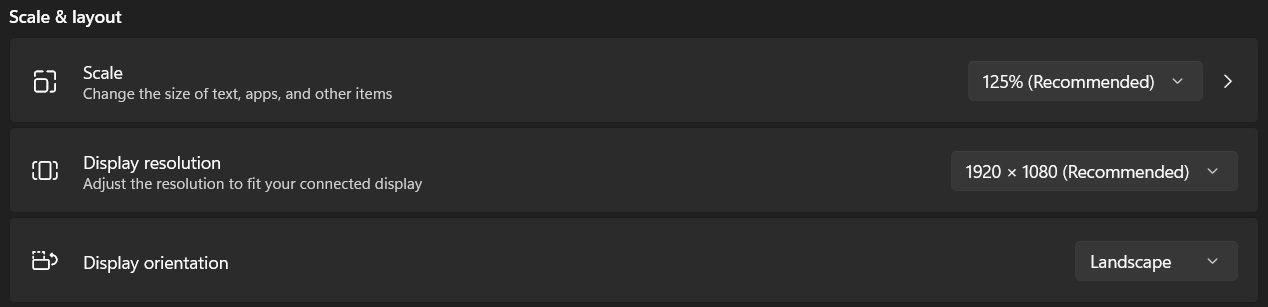
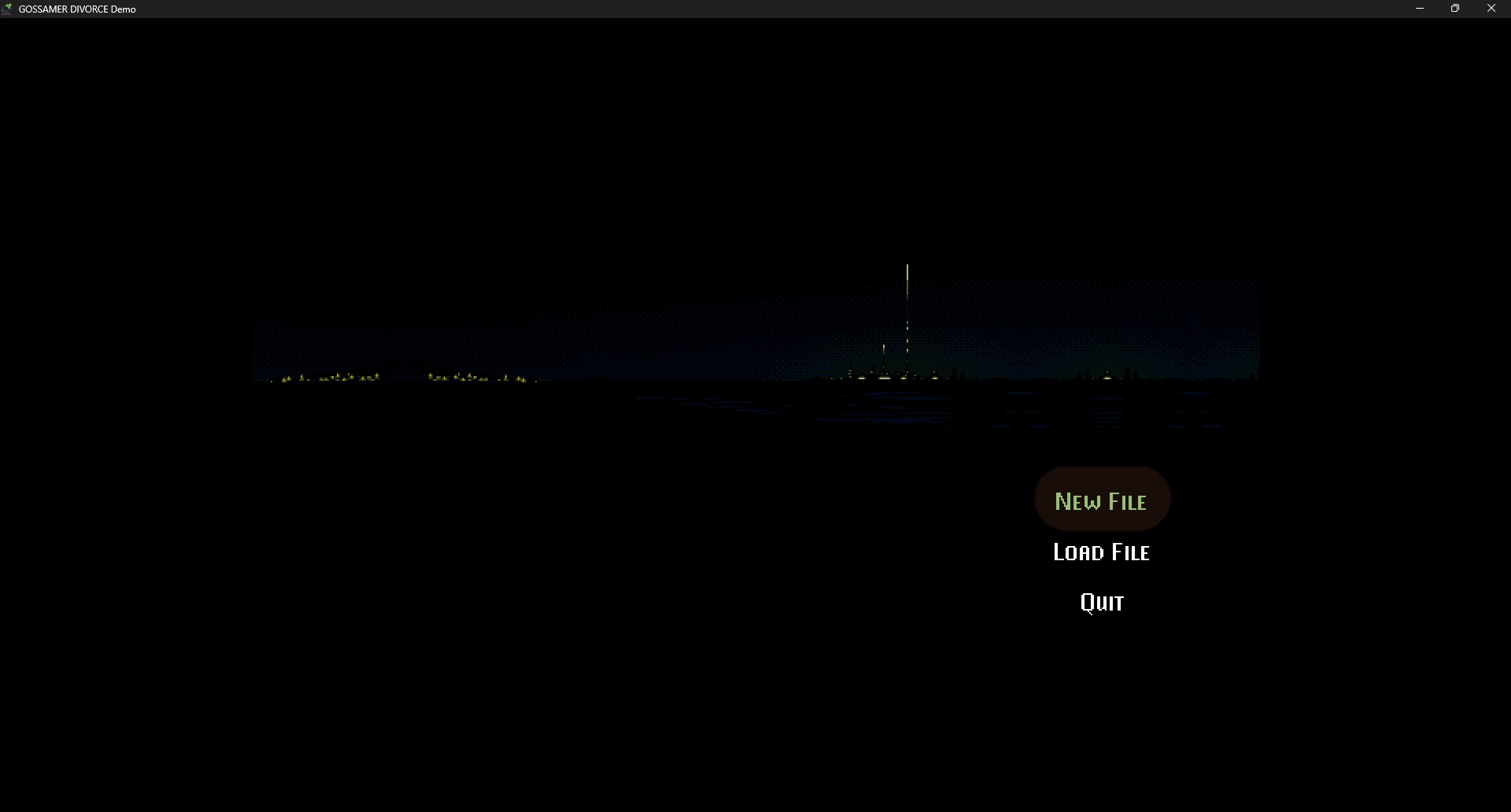
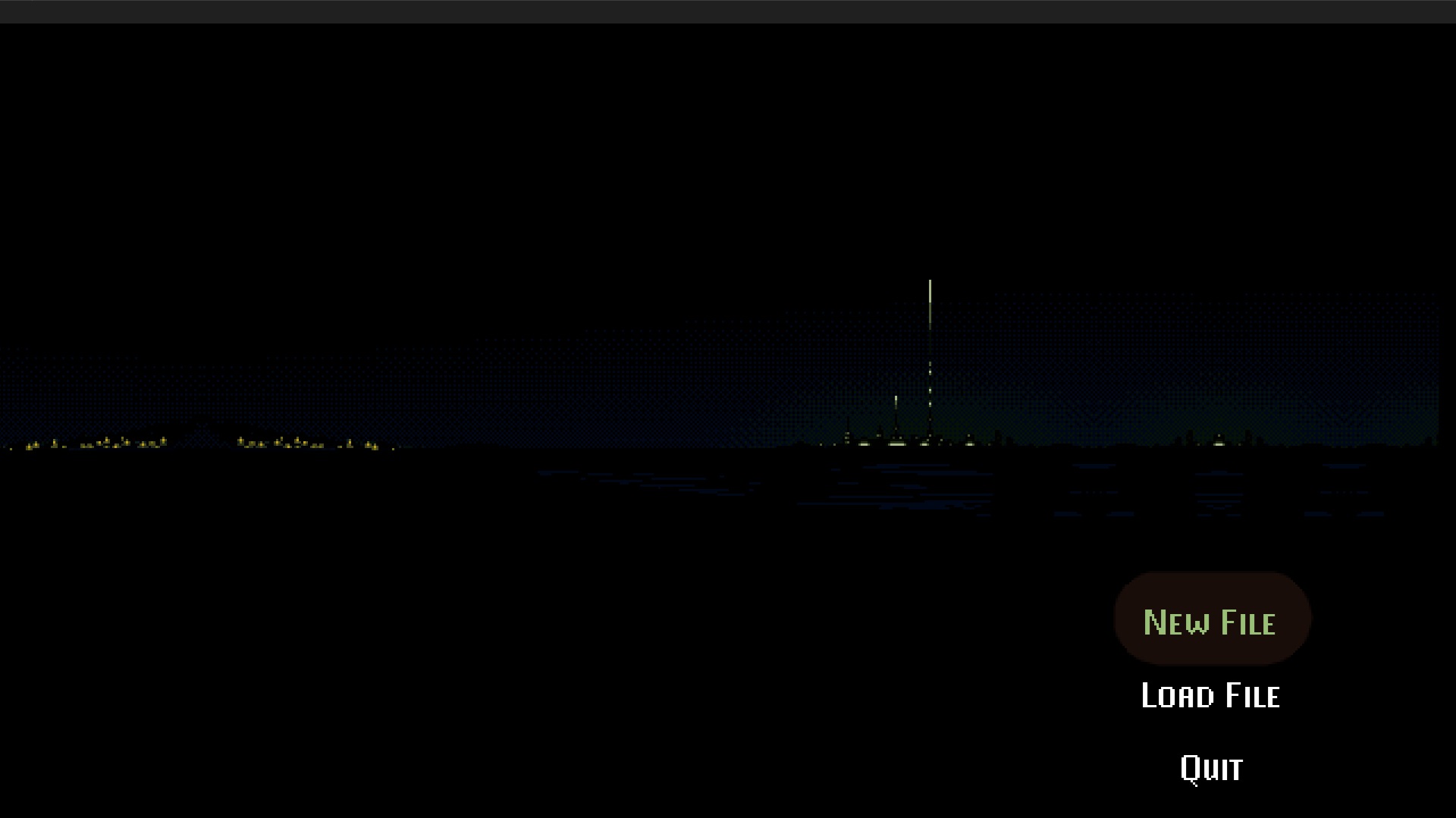
Thanks, that was what I was hoping to test. Because of the pixel art elements, the game can't be arbitrarily scaled, only integer scaled (to clean multiples of the base resolution).
Since the base resolution is 640x360; it looks like with the window border, it only scales up once to 1280x720 on your screen - because since the window header is in the way, it can't fill the full 1920x1080. The thing I wanted to test was whether removing that and setting the window to actual fullscreen would make it take up the full 1920x1080 screen or keep the border.