Indie game storeFree gamesFun gamesHorror games
Game developmentAssetsComics
SalesBundles
Jobs
TagsGame Engines

Eddy

51
Posts
1
Followers
58
Following
A member registered Mar 09, 2025

Recent community posts

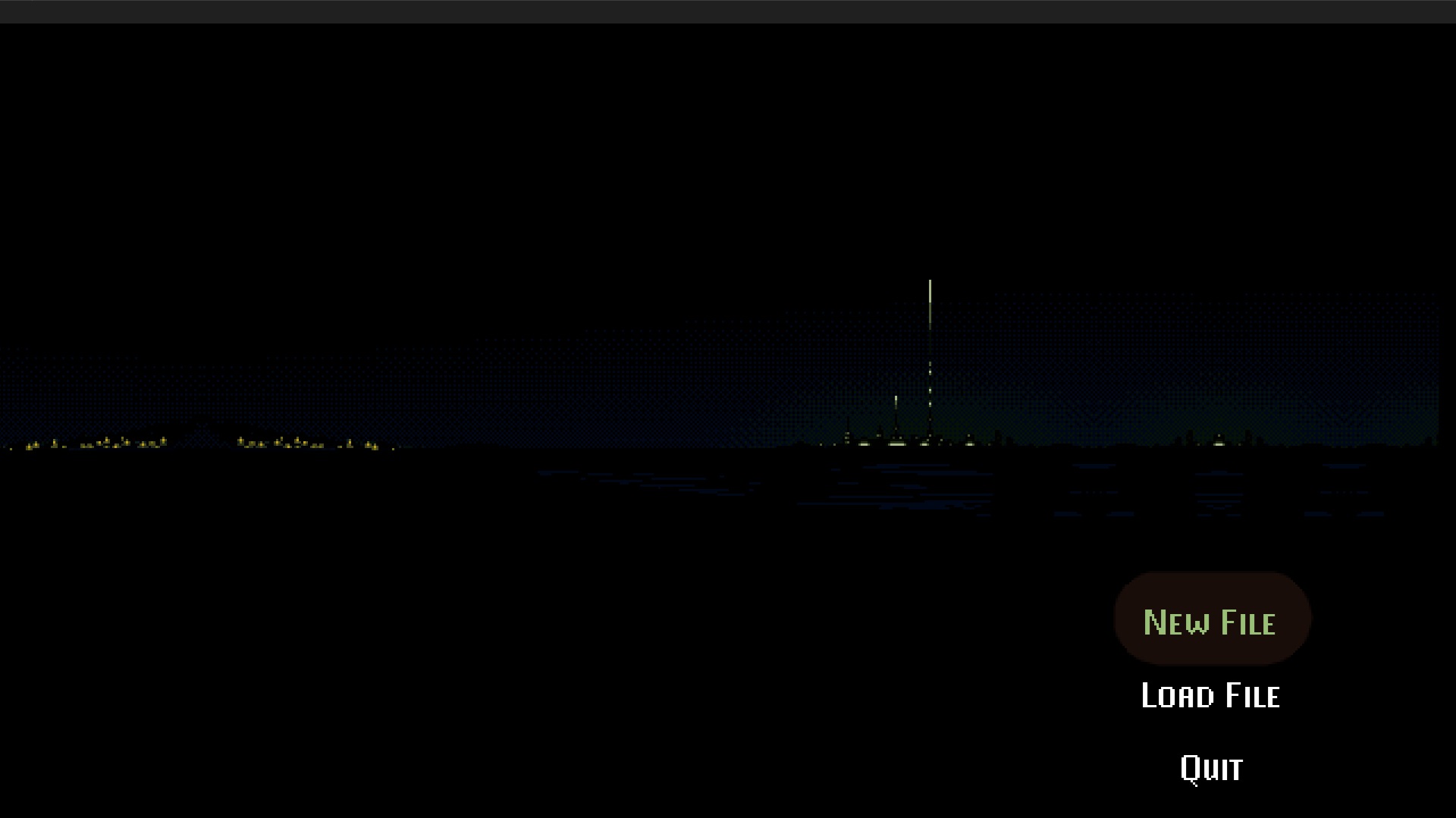
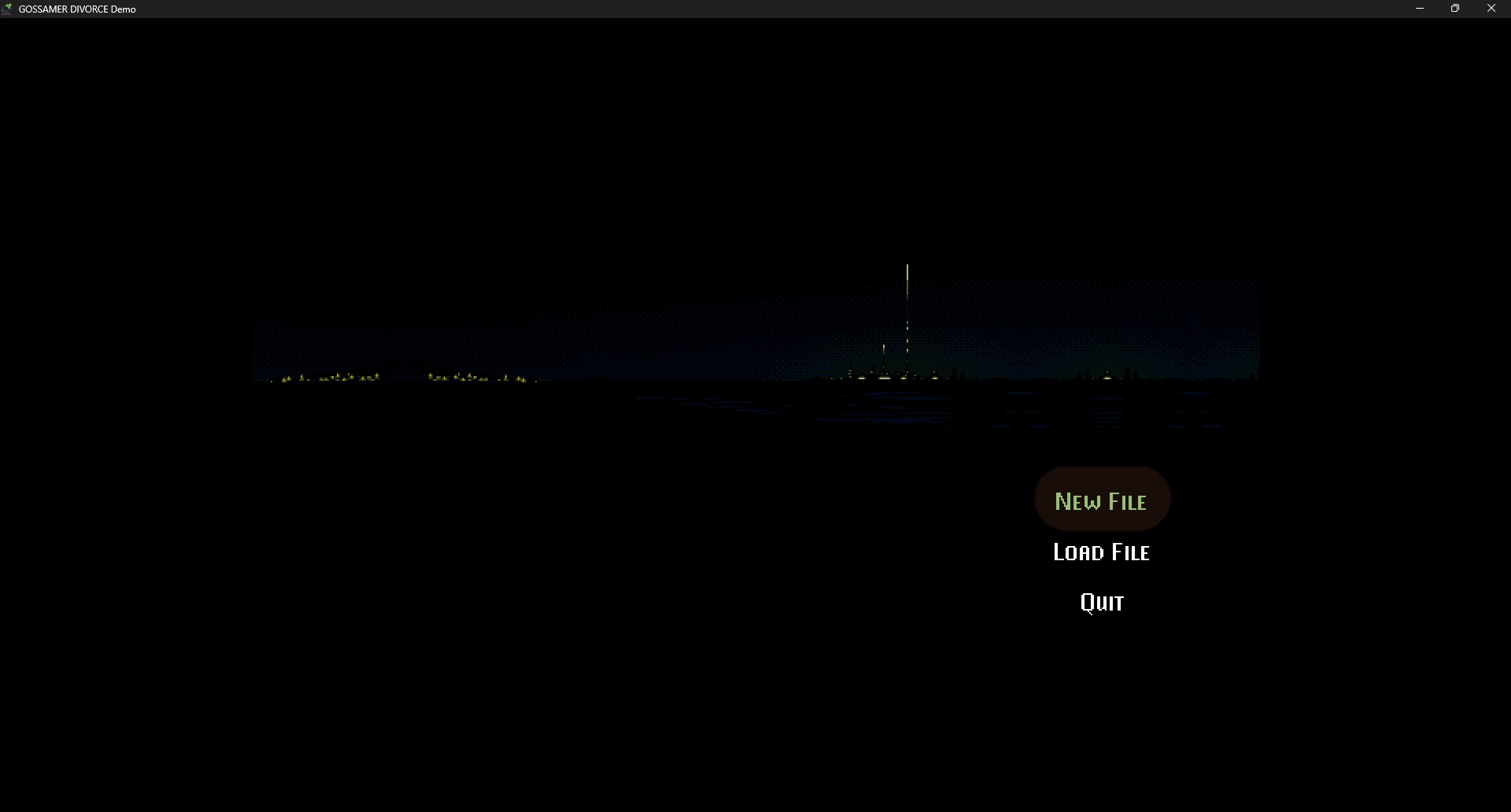
I think it will scale to the full 1920x1080 without the Windows header.👍Because the amount I need to increase for it it re-scale seems to be exactly that size. Let's just hope that Windows doesn't reserve a few pixels here and there.😒

I am playing it now! Even though it's a hack, it's tolerable!😆

I have determined that the problem is the title bar itself. If I use Windows' 'resize' option, and make the window slightly larger than the screen, it will scale once more!😃

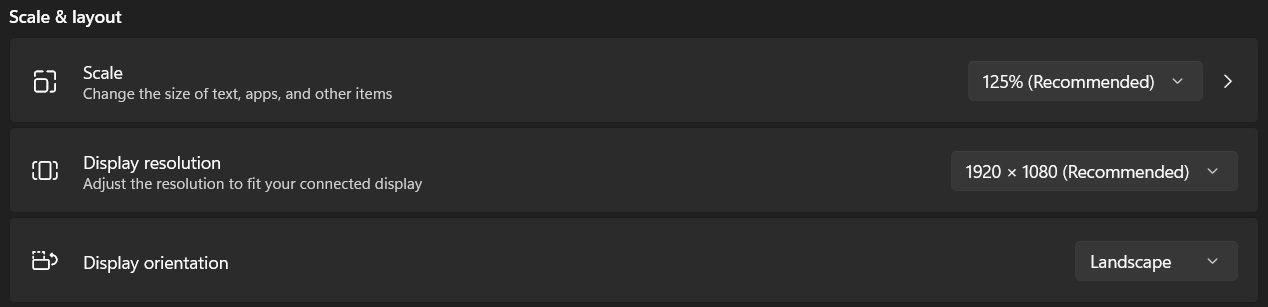
Certainly. I've tried changing the Windows scaling to 100% to no effect. 


Ah, it turns out that the game does scale up. Once.


I feel as though there should be a way to use more of the resolution on tap.

Hmm, none of those keyboard shortcuts do anything for me. If I re-size the window, the graphics do not scale, and stay the same resolution. It's too tiny for me!🧐

Is there a keyboard shortcut for fullscreen?🤔

And a duplicate paragraph:

Although he had successfully achieved his goal in the city of Hikora, Wataru decided to resign from his current position and asked to return to his previous job so he could spend more time with his sister before she left for college.

Although he had successfully achieved his goal in the city of Hikora, Wataru decided to resign from his current position and asked to return to his previous job so he could spend more time with his sister before she left for college.

Also found a random "[p]":

Wataru[p]: I'll be waiting for you.

Playing it right now!😊

I want to mention that I found this part of the script to be a little strange:

Commissioner Shinohara: Everything is under control in here; you and your team can stand down.
Inspector Kobe: Really?
Inspeotor Kobe: Did I manage to kill the anomaly?
Commissioner Shinohara: Aah ... No ... No ..
Inspeotor Kobe: He sounds a little flustered ... Are you sure he's okay?
Commissioner Shinohara: Yeah, don't worry about me.

すばらしい!😉

Silly! 🤪

I love the artstyle of this!!😍

A "Feedie" anime game. Could be promising!👍

I love it!! The best thing I've played all month! It's a distilled, sweet little dumpling of a game—I really like such things.🥹 Thanks!👍

I mean, who doesn't like to thinbk, after all? 😅

(1 edit)

A truly amazing piece of software! Loving it so far.

I am occasionally having crashes accompanies by stuttering audio. Has anyone else experienced this?🤔 The crashes are intermittent—have to so with transitions between scenes

Is there any way I can send my save files? Save 3 and 4 of my installation cannot load without glitching and crashing to desktop.

I've tried two different browsers, yet the same exact thing occurred.

I'm not sure what's going on, but it always is stuck at this point on both:

I hope that helps.

Never seems to load for me.🤔 I just see a white bar that goes 8/10'ths the way across the screen.

I never played any R.E. games. Being an MS-DOS gamer, they looked like Alone in the Dark to me, and I sucked at that game!🤷‍♂️🤦‍♂️😅

The shoutout was quite hilarious! 😳👈  🤣

This is quite an interesting meta-commentary on the act of creation, and the feedback (fractal?) influence of what is created.

I enjoyed it!
(P.S. I thought the jokey rap was great!)

The dialogue was a realistic conversation!👍 This could be a cute v-tuber series.🥹

Okay. Understood.🫡

I like the art style!🖼️👀

I can't get the item in the briefcase? I pick the lock with the hairpins, but then I can't seem to grab the item inside.🤔

I encountered a loop. When I "spare the alien" it loops me back and asks me again.🤔

This is adorable!🥹 I'm going to enjoy playing it during the Holidays!🧑‍🎄🎄👍

This game really captures the theme and spirit of the holiday well. Quite excellent.

Such a wonderful browser game! Whimsical, and just the right length. I love it!🥰

This game is totally irreverent and hilarious! I enjoyed it. Really fits the theme with its "don't give a f" art style.👍

Best game I've played all week! "Fushigi ball"😂 "Am I stalling for time?"🤣🤣🤣

The length was perfect for a browser game. Bravo!

One thing I remember specifically is that there was a dialogue option with the mage in the maze-city that had to be selected after doing a something, and gave a different result before doing a something. The thing is, the exact dialogue option's text remains the same, so I never thought of trying it again.

There were several instances like this: the game's logic was not at fault, just some fiddly mechanical issues.

This is very creative! It's neat to see familiar locations in this sort of de-make.🙂

Impressive! I love a good old blocks game.👍

Very cute! Creative premise!🙂

Very nice art style! 👍

I love The Telwynium saga!

...All the way up until Tani's section in this installment. It was dreadful. It was the anti-Telwynium section of Telwynium. No flow. Tricky. Literally hard to navigate.

I didn't need a walkthrough until this section. What a letdown.😞

This is a fantastic series. Everything I like about 'RPGs,' without the stuff I don't! And I love this kind of setting. The graphics and music have a vibe to them

This latest episode was the biggest and meanest yet. I feel for our protagonist.🥺 Quite a journey.

Now I'm off to read Crescent Truth.

A great little experience! Well-developed adventure game with excellent dialogue, great art, and solid mechanics.👍

I hope to see more adventures of Maura & Ash!

Hello. The downloadable zip file seems to be corrupted.🥺 Investigate if you can.🙏

This was innovative! What I like about VNs and P&C adventure games in one title?! Mad sorcery, says I!

Hello. Every time I try to use the pendant with the buttons the game throws an exception:

```

I'm sorry, but an uncaught exception occurred.

While running game code:

  File "game/scripts/noticedujeu.rpy", line 53, in script

    call screen chloe_hud

  File "renpy/common/000statements.rpy", line 671, in execute_call_screen

    store._return = renpy.call_screen(name, *args, **kwargs)

  File "renpy/common/00action_control.rpy", line 131, in __call__

    renpy.show_screen(self.screen, *self.args, **self.kwargs)

Exception: Screen LependentifduBaron is not known.

-- Full Traceback ------------------------------------------------------------

Full traceback:

  File "game/scripts/noticedujeu.rpy", line 53, in script

    call screen chloe_hud

  File "C:\Games\ChronicaTemporalis-0.17-pc\ChronicaTemporalis-0.17-pc\renpy\ast.py", line 1971, in execute

    self.call("execute")

  File "C:\Games\ChronicaTemporalis-0.17-pc\ChronicaTemporalis-0.17-pc\renpy\ast.py", line 1953, in call

    return renpy.statements.call(method, parsed, *args, **kwargs)

  File "C:\Games\ChronicaTemporalis-0.17-pc\ChronicaTemporalis-0.17-pc\renpy\statements.py", line 349, in call

    return method(parsed, *args, **kwargs)

  File "renpy/common/000statements.rpy", line 671, in execute_call_screen

    store._return = renpy.call_screen(name, *args, **kwargs)

  File "C:\Games\ChronicaTemporalis-0.17-pc\ChronicaTemporalis-0.17-pc\renpy\exports.py", line 3420, in call_screen

    rv = renpy.ui.interact(mouse="screen", type="screen", roll_forward=roll_forward)

  File "C:\Games\ChronicaTemporalis-0.17-pc\ChronicaTemporalis-0.17-pc\renpy\ui.py", line 301, in interact

    rv = renpy.game.interface.interact(roll_forward=roll_forward, **kwargs)

  File "C:\Games\ChronicaTemporalis-0.17-pc\ChronicaTemporalis-0.17-pc\renpy\display\core.py", line 2166, in interact

    repeat, rv = self.interact_core(preloads=preloads, trans_pause=trans_pause, pause=pause, pause_start=pause_start, pause_modal=pause_modal, **kwargs) # type: ignore

  File "C:\Games\ChronicaTemporalis-0.17-pc\ChronicaTemporalis-0.17-pc\renpy\display\core.py", line 3208, in interact_core

    rv = root_widget.event(ev, x, y, 0)

  File "C:\Games\ChronicaTemporalis-0.17-pc\ChronicaTemporalis-0.17-pc\renpy\display\layout.py", line 1202, in event

    rv = i.event(ev, x - xo, y - yo, cst)

  File "C:\Games\ChronicaTemporalis-0.17-pc\ChronicaTemporalis-0.17-pc\renpy\display\layout.py", line 1202, in event

    rv = i.event(ev, x - xo, y - yo, cst)

  File "C:\Games\ChronicaTemporalis-0.17-pc\ChronicaTemporalis-0.17-pc\renpy\display\layout.py", line 1202, in event

    rv = i.event(ev, x - xo, y - yo, cst)

  File "C:\Games\ChronicaTemporalis-0.17-pc\ChronicaTemporalis-0.17-pc\renpy\display\screen.py", line 793, in event

    rv = self.child.event(ev, x, y, st)

  File "C:\Games\ChronicaTemporalis-0.17-pc\ChronicaTemporalis-0.17-pc\renpy\display\layout.py", line 1202, in event

    rv = i.event(ev, x - xo, y - yo, cst)

  File "C:\Games\ChronicaTemporalis-0.17-pc\ChronicaTemporalis-0.17-pc\renpy\display\layout.py", line 1430, in event

    rv = super(Window, self).event(ev, x, y, st)

  File "C:\Games\ChronicaTemporalis-0.17-pc\ChronicaTemporalis-0.17-pc\renpy\display\layout.py", line 288, in event

    rv = d.event(ev, x - xo, y - yo, st)

  File "C:\Games\ChronicaTemporalis-0.17-pc\ChronicaTemporalis-0.17-pc\renpy\display\layout.py", line 1202, in event

    rv = i.event(ev, x - xo, y - yo, cst)

  File "C:\Games\ChronicaTemporalis-0.17-pc\ChronicaTemporalis-0.17-pc\renpy\display\behavior.py", line 1174, in event

    return handle_click(self.clicked)

  File "C:\Games\ChronicaTemporalis-0.17-pc\ChronicaTemporalis-0.17-pc\renpy\display\behavior.py", line 1095, in handle_click

    rv = run(action)

  File "C:\Games\ChronicaTemporalis-0.17-pc\ChronicaTemporalis-0.17-pc\renpy\display\behavior.py", line 395, in run

    return action(*args, **kwargs)

  File "renpy/common/00action_control.rpy", line 131, in __call__

    renpy.show_screen(self.screen, *self.args, **self.kwargs)

  File "C:\Games\ChronicaTemporalis-0.17-pc\ChronicaTemporalis-0.17-pc\renpy\display\screen.py", line 1322, in show_screen

    raise Exception("Screen %s is not known.\n" % (name[0],))

Exception: Screen LependentifduBaron is not known.

Windows-10-10.0.22631 AMD64

Ren'Py 8.2.3.24061702

Version 0.17 0.17

Fri Aug 22 22:30:46 2025

```