

The icons are actually still in the backend folder. I made a separate folder for a few certain files in your pack to be higher up in the sorting order as they seemed to be conflicting when further down in the backend folder, since I have several order numbered folders in my game folder.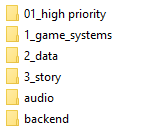
These are the files I have moved higher so they execute early enough: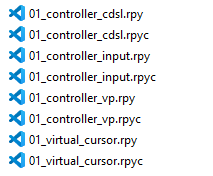
And these are the files left in the actual backend folder: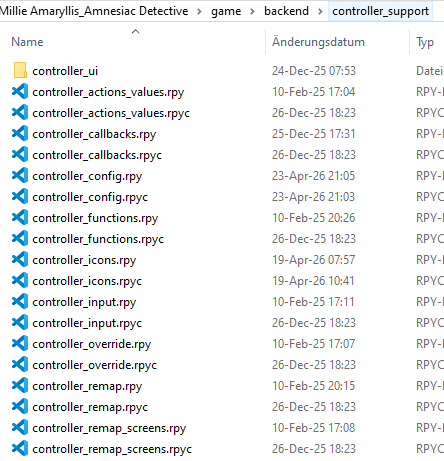
So the icons are actually still in the backend folder.
Still, I tried copying the controller_ui folder over into my higher priority folder real quick and changed the file path to that to see if this was maybe a priority issue too, but the error message remained.
Viewing post in Need Support? Post here!
I don't believe I've removed any custom events, though I did make 4 new .svg button images for the m, n and p keys, as well as all the arrow keys together. Defined them in the controller_icons.rpy as well, this is the relevant code I've added for them there:
define icn.mute = IconButton("ToggleMute", ["m", "M"], _(""), "key_m")
define icn.arrowkeys = IconButton("", ["K_LEFT", "K_RIGHT", "K_UP", "K_DOWN"], _(""), "key_arrowkeys")
define icn.n = IconButton("", ["n", "N"], _(""), "key_n")
define icn.p = IconButton("", ["p", "P"], _(""), "key_p")Ah, I see - none of those buttons have valid controller events. Thus, the game has no way to look up events associated with those buttons. IconButton is intended to have a mapping both for keyboard and for controller. If you just want to make a mouse & keyboard button with no controller equivalent, there's no need to use IconButton at all, since most of its conveniences are tied to picking the right icon set and allowing for remapping, none of which is offered for keyboard shortcuts. You can just make your own imagebutton with a keysym.