💬 FAQ (Frequently Asked Questions):
 How To Export Save:
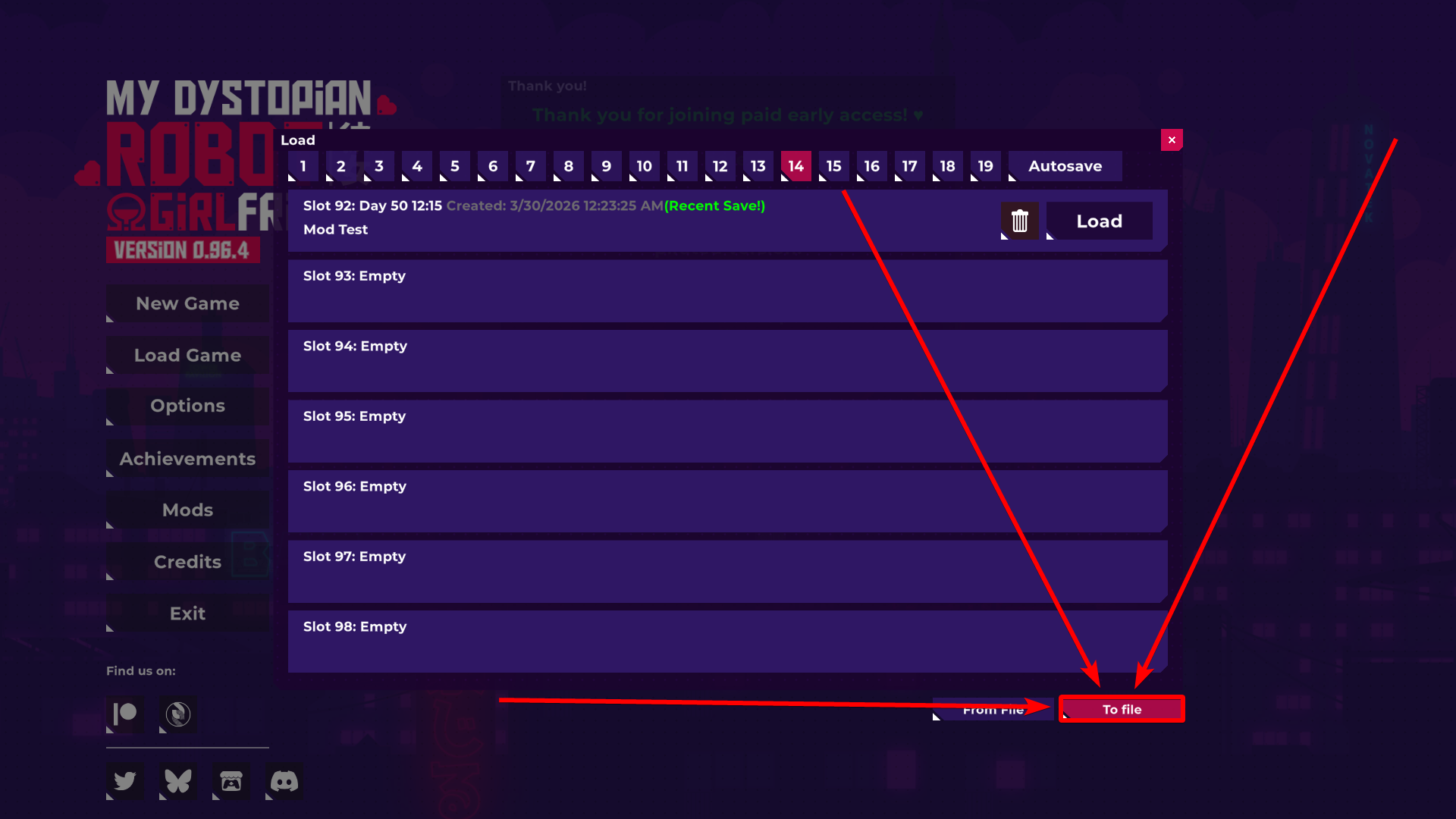
- Click "Load Game".
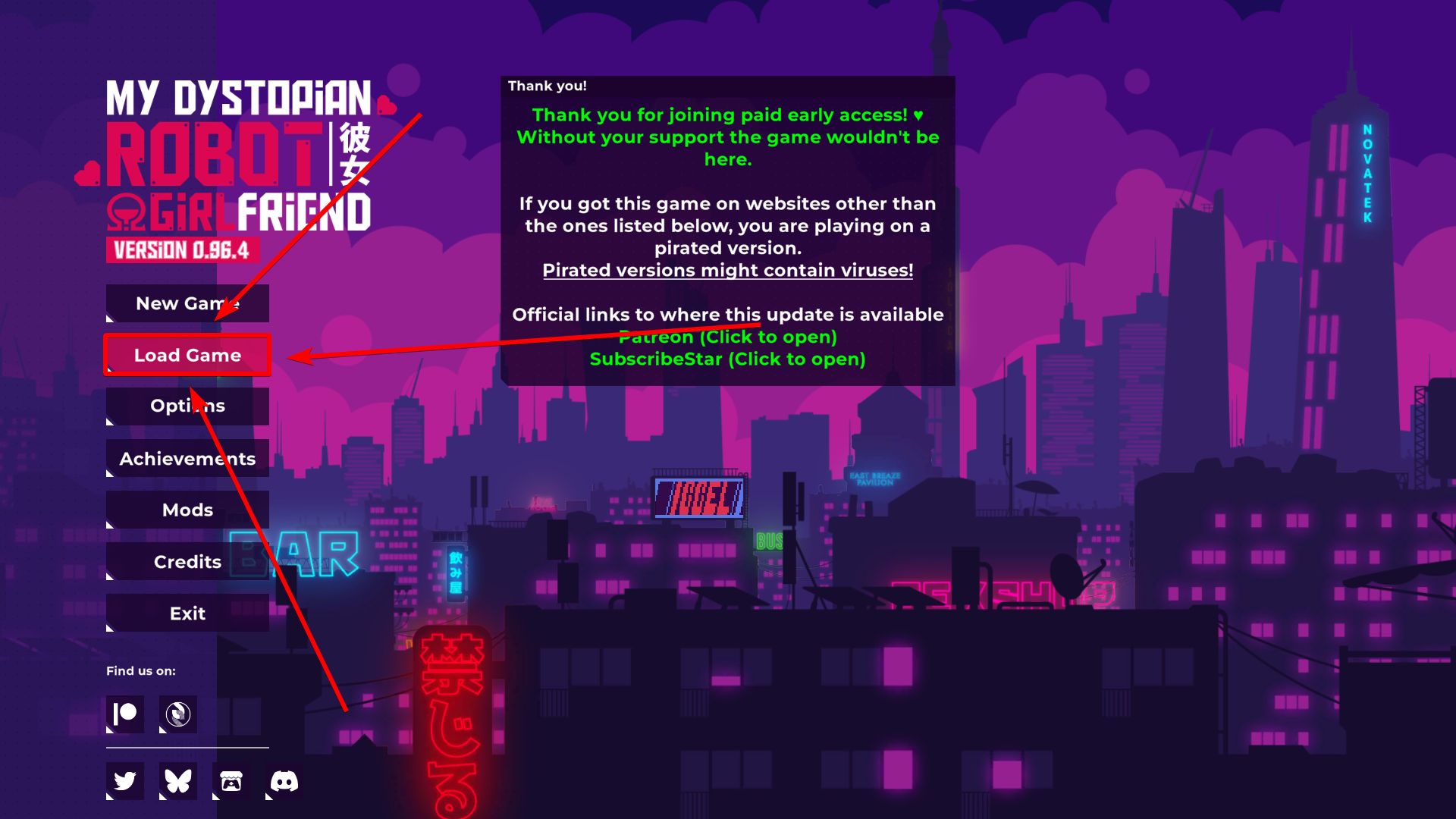
- Click "To file".
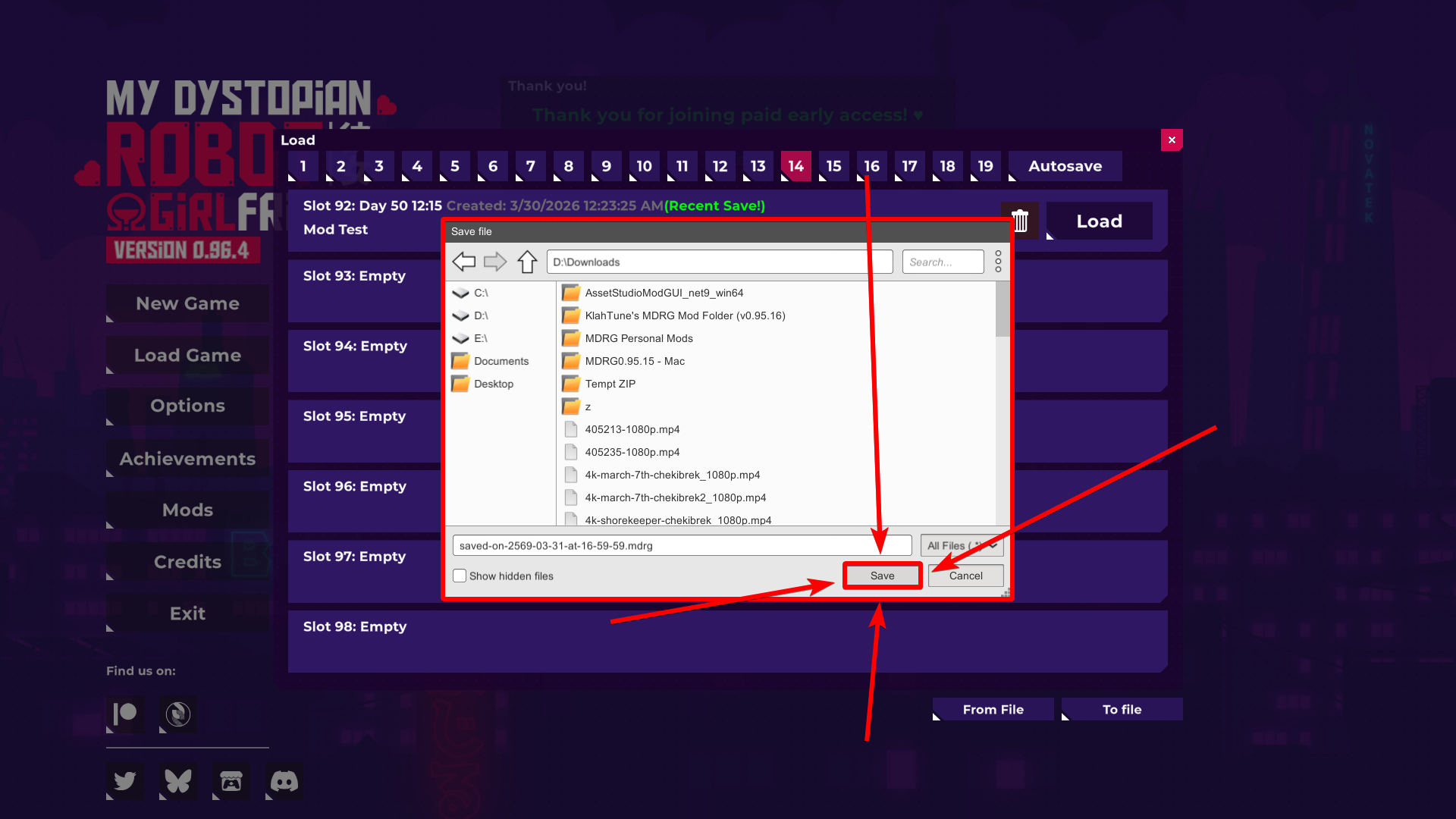
- Choose where your exported save will be exported at.
- Click "Save" to export your save file.
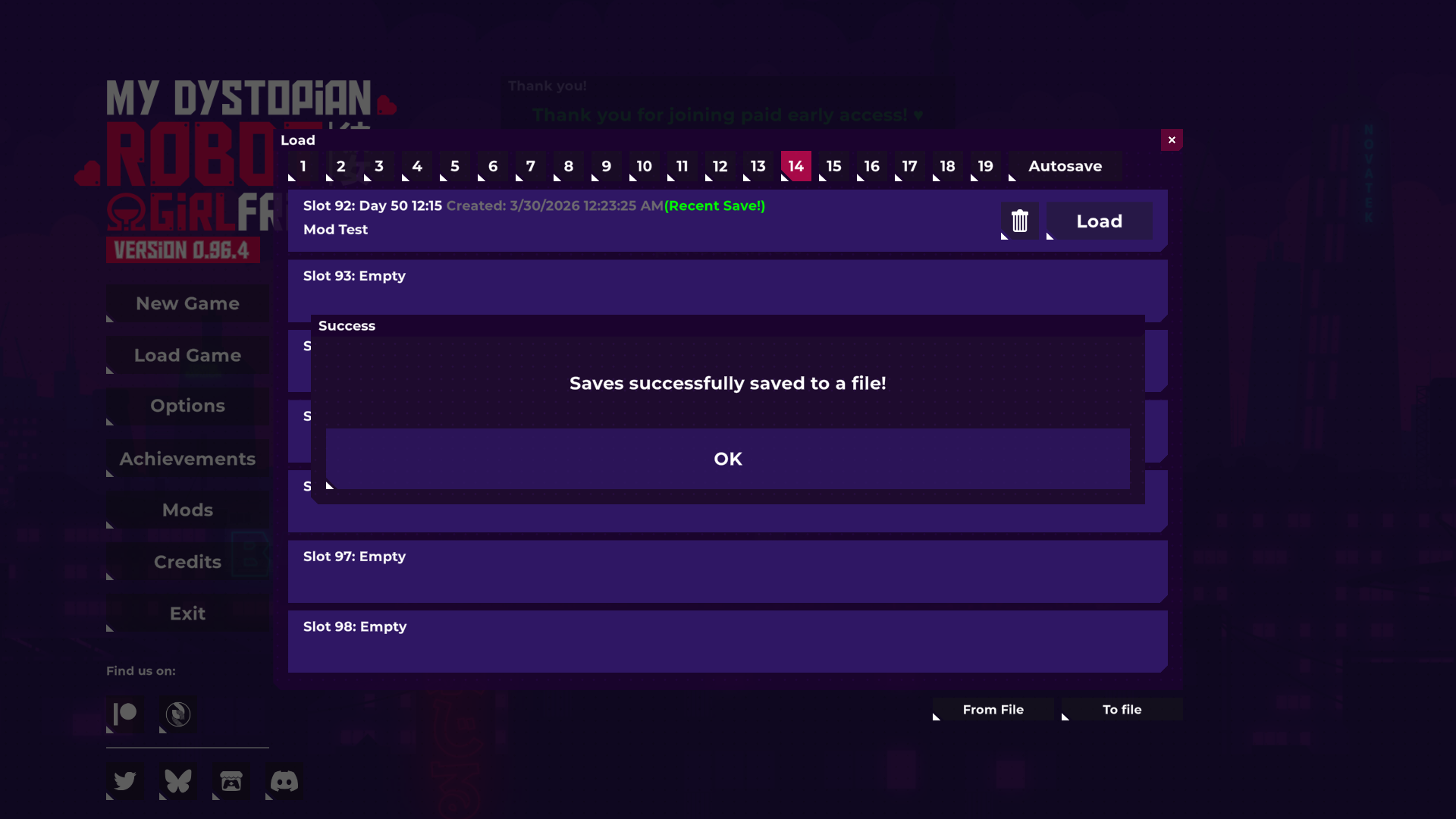
- Your save has been exported.
━━━━━━━━━━━━━━━━━━━━━━━━━━━━━━━━
 How to Import Exported Save:
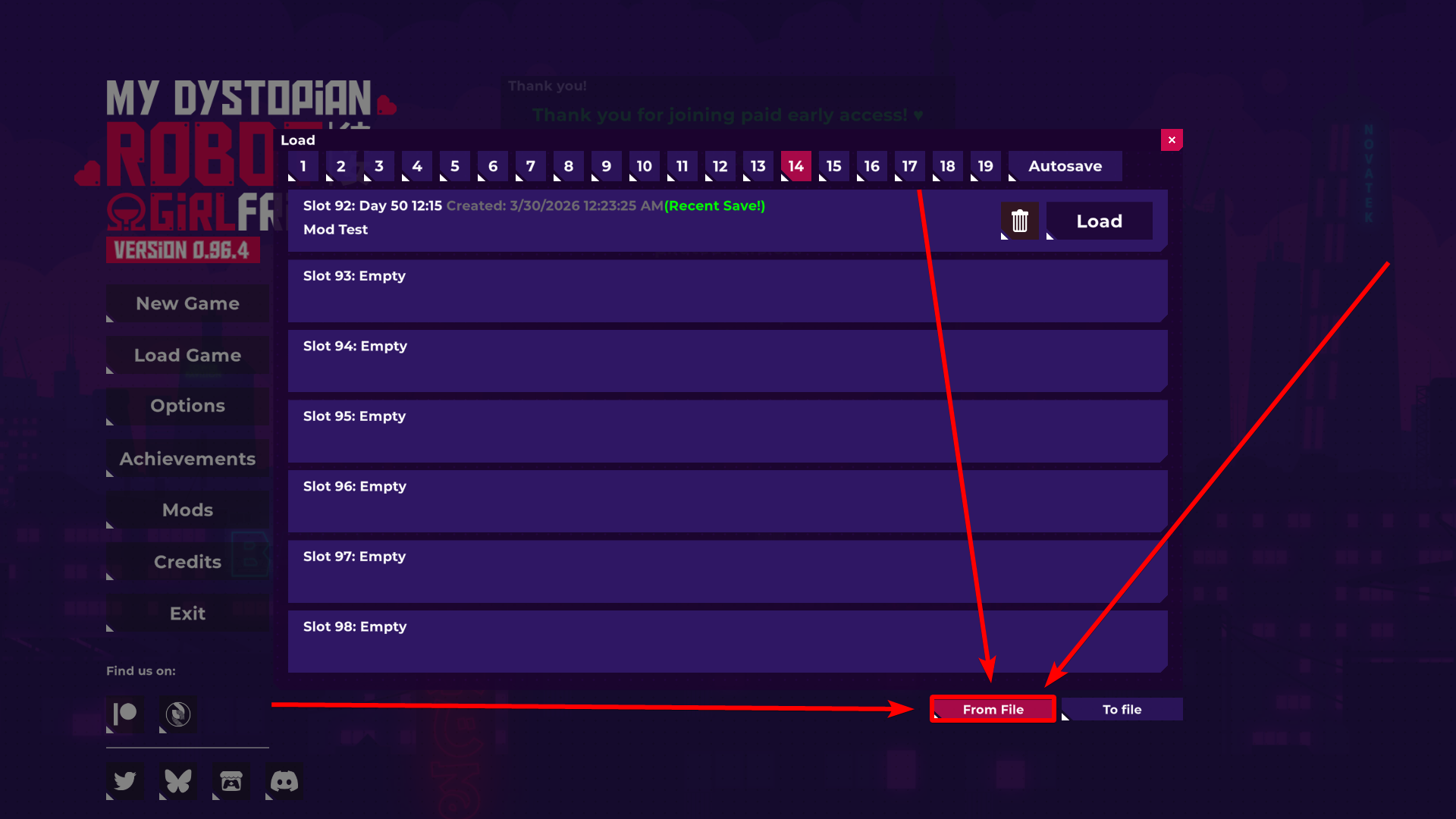
- Click "Load Game".
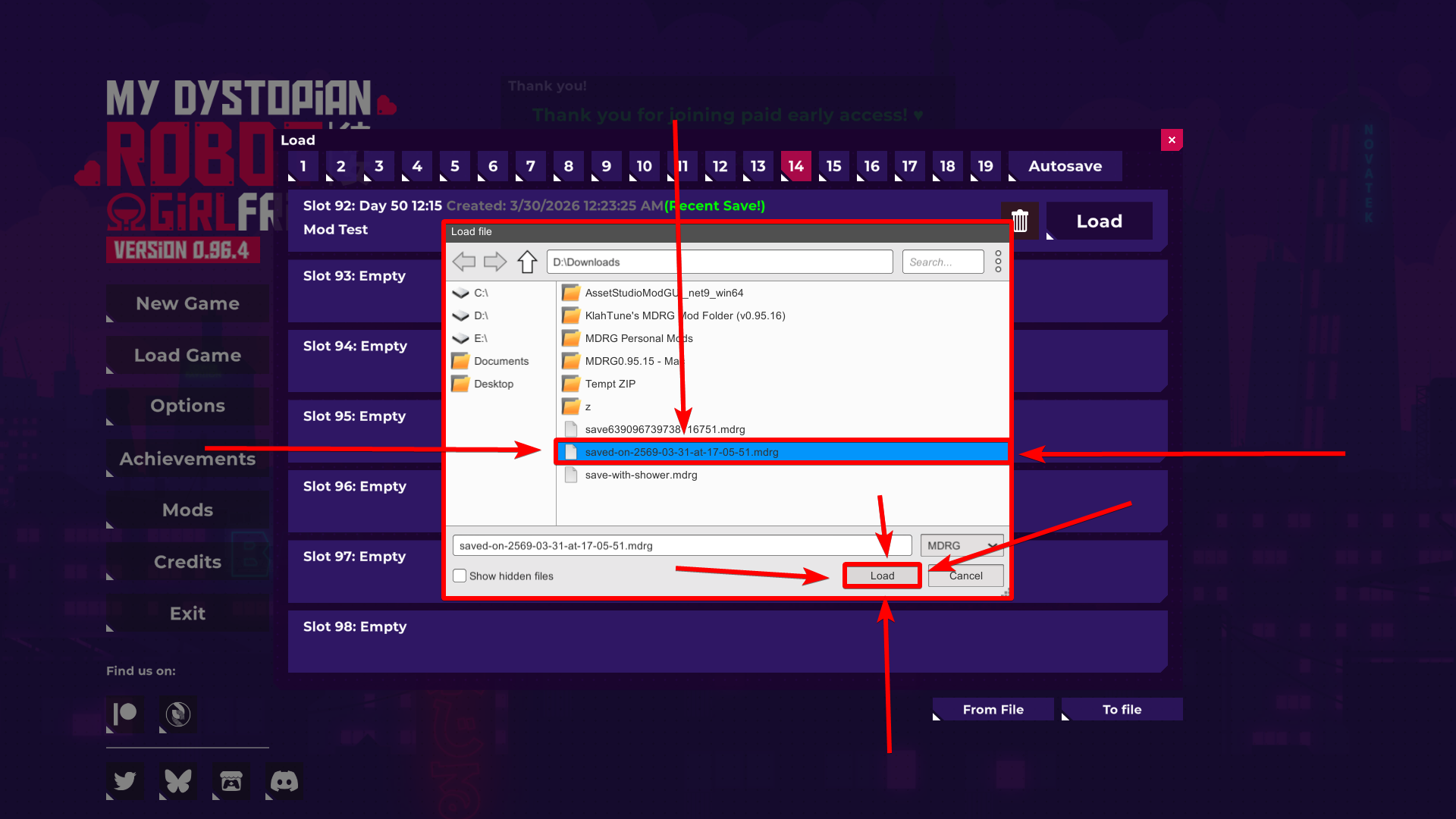
- Click "From file".
- Locate the Exported Save File.
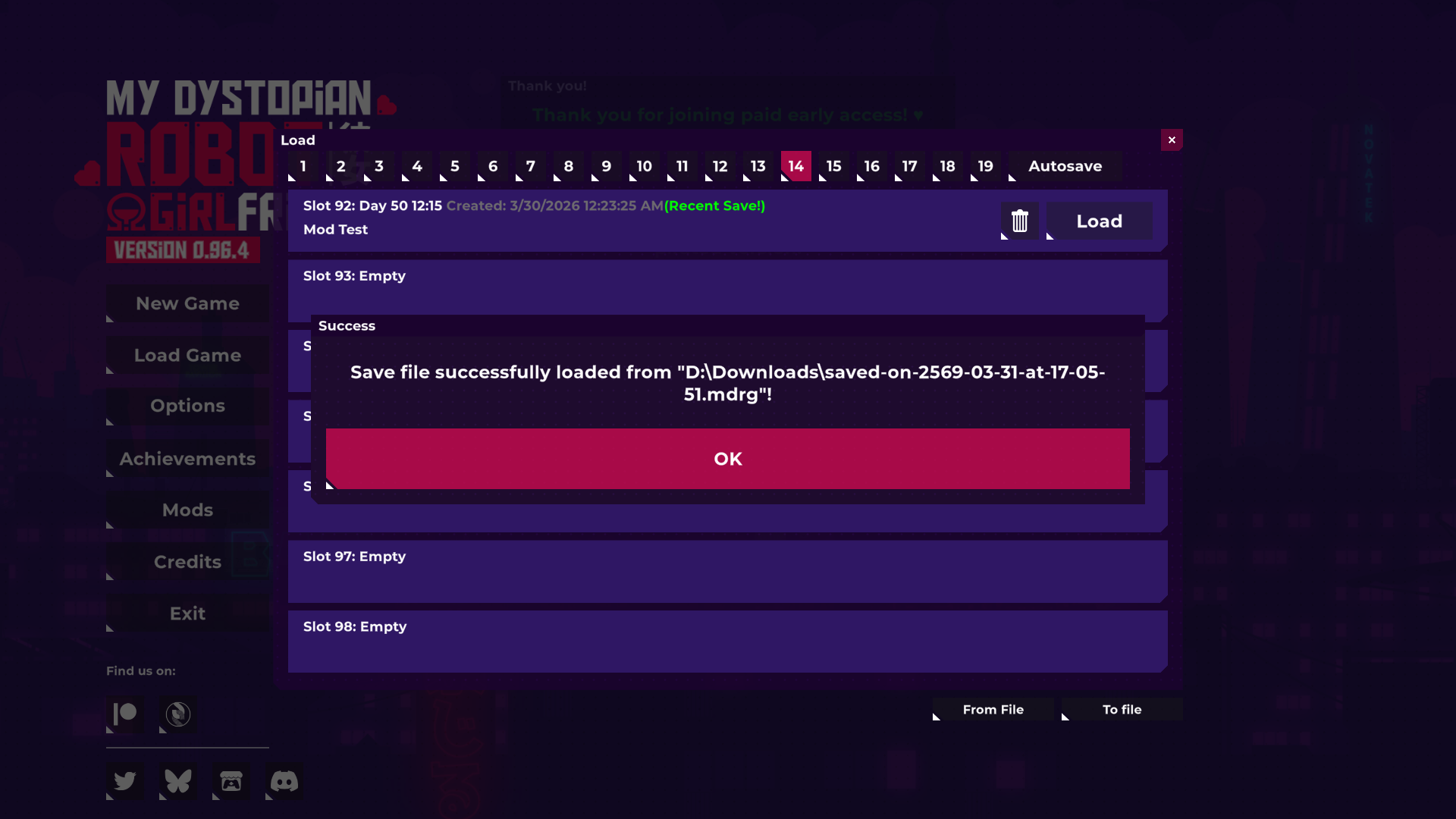
- Once you've found it, click on it to select it, and click "Load".
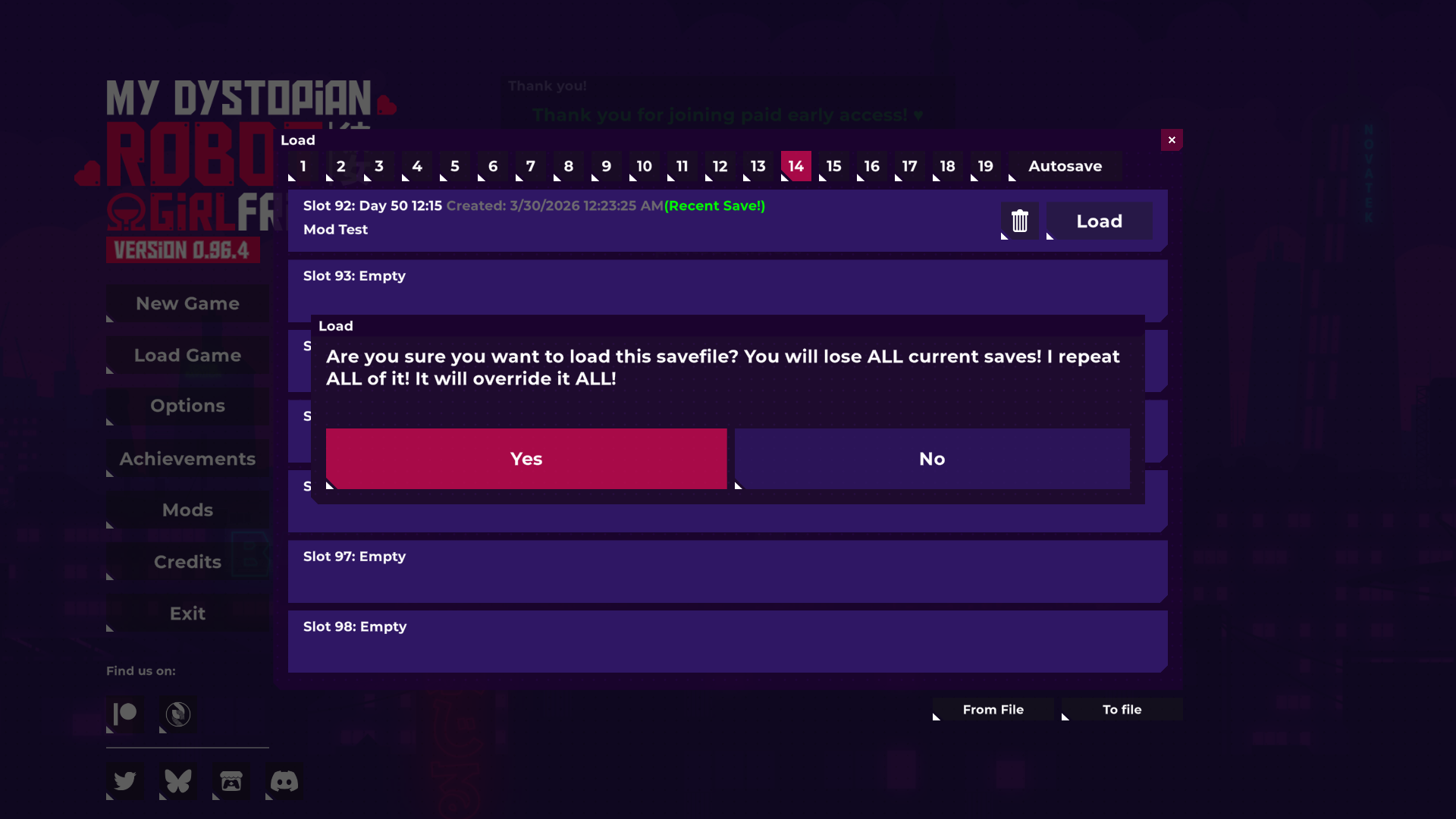
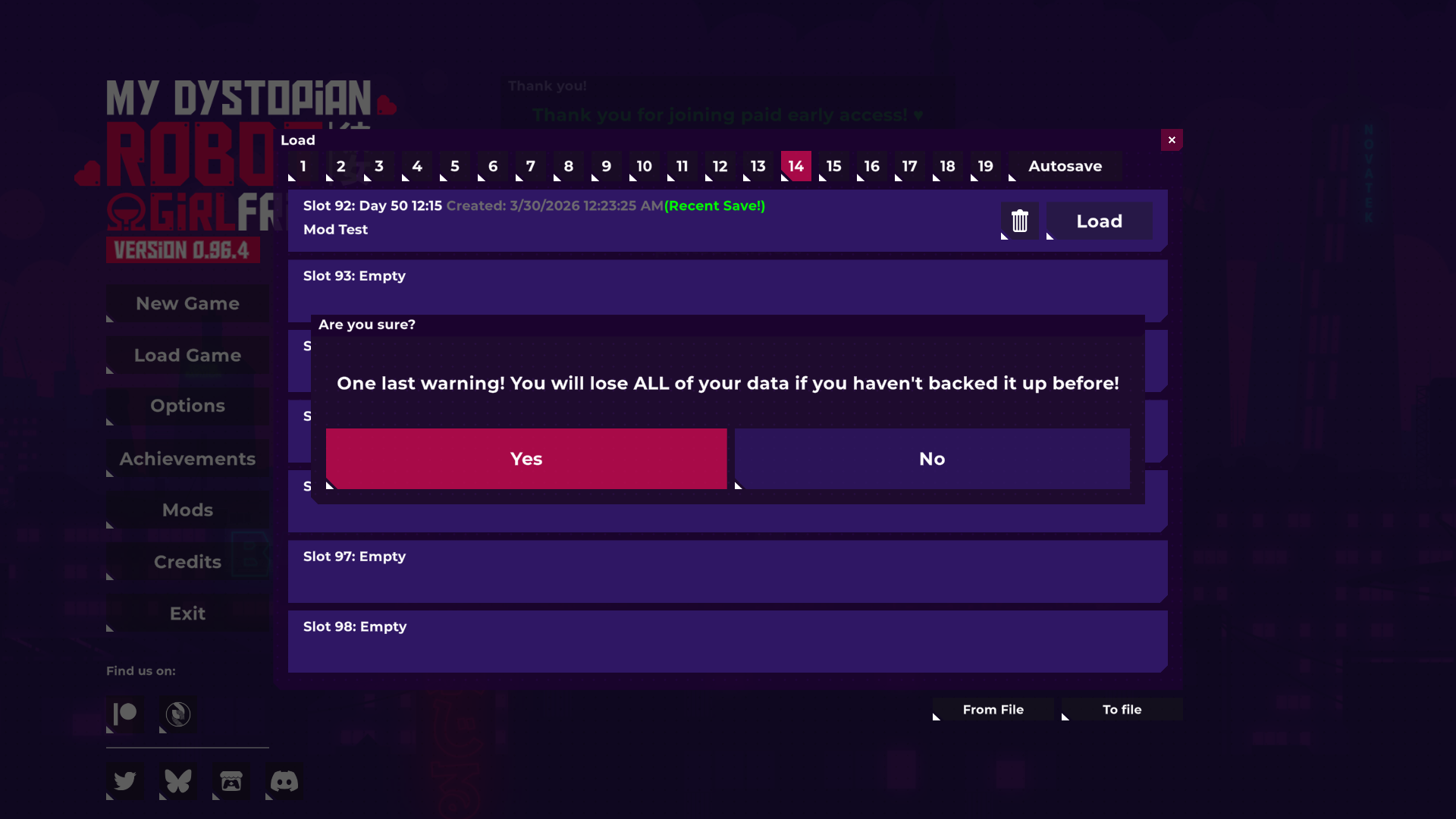
- There will be multiple warnings that pop up:
• The game is warning you this because importing a save file will replace all the current saves that you have - Confirm all of them, and your current save files will be replaced with the imported ones.